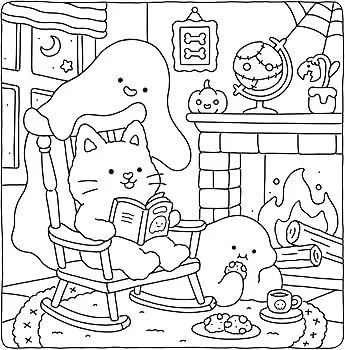
Turn Your Photos into Coloring Pages
Upload a photo, choose how detailed it should be, and get clean black outlines on a pure white page, ready to print and color.
- $0.01per image
- 1photo to upload
- 0prompts to write
How it works
- 1Upload
Add one photo — the form tells you exactly what fits best.
- 2Adjust
Optional fields steer the result: style, mood, text to render.
- 3Download
Get a finished image in seconds, then iterate or try a variation.
Examples
 BeforeAfter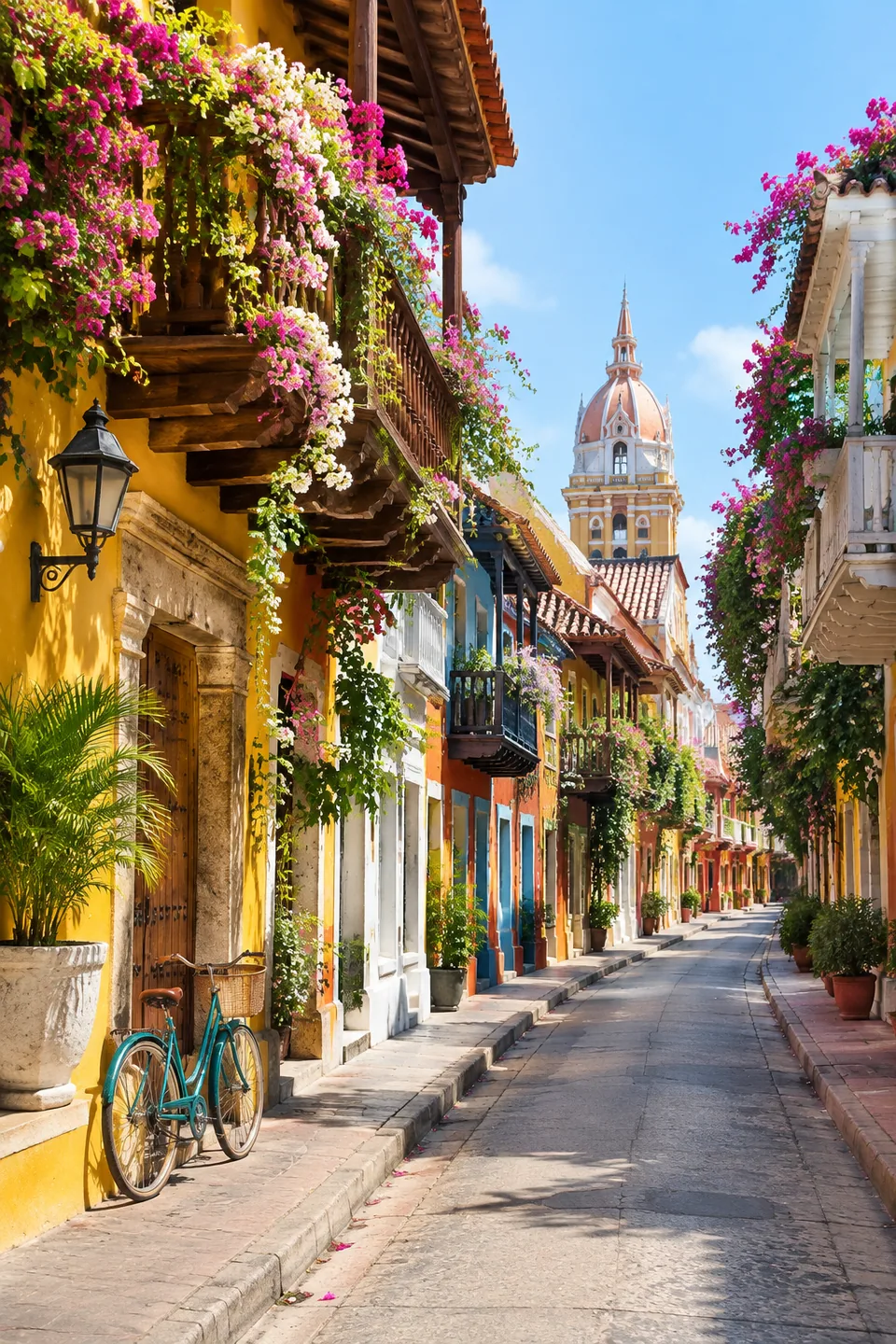
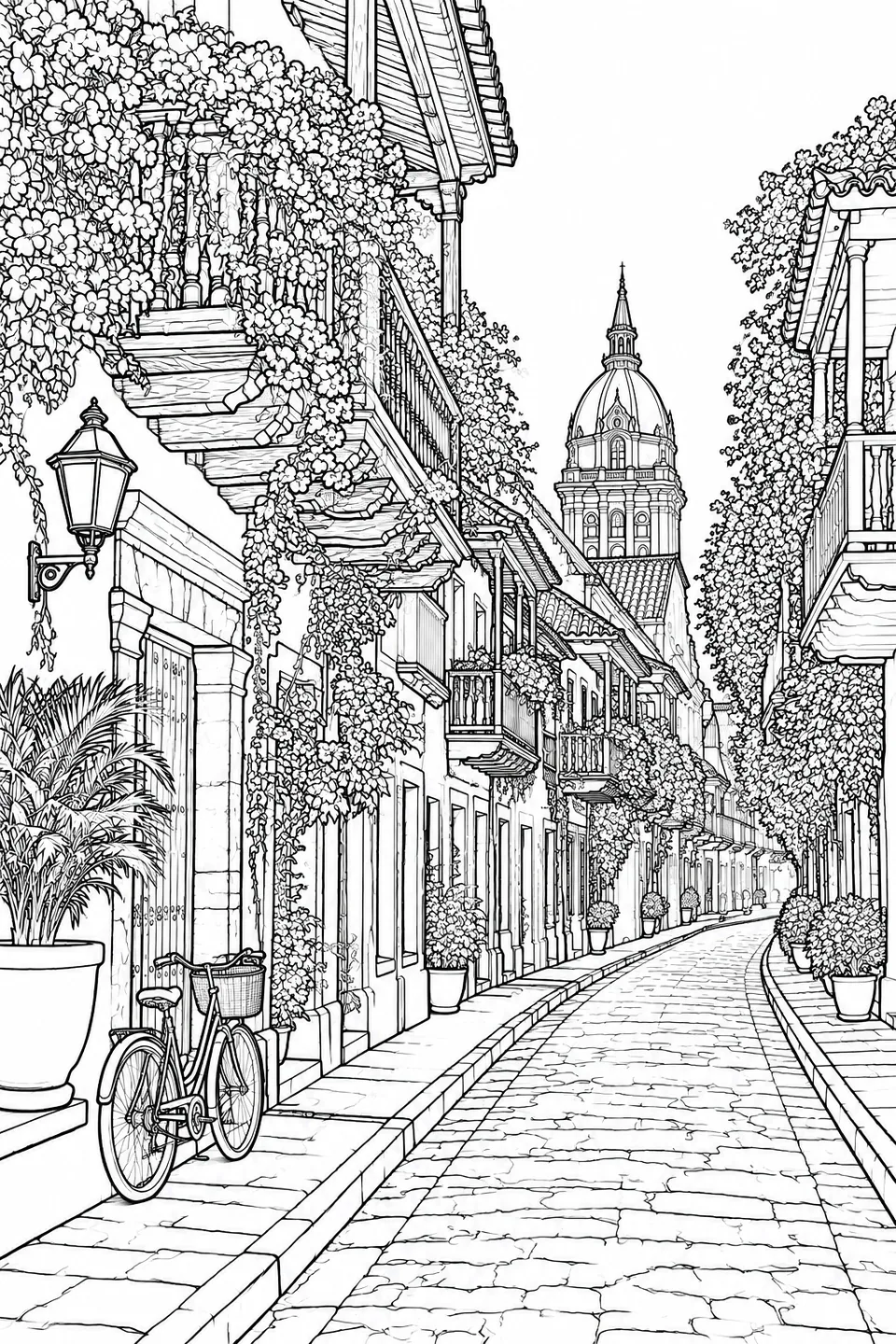 BeforeAfter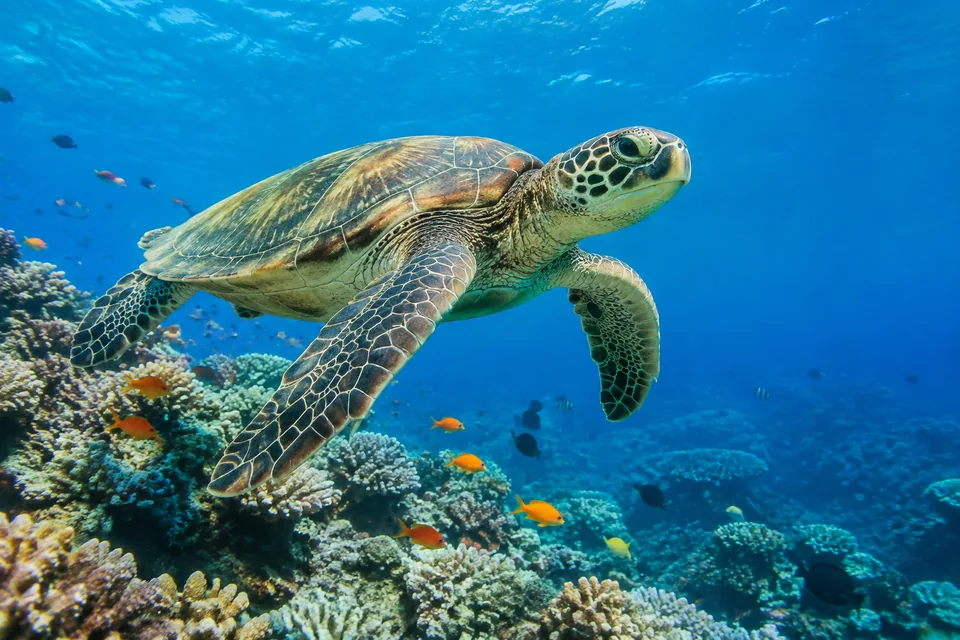
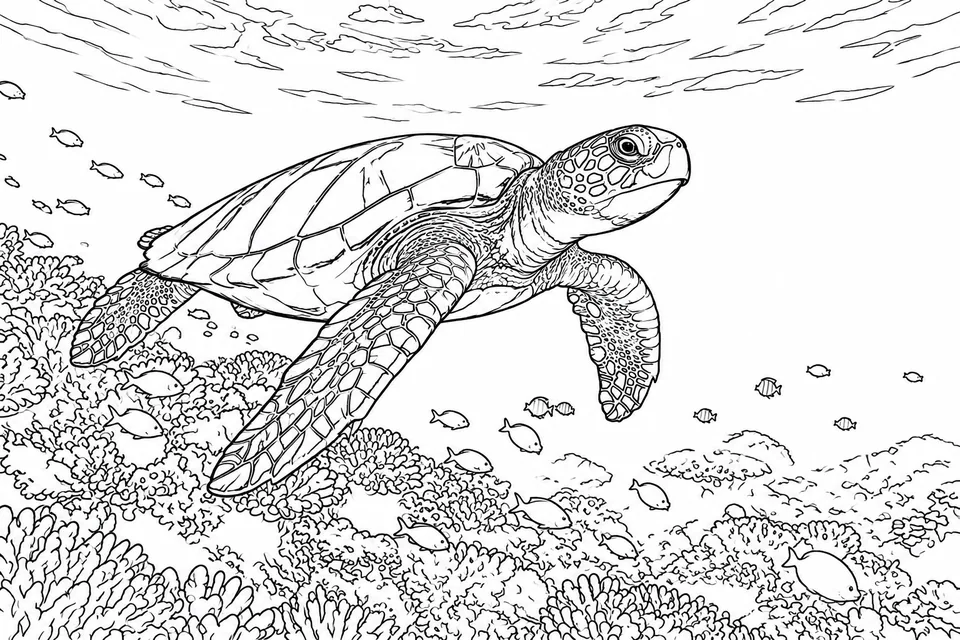 BeforeAfter
How to turn a photo into a coloring page
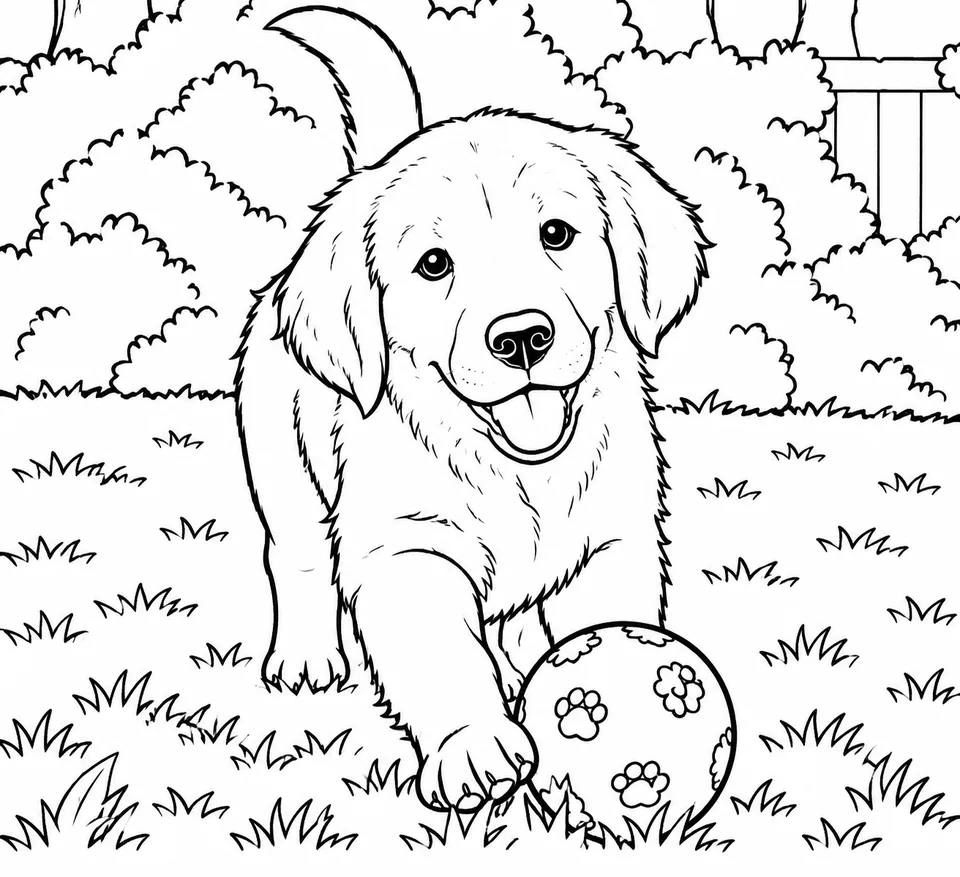
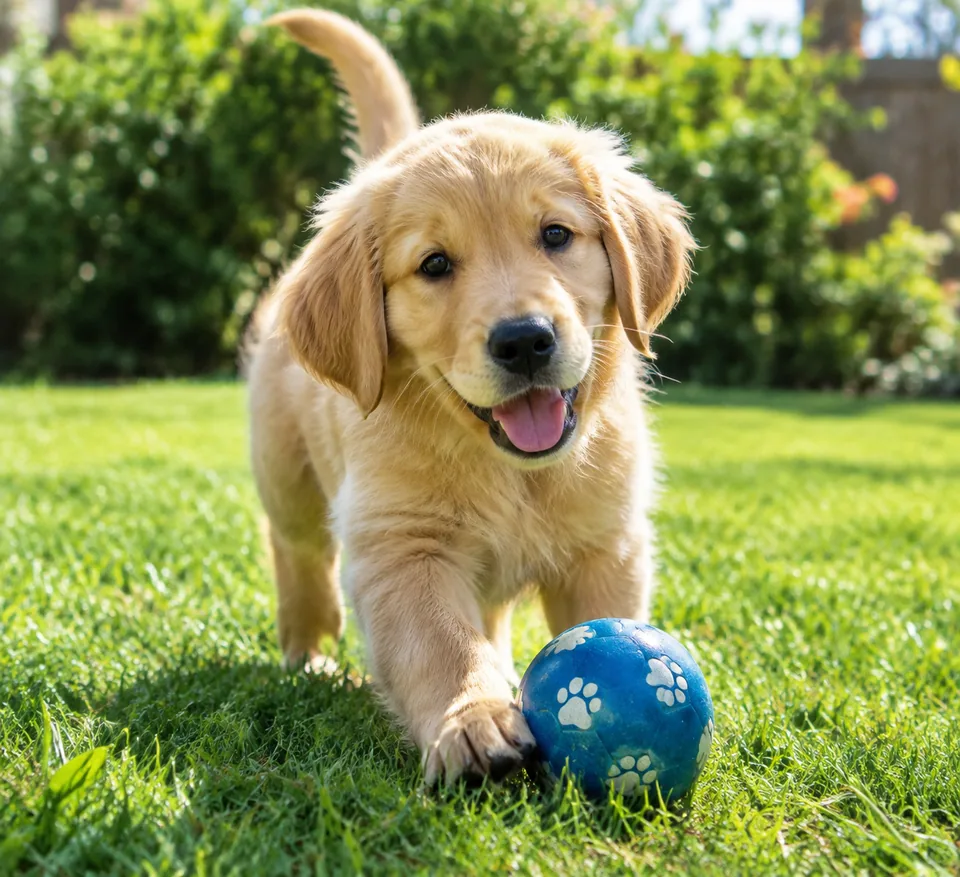
Upload one image and choose a detail level: Low, Medium or High. That's it. The AI converts the photo into coloring-book line art with smooth black outlines on a pure white background. There's no shading, no grayscale, no color and no added text, just shapes ready for crayons, markers or paint.
The main subject and composition stay recognizable. A photo of your kid on a bike with the dog running alongside becomes a page with the kid, the bike and the dog, all in outline. Output is high resolution and print-ready, so it looks crisp on a home printer.
Detail level controls difficulty. Low gives big, simple shapes for toddlers and preschoolers. Medium suits school-age kids. High keeps lots of fine elements for teens and adults who color to unwind.
Personalized coloring pages kids actually want
Children engage more with pages that star themselves, their pets and their favorite places than with generic cartoons. Turn a few family photos into pages for a rainy afternoon, a road trip or a long flight. A folder of printed pages and a box of crayons buys a lot of quiet time.
For birthday parties, make a page from a photo of the birthday kid or the whole group. It's an activity during the party and a take-home favor afterward. Teachers and camp counselors can do the same with photos from field trips or class events.
Custom coloring books as gifts
A coloring book made from family photos is a thoughtful gift for grandparents, new siblings or a friend's kids. Pick ten or twelve moments from the year, use the same detail level for all of them, and print a stapled booklet or a spiral-bound book at a local print shop.
Adults enjoy them too. Photos of your garden, a favorite city street or a wedding venue turned into high-detail pages make a relaxing, personal keepsake.
Coloring pages for Etsy sellers and creators
Custom coloring books from customer photos are a popular Etsy listing. Customers send their pictures, and you deliver a printable PDF or a bound book. The AI handles the slow part, converting each photo into clean line art, while you focus on layout, the cover and customer service.
Creators and small publishers can also prototype themed books from their own photography: pets, cars, architecture, flowers. Only use photos you took or have rights to, and keep licensed characters out of anything you sell.
Pay as you go, no subscription
Each page is one generation, charged to a single balance that also covers the other image tools, chat with dozens of models and the API. New accounts get a starting balance. Use it in the browser or send photos straight from your phone to the Telegram bot @tokionaibot.
Who it's for
Parents
Turn everyday photos into pages starring your kids, pets and home. A screen-free activity for evenings, trips and waiting rooms.
Gift givers
Build a personalized coloring book from family photos for grandparents, birthdays or the holidays.
Etsy sellers and small publishers
Offer custom coloring books from customer photos. The AI does the line art; you handle layout and printing.
Teachers and party hosts
Make themed pages from class trips or party photos. Kids color more eagerly when they recognize themselves.
Pro tips
- Use sharp, well-lit photos with one or two clear subjects and an uncluttered background.
- Choose Low detail for toddlers, Medium for school-age kids and High for teens and adults.
- Close-up portraits and pets convert more clearly than tiny figures in a wide landscape.
- Keep one detail level across a whole book so the pages feel consistent.
- Print on heavier paper if you plan to use markers or watercolor.
Good to know
- Output is always black and white; the tool doesn't create a colored reference version.
- At Low detail, small background elements are simplified or dropped.
- Faces become stylized outlines. It's a drawing inspired by the photo, not a precise portrait.
- It doesn't add text or titles to the page; add those separately for a book cover.
What it costs
- Pay only for what you generate — no subscription.
- One balance for image tools, chat with 52 AI models and the API.
- Free starter credits when you sign up, no card needed.
Questions
What kind of photo works best?
A clear, well-lit photo with an obvious main subject: a person, a pet, a car, a building. Very dark or blurry images produce messier outlines.
What's the difference between the detail levels?
Low gives big, simple shapes for young kids. Medium balances detail for school-age children. High keeps many small elements for older kids and adults.
Can I print the pages at home?
Yes. The pages are black lines on a pure white background with no gray fill, so they print cleanly and use little ink on a standard letter or A4 printer.
Will my child recognize themselves?
The pose, clothing, setting and composition are kept, so the scene is recognizable. Facial features are simplified as part of the line-art style.
Can I sell coloring books made with this tool?
Yes, if you own the photos or your customer supplied them with permission. Don't use copyrighted characters or other people's images in products you sell.
Can I make a whole book at once?
Each generation creates one page. Upload photos one by one with the same detail level, then combine the pages into a book.
How is it priced?
Pay as you go: each page is charged to your balance, and the current price is shown on this page. No subscription.
More image tools




Try AI Coloring Book Creator now
Free starter credits, no credit card. Works in any browser.
Open the tool — free