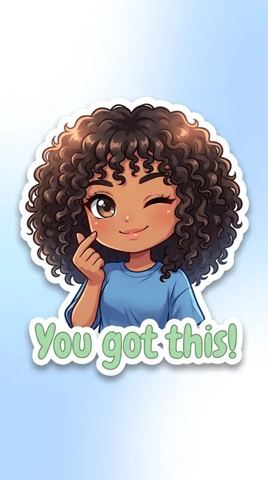
AI Sticker Maker from Your Photo
Upload one photo, choose a style, and get a bold die-cut design with a crisp white edge and a soft drop shadow, ready for chat packs, laptops and small-batch merch.
- $0.01per image
- 1photo to upload
- 0prompts to write
How it works
- 1Upload
Add one photo — the form tells you exactly what fits best.
- 2Adjust
Optional fields steer the result: style, mood, text to render.
- 3Download
Get a finished image in seconds, then iterate or try a variation.
Examples
 BeforeAfter
 BeforeAfter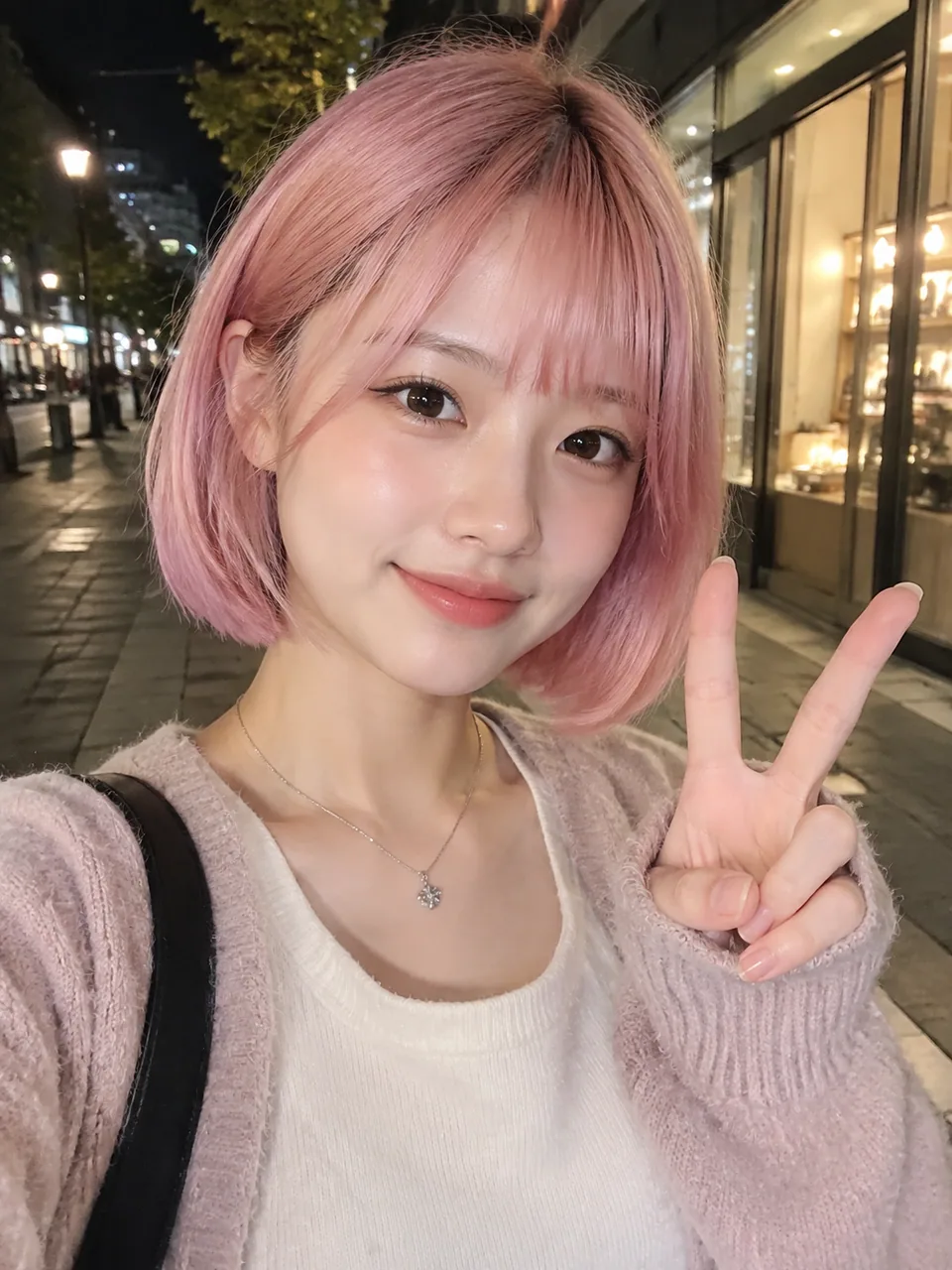
 BeforeAfter
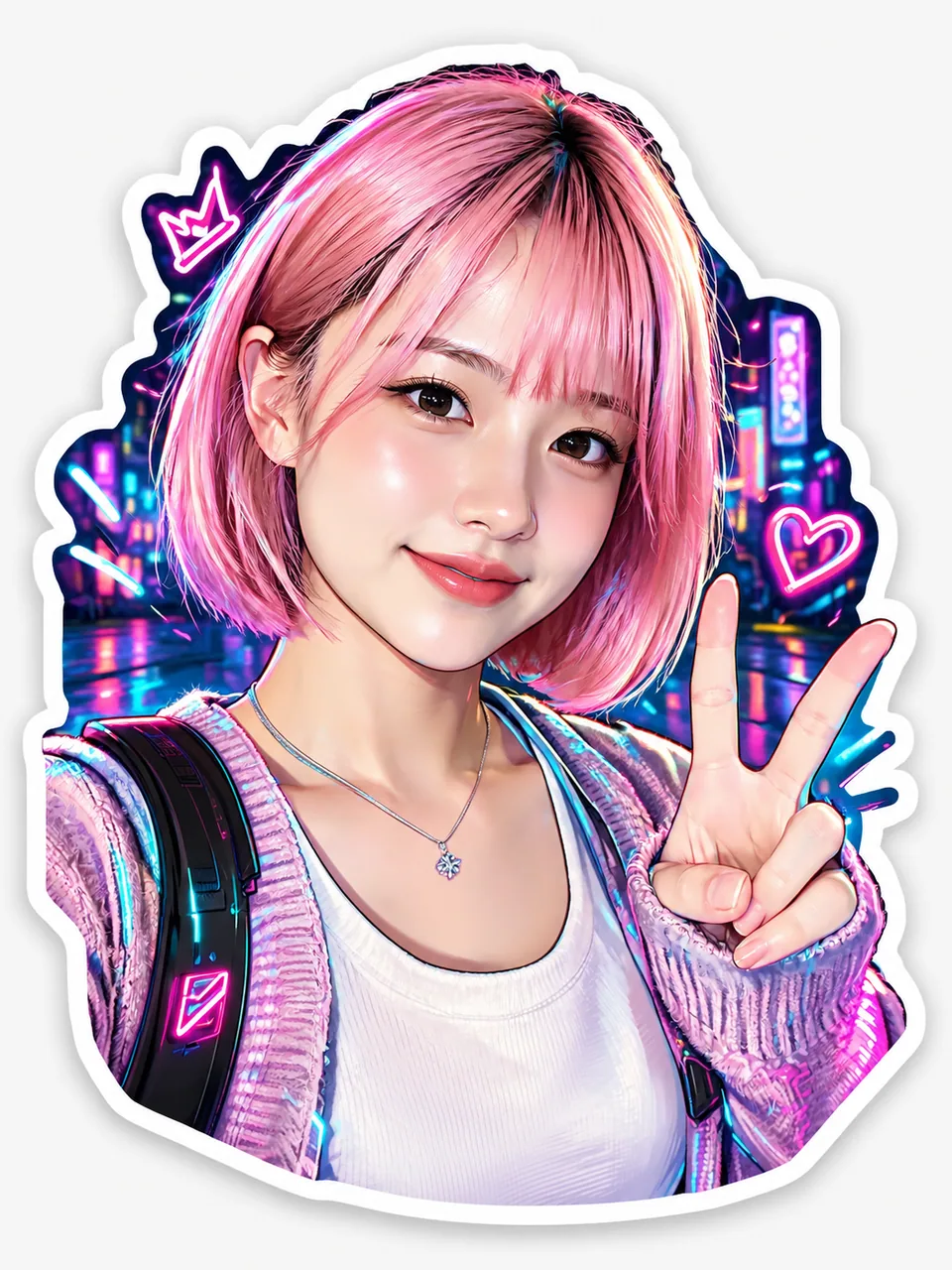
From selfie to die-cut design
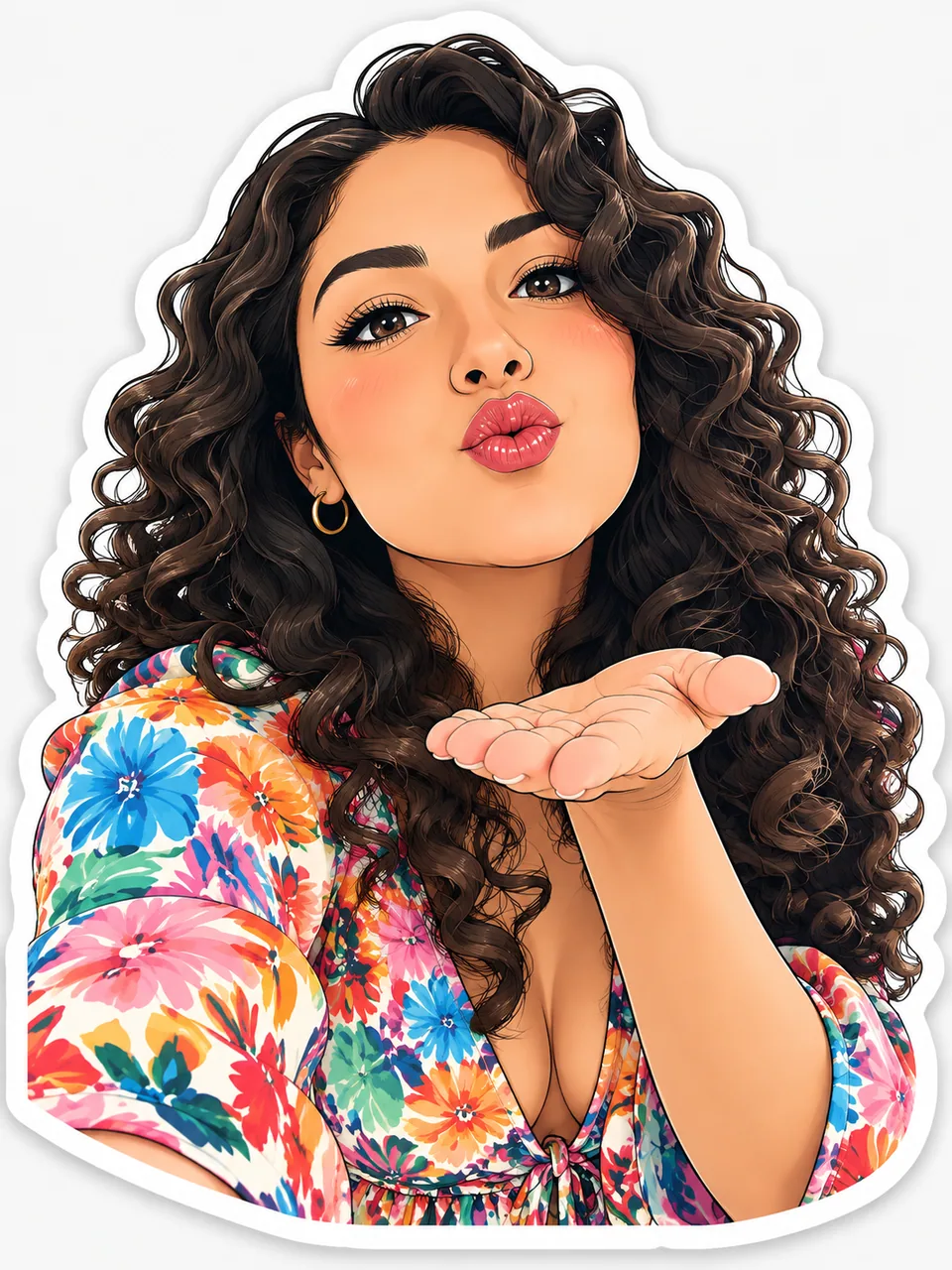
This AI sticker maker turns an ordinary picture of you into finished die-cut artwork. The model draws crisp outlines, pushes the colors to be vibrant and playful, adds a clean white border and a soft drop shadow, and places the result on a plain light background. You stay recognizable; the style decides everything else.
There is nothing to prompt. The form asks for a reference photo and a style, and that is it. Run it in your browser at tokion.io or in the Telegram bot @tokionaibot, then download the file or hit Variation for a new take.
Four styles: anime, manga, cyberpunk, realistic
Anime gives you big expressive eyes, flat clean color and soft shading, the go-to look for cute reactions. Manga leans graphic, with confident linework and screen-tone shading that feels ripped from a comic panel. Cyberpunk adds neon rim light, tech details and a cool palette, great for gamers and dev teams. Realistic stays close to the photo but frames it with a proper sticker border and shadow.
Not sure which one fits? Run the same photo through all four and compare them side by side. Many people end up building a mixed set.
Ideas for Etsy sellers, Shopify brands and creators
Small shops love a thank-you sticker in the package. A mascot or founder-portrait design in a consistent style turns into free branding every time a customer sticks it on a water bottle or laptop. Etsy sellers also offer custom portrait decals as a product: the buyer sends a photo, you generate the design and send it to print.
Creators on TikTok, Instagram and Twitch use personal designs as emotes, overlay elements and merch drops. Shoot a handful of reference photos with different expressions, generate one design per expression in the same style, and you have a pack your community will actually use.
Everyday uses at home and at work
Make a reaction pack for the family group chat, label a kid's lunchbox with their anime twin, or add a cyberpunk version of your team lead to the office Slack. Remote teams use matching designs as fun avatars and for onboarding swag.
Pricing is pay as you go. There is no subscription; each generation is charged to one balance shared with every other image tool, chat with dozens of models and the API. New accounts get a starter balance to try it.
Who it's for
Etsy and Shopify sellers
Create branded thank-you stickers or sell custom portrait decals. A consistent character style makes your shop instantly recognizable in unboxing videos.
Creators and streamers
Build a pack of emotes and merch designs from your own face. Different expressions in one style give your community a set they will actually use.
Teams and communities
Give every teammate or club member a matching design for chat, badges and swag. It is a quick morale boost that costs no designer hours.
Families and friends
Turn family photos into a reaction pack or a sheet of printable designs for gifts, planners and lunchboxes.
Pro tips
- Use a sharp photo where your face is large and evenly lit. Tiny or shadowed faces lose likeness.
- Your expression carries over, so shoot a laugh, a wink and a surprised face for a full reaction pack.
- A plain background behind you helps the model produce a cleaner outline.
- Keep one style and a similar camera distance across a set so the pack looks cohesive.
- Skip heavy beauty filters before uploading; natural skin and features give the model a better reference.
- When printing, leave a little margin outside the white border so the cut does not clip the art.
Good to know
- Results come on a plain light background, not a transparent one; remove the background separately for chat apps.
- One generation equals one design, so a full pack takes several runs.
- You cannot add captions or text through the form; only the photo and style are set.
- Use your own photos or ones you have permission to use, especially for anything you sell.
What it costs
- Pay only for what you generate — no subscription.
- One balance for image tools, chat with 52 AI models and the API.
- Free starter credits when you sign up, no card needed.
Questions
What styles are available?
Anime, manga, cyberpunk and realistic. You pick one from a dropdown; no text prompt is needed.
Does the result have a transparent background?
No. The design comes with a white die-cut border and soft shadow on a plain light background. Run it through a background remover if you need transparency for a chat app.
Can I make a full sticker pack?
Yes. Generate one design per expression in the same style, then remove the backgrounds and upload them to your messaging app's pack builder.
Can I print and sell the designs?
Yes, as long as the source photo is you or someone who gave permission. Do not use celebrity photos or images you do not have rights to.
Will it work with my pet?
The tool is tuned for people, but a sharp, well-lit pet photo is worth a try. Expect less predictable results than with a human face.
How do I get the best cut line for printing?
The white border is already drawn around the art, so print shops can use it as the cut line. Leave a small margin outside it.
Is there a subscription?
No. You pay per generation from one balance that also covers other image tools, chat with dozens of models and the API.
More image tools
Try AI Sticker Creator now
Free starter credits, no credit card. Works in any browser.
Open the tool — free