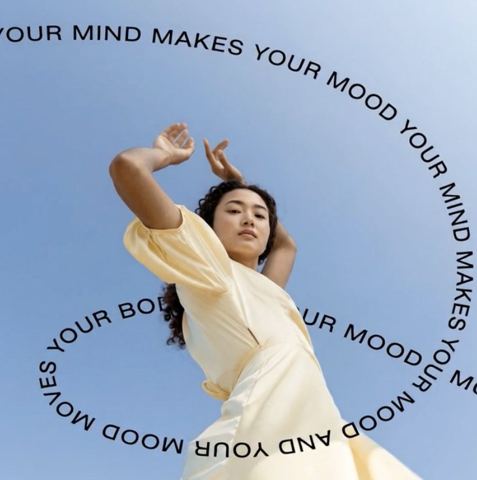
Add Text to Any Image with AI
Type a line, choose a mood, and the AI sets it into your photo like a designer would, with a fitting font, color and placement that stays readable.
- $0.01per image
- 1photo to upload
- 0prompts to write
How it works
- 1Upload
Add one photo — the form tells you exactly what fits best.
- 2Adjust
Optional fields steer the result: style, mood, text to render.
- 3Download
Get a finished image in seconds, then iterate or try a variation.
Examples
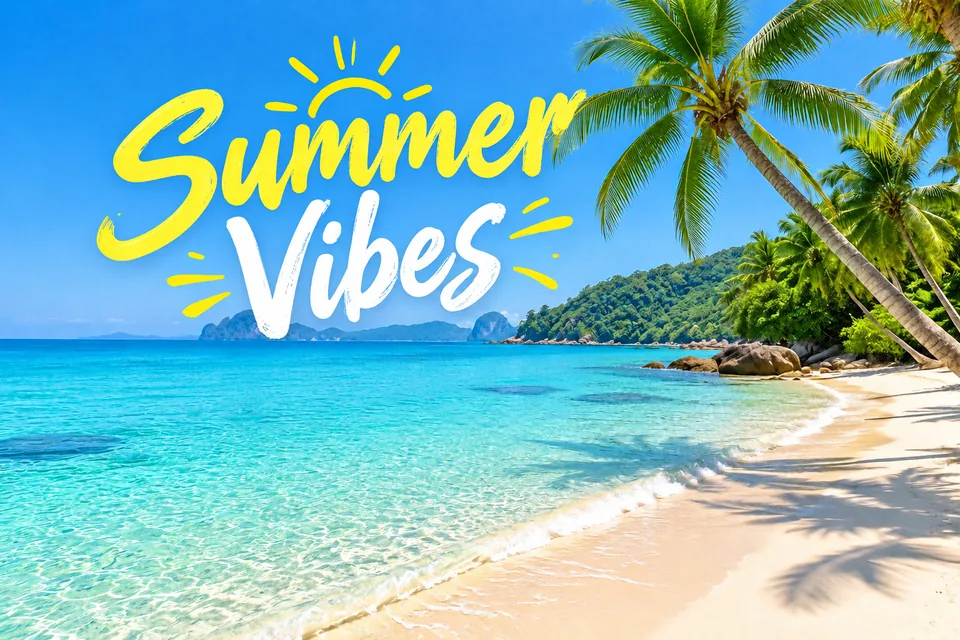
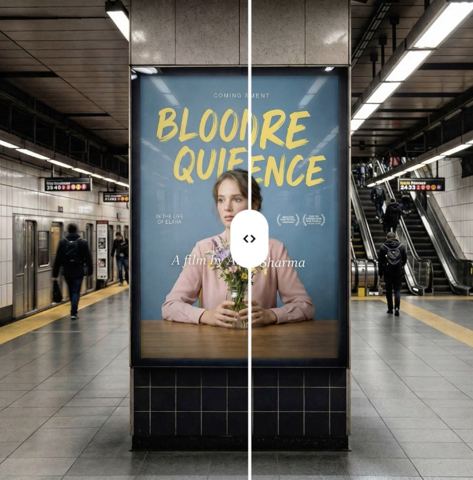
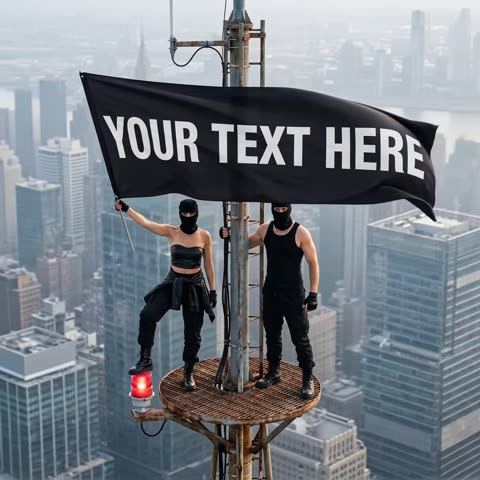
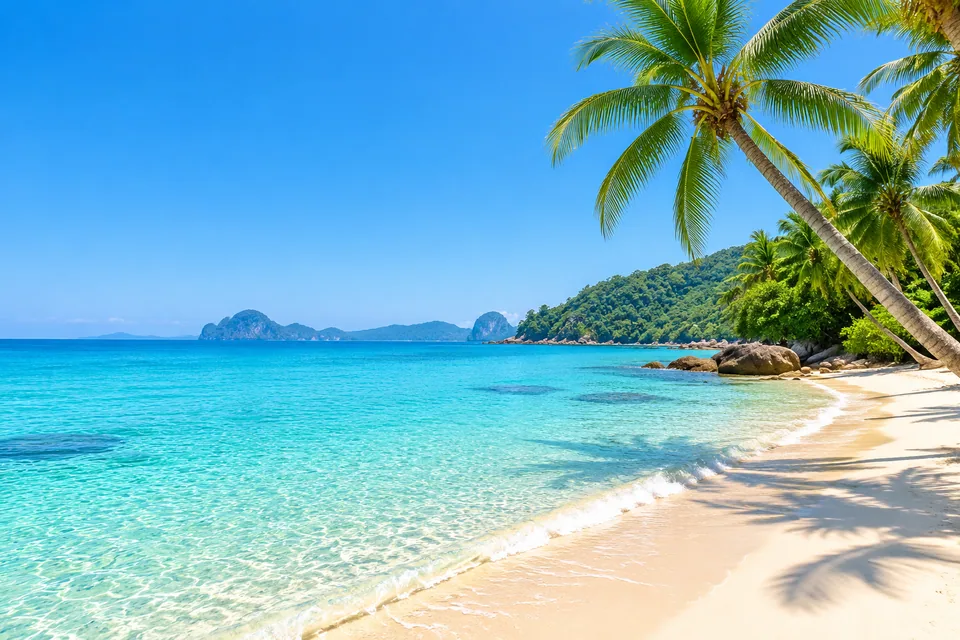 BeforeAfter
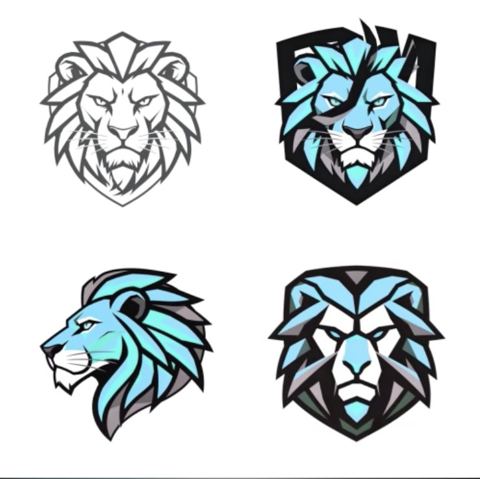
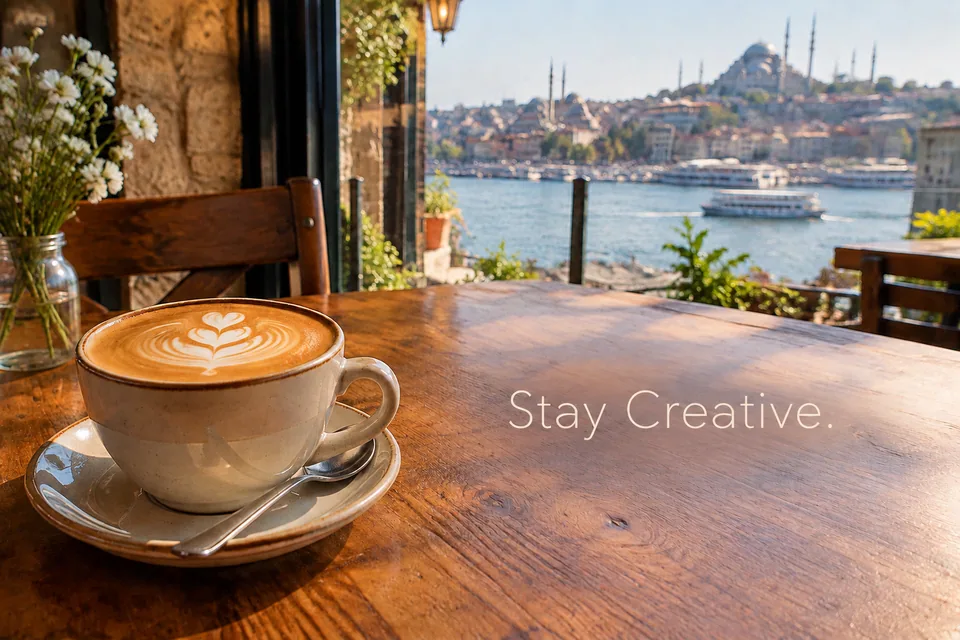 BeforeAfter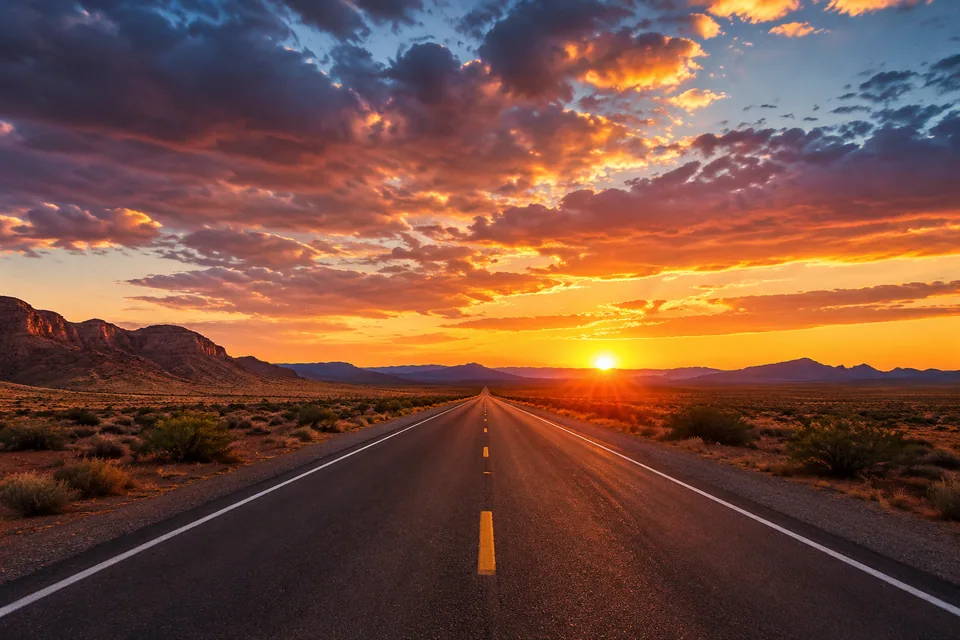
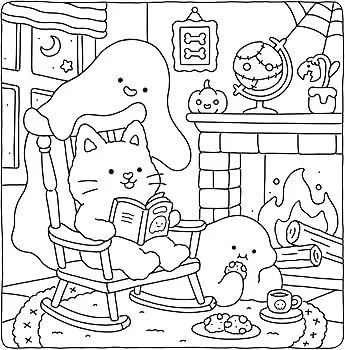
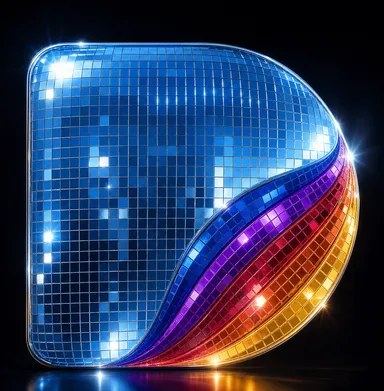
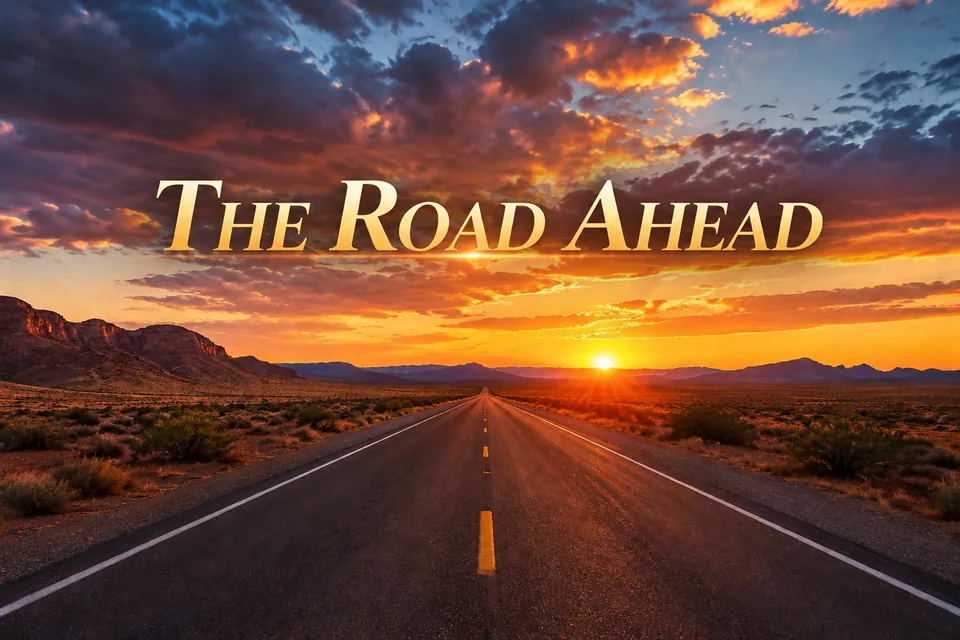 BeforeAfter
How to add text to an image with AI
Upload a photo, type your text and pick one of five styles: Minimal, Bold, Luxury, Playful or Cinematic. That's the whole form.
The AI handles the typography decisions that usually eat up time in a design app. It chooses a font that suits the subject, sets size and color for good contrast, and finds a spot in the composition where the words sit naturally without covering what matters. The original image content is left unchanged. Only your text is added, with no extra words, and the model is told to avoid spelling mistakes.
Don't like the layout? Run a variation and you'll get a different font and placement on the same photo.
Social graphics for Instagram, TikTok and Pinterest
Creators and small brands publish a lot of text-on-photo content: carousel covers, quote cards, event announcements, "new drop" teasers, Pinterest pins with a headline. With this tool, each one starts from a photo you already have. Add the line, pick a style, download.
Consistency builds recognition. Assign a style to each content series: Minimal for tips, Bold for promos, Cinematic for stories and behind-the-scenes. Your grid starts to look intentional without a template library.
For TikTok and YouTube covers, short hooks of two to five words stay readable even at thumbnail size.
Promo banners for Etsy, Shopify and email
Sellers can turn a product photo into a sale banner, a homepage hero or an email header in one step: "Holiday Sale", "Back in Stock", "Handmade in Small Batches". Luxury works well for jewelry, skincare and restaurants; Playful fits gifts, kids' products and parties.
Marketplaces often restrict text on the main listing image, so use these for secondary images, shop banners, ads and newsletters rather than the primary photo.
Local businesses use it the same way: a café's daily special over a photo of the dish, a salon's opening hours over the interior, an event poster over a shot of the venue.
Cards, invites and personal projects
Turn a family photo into a birthday card, a beach shot into a "Save the Date", or a travel photo into a postcard with the place and year. It's a quick way to make something personal instead of forwarding a generic image.
On LinkedIn, a clean Minimal style works for article covers or announcing a talk over a photo from the event.
Pay as you go, no subscription
Each generation is charged to one balance that also covers the other image tools, chat with dozens of models and the API. New accounts get a starting balance. Use it in the browser or in the Telegram bot @tokionaibot. Need copy? Ask a model in chat for headline ideas, then paste your favorite into the form.
Who it's for
Creators and social media managers
Carousel covers, quote cards and announcements from your own photos, styled consistently without a design app.
Online sellers
Sale banners, shop headers and email graphics for Etsy, Shopify and eBay, built from product photos you already have.
Local businesses
Menus, specials, opening hours and event posters for Instagram and Facebook, with a font that matches the vibe.
Anyone making a card or invite
Birthday cards, save-the-dates and travel postcards from personal photos, with a caption that looks professionally set.
Pro tips
- Pick a photo with a calm area such as sky, a wall or water. Text lands more cleanly there.
- Keep it short. Two to eight words read best and render most reliably.
- Proofread before you run it. The AI writes exactly what you type.
- Match style to subject: Luxury for premium products, Playful for celebrations, Cinematic for moody or travel shots.
- If the placement isn't right, run a variation instead of re-uploading.
Good to know
- You can't set the font, color or position manually; the AI chooses them based on the style.
- It adds new text only. It doesn't remove, replace or translate text that's already in the image.
- Long paragraphs and very small type may distort. It's built for headlines and short phrases.
- For strict brand guidelines with a specific typeface, a design app gives you more control.
What it costs
- Pay only for what you generate — no subscription.
- One balance for image tools, chat with 52 AI models and the API.
- Free starter credits when you sign up, no card needed.
Questions
Will the AI change my photo?
No. It's instructed to keep the original image content unchanged and add only your text.
Can I choose the font?
Not directly. You choose a style, and the AI picks the font, size and color to suit the image. Switching styles gives noticeably different typography.
What languages does it support?
You can type in any language. Short phrases render most reliably; if a character looks off, run a variation.
How much text can I add?
Headlines and short phrases work best, roughly up to eight words. Put longer copy in your caption and keep the key line on the image.
Can it replace existing text on a sign or package?
No, this tool only adds new text. Existing lettering in the photo stays as it is.
Can I use the images for my business?
Yes, as long as you have the rights to the photo you upload. Check marketplace rules before adding text to a main listing image.
How is it priced?
Pay as you go: each generation is charged to your balance, and the current price is shown on this page. No subscription.
More image tools

Try AI Text-on-Image Editor now
Free starter credits, no credit card. Works in any browser.
Open the tool — free