Turn Your Sketch into a Photo with AI
Upload one drawing and get back a photorealistic image. The layout, shapes and subjects stay yours; the AI adds the materials, lighting and depth a render would.
- $0.01per image
- 1photo to upload
- 0prompts to write

How it works
- 1Upload
Add one photo — the form tells you exactly what fits best.
- 2Adjust
Optional fields steer the result: style, mood, text to render.
- 3Download
Get a finished image in seconds, then iterate or try a variation.
Examples
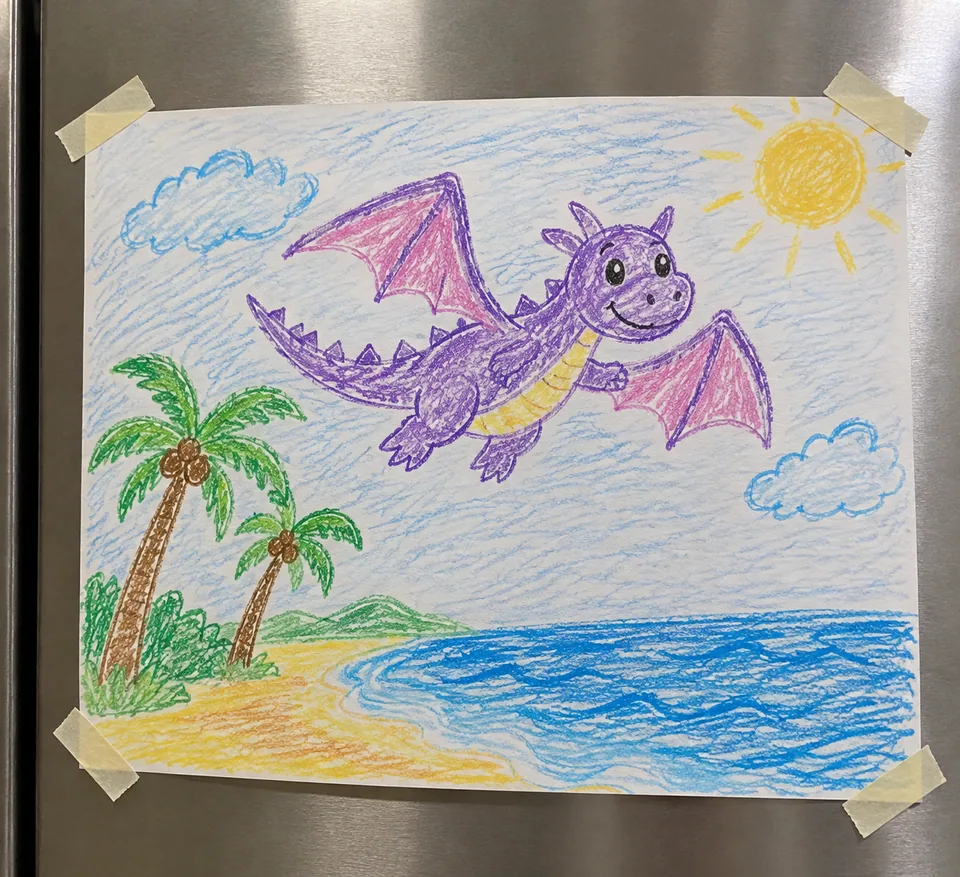 BeforeAfter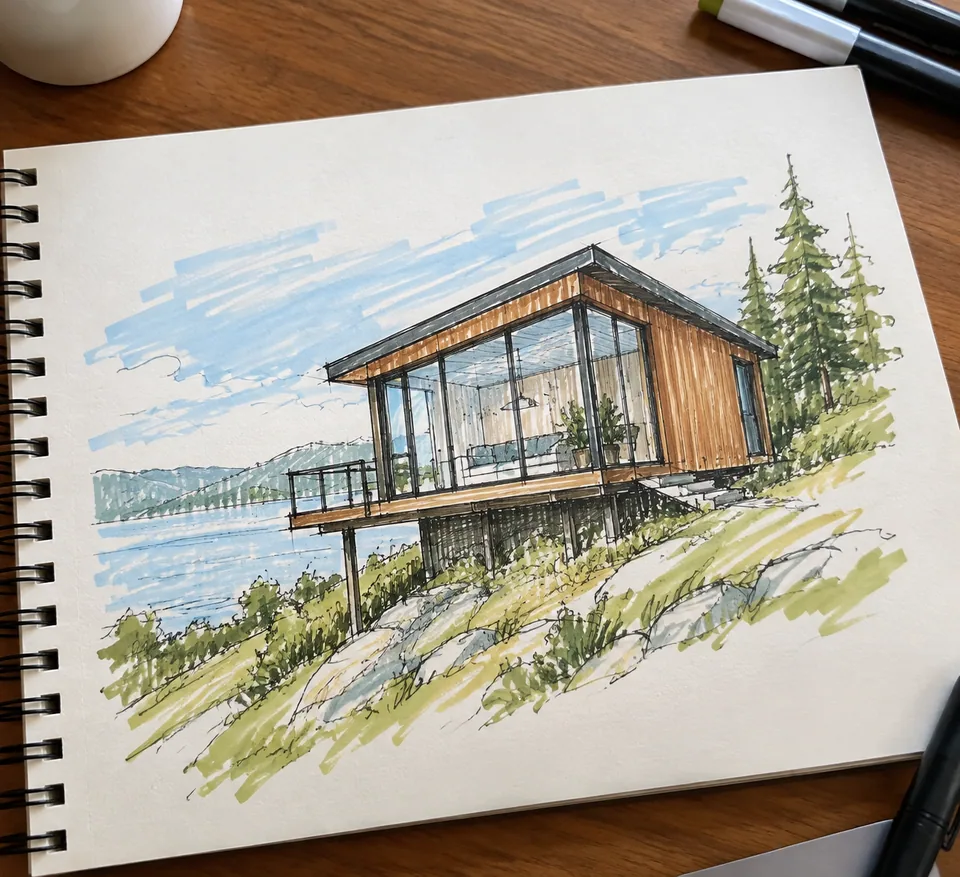
 BeforeAfter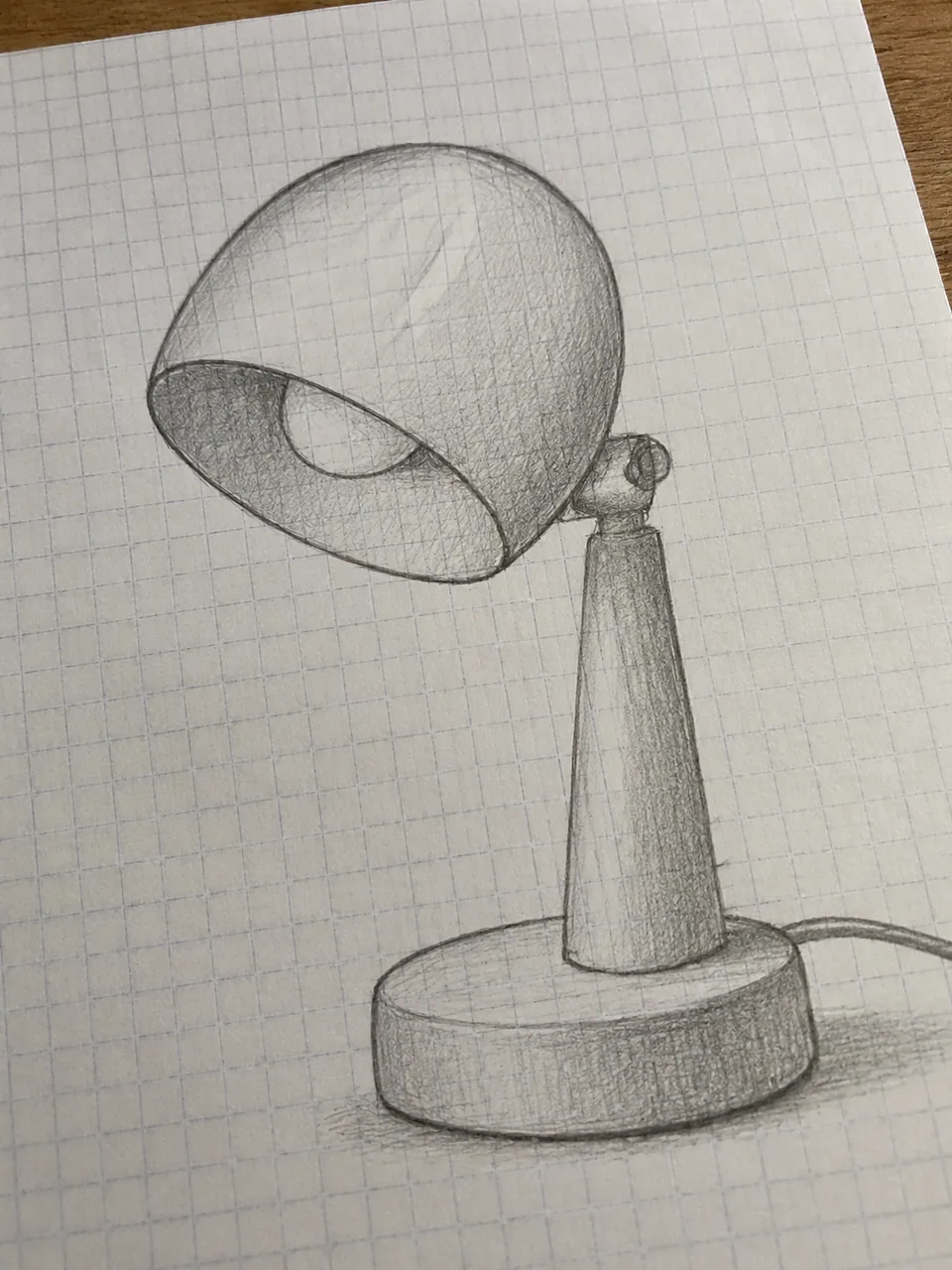
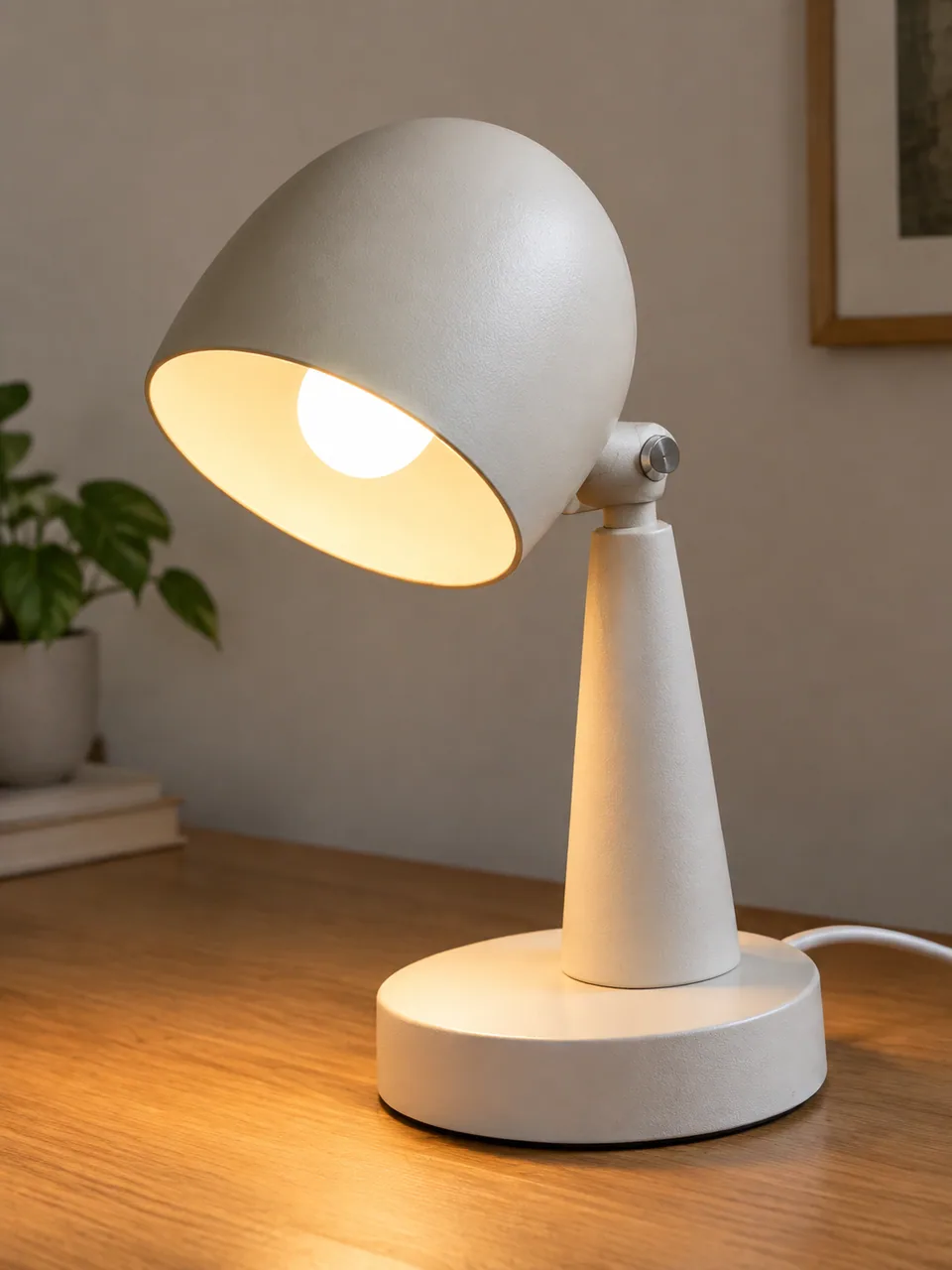 BeforeAfter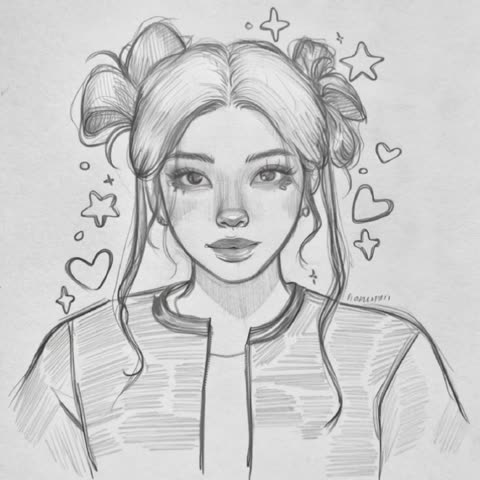
How sketch to photo AI works
A sketch is the fastest way to capture an idea and the hardest way to sell one. Clients, buyers and teammates have to imagine the missing parts. This tool fills them in. Upload a single image, whether a pencil study, a marker drawing or a digital concept, and the AI renders it as a realistic scene.
It follows your drawing rather than replacing it. Composition, silhouettes and subjects stay where you put them. What the model adds is everything a line drawing leaves out: believable materials and textures, lighting, cast shadows and depth, plus small supporting details that make the image read like a photograph.
There is no prompt box. The drawing is the brief, so a clear sketch gives you a more faithful result.
From napkin sketch to client-ready render
Interior designers and architects can turn a quick study into an image that feels like a finished room or facade, then use it to agree on direction before commissioning full 3D visualization. Furniture makers and woodworkers can show a custom table or shelving unit in wood and metal instead of pencil.
Product designers get a fast gut check on a concept before investing in CAD. Fashion and accessories designers can see a bag or jewelry piece as an object with weight and texture. Agencies use it to add a realistic frame to a pitch deck when the idea exists only on paper.
Treat the output as a concept visual, not a technical drawing. It shows how something could look, not exact dimensions for manufacturing.
Drawing to realistic image for makers and small brands
If you sell handmade goods on Etsy or run a Shopify store, custom orders often start with "what would it look like?" Sketch the option, render it and send it to the buyer. It is easier to approve an image than a doodle.
Creators on Instagram, TikTok and Pinterest can post side-by-side "sketch vs. reality" pairs, a format that shows process and tends to get saved and shared. Just keep listing photos honest: product pages on Etsy, Amazon or eBay should show the real item, while renders suit concepts, polls and preorders labeled as such.
Pay as you go, one balance for everything
There is no subscription. Each generation is charged to one balance shared with the other image tools, a chat with dozens of models and the API. New accounts get a starting balance, so you can test it on your own drawings first.
It works in the browser and in the Telegram bot @tokionaibot. Download the result, or run the same sketch again for a different take on materials and light.
Who it's for
Architects and interior designers
Turn a meeting sketch into an image that reads like a photo of the finished space. Align with clients before paying for full visualization.
Product and fashion designers
See a concept as a real object with texture and weight. Useful for internal reviews, pitch decks and early feedback.
Makers and Etsy sellers
Show buyers what a custom piece could look like before you build it. Approvals come faster from an image than a drawing.
Artists and hobbyists
Find out what your sketchbook scenes would look like in the real world, and share the before-and-after with your followers.
Pro tips
- Use confident, closed outlines. Broken or scratchy lines leave more room for the model to guess.
- Photograph paper sketches straight on in even daylight, with no hand shadow or tilted page.
- Crop out margin notes, arrows and dimensions; the model may turn them into objects.
- Hint at materials with hatching, such as wood grain, brick courses or fabric folds.
- Establish depth with a floor line or horizon so the scene has a clear foreground and background.
- Not happy with the lighting or finish? Run the same sketch again for another version.
Good to know
- You can't add written instructions; the tool works only from the drawing.
- It's a visualization, not a spec: don't rely on it for exact measurements.
- Very loose sketches with a few strokes get interpreted freely and may drift from your intent.
What it costs
- Pay only for what you generate — no subscription.
- One balance for image tools, chat with 52 AI models and the API.
- Free starter credits when you sign up, no card needed.
Questions
What kind of sketch can I upload?
Pencil, pen or marker drawings, phone photos of paper sketches, scans, digital sketches and concept art. Anything where the shapes and layout are readable works.
Will the AI change my composition?
No. It keeps the layout, shapes and subjects of your sketch and adds materials, lighting, shadows and supporting detail.
Can I type a style like 'Scandinavian interior'?
Not in this tool; there is no text field. Communicate style through the drawing itself: furniture shapes, patterns and material hatching all guide the model.
Can I use the render as a product photo on Amazon or Etsy?
Listings should show the real product. Use renders for concept boards, custom-order approvals and clearly labeled preorders.
Does color in my sketch matter?
Yes. Colored sketches steer the palette of walls, fabrics and finishes. Black-and-white drawings work too; the model then picks plausible materials and colors on its own.
Does it work from my phone?
Yes. Snap a photo of the sketch and upload it in the mobile browser, or send it to @tokionaibot on Telegram.
How much does it cost?
Pay as you go: each generation is charged to your balance, and the current price is shown on this page. No subscription.
Can I upload someone else's drawing?
Use your own sketches or artwork you have permission to use, especially if the result will appear in commercial work.
More image tools

Try AI Sketch to Reality now
Free starter credits, no credit card. Works in any browser.
Open the tool — free