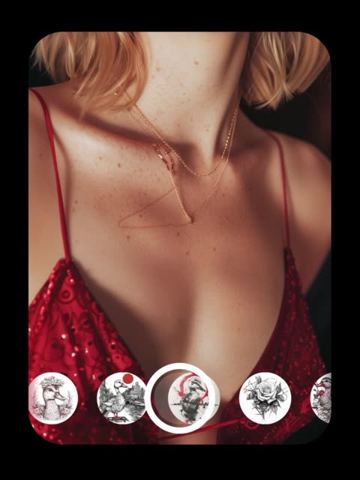
AI Tattoo Designer: Try a Tattoo Before You Commit
Snap the spot, describe the idea, pick a style — and see a realistic, healed-looking tattoo on your own body before you ever book the chair.
- $0.01per image
- 1photo to upload
- 0prompts to write
How it works
- 1Upload
Add one photo — the form tells you exactly what fits best.
- 2Adjust
Optional fields steer the result: style, mood, text to render.
- 3Download
Get a finished image in seconds, then iterate or try a variation.
Examples
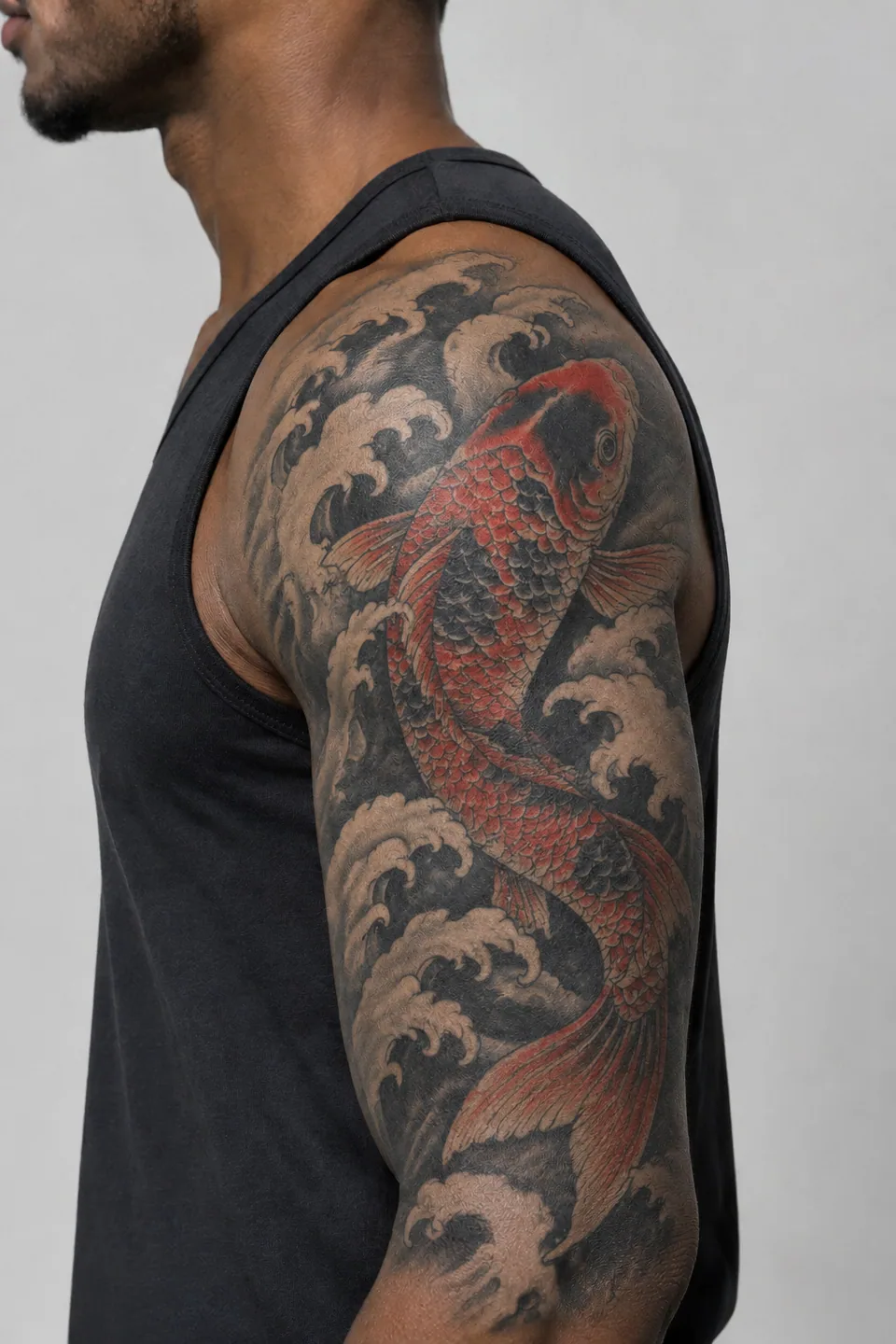
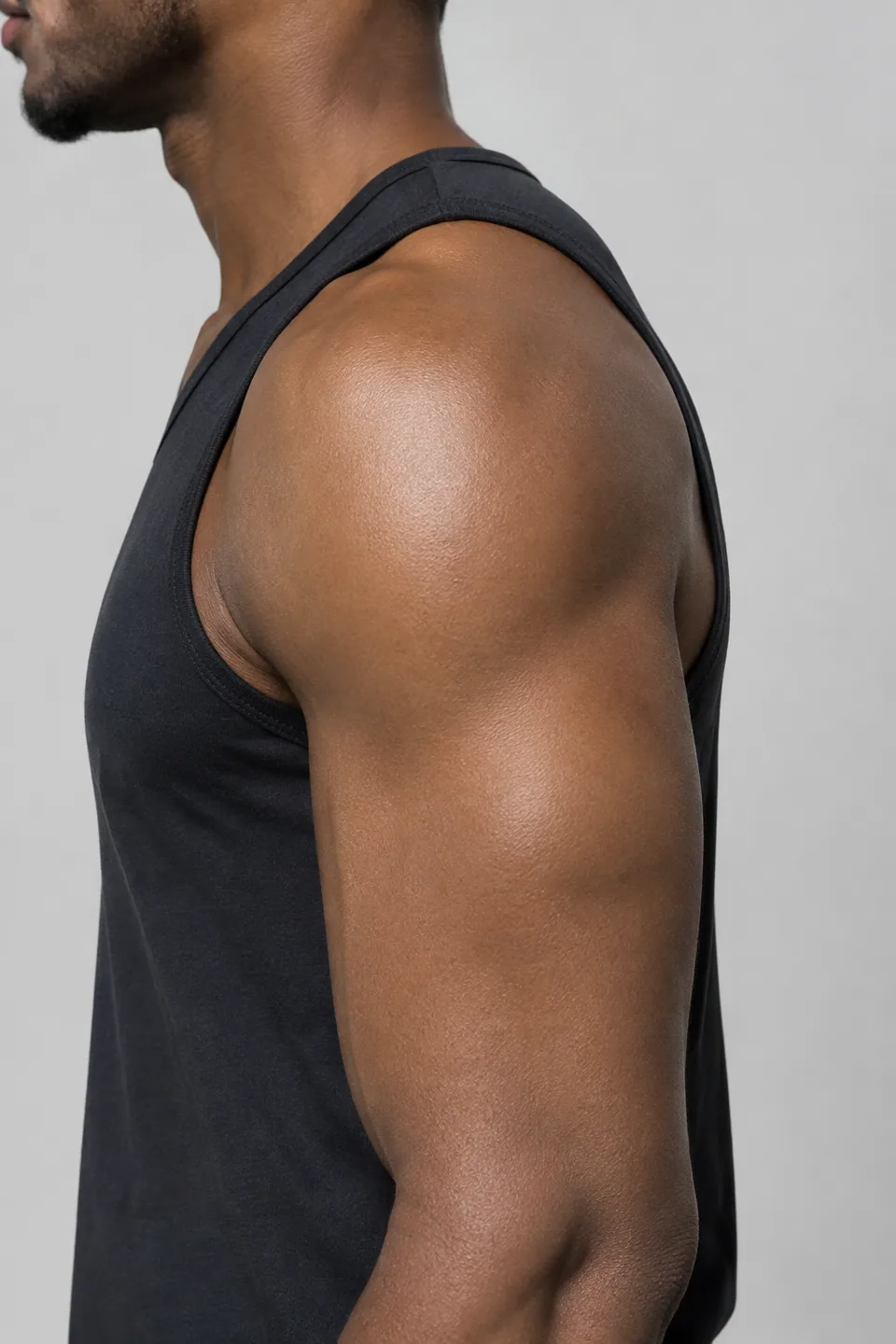 BeforeAfter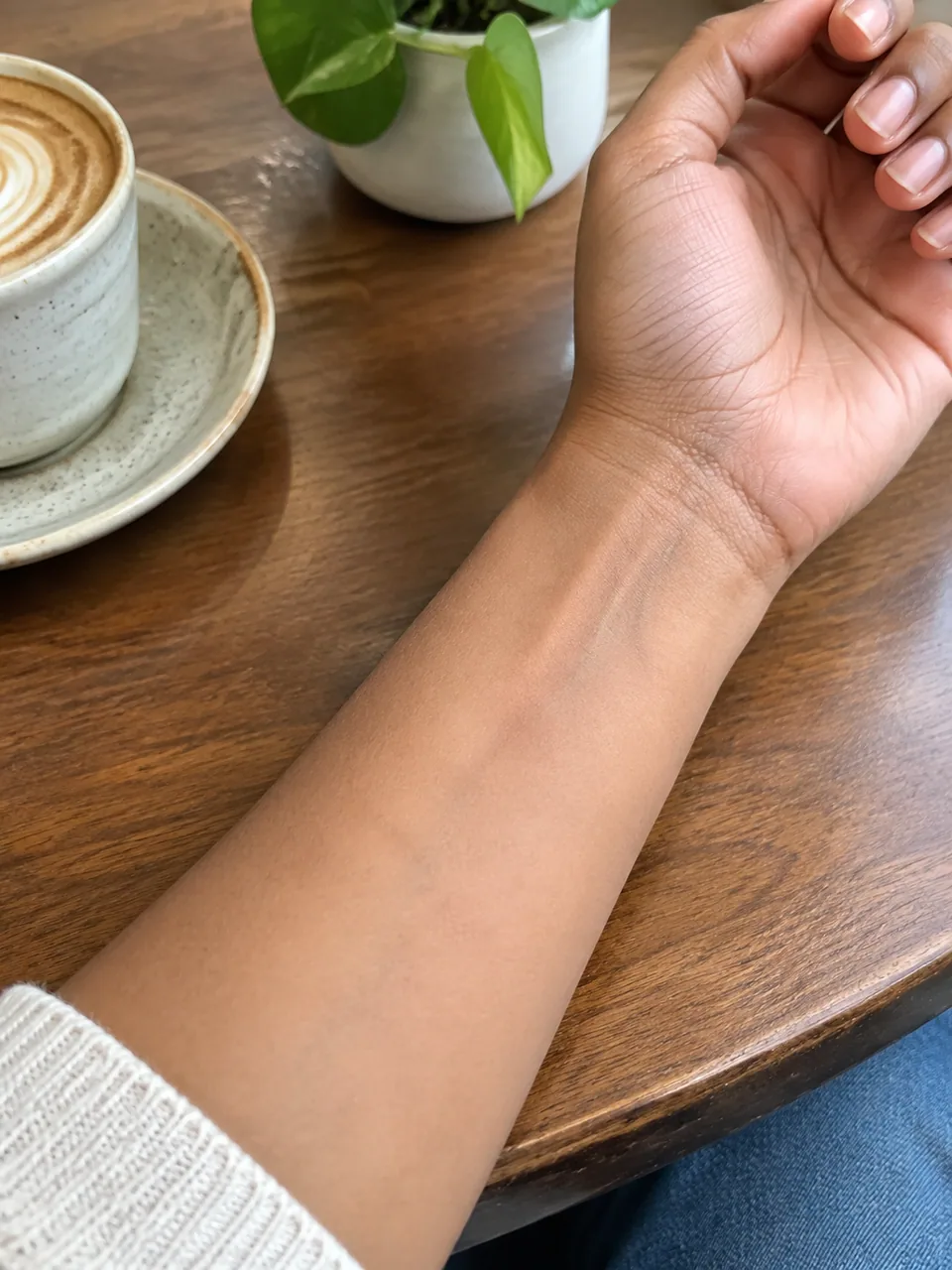
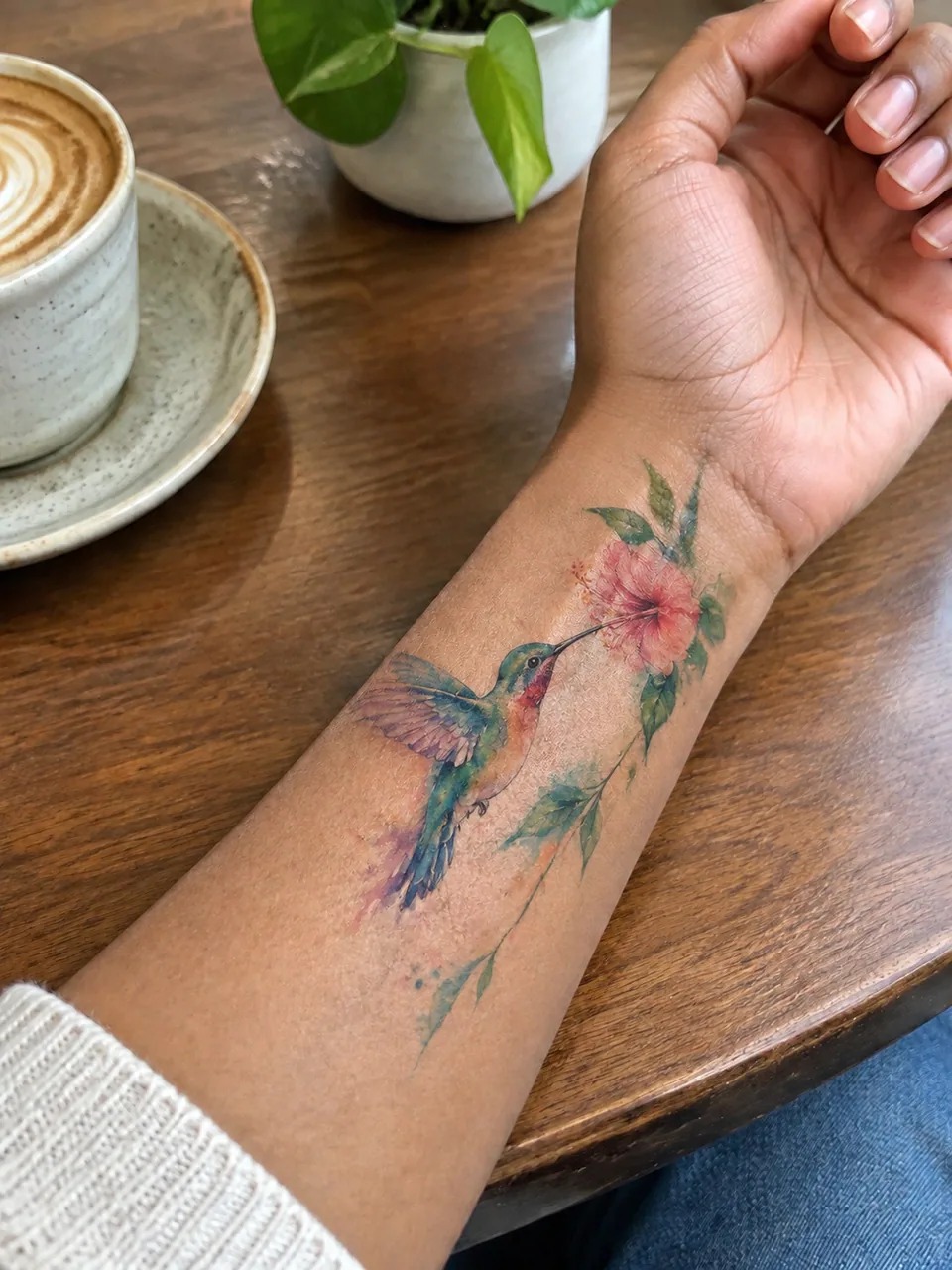 BeforeAfter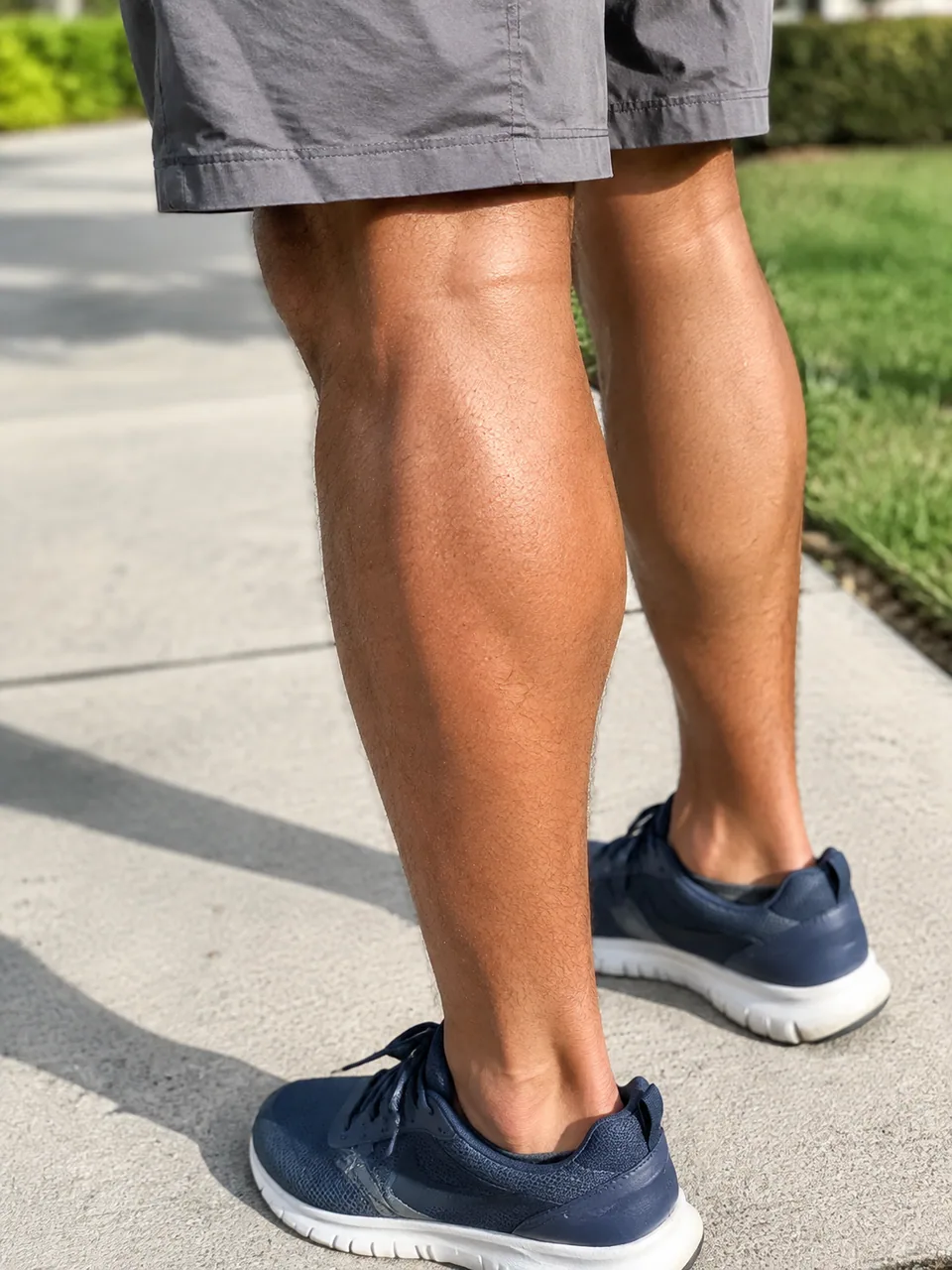
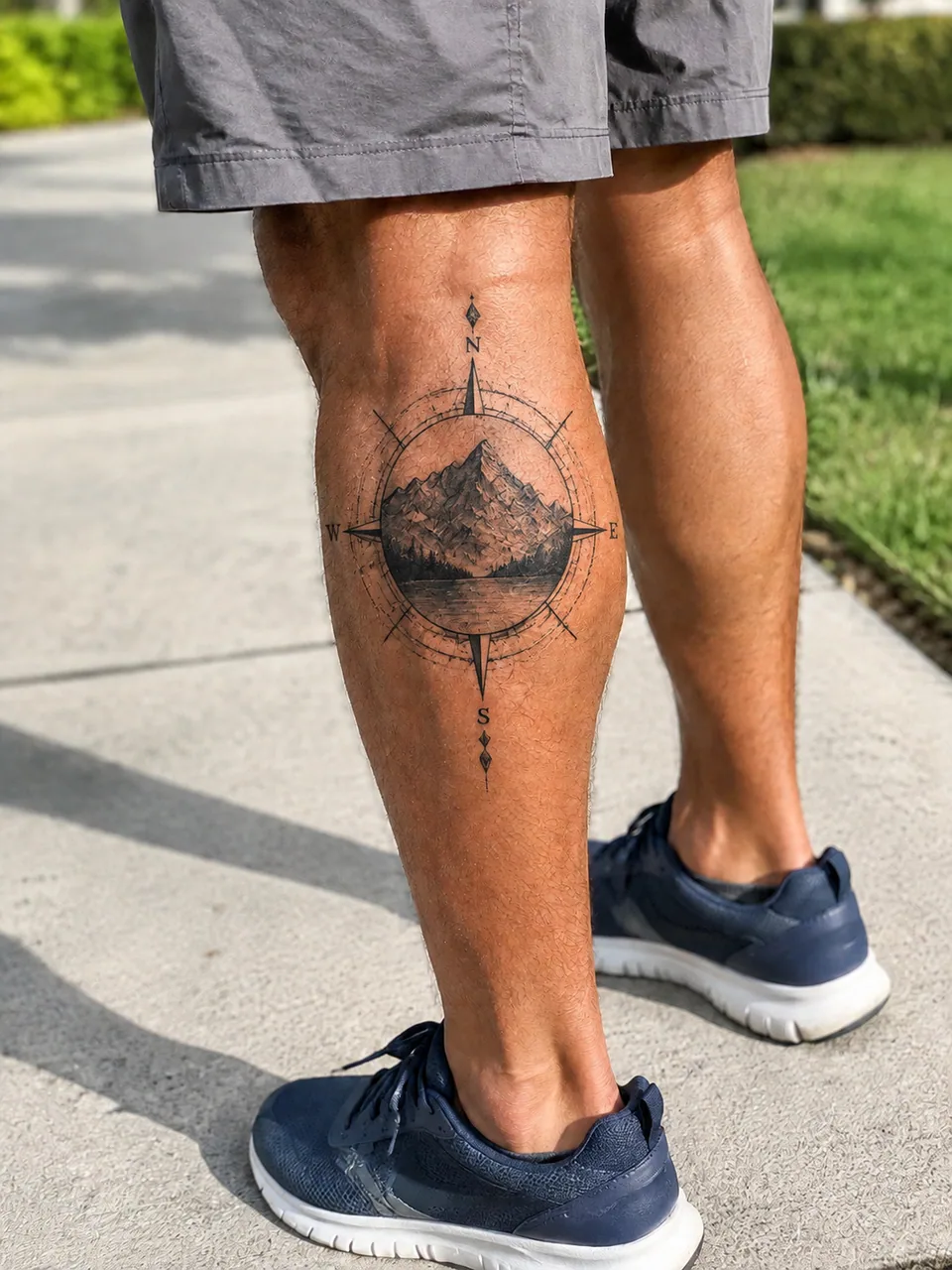 BeforeAfter
How the AI tattoo designer works
You fill in three things. First, a photo of the body part where the ink will go — forearm, wrist, ankle, collarbone, shoulder blade. Second, your idea in your own words: "phoenix rising," "lion with a crown," "minimal wave." Third, one of six styles: minimalist, Japanese, realism, fine line, geometric or watercolor.
The model places the tattoo on the skin in your photo. It follows body contours and perspective, matches skin texture, lighting and shadows, and aims for the look of a real healed tattoo rather than a sticker pasted on top. Your body, skin and background stay as they are.
Want a different take? Generate a variation, switch the style or rephrase the idea. Save the ones you like.
Preview a tattoo on your body before it's permanent
The hardest questions about a tattoo aren't about the drawing — they're about placement and scale. Will a full-size koi overwhelm a narrow forearm? Does fine line read from across the room? Will watercolor clash with the blackwork you already have? Seeing the design on your own skin answers these faster than any Pinterest board.
That's also why people use it to settle debates: send a couple of previews to friends, post a poll on Instagram Stories, or compare three styles side by side before you decide.
Walk into the studio with a clear brief
Artists love clients who know what they want. A preview gives your artist subject, style, placement and approximate size at a glance, so the consultation goes into refining the design instead of decoding a vague description.
Keep in mind that the AI result is a concept, not a stencil. A good artist will adapt line weight, spacing and detail so the piece ages well on skin — the preview is the starting point for that conversation.
For artists, studios and tattoo creators
Tattoo artists can explore directions with a client in minutes: photograph the spot during the consult, try the same idea in fine line and realism, and let the client react to something concrete. Studios create TikTok and Instagram content showing one concept across all six styles, which helps first-timers understand the options.
It runs in the browser at tokion.io and in the Telegram bot @tokionaibot. You pay as you go from one balance, with no subscription, and new accounts get a starter balance. The same balance powers a chat with dozens of models — handy for brainstorming symbolism or lettering before you generate the next preview.
Who it's for
First-timers
Test placement, size and style on your own skin before making a permanent choice. Comparing options on one photo makes the decision much easier.
Collectors adding to a sleeve
See how a new piece sits next to your existing work and avoid scale or style clashes on an arm or back piece.
Tattoo artists
Show clients several directions during the consultation. The brief gets sharper and the custom drawing starts from a shared picture.
Studios and creators
Make scroll-stopping content for Instagram and TikTok: one idea across six styles, or a follower's placement preview with their permission.
Pro tips
- Shoot in soft daylight so the skin has no harsh glare or deep shadows.
- Hold the camera straight over the area; steep angles distort the design's proportions.
- Describe the subject specifically: "wolf in profile with a full moon behind it" beats "something about freedom."
- Add size and placement to the idea, like "small, on the inner wrist" or "running along the spine."
- Keep the same photo when comparing styles so you're judging the design, not the lighting.
Good to know
- The preview is a concept for you and your artist, not a stencil ready for transfer.
- Tight bends, ribs and extreme angles can distort how the design wraps.
- It won't show what fresh ink looks like during healing or how it will age over the years.
- Small lettering and exact fonts may differ from what you had in mind — finalize script with your artist.
What it costs
- Pay only for what you generate — no subscription.
- One balance for image tools, chat with 52 AI models and the API.
- Free starter credits when you sign up, no card needed.
Questions
What photo should I upload?
A clear, well-lit photo of the exact spot where you want the tattoo, with the whole area visible. A phone photo in daylight works well.
Which tattoo styles are available?
Six: minimalist, Japanese, realism, fine line, geometric and watercolor. You describe the subject separately in the idea field.
Does it look like a real tattoo?
The model follows your body's contours, perspective, skin texture and lighting to mimic healed ink. It's still a visualization, so judge the idea and placement rather than the linework.
Can my tattoo artist use the result?
Yes, as a reference. Your artist will redraw it for technique, size and longevity and make the stencil themselves.
Will the photo of my body be altered?
No. The model is told to keep your body, skin and background unchanged and add only the tattoo.
Can I use it on my phone?
Yes. Open tokion.io in your mobile browser, or send the photo to the Telegram bot @tokionaibot.
Do I need a subscription?
No. It's pay as you go: each generation is charged to one balance, and new accounts get a starter balance.
I don't have an idea yet — can it help?
Start broad, like "botanical and geometric," and run a few variations. You can also brainstorm themes in the chat with dozens of models on the same balance.
More image tools

Try AI Tattoo Designer now
Free starter credits, no credit card. Works in any browser.
Open the tool — free