GPT Image Generator by OpenAI, Pay As You Go
Four OpenAI image models in one place: the GPT Image 2 flagship for text and realism, plus three GPT Image 2.5 versions for everyday work. Type a prompt or upload a photo to edit.
- $0.008from per image
- 4Versions and prices
Versions and prices
| Version | Best for | Price |
|---|---|---|
| OpenAI GPT Image 2 Accepts a reference photo | Флагман OpenAI · точный текст на картинке и фотореализм | $0.008 per image |
| OpenAI GPT Image 2.5 Accepts a reference photo | Базовый GPT Image 2.5 · генерация и правка по фото | $0.01 per image |
| OpenAI GPT Image 2.5 · мягкий свет Accepts a reference photo | GPT Image 2.5 · мягкий объёмный свет и блики · генерация и правка | $0.012 per image |
| OpenAI GPT Image 2.5 · тёплый свет Accepts a reference photo | GPT Image 2.5 · тёплый контровой свет · генерация и правка | $0.012 per image |
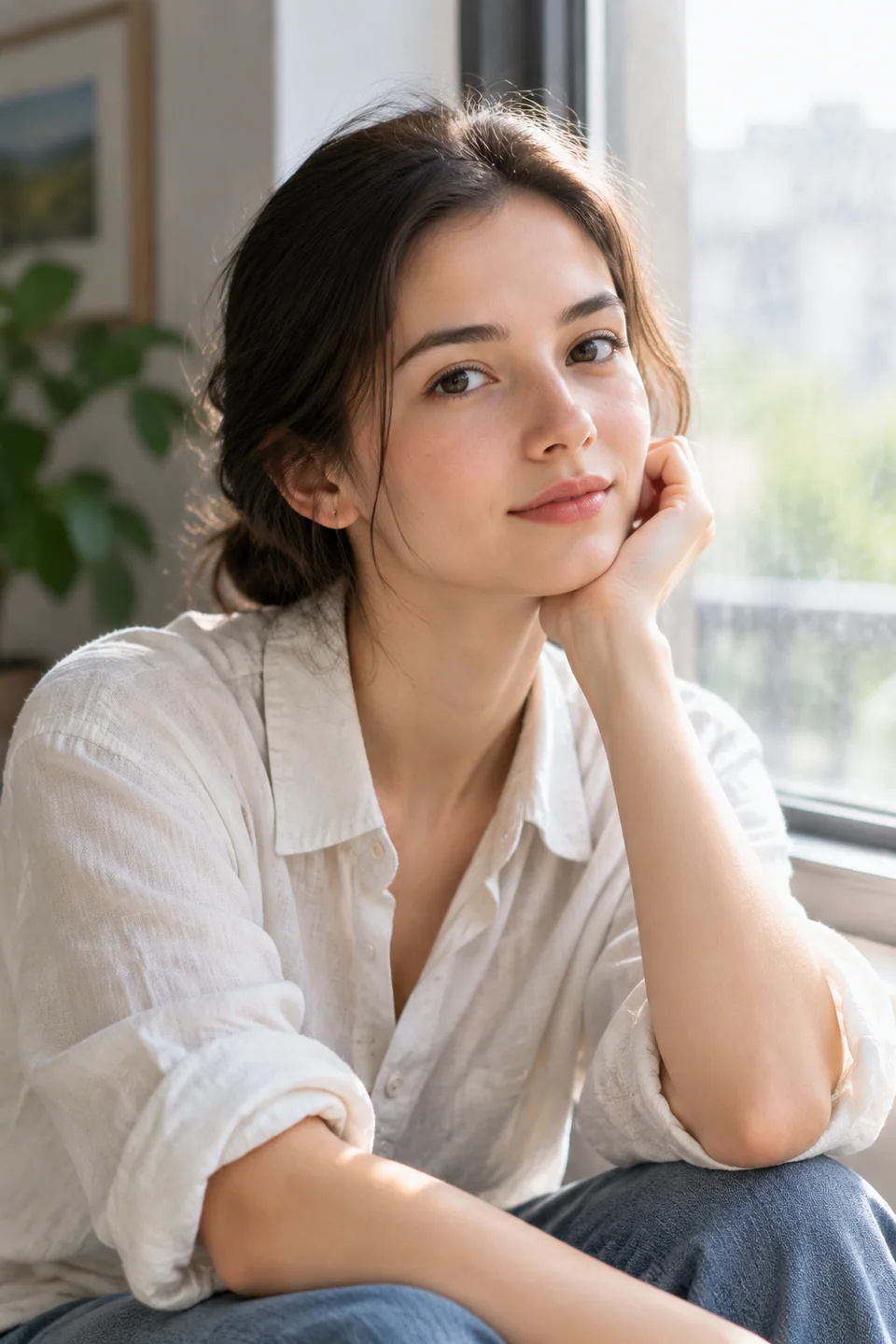
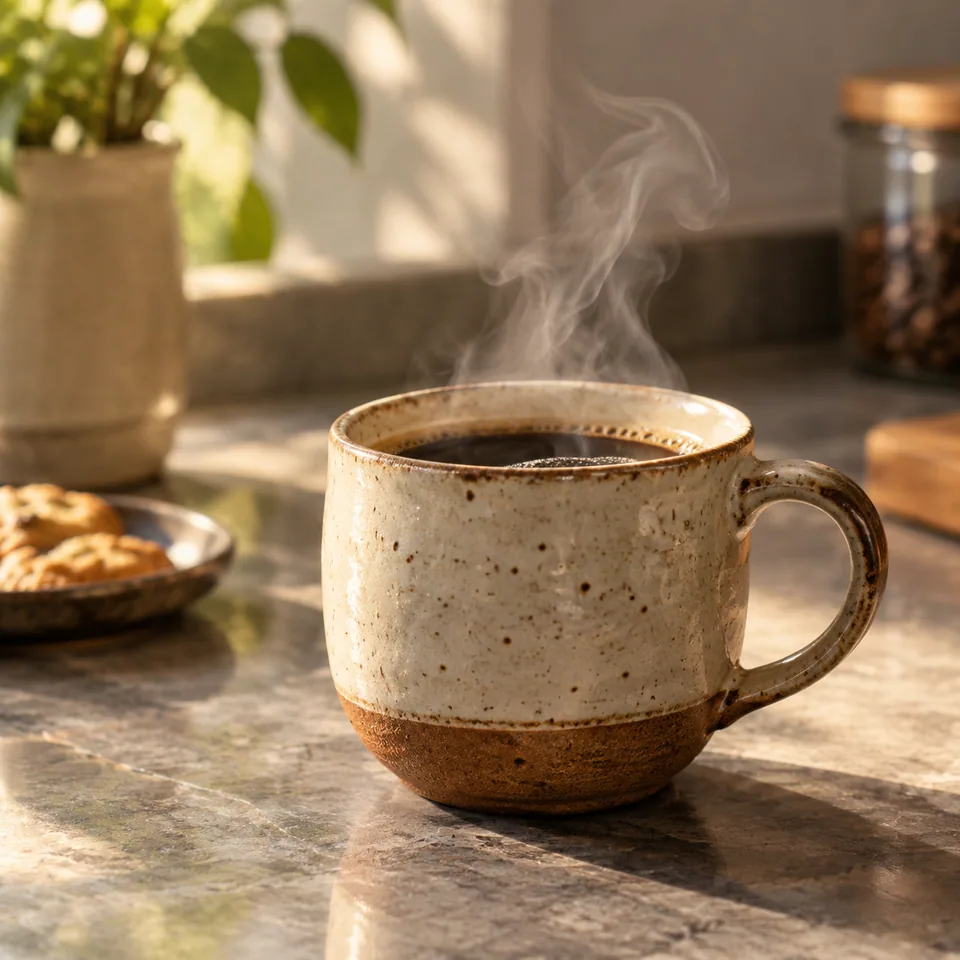
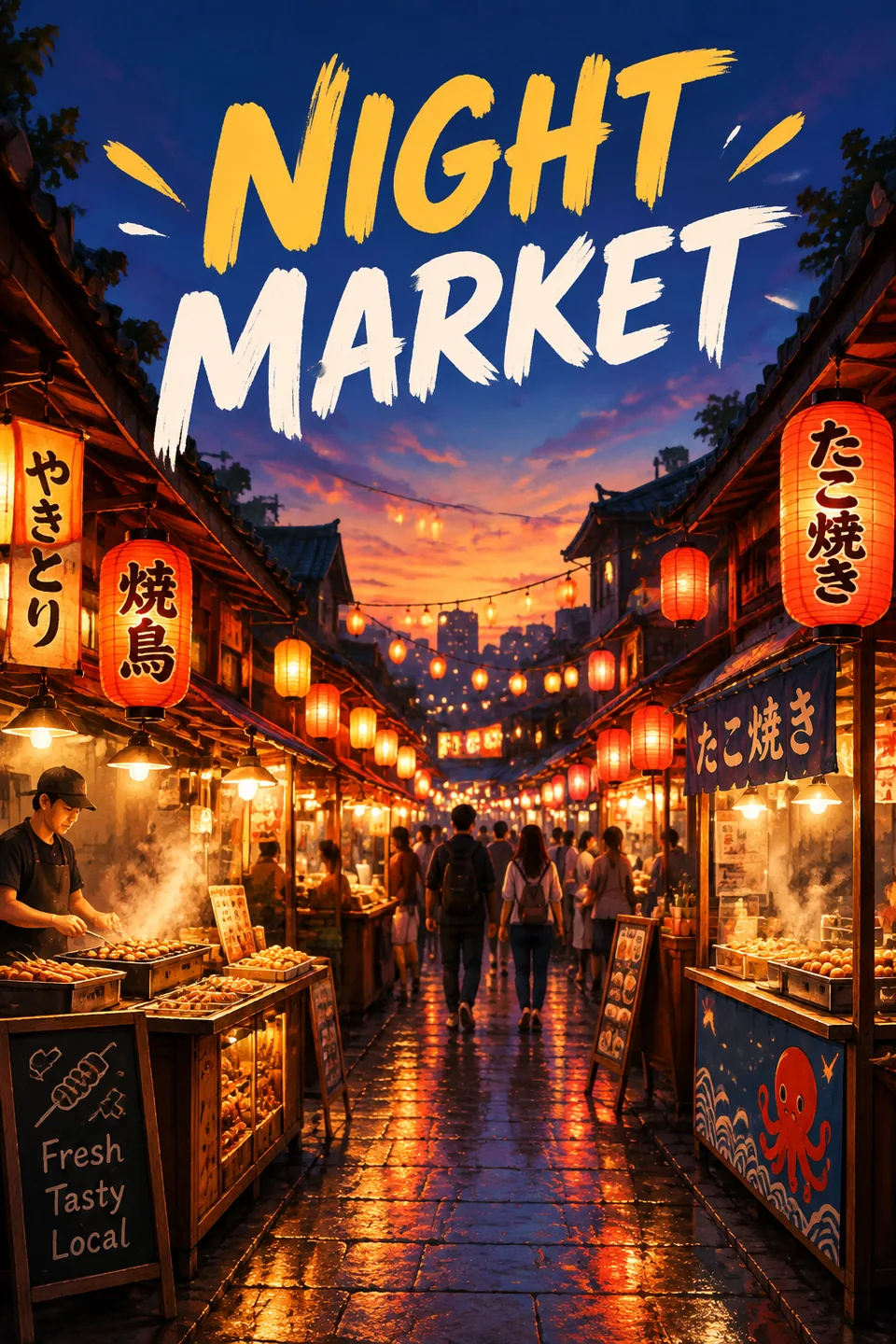
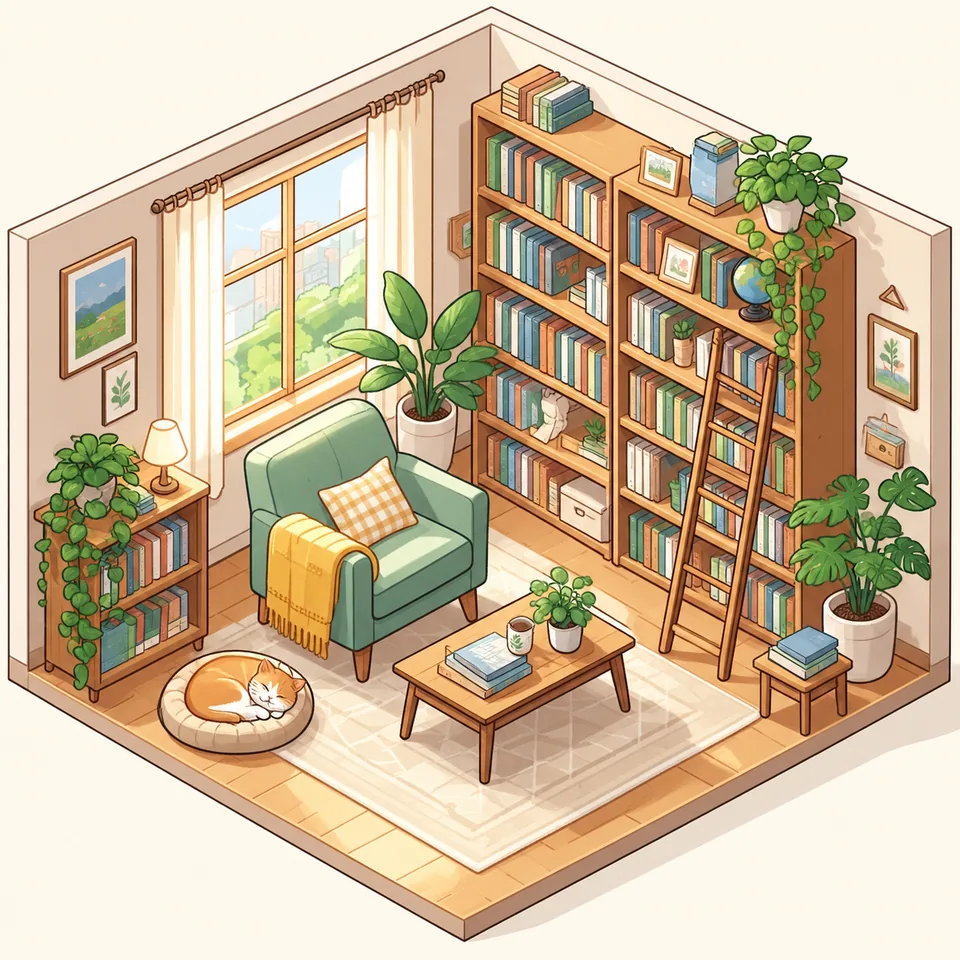
Made with GPT Image
Why people pick the GPT Image generator
Most image models treat lettering as decoration. Ask for a sign that says "Grand Opening" and you often get something that only looks like words. OpenAI's GPT Image models are built to spell. That makes them the go-to choice when text is part of the picture: sale banners, packaging concepts, event flyers, quote cards, thumbnails, labels on a product mockup.
The second strength is photorealism. Materials, reflections, skin and light look like a real camera captured them, which matters when you need a believable lifestyle shot for a product that hasn't been photographed yet.
The third is editing. Upload your own photo, describe the change, and the model redraws the image around your instructions: swap the background, add a headline, change the season, restyle an outfit.
GPT Image 2 vs. GPT Image 2.5: which version to use
Tokion lists four versions, and every one of them can both create images from a prompt and edit an uploaded photo.
GPT Image 2 is OpenAI's flagship. Reach for it when the text has to be right the first time or the shot needs to pass as real photography: final ad creatives, hero images, anything a client will see.
GPT Image 2.5 is the base model of the newer line and costs less than the flagship. It is the default image model in Tokion and handles most everyday prompts well, so it's a smart place to explore ideas.
Two more 2.5 versions come with a built-in lighting character. Soft light adds volumetric, diffused light and gentle highlights, a good match for skincare, glassware, jewelry and cozy interiors. Warm light gives you golden-hour backlighting with glowing edges, great for portraits, travel, food and lifestyle content. Per-image prices for all four are in the table on this page.
Getting started in Tokion
Open the Images section of the web app, choose an OpenAI model in the form and write your prompt. Attach a photo if you want an edit instead of a new picture. The same model list is available in the Telegram bot @tokionaibot, so you can start on desktop and finish on your phone.
Billing is pay as you go. Each image is charged to one balance that also covers chat with dozens of text models, video models and the API. There's no monthly plan to cancel and no separate OpenAI account to set up.
Building something? The same API key you use for chat gives you access to image models. See the API page for request formats; usage draws from the same balance.
Who it's for
Ecommerce sellers
Lifestyle scenes for Amazon, Etsy and Shopify listings, sale banners with readable copy, and label or packaging concepts. Use the flagship for the final version and 2.5 for quick variations.
Creators and social teams
Thumbnails, Instagram carousels, Pinterest pins and TikTok covers with the headline baked in. One prompt gives you the image and the text on it.
Agencies and small brands
Mock up a campaign idea before the shoot, test several visual directions for a pitch, or restyle existing product photos for a seasonal push.
Developers
Call GPT Image with the same API key you use for text models. Plug it into a CMS, a storefront or an internal tool and pay only for what you create.
Pro tips
- Put the exact wording in quotes and say where it goes: top center, bold white sans-serif, on the storefront sign.
- Keep on-image text short. A headline of a few words renders more reliably than a full paragraph.
- For edits, list what must stay the same before what should change: keep the bottle and label untouched, replace the background with a marble countertop.
- Describe light like a photographer would: overhead flat lay, window light from the left, macro close-up. Or let the soft and warm 2.5 versions set the mood.
- Explore with GPT Image 2.5, then rerun your best prompt on GPT Image 2 when text accuracy really counts.
Good to know
- Always proofread. Even strong models occasionally swap a letter or drop a word, especially in longer copy.
- Edits redraw the whole image. Fine details from the original, like small print, barcodes or intricate logos, may shift.
- Requests involving real celebrities or content outside OpenAI's usage rules will be declined.
- Output is a raster image. Logos and signage for large-format print still need a vector redraw.
Questions
What's the difference between GPT Image 2 and GPT Image 2.5?
GPT Image 2 is the flagship, focused on accurate text and photorealism. The 2.5 versions cost less and also support both creating and editing. Besides the base 2.5, two versions have a preset lighting style: soft or warm.
Can I edit my own photos?
Yes. Every GPT Image version in Tokion accepts an uploaded photo. Describe what to change and what to keep, and the model returns an edited image.
Do I need an OpenAI account or subscription?
No. You only need a Tokion account. Top up your balance and pay per image; there's no subscription.
Which model is selected by default?
GPT Image 2.5. You can switch to any other version, or to models from other developers, in the form before you hit create.
Can I use the images commercially?
Images made from your prompts and your own photos can go into listings, ads and social posts. If real people appear in your uploads, get their permission first.
Is there an API for GPT Image?
Yes. Use the same API key as for chat models. Request details are on the API page, and charges come from your shared balance.
Does it work on mobile?
Yes. The web app works in a mobile browser, and the Telegram bot @tokionaibot offers the same image models with the same balance.
Other image and video models
GPT Image Generator by OpenAI, Pay As You Go
Use the GPT Image generator from OpenAI for crisp text in images, photorealistic scenes and photo edits. Pay as you go, no subscription, one shared balance.
Try GPT Image