Grok Imagine Image Generator: Text-to-Image from xAI
Type what you want to see and Grok Imagine Image 2.0 draws it from scratch. No subscription, no app to install: you pay per image from one balance you share with chat and the API.
Temporarily unavailable
Grok Imagine is temporarily unavailable in Tokion — prices and generation will return as soon as it is back. Meanwhile, try one of these models:
Made with Grok Imagine

What the Grok Imagine image generator is good at
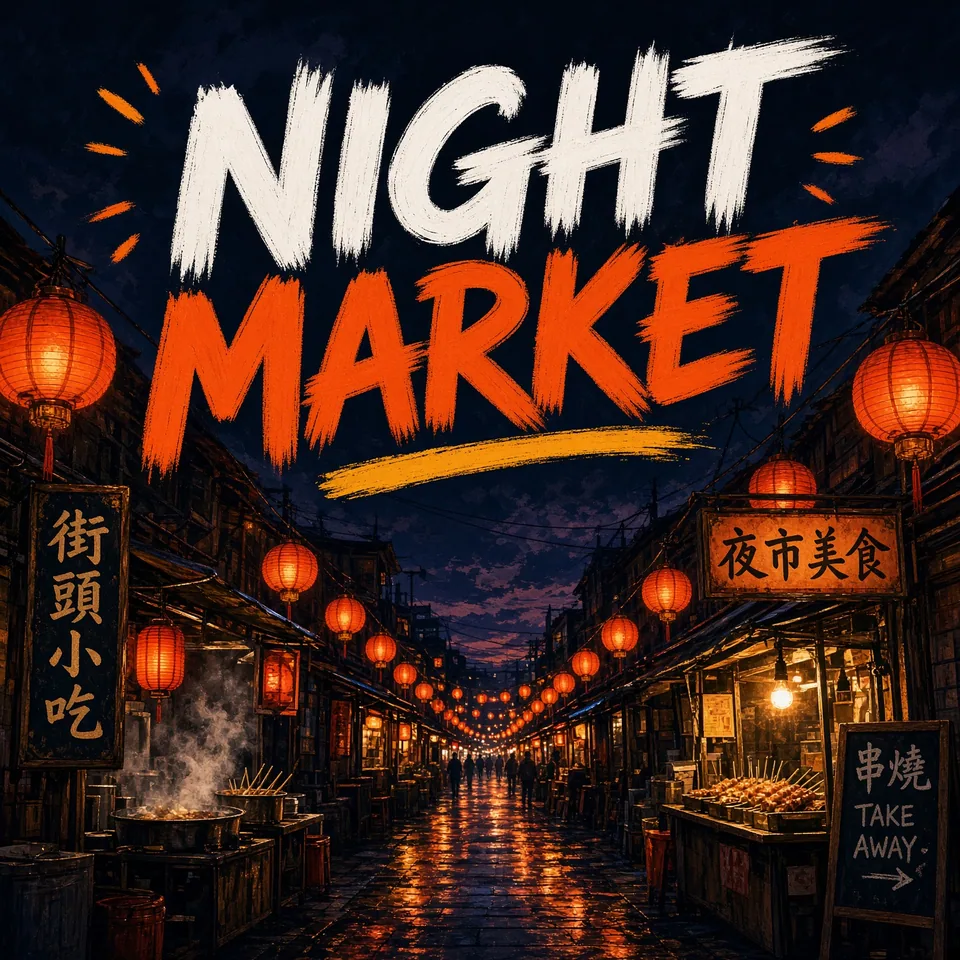
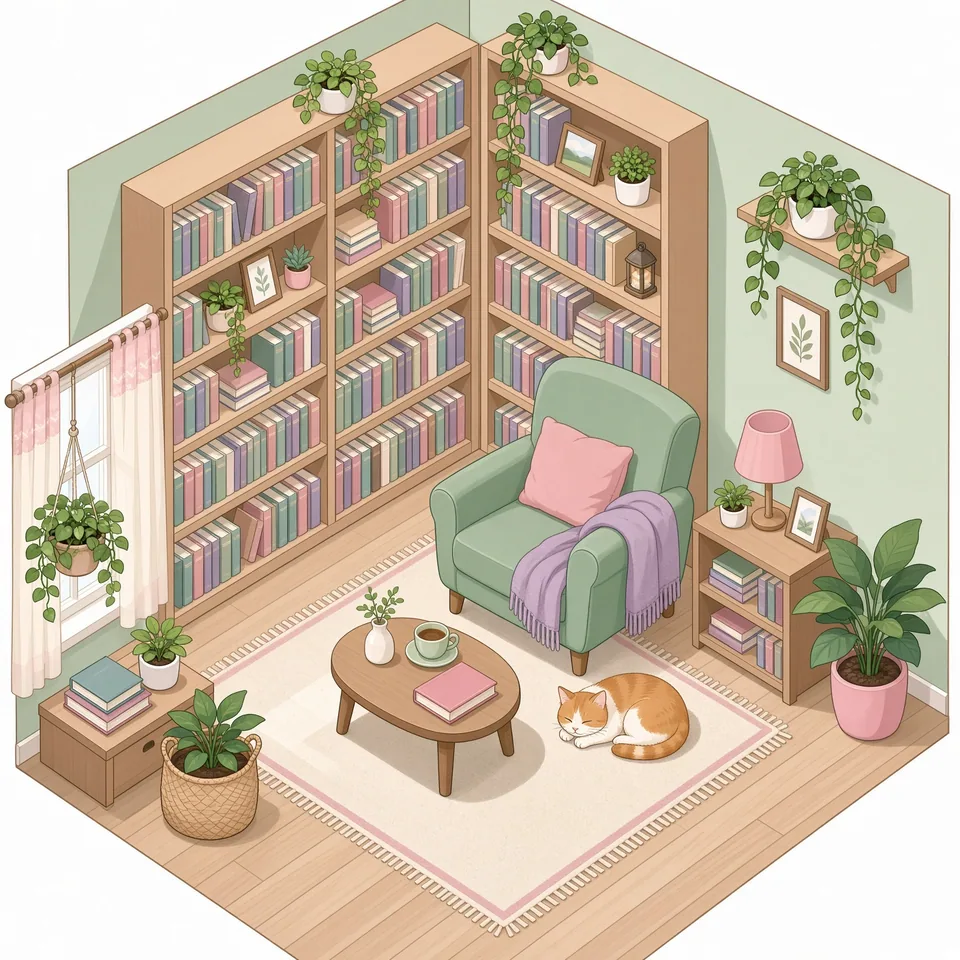
Grok Imagine is the image model from xAI, the team behind the Grok assistant. On Tokion you get Grok Imagine Image 2.0, a pure text-to-image model: you write a prompt, it paints a brand-new picture. There's no upload field, because this version doesn't take a source photo.
Its personality is the point. Grok leans into bold, playful and slightly irreverent ideas, which makes it a natural fit for memes, reaction images, punchy social graphics and concept art with attitude. When a clean stock-style shot would feel flat, Grok is the model to try first.
It's also a fast sketchpad. Before you brief an illustrator or book a shoot, run the same idea in four styles, such as flat vector, watercolor, retro poster or moody film photo, and send the options to your client or team. Decisions get easier when everyone is looking at pictures instead of adjectives.
Where Grok visuals earn their place
Creators on TikTok, Instagram and Pinterest use it for thumbnails, carousel slides and in-feed jokes. Pick the vertical format for Stories and Reels covers, square for the grid, and wide for YouTube-style banners or blog headers.
Small brands and Shopify or Etsy sellers can use it for everything around the product: seasonal sale banners, lifestyle backgrounds, email headers and mood images for a launch. It won't reproduce your actual item, since it never sees it, so keep your real product photos for listings and pair them with Grok's scenes.
Agencies and freelancers get a cheap way to explore directions. Ten rough concepts in an afternoon make the first client call far more productive than a written brief.
How to use Grok Imagine on Tokion
Open the web app or the Telegram bot @tokionaibot, go to the Images section and choose Grok Imagine Image 2.0 under xAI Grok. Write your prompt, set the aspect ratio (square, portrait or landscape) and run it.
Pricing is pay as you go. Each image is charged individually, and the current rate is shown in the versions table on this page. There's no subscription and no monthly minimum. The same balance covers image and video models, chat with dozens of language models, and the API, and new accounts get a starter balance to try things out.
Building your own app or bot? Call the same model through the Tokion API with the key from your account. Setup details are on the /api-landing page.
Prompting tips for sharper Grok images
Structure beats length. Lead with the subject, then the setting, lighting and camera, and finish with the style: "a grumpy seagull stealing fries on a boardwalk, golden hour, low angle, 35mm film look." Grok handles specific, visual language much better than vague praise like "beautiful" or "high quality."
For humor, describe the situation and the emotion instead of the punchline. An exaggerated scenario ("a cat in a tiny suit chairing a board meeting of hamsters") usually lands; captions are easier to add afterward in any editor, where you can swap the joke per platform.
Who it's for
Content creators
Thumbnails, meme formats, carousel art and cover images with a distinct voice. Keep a saved style line in your prompt to make a whole series feel consistent.
Small brands and online sellers
Banners, backgrounds and campaign mood images for Shopify, Etsy or Amazon storefronts. Your real product photo stays the hero; Grok supplies the world around it.
Agencies and freelance designers
Rapid concept rounds and mood boards before any production work. Show a client several directions and let them pick before you invest hours.
Anyone with an idea
Birthday cards, custom wallpapers, a portrait of your dog as a medieval knight. If you can describe it in a sentence, you can get a picture.
Pro tips
- Name a concrete style: 'risograph print', '90s anime cel', 'Kodak Portra photo', 'children's book gouache'. Specific references steer Grok far more than 'artistic'.
- Choose the aspect ratio before you run the prompt. Cropping a finished square into a vertical story throws away detail.
- Leave room for text by describing empty space ('clear sky in the top third') and add the headline later; long in-image text can come out misspelled.
- Change one variable at a time between runs: lighting, angle or style. You'll learn which words actually move the result.
- Describe people and pets in words (age, hair, outfit, coat color). This version can't read a reference photo.
Good to know
- Text-to-image only: you can't upload a photo to edit, swap a face or place your exact product into a scene.
- In-image lettering is hit or miss, especially longer phrases. Plan to add important copy yourself.
- Real celebrities, other companies' logos and explicit content aren't supported, and the model may refuse such prompts.
Questions
Is Grok Imagine free to use?
There's no subscription. New accounts get a starter balance, and after that you pay per image from your prepaid balance. The current per-image price is in the table on this page.
Can I upload a photo and have Grok edit it?
Not with Grok Imagine Image 2.0; it only works from text prompts. For photo edits, pick a model in the Images section that accepts a source image, such as GPT Image or Nano Banana.
Do I need an xAI or Grok account?
No. Everything runs through your Tokion account and balance, in the browser or in the Telegram bot.
What aspect ratios can I pick?
The form offers square, portrait and landscape options, so you can target a feed post, a story or a banner without cropping later.
Can I use the images commercially?
You can use them in your own marketing and content as long as they don't include other brands' trademarks, copyrighted characters or recognizable real people. You're responsible for what your prompt asks for.
When should I choose another model instead?
If you need accurate typography or want to edit an existing photo, GPT Image or Nano Banana is usually the better pick. Choose Grok for bold ideas, humor and quick concept drafts.
Can I access Grok Imagine through an API?
Yes. Use the API key from your Tokion account; requests are billed to the same balance as the web app. See /api-landing for setup.
Other image and video models
Grok Imagine Image Generator: Text-to-Image from xAI
Use the Grok Imagine image generator from xAI in your browser: turn a text prompt into memes, bold visuals and fast drafts. Pay as you go, no subscription.
GPT Image