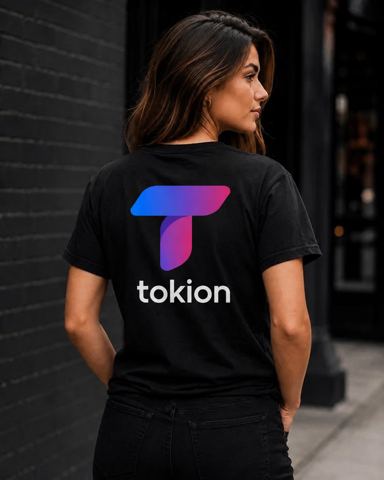
AI T-Shirt Mockup Generator
Upload a design, pick the garment color and where the print goes, and choose a model or a flat lay. You get a photoreal product shot that looks like the shirt was already printed.
- $0.01per image
- 1photo to upload
- 0prompts to write
How it works
- 1Upload
Add one photo — the form tells you exactly what fits best.
- 2Adjust
Optional fields steer the result: style, mood, text to render.
- 3Download
Get a finished image in seconds, then iterate or try a variation.
Examples
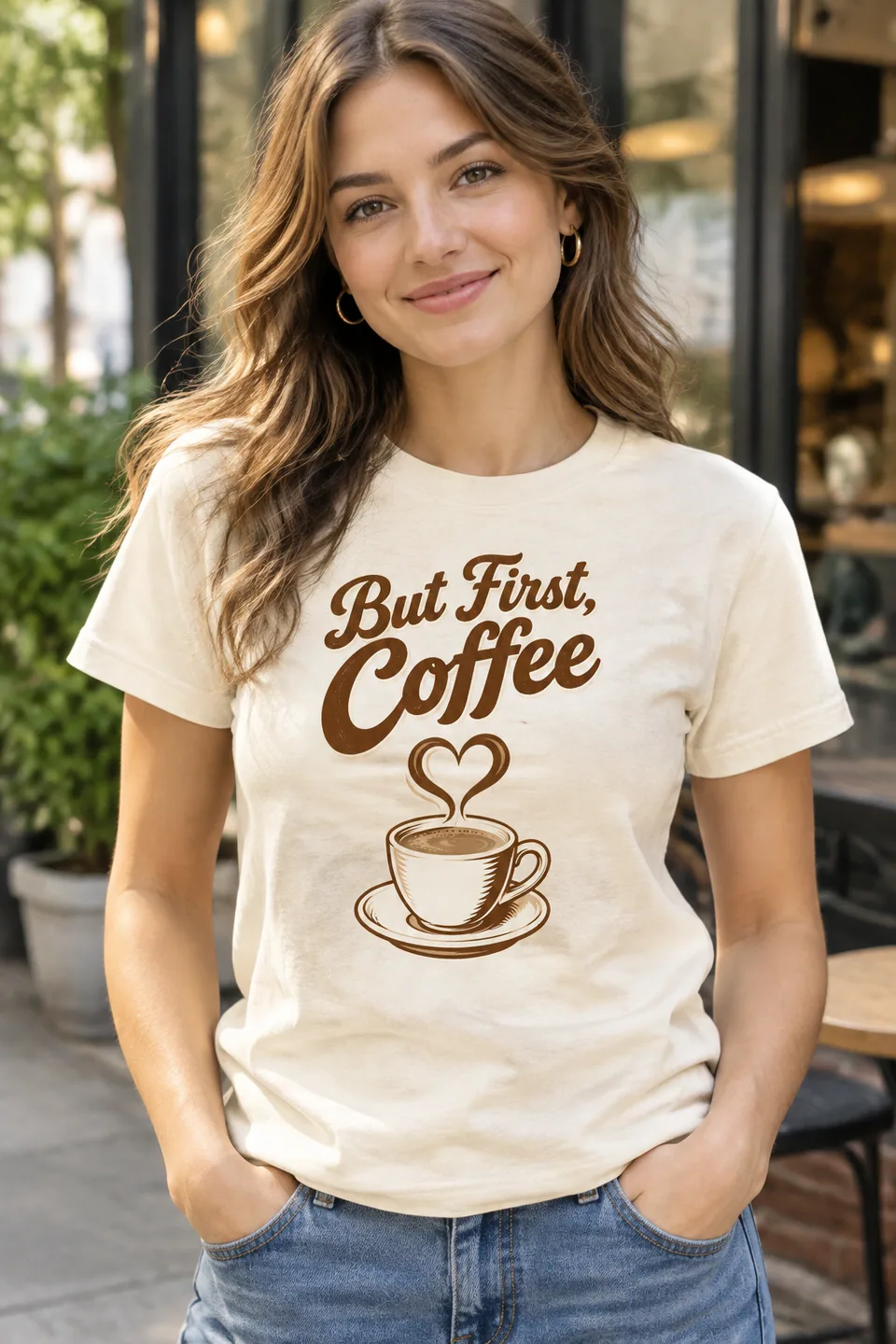
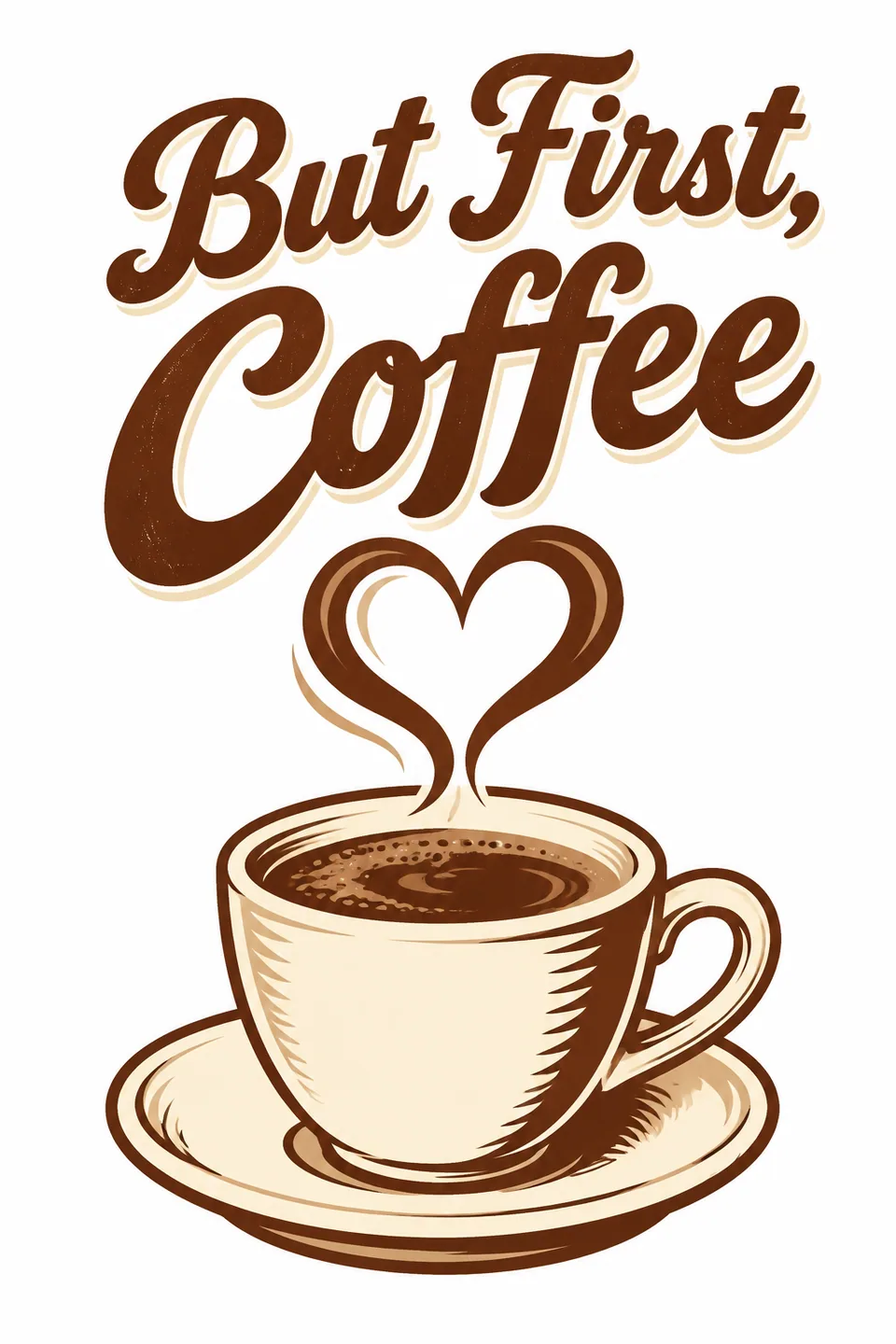 BeforeAfter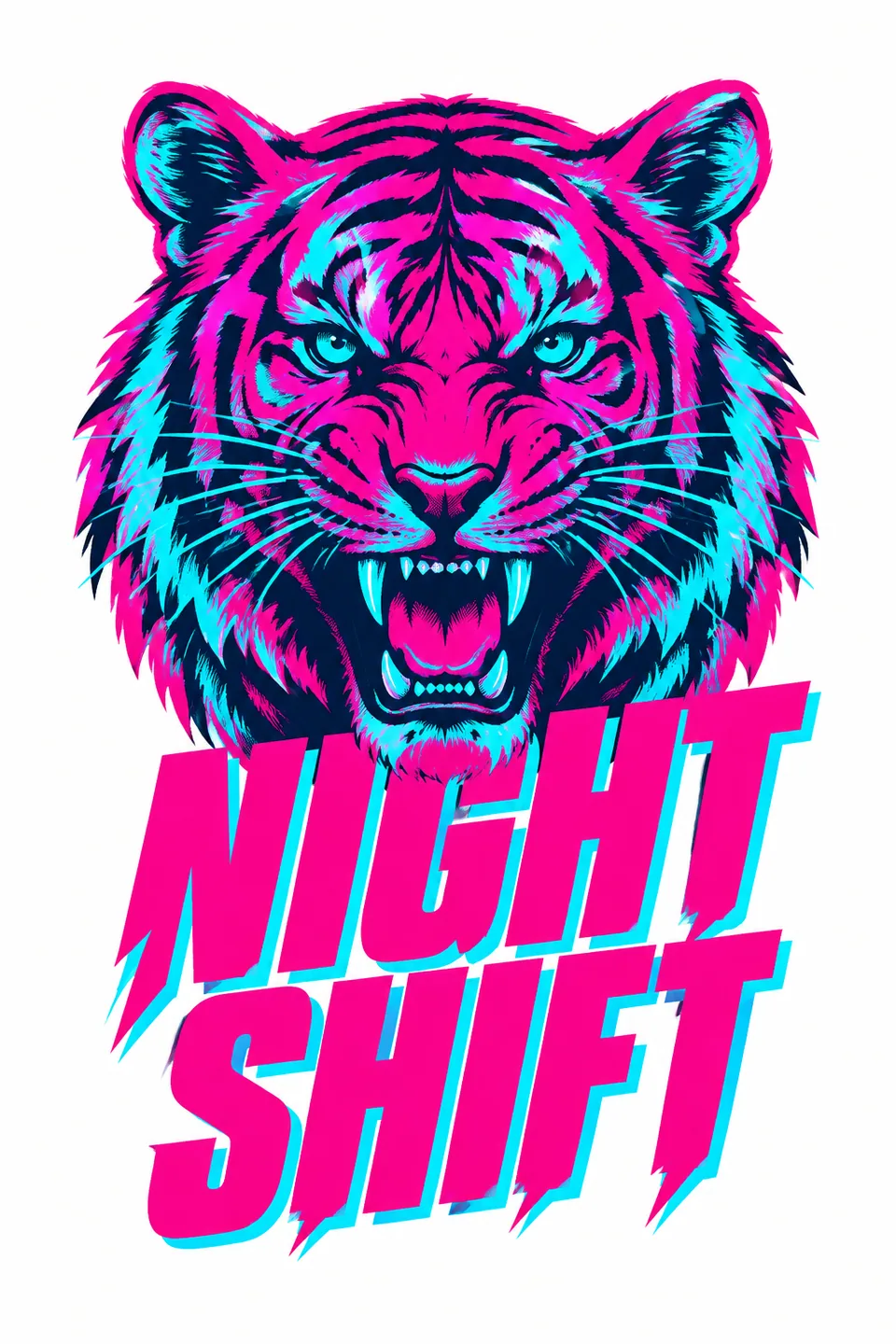
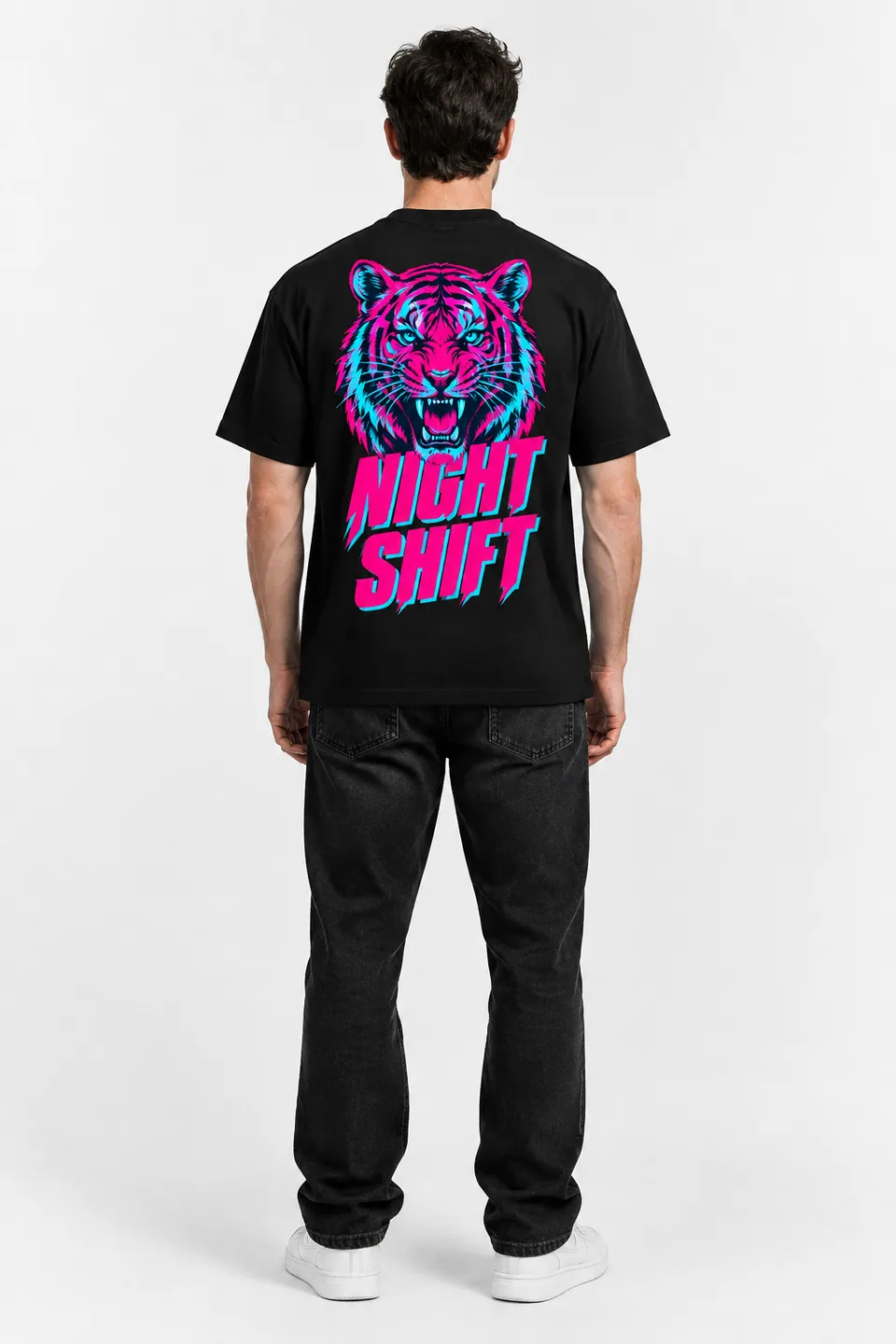 BeforeAfter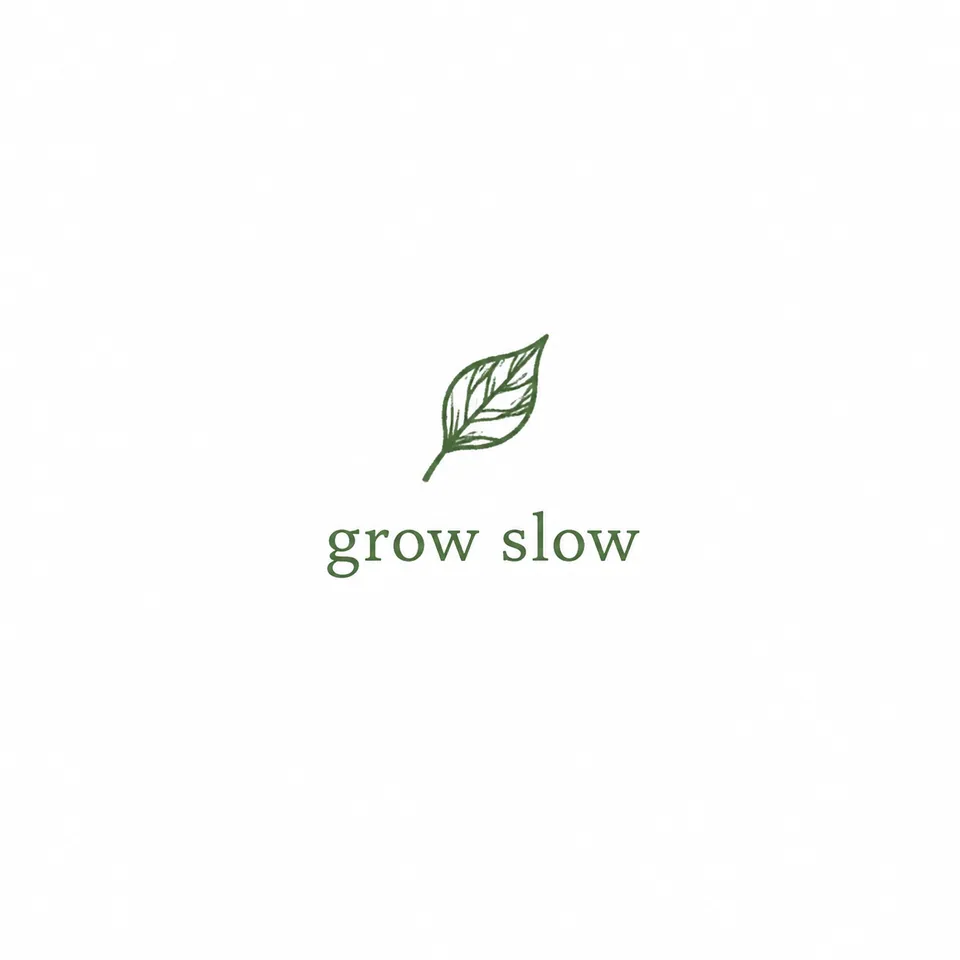
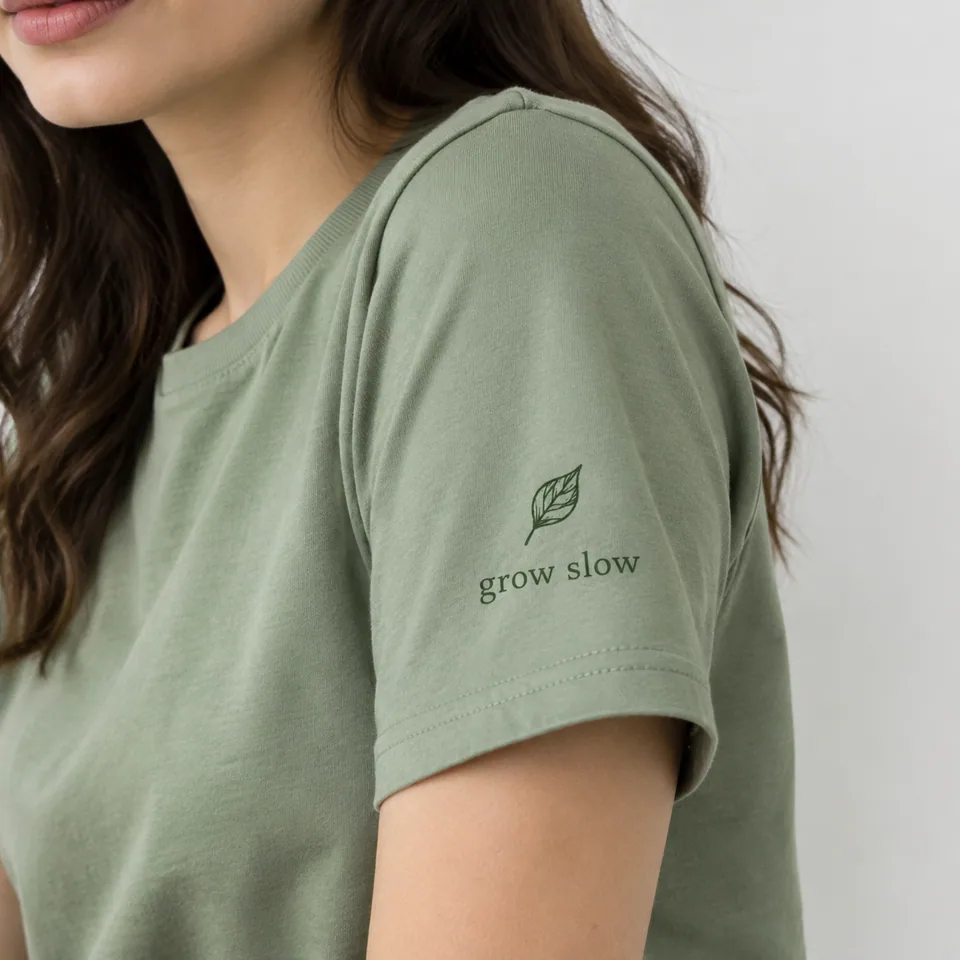 BeforeAfter
How the AI t-shirt mockup generator works
There is one upload slot and four settings. Upload your artwork: a logo, an illustration, a slogan, a pattern. Type the garment color in plain words, like "black", "navy" or "sage green". Then pick the print placement (center chest, center back, upper back, left sleeve or all-over print), the model type (woman, man, child or no model for a flat lay) and the shot type (studio portrait, outdoor, close-up or full body).
The AI places your design on the garment with realistic fabric folds, correct perspective and lighting, so the print wraps with the shirt instead of floating on top. It is instructed to keep your design's colors and proportions accurate, and the result is framed as an e-commerce-ready product photo.
Mockups for Etsy, Shopify and print-on-demand stores
Print-on-demand lives and dies on listing photos, and ordering samples of every design in every color is slow and expensive. Generate a full gallery from one file instead: a flat lay for the main image, an outdoor lifestyle shot, a close-up that shows print quality, and a back view if you print there.
Keep the model type and shot style consistent across your catalog and the whole Etsy shop or Shopify collection looks like it came from one photo shoot. Launch new designs the same day you finish them and let sales, not guesses, decide which ones get physical samples.
Always show the garment color and placement the customer will actually receive. Accurate photos mean fewer returns and better reviews.
Test merch designs with your audience first
Creators, bands, podcasters and streamers can post three or four mockups as an Instagram carousel or TikTok slideshow and let followers vote. You order inventory only for the winner, and fans feel involved in the drop.
Print shops and agencies can send clients a mockup with every quote: the logo on a navy tee at center chest, or small on the left sleeve with a big back print. Approvals happen faster and there are fewer "that's not what I pictured" moments after the run.
Teams, run clubs, schools and event organizers can settle on colors and logo placement in a group chat before anyone places an order.
Getting a clean print on the mockup
Start with a high-resolution PNG on a transparent background. Clean edges help the model separate the artwork from its background. If you only have a JPG, place the design on a flat color that contrasts with the art.
Think about contrast the way a screen printer would. Light and pastel artwork pops on dark fabric; bold dark artwork reads best on white, heather gray or light colors. When in doubt, run the same design on two garment colors and compare.
Pay as you go, one balance
No subscription. Each generation is charged to a single balance that also covers the other image tools, chat with dozens of models and the API. New accounts get a starting balance. Use it in the browser or in the Telegram bot @tokionaibot, and generate the design itself in chat if you don't have one yet.
Who it's for
Print-on-demand sellers
Build complete Etsy, Shopify or Amazon listing galleries from one design file, without ordering samples first.
Creators and bands
Mock up merch ideas, post them for a vote and order only the design your audience actually wants.
Print shops and agencies
Attach a realistic preview to every quote so clients approve color and placement before the press runs.
Teams and event organizers
Agree on the club, school or company shirt in the group chat before placing a bulk order.
Pro tips
- Upload a transparent PNG at high resolution for the cleanest print edges.
- Name the color precisely, like "charcoal", "cream" or "forest green", rather than just "dark".
- Use the flat lay for the main listing image and an outdoor shot for lifestyle context.
- Add a close-up to show print quality; buyers like to zoom in on details.
- For a consistent catalog, keep model type and shot type the same and change only the design.
Good to know
- A mockup is not a print proof. Real ink and fabric colors can differ slightly.
- You can't choose the garment cut or style; you control color, placement, model and shot.
- Very thin lines and tiny text in the artwork may simplify on fabric.
- Models are generated, so you can't pick a specific person or keep the same face across shots.
What it costs
- Pay only for what you generate — no subscription.
- One balance for image tools, chat with 52 AI models and the API.
- Free starter credits when you sign up, no card needed.
Questions
What file should I upload?
Your finished design, ideally a PNG with a transparent background. Logos, illustrations, text designs and patterns all work.
Can I get a mockup without a model?
Yes. Choose "no model (flat lay)" in the model type field. It's a great fit for main listing images.
Which print placements are available?
Center chest, center back, upper back, left sleeve and all-over print.
Will my design's colors stay accurate?
The model is instructed to keep your design's colors and proportions. Very dark artwork on dark fabric may lose contrast, just like in real printing.
Can I use these mockups in my Etsy or Shopify listings?
Yes, as long as the design is yours or licensed and the listing matches what buyers receive, including color and placement.
How much does a mockup cost?
It's pay as you go: each generation is charged to your balance, and the current price is shown on this page. No subscription.
Can I do hoodies or other garments?
The tool is built around apparel with a print and your chosen settings. The garment cut isn't a separate option, so check the result and run a variation if needed.
More image tools


Try AI T-Shirt Mockup Generator now
Free starter credits, no credit card. Works in any browser.
Open the tool — free