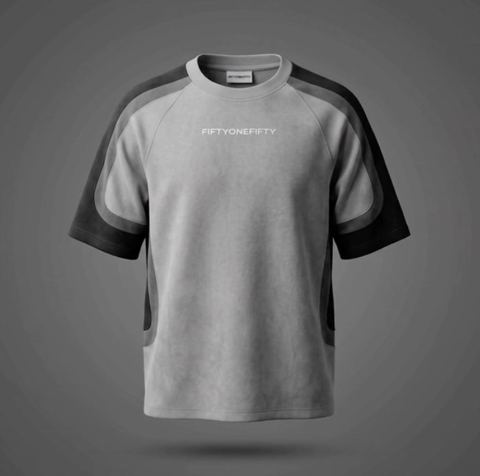
AI Ghost Mannequin Photos in One Upload
Show the garment, not the model. Upload one clothing photo, type the backdrop color you want, and the AI renders it as if worn by an invisible body, with shape, fabric and logo kept accurate.
- $0.01per image
- 1photo to upload
- 0prompts to write
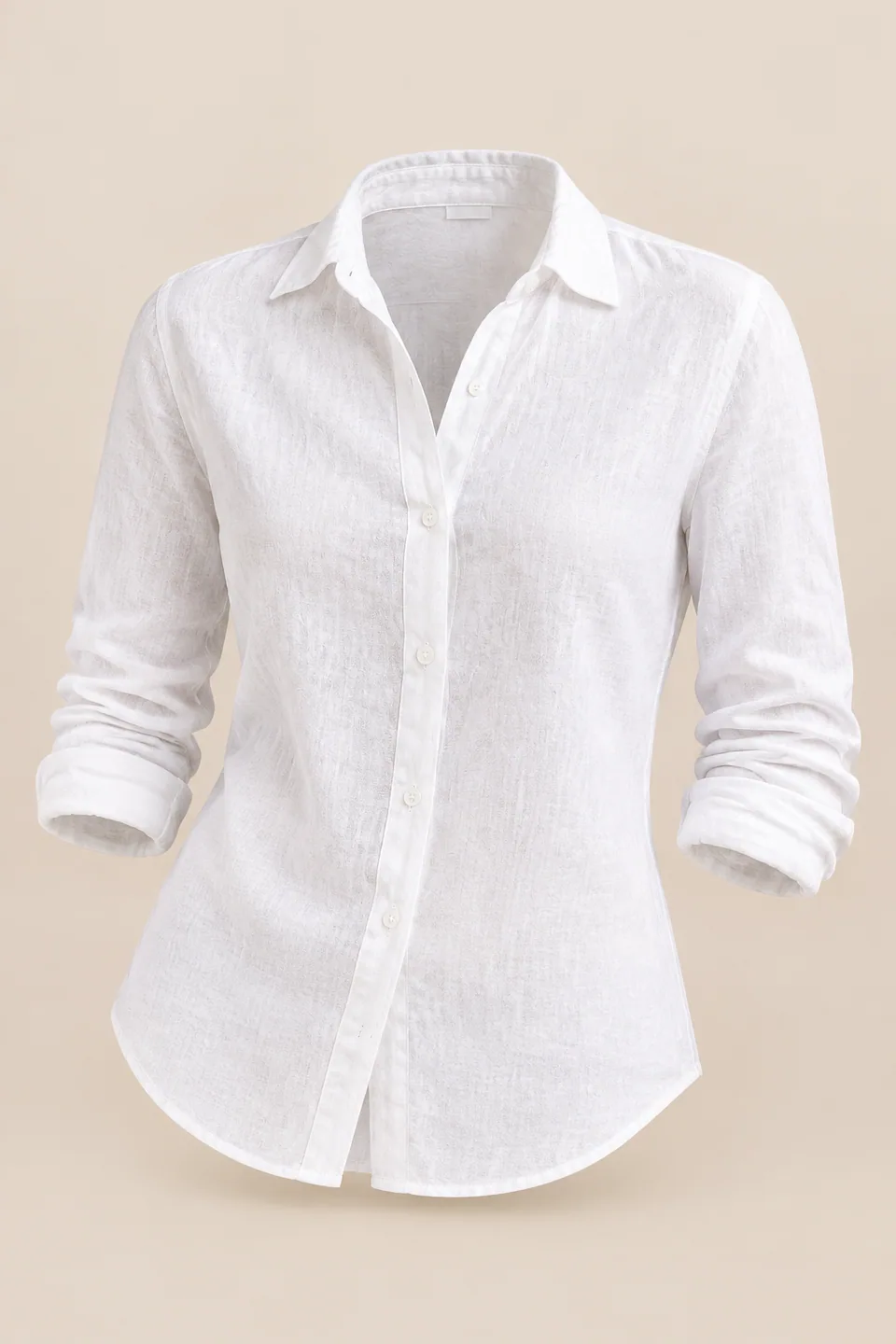
How it works
- 1Upload
Add one photo — the form tells you exactly what fits best.
- 2Adjust
Optional fields steer the result: style, mood, text to render.
- 3Download
Get a finished image in seconds, then iterate or try a variation.
Examples
 BeforeAfter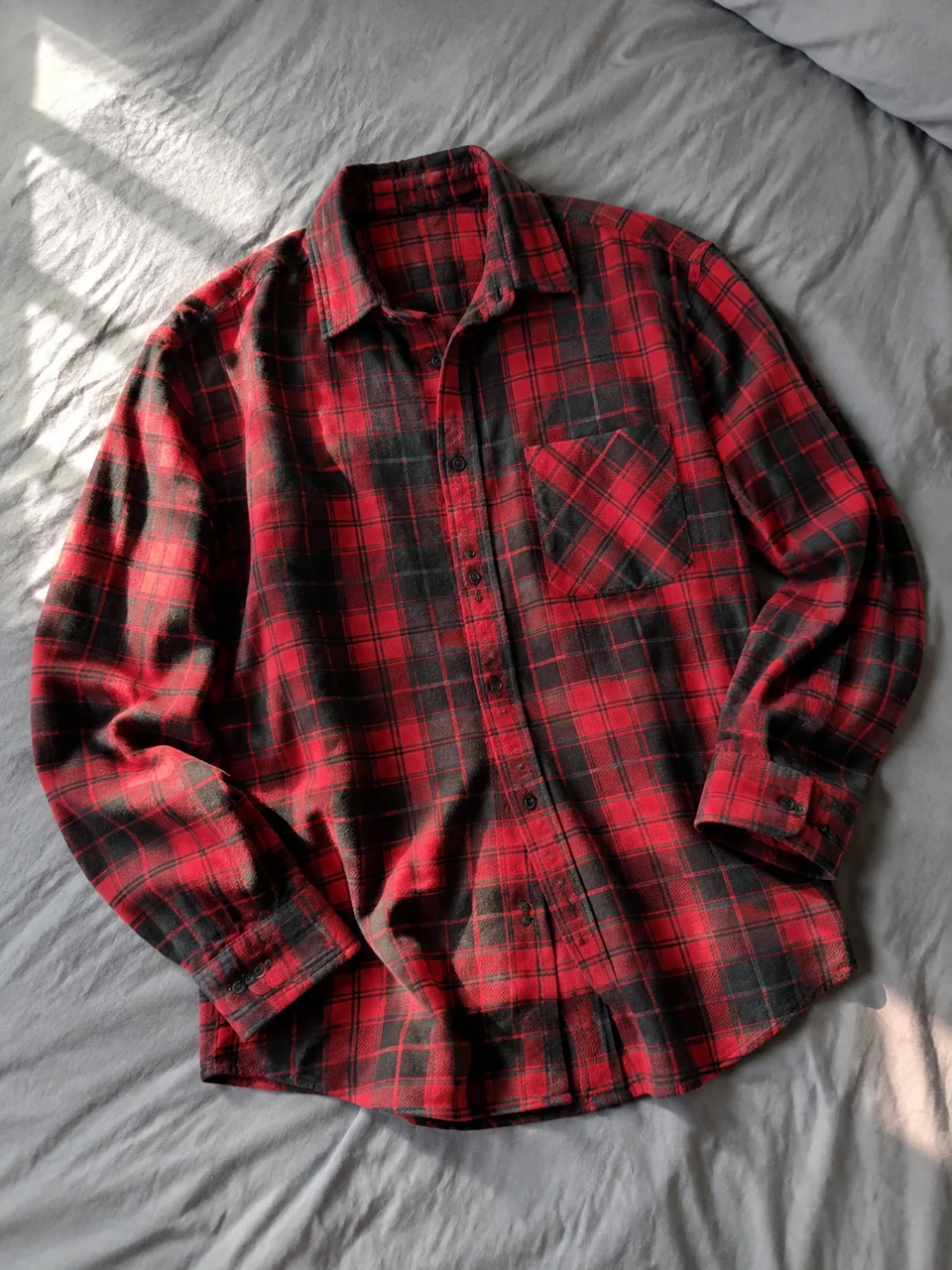
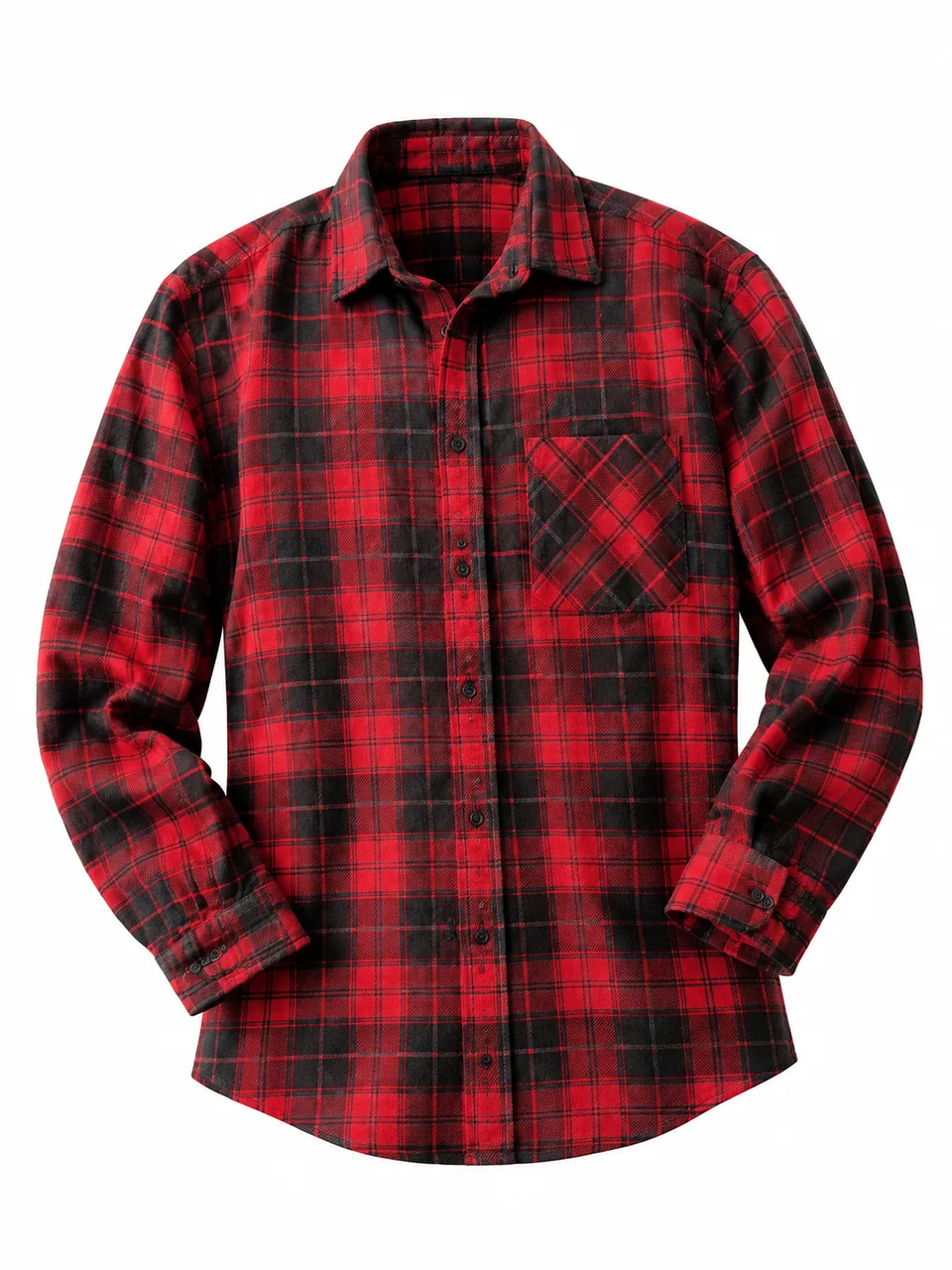 BeforeAfter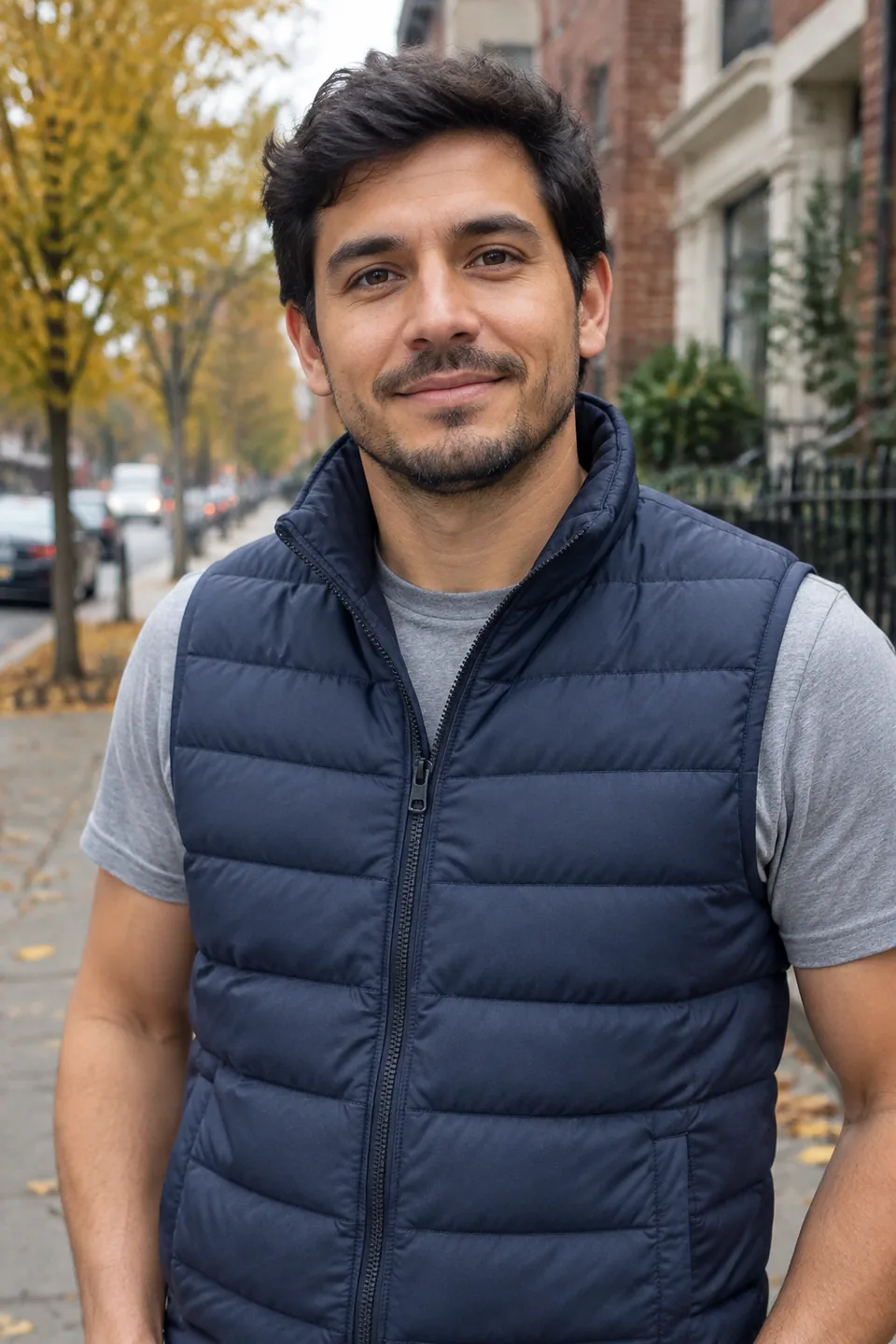
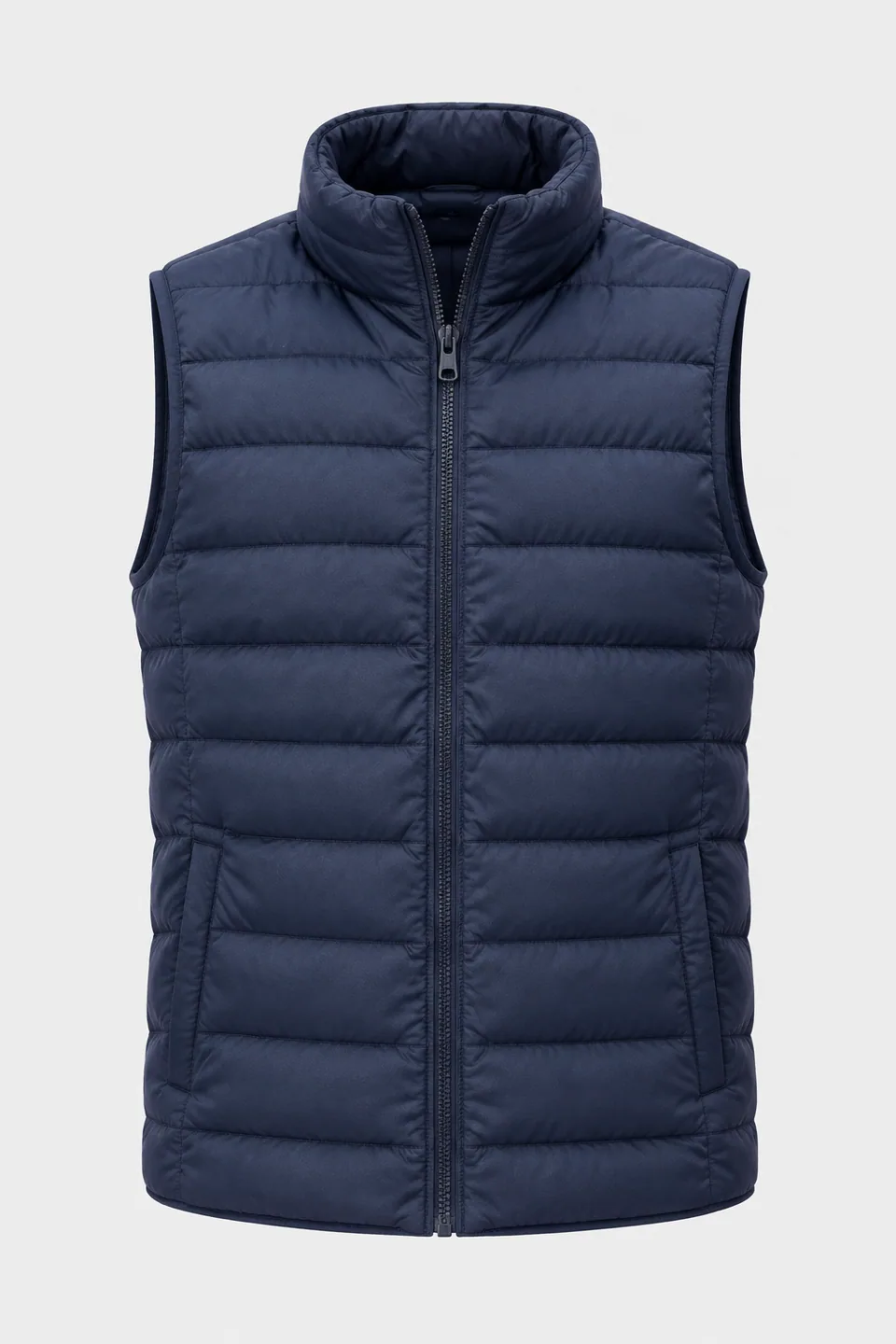 BeforeAfter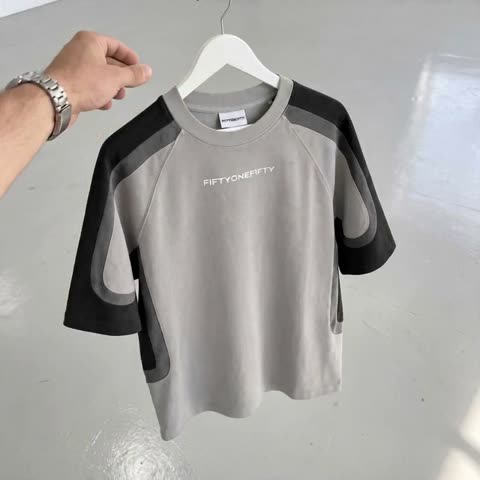
What the ghost mannequin effect is, and how AI does it
The invisible-model look is the apparel industry's default for clean catalog images: a shirt or dress holds its three-dimensional shape, the neckline and sleeves fall naturally, yet no person or form is visible. Traditionally it takes a special dress form with removable parts, several exposures and careful compositing in post.
Here it takes one photo. Upload a garment shot on a model or laid flat, and the AI turns it into an invisible-model product image with even studio lighting. The garment's shape, fabric, details, logo and colors are kept accurate.
The form has two fields: the clothing image and a backdrop color. Type a plain word like "white" or "light gray", or a hex value such as #F5F5F5 to match your brand.
Ghost mannequin images for Shopify, Amazon and Etsy
Independent fashion brands on Shopify need a catalog that looks consistent from the first drop to the tenth. Setting the same backdrop value for every product gives you exactly that, without booking a studio and a retoucher for each release. The result works as the primary image, as a collection grid tile and as the base for size-chart slides.
Amazon apparel sellers and print-on-demand shops can turn supplier flats or quick hanger shots into clean images that highlight cut and fit. Etsy sellers of handmade knitwear, linen dresses or upcycled denim get a polished presentation that lets the craftsmanship show.
Invisible mannequin shots for resale, vintage and social
Resellers on eBay, resale apps and Instagram shops often photograph items on a bed or hanging on a door. Running those through the tool gives a uniform, shoppable look, while the fabric and color stay truthful to the actual item. Add a close-up of any wear so buyers get the full picture.
On Instagram and TikTok, a carousel that pairs an on-body outfit shot with an invisible-model image shows both the vibe and the construction. Pinterest pins with clean apparel imagery also tend to be easier to reuse across boards.
Pricing and where it runs
Pay as you go, with no subscription. Every generation draws from one balance shared with the other image tools, a chat with dozens of models and the API. New accounts get a starting balance to test with a few garments first.
Use it in the browser or through the Telegram bot @tokionaibot. After you have the images, a chat model in the same account can draft product descriptions and care instructions.
Who it's for
Independent fashion brands
Launch collections with catalog-consistent imagery on a brand-color backdrop, without scheduling models or a studio for every drop.
Resellers and vintage shops
Turn hanger and bed shots into clean listings for eBay or Instagram. The fabric and color stay honest to the real item.
Print-on-demand and merch sellers
Show tees and hoodies with a natural 3D shape and a sharp print, ready for Shopify, Etsy or Amazon product pages.
Makers of handmade clothing
Knitwear, linen and tailored pieces get a professional presentation that highlights construction and texture.
Pro tips
- Steam or smooth the garment first; storage creases can be mistaken for design details.
- Capture the full piece, including sleeves and hem, without cropping at the frame edge.
- Use a hex code for the backdrop to keep every product in a collection on exactly the same shade.
- Pick contrast: white garments look best on light gray or beige, darker ones on white.
- Make sure prints, logos and labels are in focus in the original so they carry over cleanly.
- If shooting on a person, keep a straight, front-facing pose for the most natural volume.
Good to know
- One upload gives one view. Photograph the back separately for a back-view image.
- Inner collar and lining areas are reconstructed by the AI, so compare them with the real garment.
- Single garments work best; full outfits in one frame are less reliable.
- Built for clothing. Shoes, bags and jewelry are better served by the product photoshoot tool.
What it costs
- Pay only for what you generate — no subscription.
- One balance for image tools, chat with 52 AI models and the API.
- Free starter credits when you sign up, no card needed.
Questions
What is a ghost mannequin photo?
An apparel image where the garment looks worn and three-dimensional, but no model or dress form is visible. It keeps attention on cut, shape and fabric.
What kind of photo should I upload?
A clothing image shot on a model or as a flat lay. Make sure the whole garment is visible and evenly lit.
How do I set the backdrop color?
Type it into the background color field, as a word like 'white' or 'light gray', or as a hex code such as #F5F5F5.
Will the AI change my print or logo?
The model keeps shape, fabric, details, logo and colors accurate. Still, review small text and tags before publishing.
Can I use the images on Amazon or Shopify?
Yes, a clean garment on a solid backdrop fits typical apparel listing standards. Confirm the specific requirements of your marketplace category.
Does it work for shoes or handbags?
It's designed for garments. For shoes, bags and accessories, use the product photoshoot tool instead.
Can I shoot the garment on myself?
Yes. Stand straight, face the camera, keep your arms down and move hair away from the neckline. The AI removes the body and keeps the garment's shape.
How much does it cost?
Each generation is charged to your balance, and the current price is shown on this page. There is no subscription.
More image tools


Try AI Ghost Mannequin Effect now
Free starter credits, no credit card. Works in any browser.
Open the tool — free