AI Hairstyle Changer: See a New Haircut on Your Own Photo
Upload a selfie and a picture of the cut you want. The AI hairstyle changer transfers the haircut to you, so you can decide before anyone picks up the scissors.
- $0.01per image
- 2photos to upload
- 0prompts to write
How it works
- 1Upload
Add 2 photos — the form labels each slot so you know what goes where.
- 2Adjust
Optional fields steer the result: style, mood, text to render.
- 3Download
Get a finished image in seconds, then iterate or try a variation.
Examples
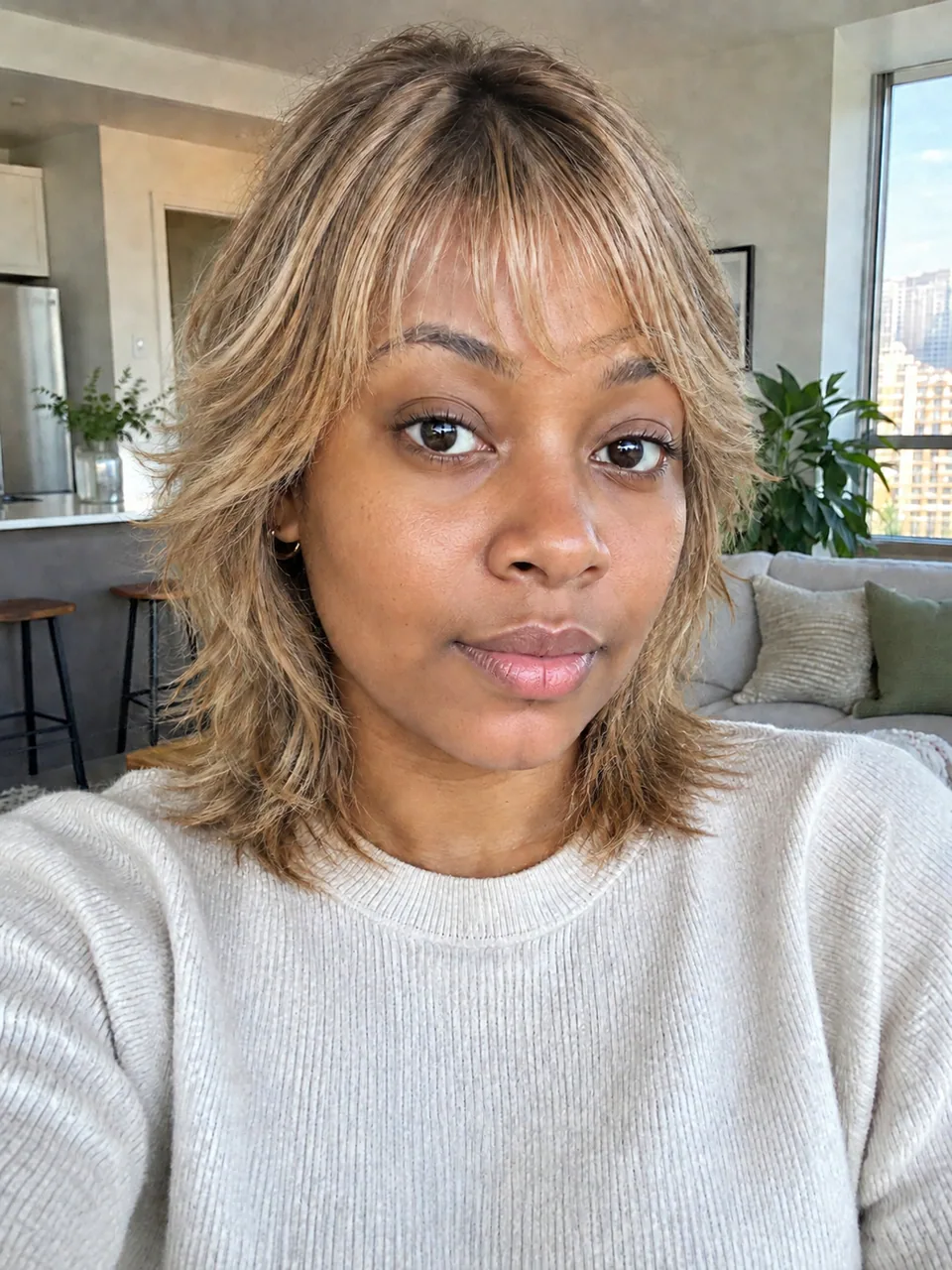
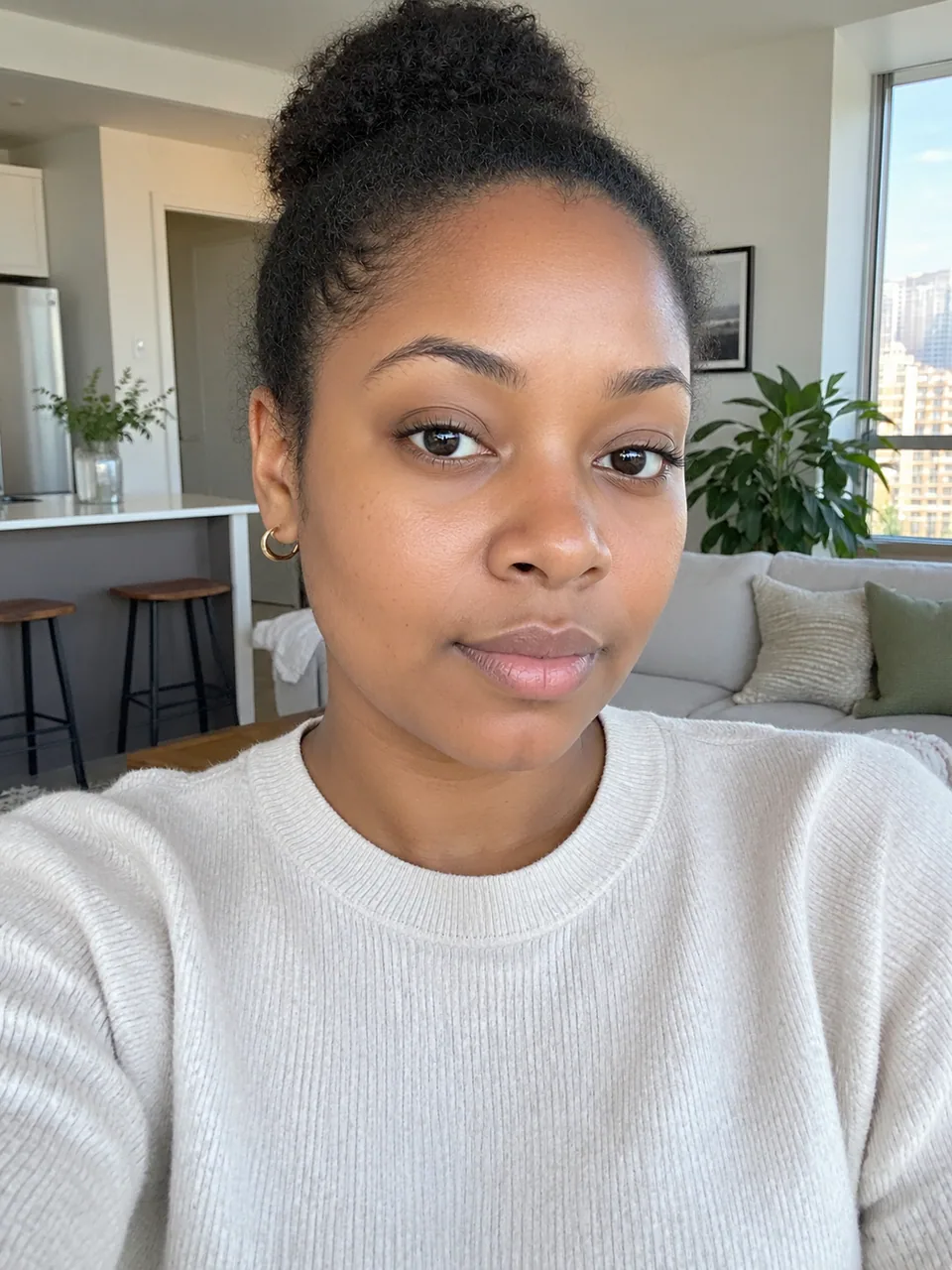 BeforeAfter
 BeforeAfter
 BeforeAfter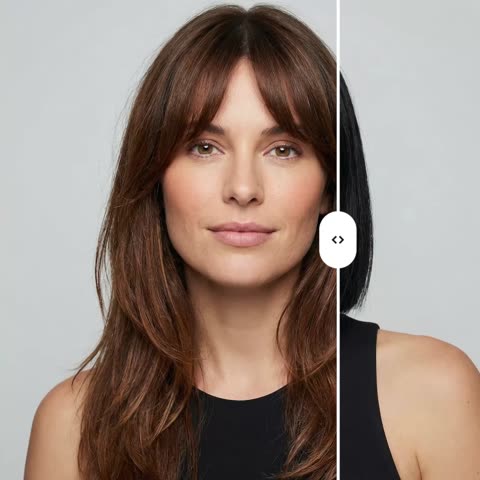
How the AI hairstyle changer works
The form has two image slots. The first one, the reference hairstyle, is the haircut you have in mind: a Pinterest pin, a stylist's portfolio shot, a screenshot from a TikTok tutorial. The second one is your own photo.
The model reads the reference and rebuilds that cut on your head: shape, length, color, texture and parting. Everything else stays as it was in your picture, including your facial features, skin tone, expression, pose, background and lighting. The output is a single photorealistic image, not a cartoon wig pasted over your hair.
There is no text prompt to write. You don't need to know whether the cut is called a shag, a wolf cut or a textured crop; the reference image carries all the information.
Try on hairstyles before your salon appointment
A big change is hard to undo. Going from long hair to a bob can mean a year of growing it back, and bangs have a way of looking different on you than on the model in the photo. Trying on hairstyles first turns that gamble into a simple comparison.
Save a few results side by side, show them to a friend, then book the appointment with a clear picture. Most stylists appreciate a client who arrives with a visual brief based on their own face rather than a celebrity mood board.
A haircut simulator for stylists, salons and creators
Stylists can take a quick photo of a client during a consultation, run two or three options and agree on a direction before the first cut. It cuts down on redo requests and gives nervous clients confidence to try something new.
For salon Instagram accounts and TikTok creators, the tool is a content engine: "rating haircuts on my followers" videos, seasonal trend roundups on real faces, or polls asking the audience which cut to try next. Because the results look like actual photos, they read as genuine posts instead of filters.
For hair brands on Amazon, Etsy and Shopify
If you sell wigs, clip-in bangs or hair toppers, customers want to know how a style frames a face like theirs. Using photos of your own models, you can show one wig style on several different faces and add those images to your product listing or store page.
Tokion works in the browser and in the Telegram bot @tokionaibot. You pay as you go for each generation, with no subscription, from one balance that also covers other image tools, chat with dozens of models and the API. New accounts get a starting balance to test with.
Who it's for
Anyone considering a big change
Curious about a pixie cut, curtain bangs or a buzz cut? See it on your own face first, compare a few versions, and make the call calmly at home.
Hairstylists and barbers
Preview cuts on the client's real photo during the consultation. Fewer misunderstandings, fewer redos, and more clients willing to try a fresh look.
Creators and social media managers
Build before-and-after carousels, follower makeover series and trend roundups for Instagram and TikTok with images that look like real photography.
Wig and hair accessory sellers
Show how a single style looks on different face shapes using your own model photos. Richer listings help shoppers choose with confidence and return less.
Pro tips
- Use a front-facing photo of yourself with your hair down and your forehead visible, so the model can read the shape of your head.
- Take off hats, headbands and sunglasses pushed up into your hair before shooting your photo.
- Pick a reference where the whole haircut is visible from the front, shot in even light and in sharp focus.
- Match the head angle between the two photos when you can; parting and bangs fall more naturally that way.
- The reference's hair color transfers too. To keep your current shade, choose a reference with similar color.
- If the first result isn't quite right, generate a variation or try a different photo of the same cut.
Good to know
- You can't take only the shape and keep your own color: the whole hairstyle transfers, shade included.
- The image shows how a cut could look, not how your hair's density and curl pattern will behave in real life. Your stylist should confirm what's achievable.
- Group shots, photos where hair is covered by a hood, hat or hands, and heavily filtered selfies lead to less accurate results.
What it costs
- Pay only for what you generate — no subscription.
- One balance for image tools, chat with 52 AI models and the API.
- Free starter credits when you sign up, no card needed.
Questions
What photos do I need?
Two: a picture of the haircut you want in the reference slot and a clear photo of yourself. There's no text prompt to fill in.
Will the AI change my face?
No. Only your hair changes. Facial features, skin tone, expression, pose, background and lighting stay the same as in your original photo.
Can I try long hair if mine is short right now?
Yes. The model builds the length from the reference. Very complex styles occasionally need a second variation to look fully convincing.
Does it work for men's haircuts?
Yes. Fades, textured crops, slick-backs and longer men's styles transfer the same way. Barbers use it to show the difference between two similar cuts that are hard to explain in words.
Where can I use it?
In any browser on tokion.io and in the Telegram bot @tokionaibot. You can download each result or generate a variation.
How much does it cost?
You pay per generation from your Tokion balance, with no subscription. The current price is shown on this page, and new accounts get a starting balance.
Can salons post the results on social media?
Yes, you can download and publish them. If the photo shows a client, get their permission before posting.
Why does the hair look off in my result?
Usually the head angles differ too much or the reference is cropped. Use a sharper, front-facing reference and a similar pose in your own photo, then run a variation.
More image tools

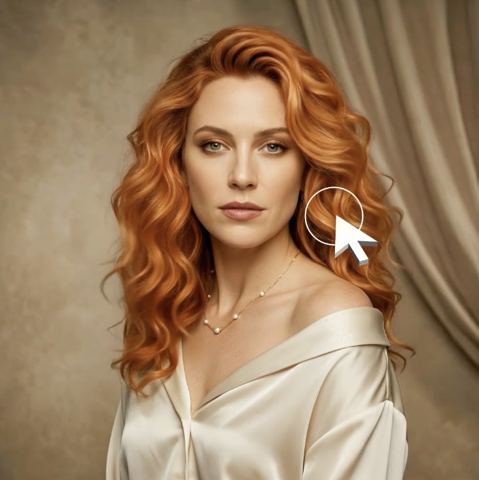
Try AI Hairstyle Changer now
Free starter credits, no credit card. Works in any browser.
Open the tool — free