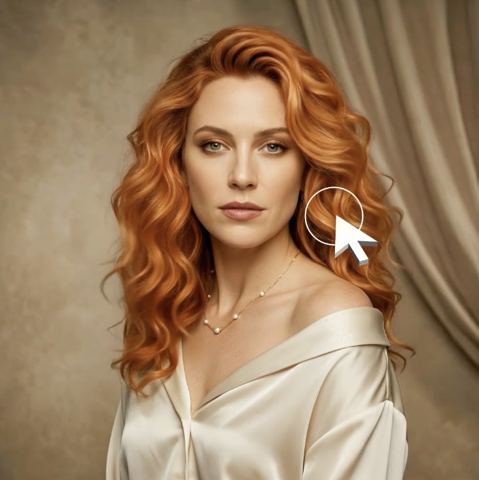
AI Hair Color Changer: Preview a New Shade on Your Photo
Type a color, upload a photo, and see realistic results on your own hair, with roots, highlights and shadows, before you buy the box or book the colorist.
- $0.01per image
- 1photo to upload
- 0prompts to write
How it works
- 1Upload
Add one photo — the form tells you exactly what fits best.
- 2Adjust
Optional fields steer the result: style, mood, text to render.
- 3Download
Get a finished image in seconds, then iterate or try a variation.
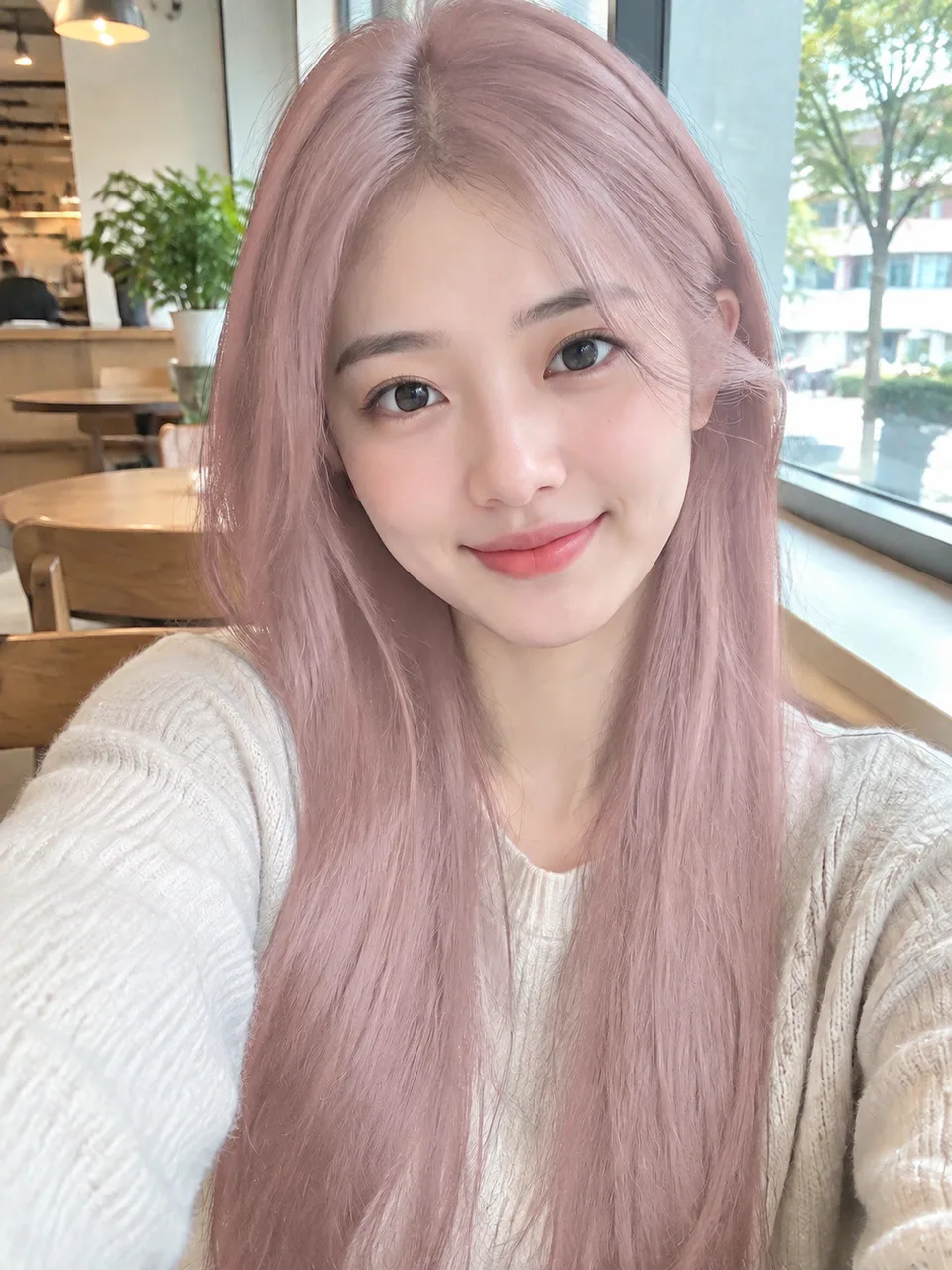
Examples
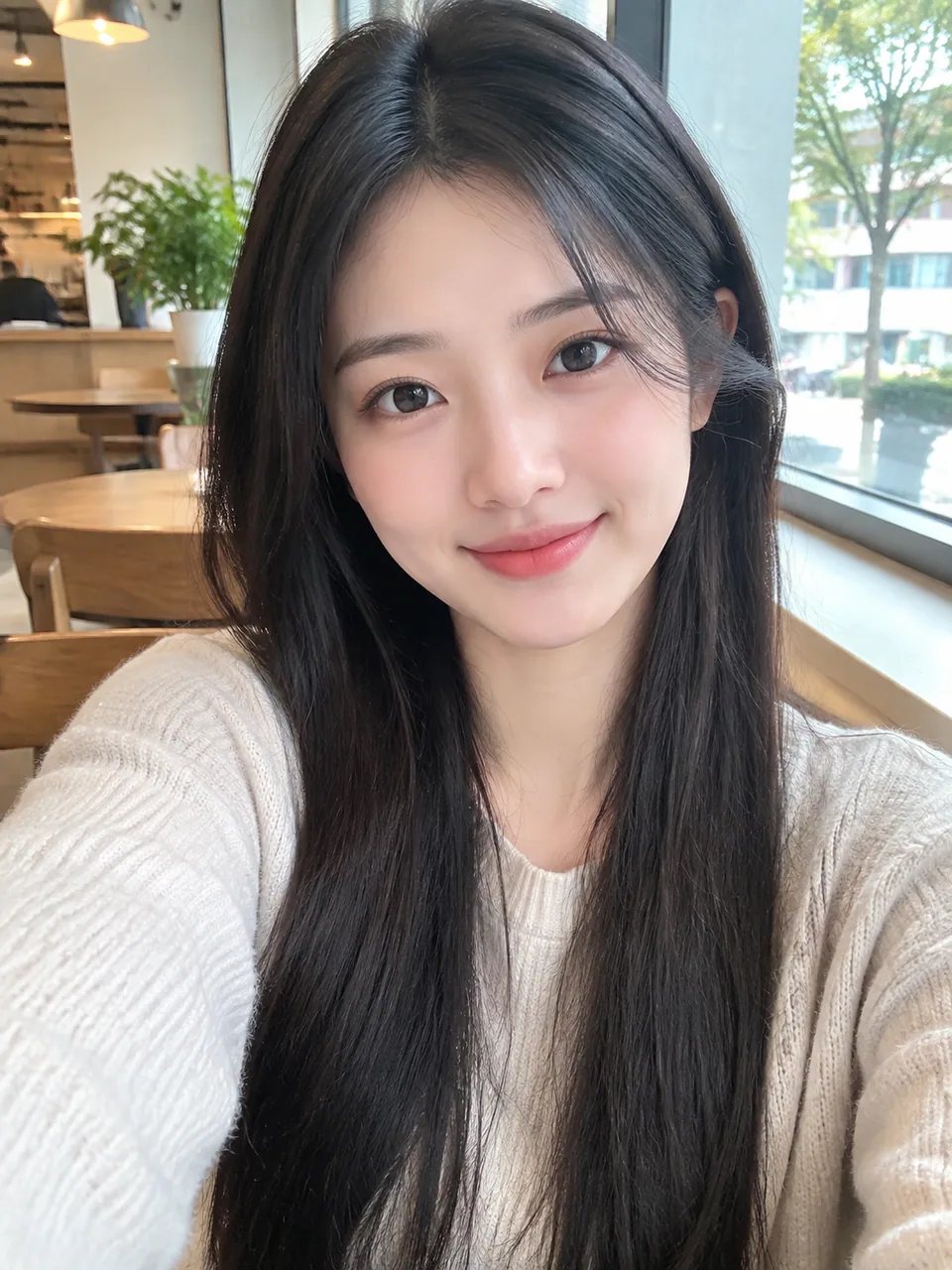 BeforeAfter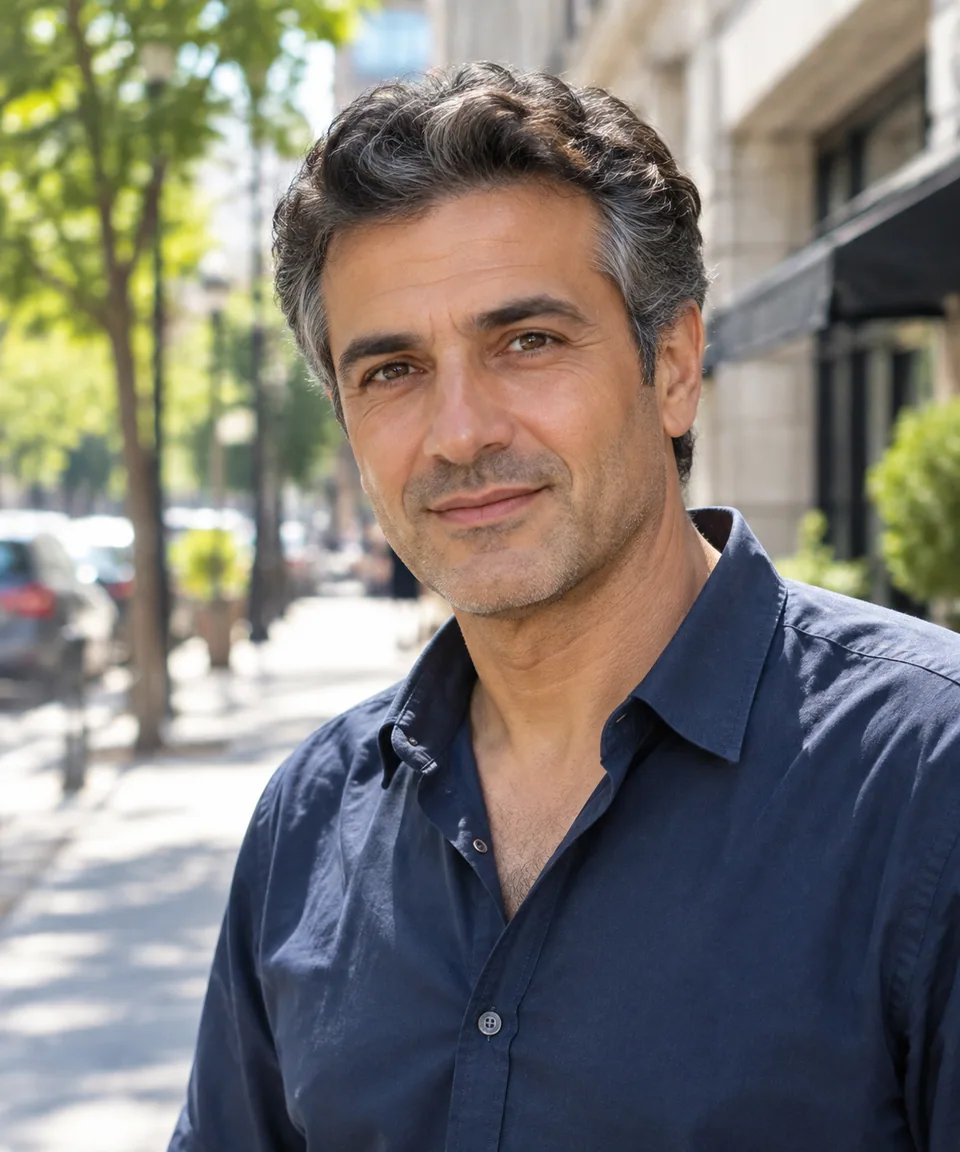
 BeforeAfter
 BeforeAfter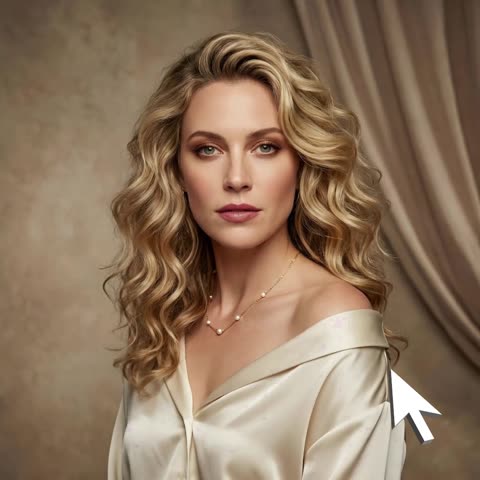
How the AI hair color changer works
You upload one photo and fill in a single field: the hair color you want. Write it the way you'd describe it to a friend, like "strawberry blonde", "cool ash brown", "jet black" or "rose gold with dark roots".
The model recolors only your hair, from roots to ends, with highlights and shadows that follow the lighting in your photo. Your haircut, length, texture, face, pose and background stay exactly as they were. The result reads as a photo of you with different hair, not a flat color overlay.
Hair color try-on before you commit
Hair dye is a commitment. Going from dark brown to platinum means bleaching, toning and months of maintenance, and a red that looks great on Pinterest might wash out your skin tone. A quick hair color try-on answers the real question: does this shade work on me?
Run the same photo through several shades and compare them side by side. Once you've narrowed it down, save the winner and bring it to your colorist, or check it against the swatch on a box dye before you buy.
For salons, colorists and hair care brands
"Warm but not orange" means something different to every client. Colorists can snap a photo at the start of a consultation, generate two or three directions, and agree on the target before mixing anything. It sets expectations and builds trust with new clients.
Hair dye and toner brands selling on Amazon or Shopify can show every shade in a line on the same model photo, which makes a product gallery far easier to compare than a row of swatches. Etsy sellers of hair chalk, clip-in color streaks or handmade henna can do the same with their own model shots. Just be clear in your listing that the image is a visualization; real results depend on the customer's starting color.
Content for Instagram, TikTok and Pinterest
Beauty creators use hair color previews for "letting my followers pick my next color" series, seasonal trend roundups and polls. Because each variation comes from the same real photo, the carousel looks consistent and believable.
Tokion runs in your browser and in the Telegram bot @tokionaibot. Pay as you go per generation, with no subscription, from one balance that also covers other image tools, chat with dozens of AI models and the API. New accounts start with a small balance, so you can test a few shades right away.
Who it's for
Anyone thinking about dyeing
Curious about copper, silver or a soft balayage? See it on your own photo first, compare options at home, and walk into the salon with a clear goal.
Colorists and salons
Show clients their future shade during consultations. Shared expectations mean fewer surprises in the mirror and fewer corrective appointments.
Hair dye and accessory brands
Present every shade in your line on one model for Amazon, Shopify or Etsy listings. Shoppers compare tones faster and understand what they're buying.
Beauty creators
Build polls, makeover series and trend roundups for Instagram, TikTok and Pinterest with realistic, consistent images from a single photo.
Pro tips
- Shoot in natural daylight without filters. Warm indoor bulbs shift tones, and the model keeps your original lighting.
- Be specific in the color field: 'honey blonde with soft highlights' works better than just 'blonde'.
- Mention techniques if you want them, like ombre, balayage, dark roots or face-framing highlights.
- Wear your hair down when you want to judge the color along its full length.
- Compare shades on the same photo so differences in light don't skew your choice.
- If a result feels too intense, generate a variation or soften the wording, such as 'muted copper' instead of 'bright orange'.
Good to know
- Only the color changes. To try a different cut or length, use the AI Hairstyle Changer instead.
- The preview doesn't account for your starting color, hair condition or the dye used, so real salon results can differ.
- Hair that's barely visible, hidden under a hat, in deep shadow or cropped out of frame won't recolor convincingly.
What it costs
- Pay only for what you generate — no subscription.
- One balance for image tools, chat with 52 AI models and the API.
- Free starter credits when you sign up, no card needed.
Questions
How should I describe the color?
Use everyday words and add detail: warm or cool, light or deep, even or dimensional. 'Cool mushroom brown' or 'vivid cherry red' gives the model more to work with than a single word.
Will it change my haircut or face?
No. The AI hair color changer only recolors hair. Cut, length, texture, facial features, background and lighting stay as in your original photo.
Can I try fantasy colors?
Yes. Pastel pink, lilac, teal, electric blue: type any shade you like. It's the cheapest way to test a bold idea before you commit.
Does it cover roots and gray hair?
Yes, the recolor runs from roots to ends. If you'd rather keep a lived-in root, write 'with dark roots' in the color field.
Can brands use the images in product listings?
Yes, as long as you have rights to the original model photo. Note in your listing that shades are shown as a visualization.
Where does it work?
In any modern browser on tokion.io and in the Telegram bot @tokionaibot. You can download results or generate variations.
How is it priced?
Pay per generation from your Tokion balance, with no subscription. The current price appears on this page, and new accounts get a starting balance.
More image tools


Try AI Hair Color Changer now
Free starter credits, no credit card. Works in any browser.
Open the tool — free