Change Your Photo Background with AI
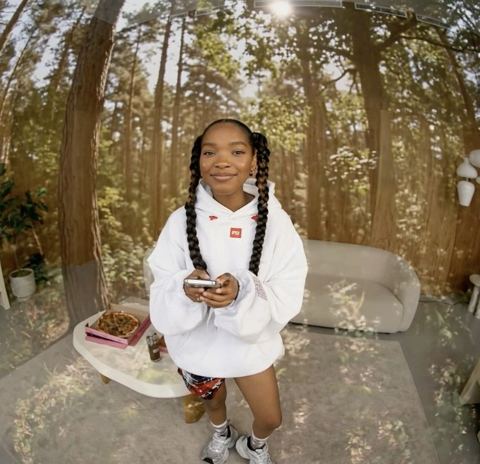
Drop in the photo you love and an image of the place it should have been taken. The AI rebuilds it as one seamless shot, with the subject lit to match the new scene.
- $0.01per image
- 2photos to upload
- 0prompts to write

How it works
- 1Upload
Add 2 photos — the form labels each slot so you know what goes where.
- 2Adjust
Optional fields steer the result: style, mood, text to render.
- 3Download
Get a finished image in seconds, then iterate or try a variation.
Examples
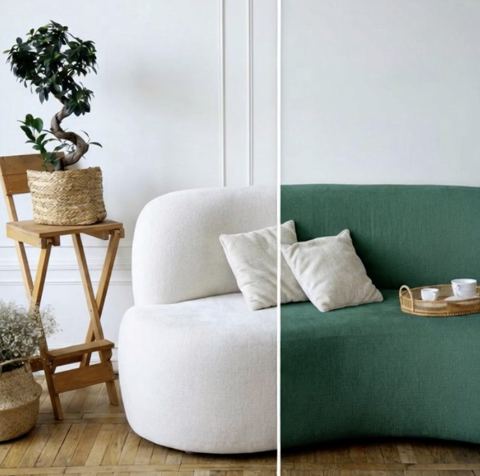
 BeforeAfter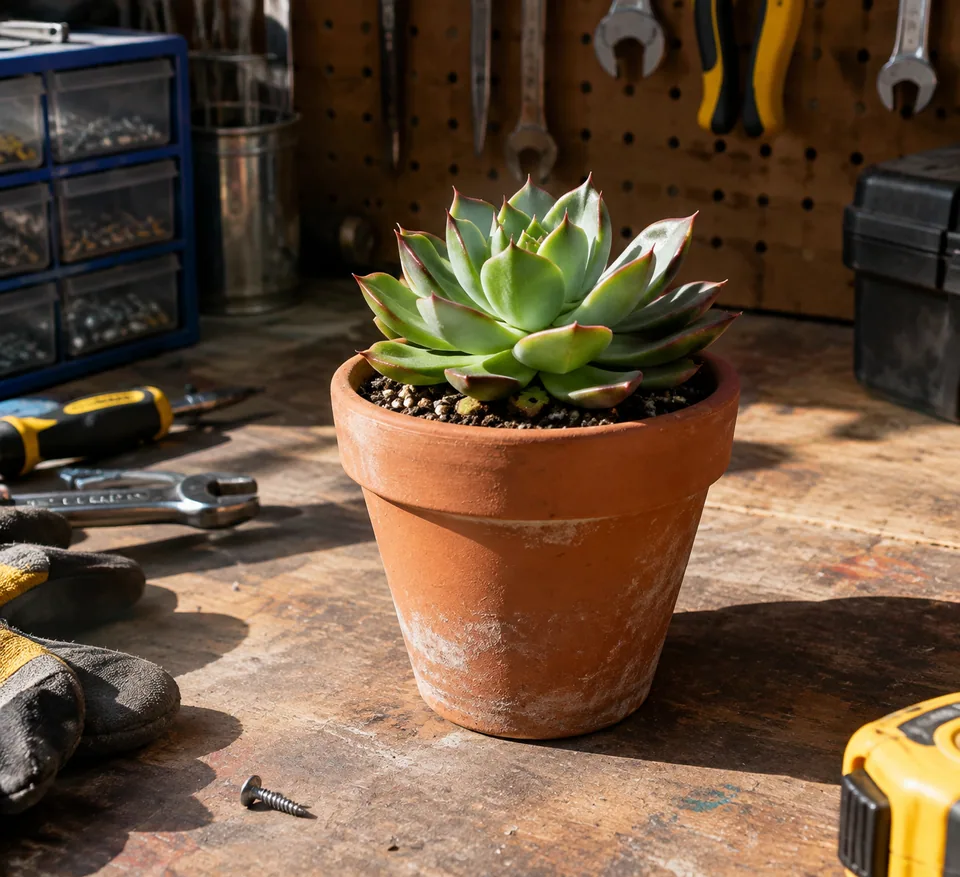
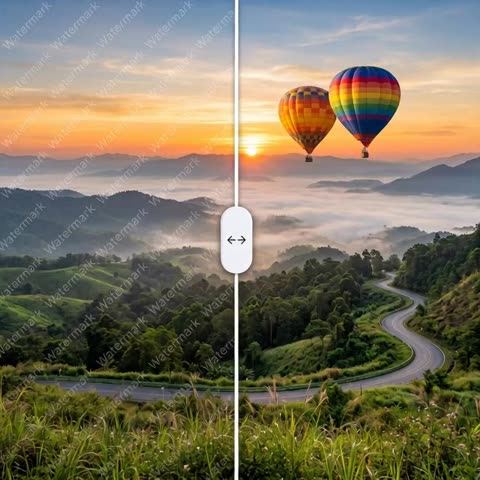
 BeforeAfter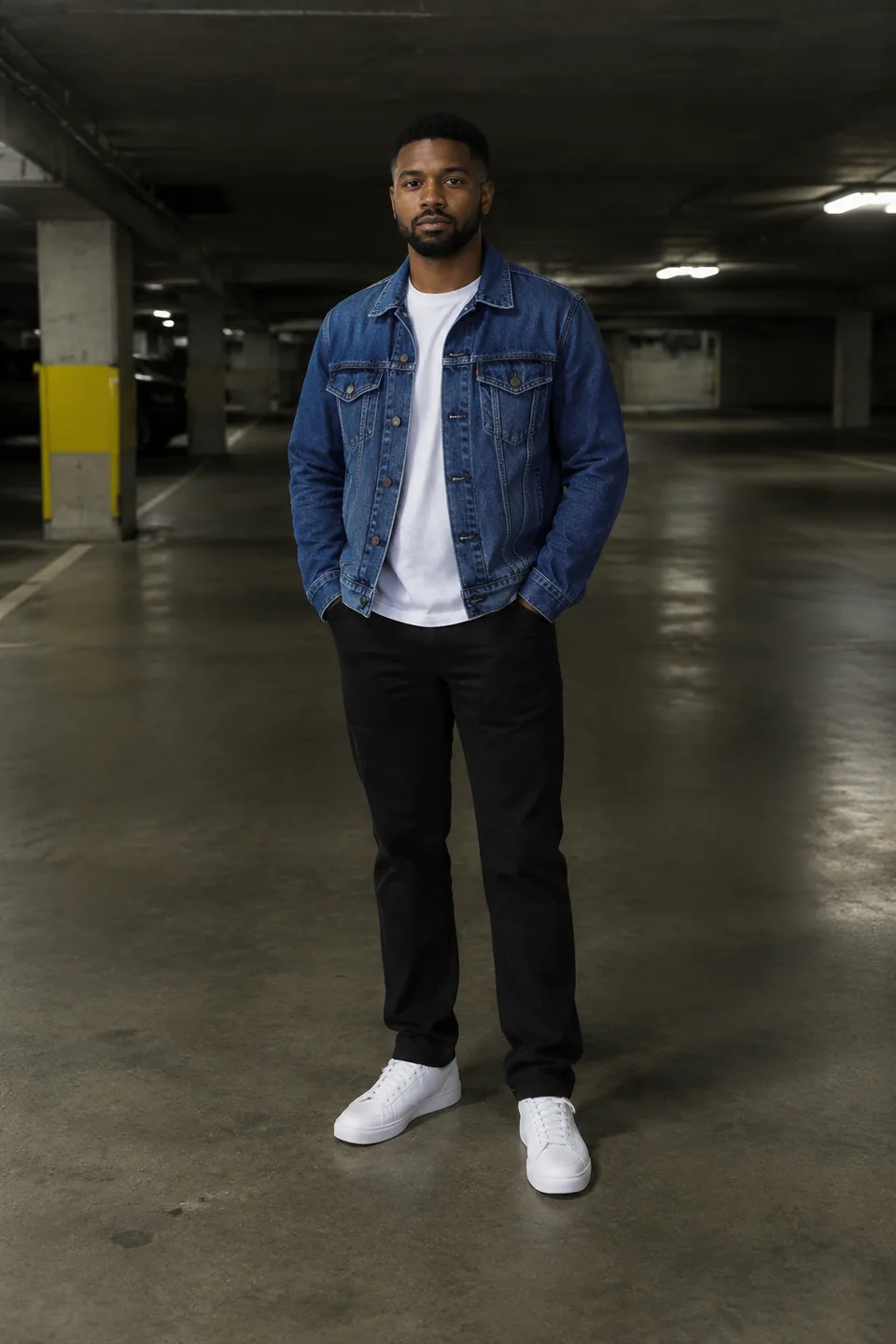
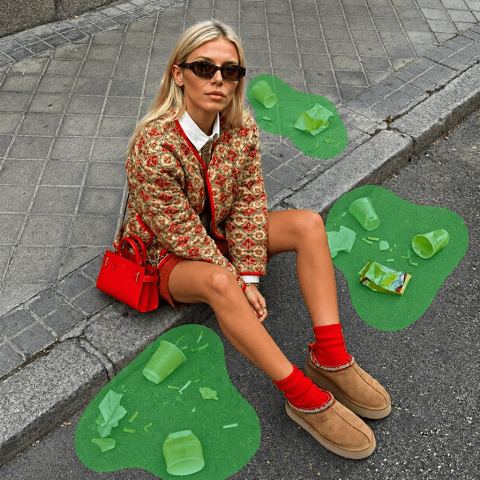
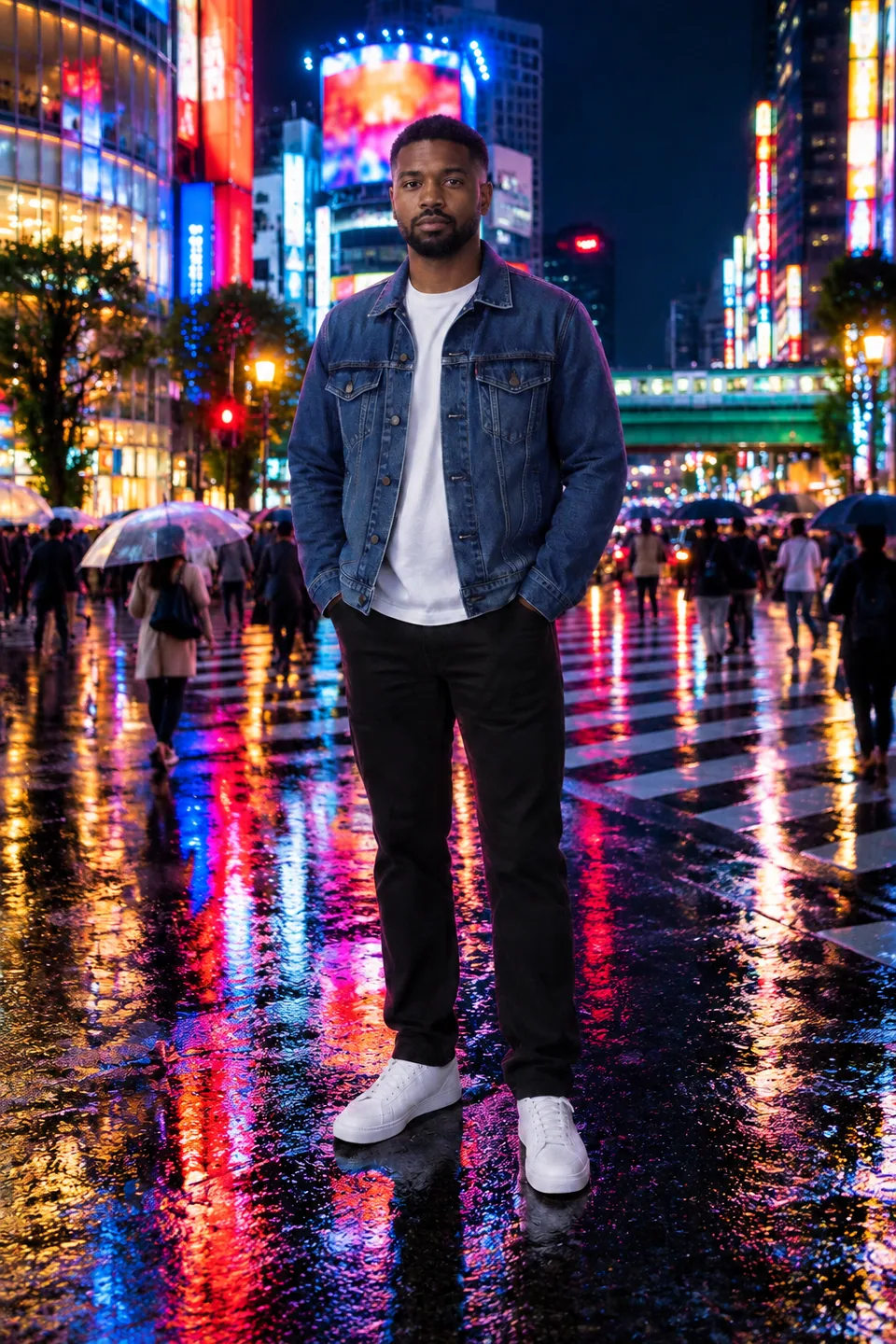 BeforeAfter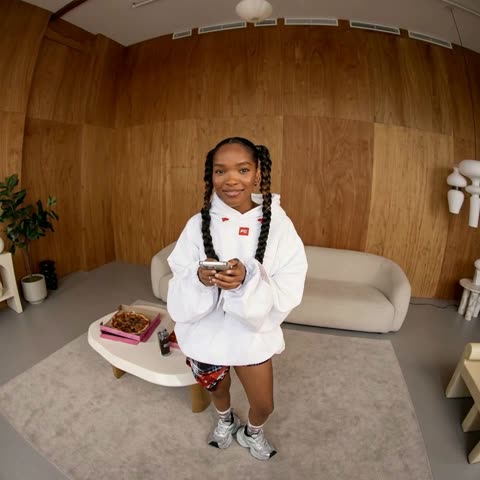
How to change a photo background without masking
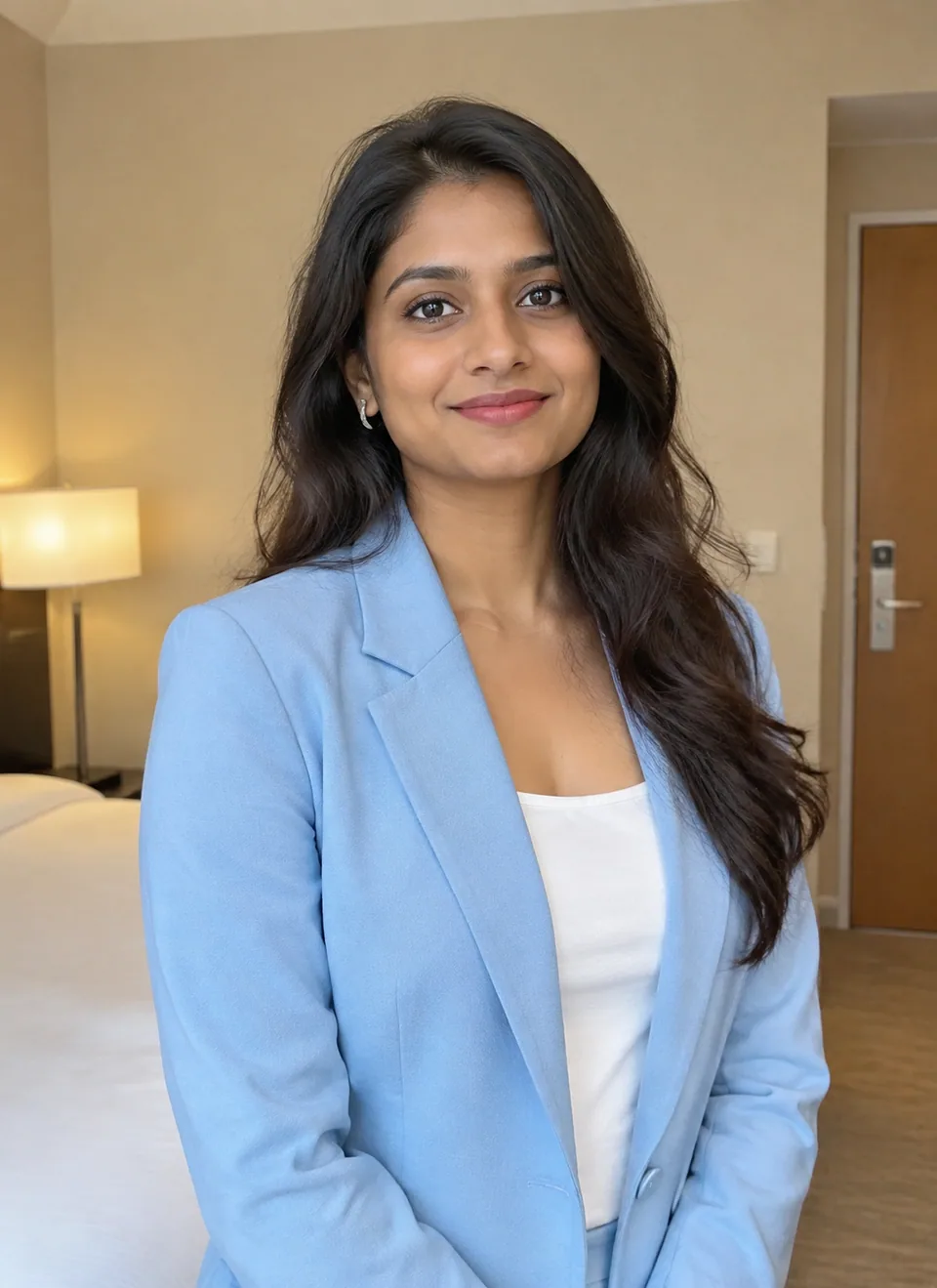
Traditional compositing means cutting out the subject, dropping in a new layer, then fighting with shadows, color casts and edge halos for an hour. This tool skips all of that. You upload two images: the original photo, and a reference picture of the new scene. The AI treats the second image as the set and places your subject inside it.
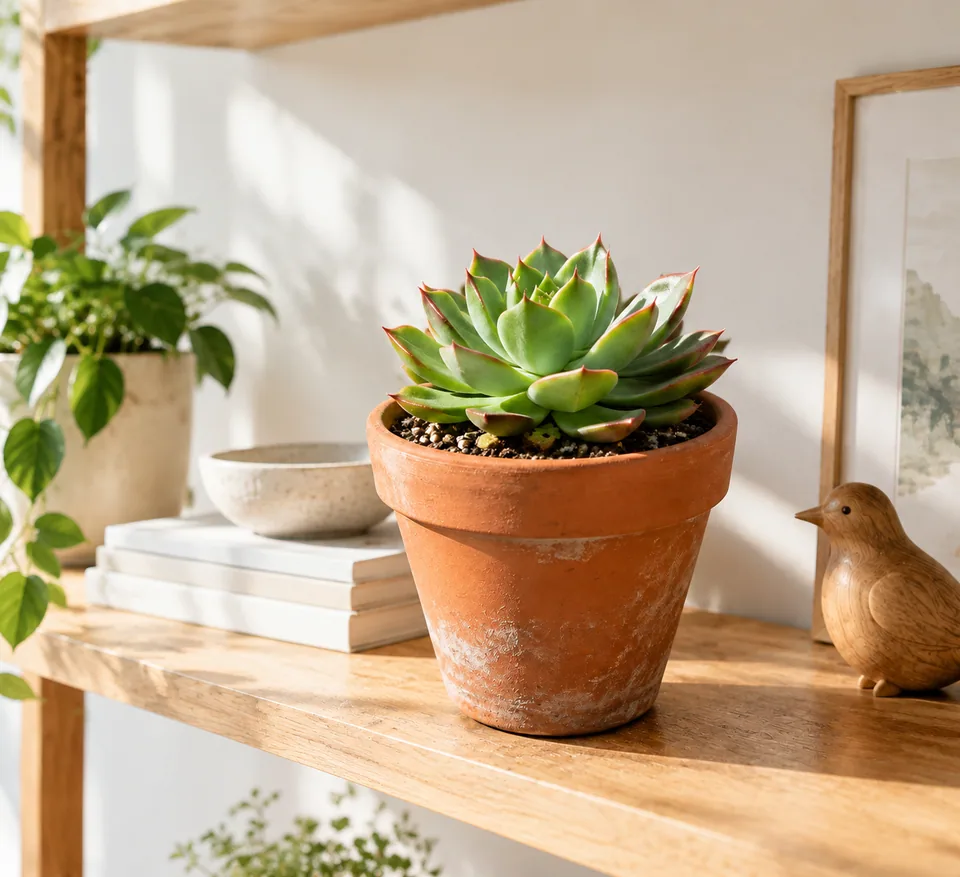
It isn't a sticker pasted on top. The model matches perspective and scale, light direction, shadows, color temperature and depth of field, so the result reads as a single exposure. The person or product keeps its identity, pose, clothing and details; only the surroundings change.
There is no prompt box. You choose the environment by picture, which means you get exactly the kitchen, street or studio wall you picked rather than an approximation of a sentence.
Lifestyle scenes for Amazon, Etsy and Shopify listings
Most small sellers shoot products on a desk or a countertop because that is where the light is. Buyers, however, respond to context: a mug on a breakfast table, a candle on a nightstand, a backpack on a trail. Upload your plain product shot and a photo of the setting you want, and you have a lifestyle image for secondary listing slots, your Shopify hero banner or a Pinterest pin.
Keep one scene file for an entire collection and your storefront looks like it came from a single photo day. Because the item itself is preserved, colors and finishes stay true, which keeps return rates and "not as pictured" complaints down.
Tip for marketplaces: many main-image rules still require a plain white backdrop. Use swapped scenes for the extra gallery images and ads, and keep the main image compliant.
Swap the scene for creators, LinkedIn and ad teams
Creators on TikTok and Instagram can move one good portrait into several environments and build a week of thumbnails and story frames from a single shoot. Recruiters and job seekers can turn a well-lit selfie into a LinkedIn photo with a clean office or bookshelf behind it, without looking like a different person.
Agencies use the tool for fast mock-ups: show a client their product in three candidate environments before anyone books a location. Once the direction is approved, the same composites often work as-is for paid social tests.
Pay as you go, one balance for every tool
There is no subscription. Each generation is charged to a single balance that also covers the other image tools, a chat with dozens of models and the API. New accounts get a starting balance, so you can test the swap on your own photos first.
It runs in the browser and in the Telegram bot @tokionaibot. If you don't have the right scene yet, generate one with an image model in the same account, download it and use it as the reference.
Who it's for
E-commerce sellers
Turn plain countertop shots into lifestyle images for Amazon, Etsy, eBay or Shopify. Reuse one scene across a product line for a consistent storefront.
Creators and influencers
Stretch one photo session across multiple looks and settings. Useful for thumbnails, carousels and story frames when you can't travel to every location.
Professionals on LinkedIn
Move a flattering selfie into a neutral office or studio setting. Your face and expression stay yours; the messy apartment disappears.
Agencies and small brands
Preview a product in different environments before paying for a location shoot, and hand clients realistic options in the first round.
Pro tips
- Upload an original where the subject is fully in frame and evenly lit; cropped limbs or harsh shadows are harder to relight.
- Pick a scene shot from a similar camera height. An eye-level portrait placed into a top-down scene will look off.
- Soft daylight scenes suit almost everything. Save dramatic sunsets and neon for social posts, not product listings.
- Keep scenes simple behind products; busy patterns compete with the item for attention.
- If the shadow or scale is close but not perfect, run a variation instead of re-uploading both files.
- Higher-resolution originals preserve fine detail such as hair strands, stitching and printed labels better.
Good to know
- You can't describe the new scene in words here; the tool needs a reference image.
- The output is a finished composite, not a transparent cut-out PNG.
- Not suitable for passport, visa or ID photos, which have strict rules about the original capture.
- Wispy hair, clear glass and fine mesh sometimes need a couple of tries to look right.
What it costs
- Pay only for what you generate — no subscription.
- One balance for image tools, chat with 52 AI models and the API.
- Free starter credits when you sign up, no card needed.
Questions
What should I upload as the reference image?
A picture of the environment you want: a room, a street, a landscape or a plain studio wall. It can be your own photo or one you generated. The model uses it as the setting and moves your subject into it.
Will the swap change my face or my product?
No. Identity, pose, clothing and product details are kept. What changes is the surroundings, plus the lighting and shadows on the subject so it fits the new scene.
Can I use it for Amazon or Etsy listing photos?
Yes, especially for lifestyle and secondary gallery images. Check each marketplace's main-image rules, since some require a pure white backdrop.
Can I type a prompt like 'modern office'?
Not in this tool. It works from an image. You can generate a scene first with an image model in your Tokion account and then use it here.
Does it work on phones?
Yes. The web app runs in a mobile browser, and the Telegram bot @tokionaibot accepts the same two photos.
How is it priced?
Pay as you go: each generation or variation is charged to your balance, and the current price is shown on this page. No subscription is required.
Can I use any image I find online as the scene?
Only use images you shot, generated or have the rights to use, particularly for anything commercial like ads or product pages.
More image tools


Try AI Background Swapper now
Free starter credits, no credit card. Works in any browser.
Open the tool — free