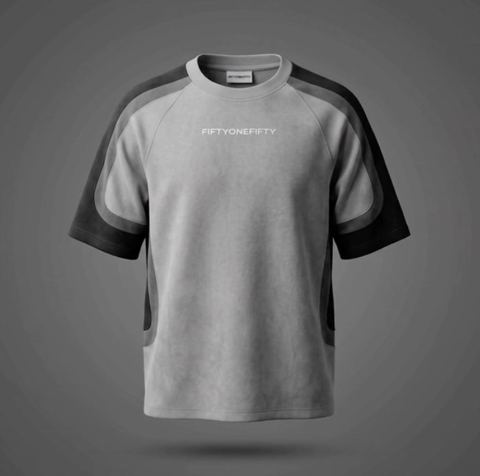
White Background Clothing Photos Without a Studio
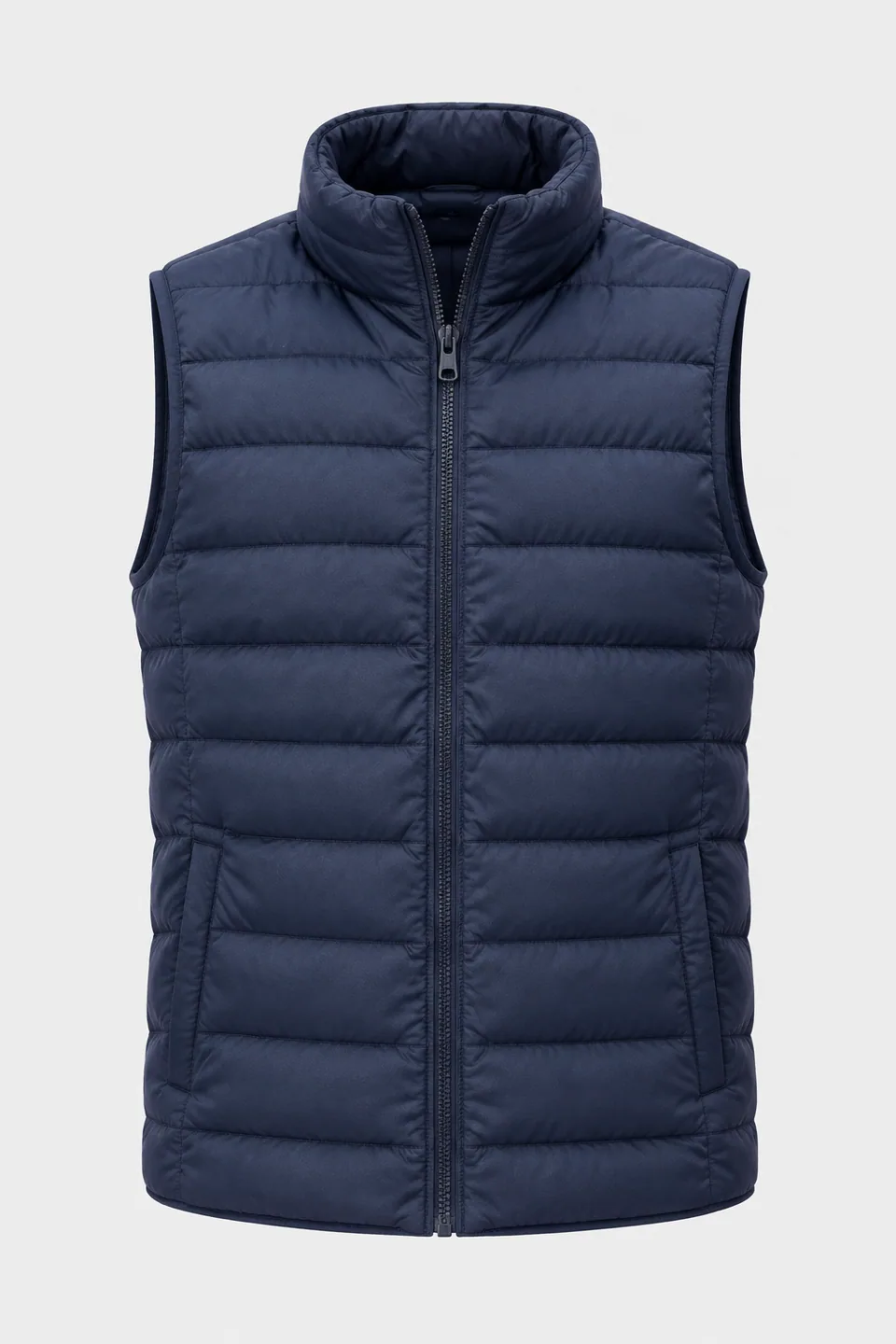
Upload a quick shot of a garment on a hanger, a flat lay or a person, set the backdrop to white, and get a clean, three-dimensional product image. The cut, fabric, print and colors stay true to the original.
- $0.01per image
- 1photo to upload
- 0prompts to write
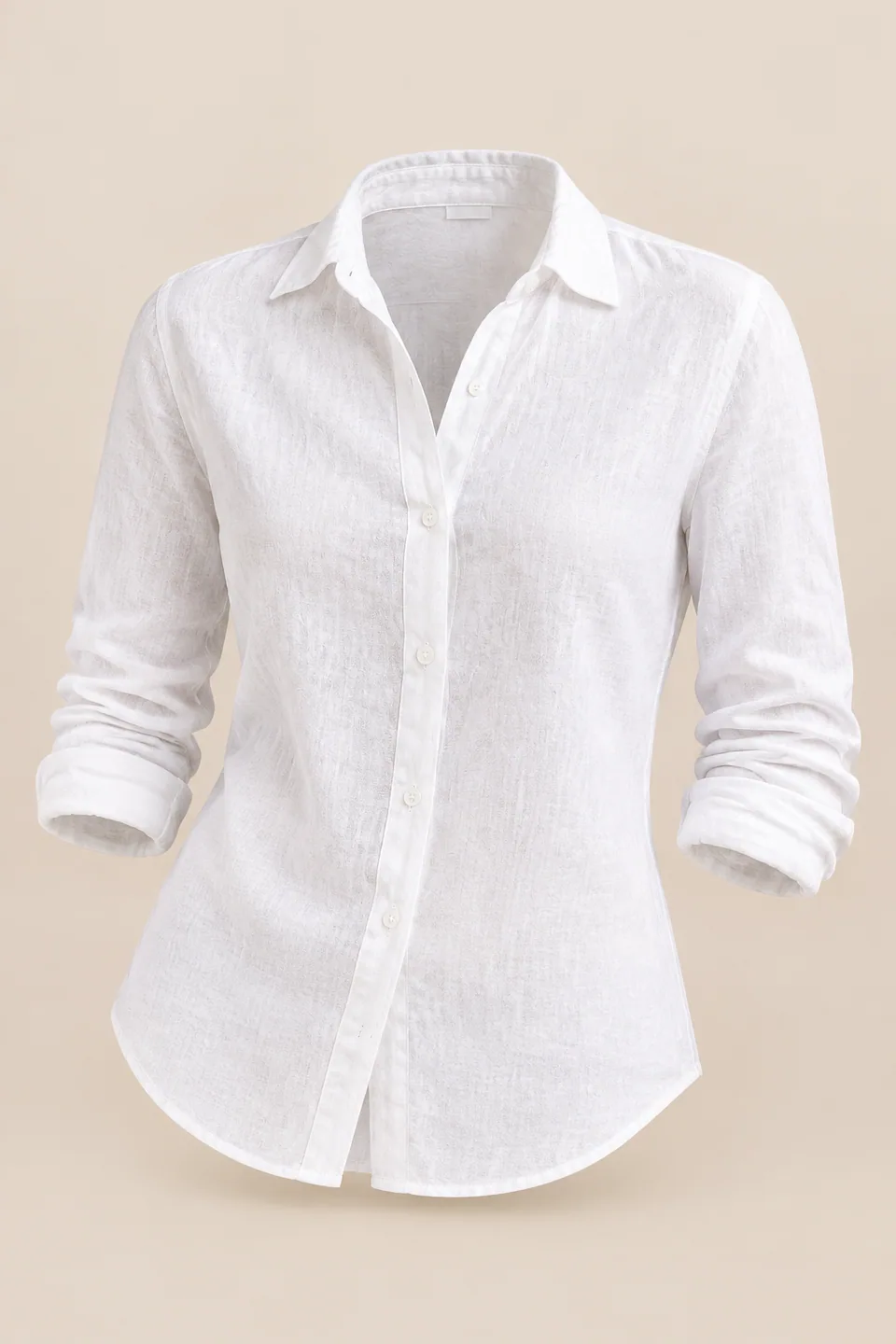
How it works
- 1Upload
Add one photo — the form tells you exactly what fits best.
- 2Adjust
Optional fields steer the result: style, mood, text to render.
- 3Download
Get a finished image in seconds, then iterate or try a variation.
Examples
 BeforeAfter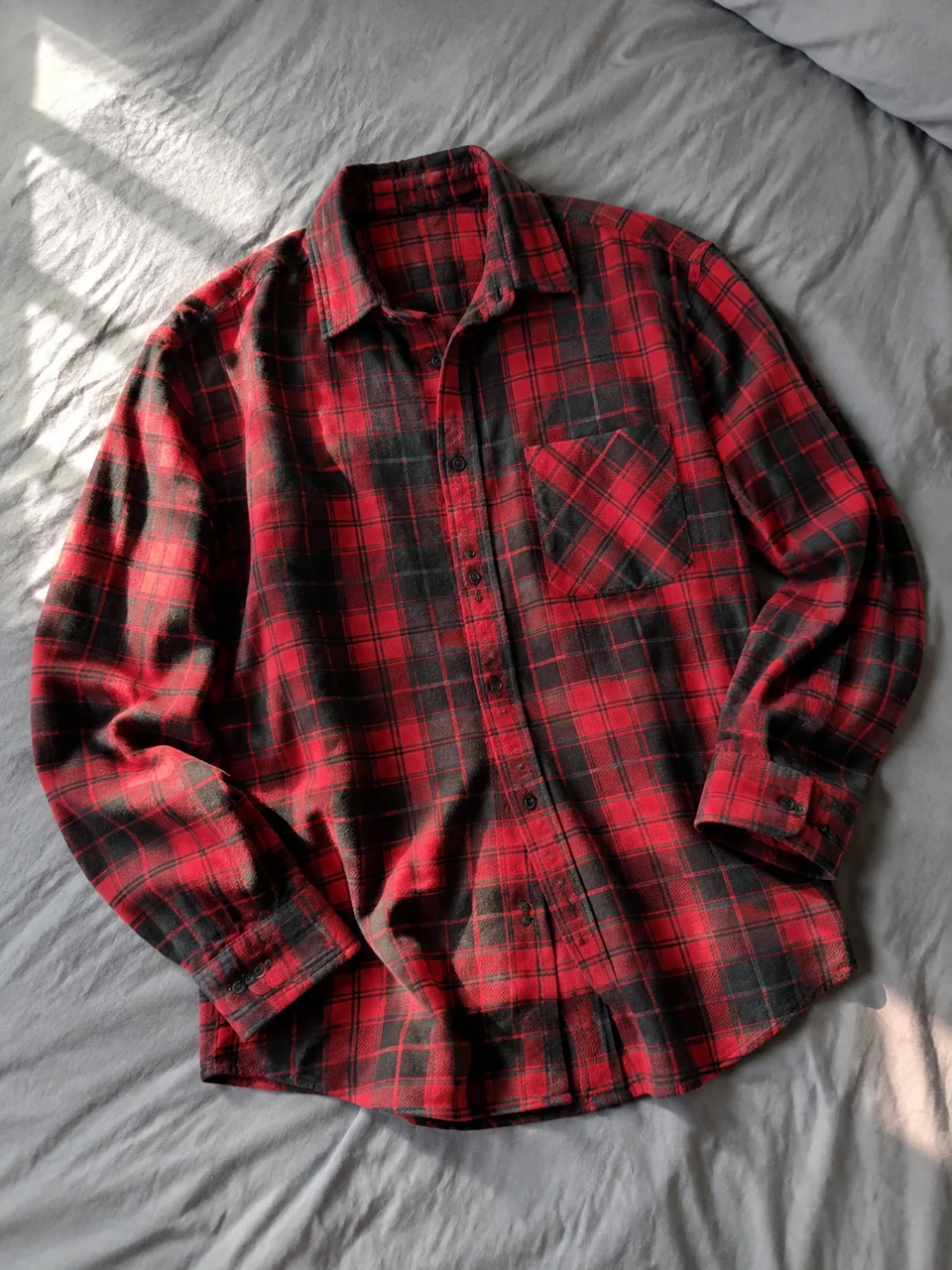
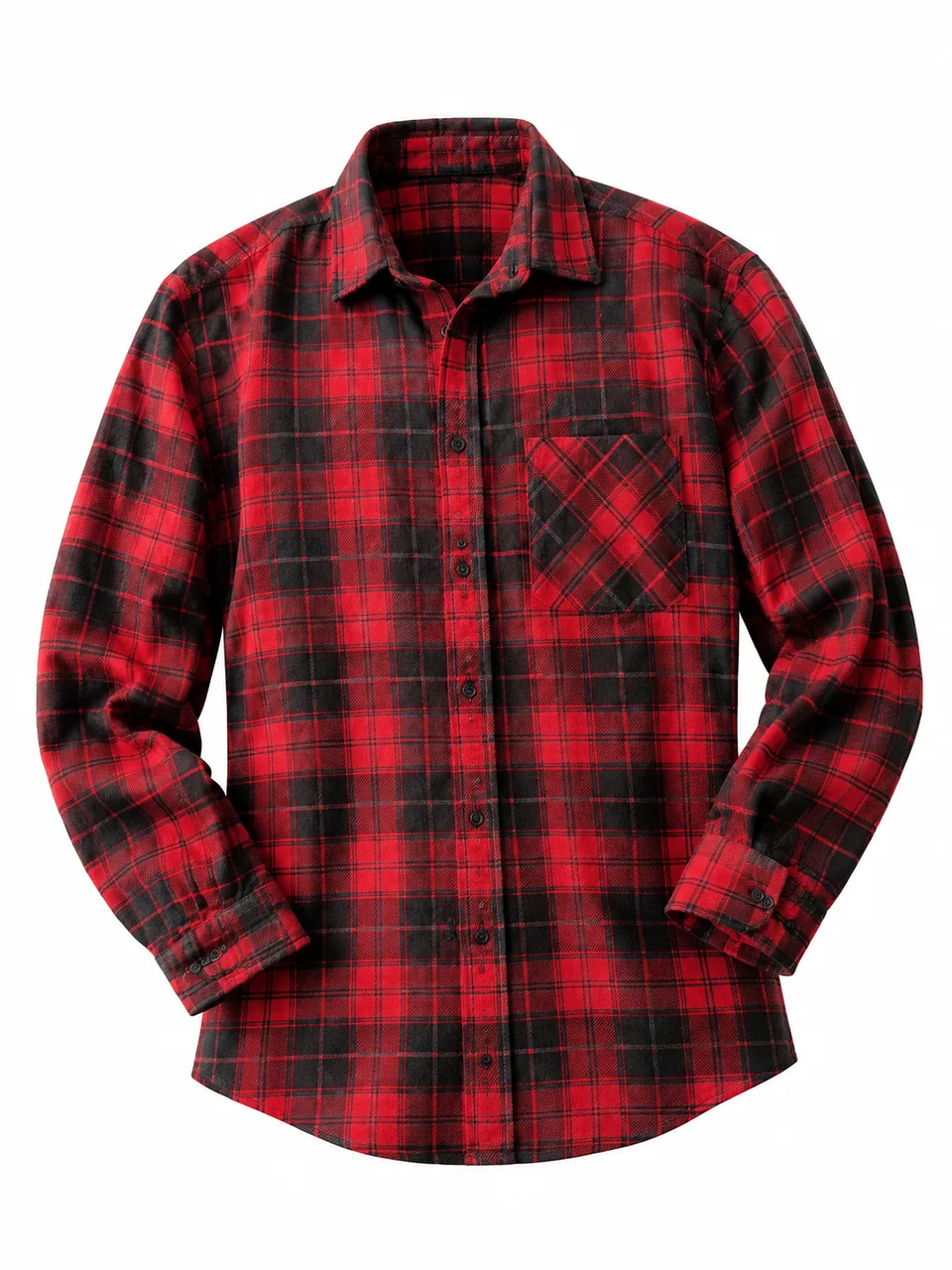 BeforeAfter
 BeforeAfter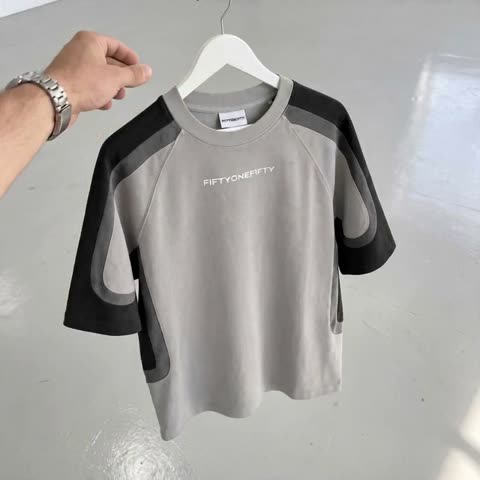
Why a white background sells clothing online
Shoppers scroll search results fast, and the main image decides whether they click. A pure white backdrop removes everything that competes with the garment: the bedspread, the closet door, the cluttered corner of a stockroom. Color reads more accurately, the silhouette is obvious at a glance, and your store looks like a brand instead of a garage sale.
Marketplaces also have expectations for the main image. In general they want a plain, light, uniform background, the product centered and filling most of the frame, and no props, text overlays or collages. White is the safest choice across most apparel categories. Exact rules differ by category and change over time, so check your seller dashboard or help center before uploading.
Finally, consistency. When every product in a collection sits on the same white, shoppers compare the clothes rather than the photography.
Getting clean white background clothing photos with the Background color field
The form has two inputs: the clothing image and the Background color. For a classic marketplace look, typing "white" is enough. If you need pure white with no warm or gray tint, enter the hex code #FFFFFF; it tends to give more consistent results from shot to shot.
The AI places the garment on that backdrop with even studio lighting and renders it as if worn by an invisible body, so the shoulders, neckline and sleeves hold their shape with no person or form in view.
If a white item disappears against white, change the backdrop rather than the garment. Enter "very light gray" or a near-white hex such as #F2F2F2. The edge of the silhouette becomes visible while the image still reads as bright and clean. Use the same value for the whole catalog so tones match.
What to shoot before you upload
A phone photo is fine. Hang the piece against a wall, lay it flat on the floor or a bed, or wear it yourself. What matters is that the whole item is in frame, including sleeves, hem and legs, and nothing covers it: no hands, bag or hair.
Soft daylight from a window to the side works best. Flash creates glare on synthetics and shifts the shade, while warm bulbs tint light fabrics yellow. The background of your original doesn't matter much, but a calmer one makes it easier for the model to separate the garment.
Steam out wrinkles and remove plastic tag fasteners before shooting. Keep brand labels, embroidery and prints sharp and in focus, because what's crisp going in comes out crisper.
White backdrop apparel images for Amazon, Shopify, Etsy and eBay
On Amazon and eBay, a clean white main image becomes the thumbnail shoppers recognize in results and comparison views. Build the rest of the listing around it: a back view on the same backdrop, a fabric close-up, a size chart and a lifestyle or on-model shot.
Shopify stores benefit most from uniformity. Collection grids with every product on the same white look curated, and switching a drop from quick stockroom photos to catalog-style images takes an afternoon rather than a studio booking. Etsy makers of handmade and upcycled pieces can keep their styled photos for secondary slots and use a crisp white shot to lead.
The tool doesn't add marketplace badges or logos. You get a clean image of the product, and any allowed infographics are yours to add separately.
How you pay
Pay as you go, no subscription. Each generation draws from one balance shared with the other image tools, a chat with dozens of models and the API, which you can use to draft titles and bullet points for the same listing. It works in the browser and in the Telegram bot.
Who it's for
Amazon and eBay apparel sellers
Produce a compliant-looking white main image for each SKU without a photo studio. Useful when you're launching new inventory or replacing dated photos on older listings.
Shopify fashion brands
Keep every product in your collection grid on the same white backdrop, so the storefront looks cohesive from the first drop onward.
Etsy makers and upcyclers
Lead with a clean white shot that shows construction and texture, then add your styled photos to tell the story behind the piece.
Wholesale and dropship sellers
Supplier photos taken in a warehouse can be brought onto one consistent white backdrop, as long as you have the right to use them.
Pro tips
- Type #FFFFFF when you need strict pure white, and simply white when a soft bright tone is acceptable.
- For white or cream garments, pick a near-white backdrop like #F2F2F2 so the outline doesn't vanish.
- Pick one backdrop value for the whole catalog and write it down for everyone who shoots product.
- Photograph the front and back separately: each upload gives one view, and a matched pair looks professional.
- Preview results on a phone screen, since that's where most shoppers will see your listing.
- Compare the fabric shade with the real item in daylight before publishing to avoid color-related returns.
Good to know
- It can't guarantee a listing will pass review; category rules vary, so confirm them in your seller account.
- Image dimensions, padding around the product and file format for a specific marketplace are up to you.
- The inner collar and lining are reconstructed by the AI, so compare them with the actual garment.
- It doesn't add marketplace logos, sale badges or infographics.
What it costs
- Pay only for what you generate — no subscription.
- One balance for image tools, chat with 52 AI models and the API.
- Free starter credits when you sign up, no card needed.
Questions
What should I type in Background color to get pure white?
The most predictable option is the hex code #FFFFFF. The word white also works but may come out slightly warmer. Use one value for a whole series.
Will these images meet Amazon's main image rules?
A garment on a plain white backdrop, large in the frame and with nothing else around it, matches what marketplaces generally expect. Rules differ by category and get updated, so do a final check against your seller guidelines.
Can I wear the garment myself and get an image without a person?
Yes. Stand straight, face the camera, keep your arms down and move hair away from the collar. The AI renders the item with volume but without the body.
My white T-shirt blends into the white background. What now?
Keep the backdrop light but not pure white, for example very light gray or #F2F2F2. The edges become visible and the image still looks clean.
Will my print or brand label change?
The model keeps the garment's shape, fabric, details, logo and colors. Still, check small text, buttons and labels before you publish.
Can I use photos from my supplier?
Yes, if the photo is sharp, the whole item is visible and you have the right to use it. Ask for original files rather than compressed images from messaging apps.
What size and format do I get?
You get a finished image; resizing or padding it for a specific marketplace is done at upload or in any image editor. Check your platform's current size guidance.
How much does it cost?
Each generation is charged to your balance, and the current price is shown on this page. There is no subscription, and new accounts get a starting balance.
More image tools



Try AI Ghost Mannequin Effect now
Free starter credits, no credit card. Works in any browser.
Open the tool — free