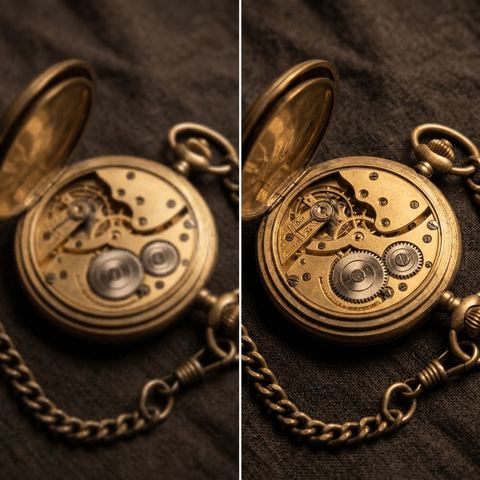
Upscale Images with AI, Without the Blur
Drop in a small, soft or heavily compressed image. The AI sharpens it, rebuilds fine texture and cleans up noise and JPEG artifacts, while keeping the content, colors and composition exactly the same.
- $0.01per image
- 1photo to upload
- 0prompts to write
How it works
- 1Upload
Add one photo — the form tells you exactly what fits best.
- 2Adjust
Optional fields steer the result: style, mood, text to render.
- 3Download
Get a finished image in seconds, then iterate or try a variation.
Examples
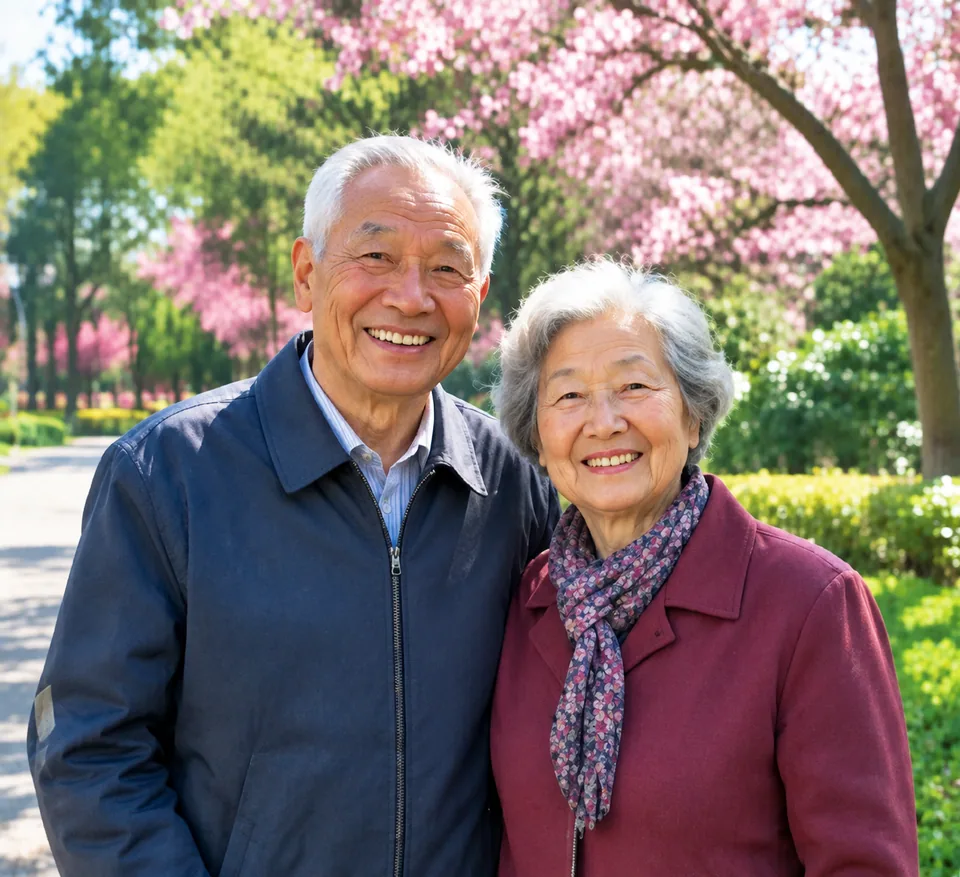
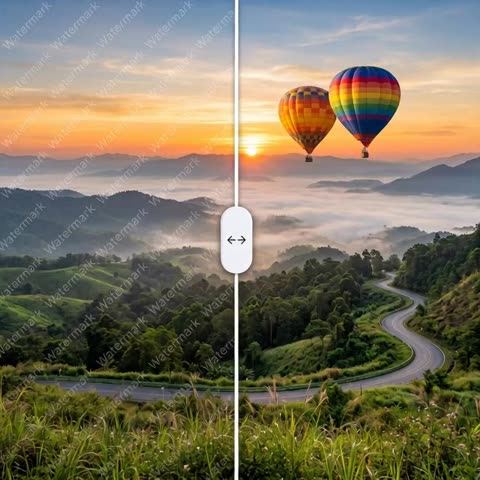
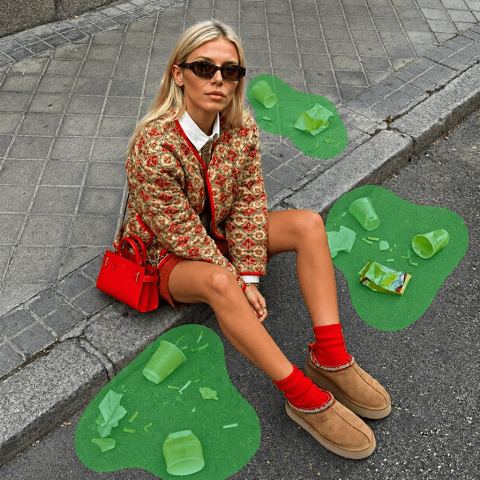
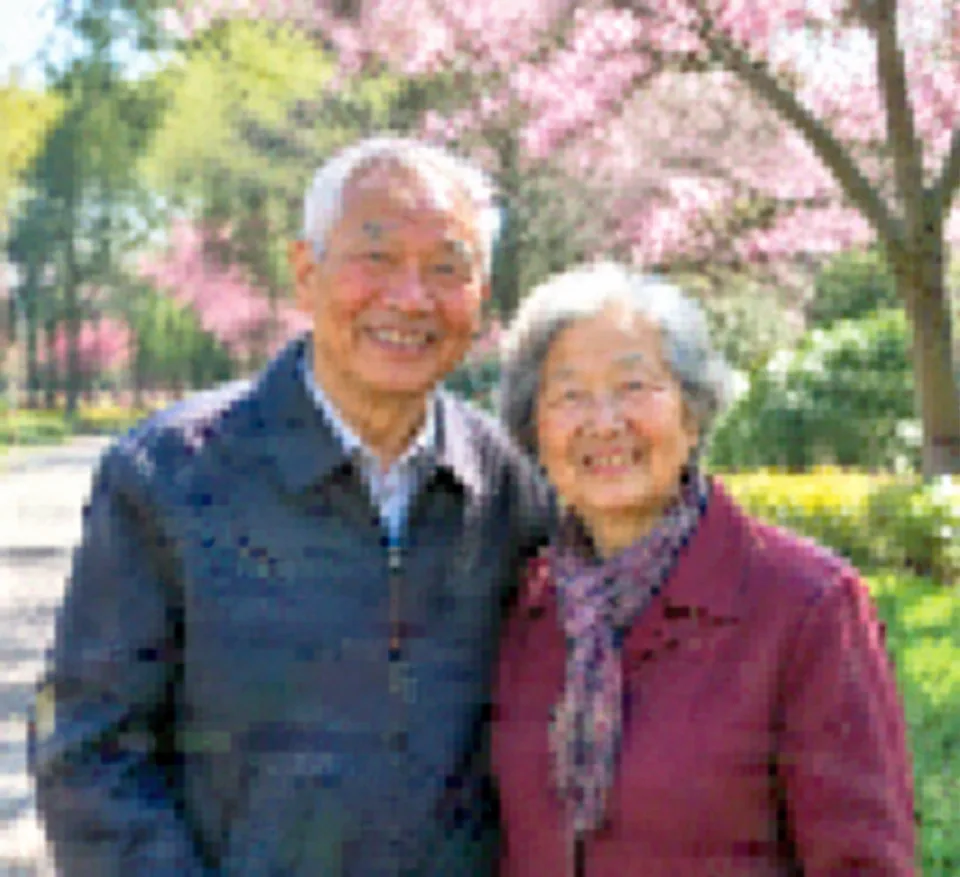 BeforeAfter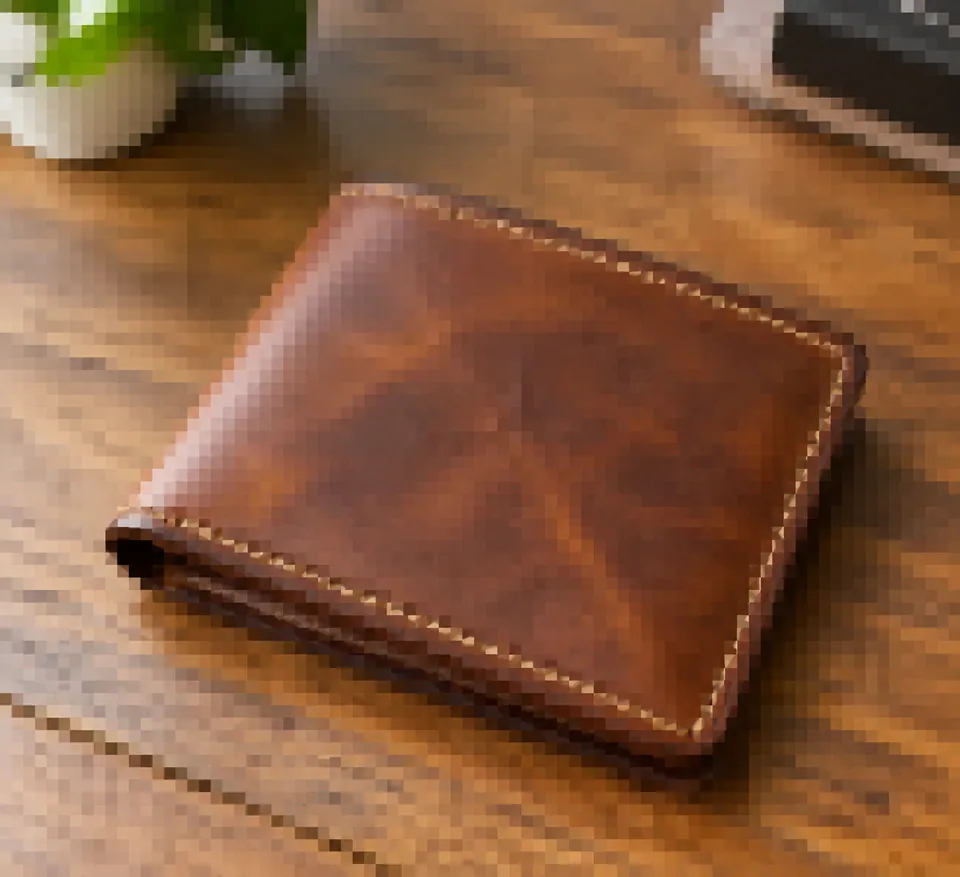
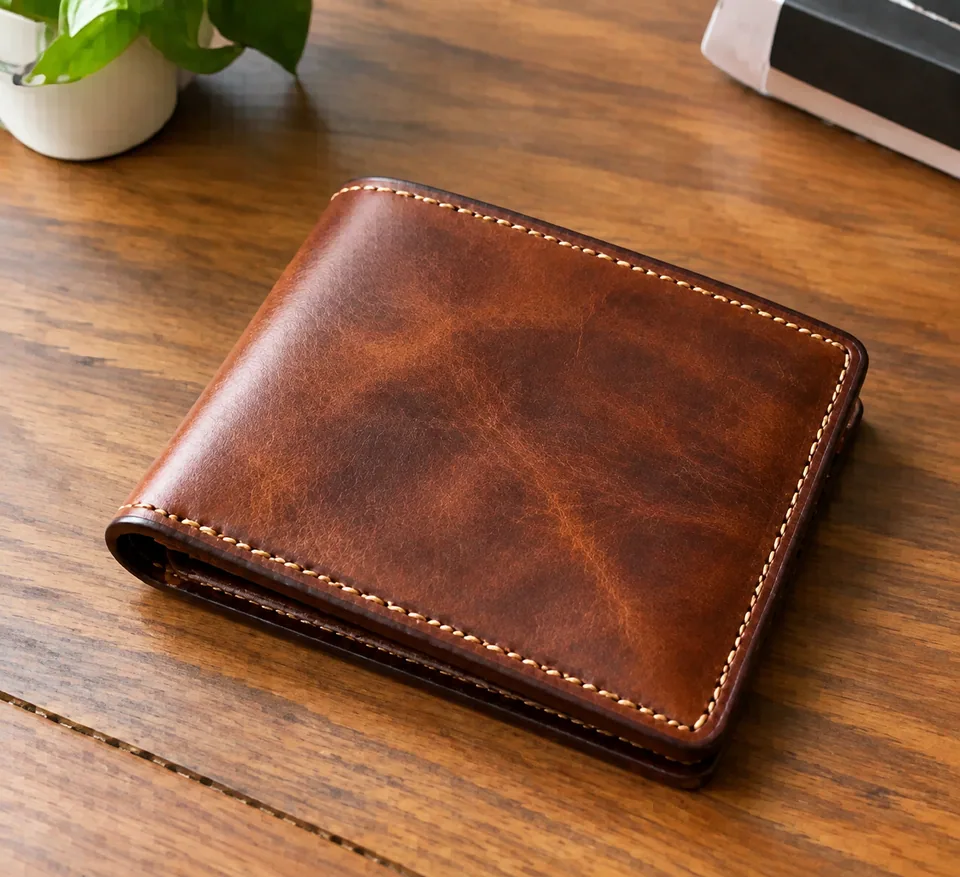 BeforeAfter
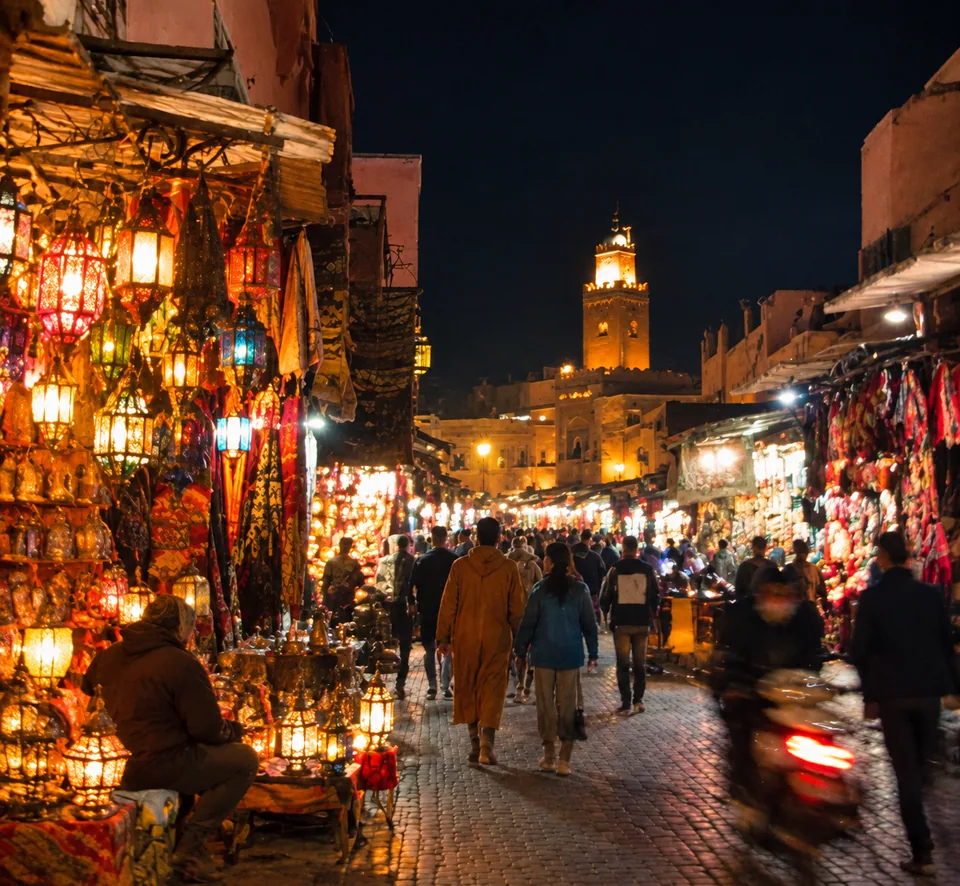 BeforeAfter
How the AI image upscaler works
Stretching a picture in a basic editor just makes the pixels bigger, so edges turn to mush. This model takes a different approach: it predicts and restores the detail that should be there, such as the weave of a fabric, the grain in wood, individual eyelashes and crisp letter edges. At the same time it cleans up digital noise and the blocky artifacts left behind by repeated compression.
It's built to be faithful. The model keeps the image content, colors and composition unchanged and doesn't add or remove elements. Your product stays your product, a logo stays that logo, and a sky doesn't gain clouds that weren't there. Download the enhanced version or run a variation if you want another pass.
Listing photos for Amazon, Shopify and eBay
Shoppers zoom in. If your listing images fall apart at full size, stitching looks fuzzy and labels become unreadable, and that costs trust. Older catalog shots, supplier images and photos pulled from past campaigns are common culprits.
Upscaling those files before you refresh listings on Amazon, eBay or your Shopify store gives you clean edges and visible material texture without a reshoot. It's also handy for marketplace image requirements: start from a sharper file, then resize or crop to the exact spec in your usual editor.
Print-on-demand, Pinterest and creative work
Print-on-demand sellers on Etsy and similar platforms often start with artwork or AI-generated images that look fine on screen but soft on a poster or mug. Running them through the upscaler before sending files to print helps lines stay crisp and gradients stay smooth.
Creators and agencies use it to rescue assets that were never meant to be reused: a frame grabbed from a video for a thumbnail, an old campaign photo for a Pinterest pin, a client's logo pulled from a website. On Instagram and TikTok covers, a sharper source file simply reads better on modern high-density screens.
Pay as you go, no software to install
The tool runs in any browser at tokion.io and inside the Telegram bot @tokionaibot, so you can enhance a picture straight from a chat on your phone.
There's no subscription. Each generation is charged to one balance that also covers other image tools, chat with dozens of AI models, and API access, which is useful for teams and agencies juggling different tasks. New accounts start with a starter balance so you can test it on your own images.
Who it's for
Ecommerce sellers
Refresh product photos on Amazon, eBay or Shopify without a new shoot. Sharper edges and visible texture help listings hold up when shoppers zoom in.
Print-on-demand and Etsy shops
Prepare artwork and photos for posters, canvas, apparel and mugs. Enhanced files print with cleaner lines and less visible noise.
Creators and social media managers
Turn video frames, screenshots and old posts into crisp thumbnails, covers and pins for Instagram, TikTok, YouTube and Pinterest.
Agencies and small brands
Reuse archived campaign assets and client-supplied logos. One shared balance covers upscaling alongside other image tools and AI chat.
Pro tips
- Always start from the original file. A photo downloaded from social media has already been compressed, and lost detail can't be fully recovered.
- Crop to your subject first. If you only need one product from a group shot, trim the rest before uploading.
- Check small text afterwards. Labels and fine print are sharpened, but tiny lettering may not come back letter for letter.
- Compare at 100% zoom on a desktop screen; the difference is much harder to judge on a phone preview.
- For product photos, good lighting in the original matters more than resolution. A sharp but dark shot is harder to improve than a slightly soft, well-lit one.
Good to know
- Tiny thumbnails are a guessing game: when there's almost no information, invented detail may not match reality.
- Motion blur and missed focus will look softer and cleaner, but they won't disappear completely.
- The model decides the final pixel dimensions. If a platform needs an exact size, resize the result afterward.
What it costs
- Pay only for what you generate — no subscription.
- One balance for image tools, chat with 52 AI models and the API.
- Free starter credits when you sign up, no card needed.
Questions
Will the upscaler change my image?
It won't change what's in it. The model is instructed to keep content, colors and composition and not to add or remove elements. What changes is sharpness, fine detail and noise.
Is it good enough for Amazon or Shopify listings?
It's one of the most common uses. Check each platform's image requirements, then resize or crop the enhanced file to match if needed.
Can I upscale AI-generated images?
Yes. Images from generators often look soft when printed or shown large, and the upscaler helps sharpen edges and texture before you publish or send them to print.
Does it work on old or damaged photos?
It sharpens soft old photos well. For cracks, stains and creases, use AI Photo Restoration first, then upscale the restored result if you need more clarity.
Can I upscale images I found online?
Only use images you own or have the rights to, especially for listings, ads and print products. The tool improves quality; it doesn't change who owns the picture.
How many images can I process at once?
One image per generation. For a batch, upload files one after another and review each result before using it.
How much does it cost?
It's pay as you go with no subscription; the current price per generation is shown on this page. New accounts get a starter balance to try it.
More image tools



Try AI Image Upscaler now
Free starter credits, no credit card. Works in any browser.
Open the tool — free