AI Tools for Small Business Owners, Cafes and Shops
Product photos, promo graphics, a refreshed logo and menus in a second language, made from the photos already on your phone. No photographer, no designer and no subscription.
Tools for you
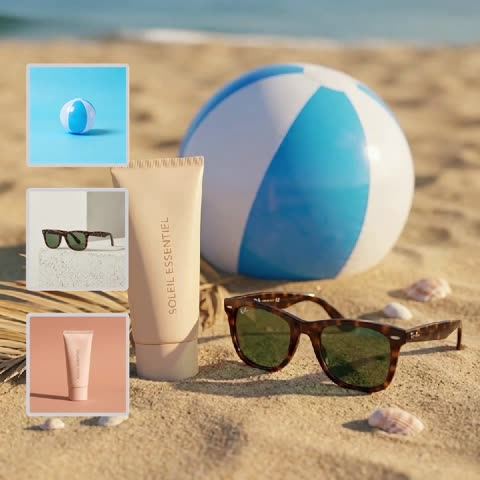
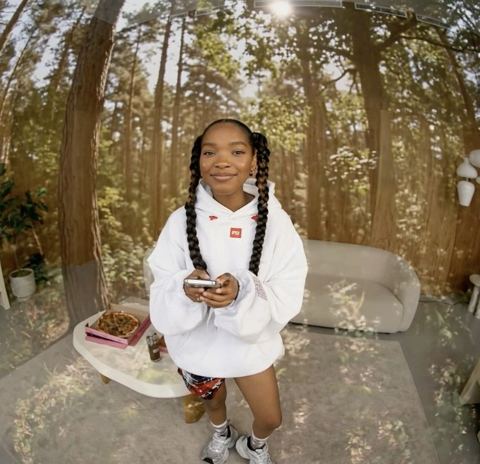
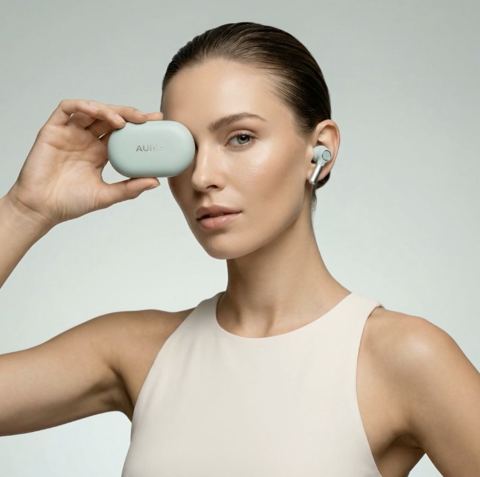
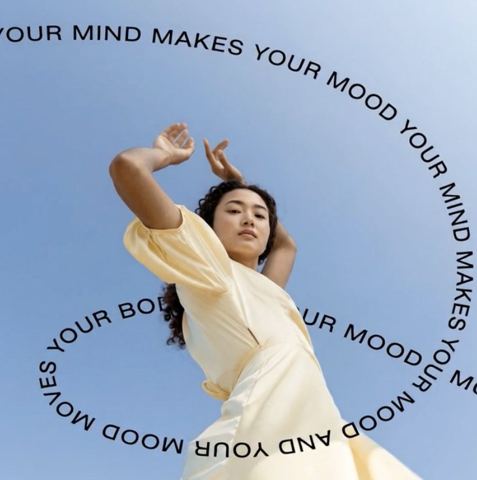
Where AI tools for small business save the most time
If you run a coffee shop, a bakery, a candle brand or a repair studio, you are also the marketing department. Photos for the menu, a post about this week's special, new listings for Etsy or Shopify, a banner for the website: it all lands on the same desk, usually between restocking and closing up. Hiring a photographer for every new item or a designer for every promo rarely makes sense at this size.
The tools on this page cover the visual work that keeps coming back. Each one does a single job well, takes a photo from your phone as input and returns a finished image you can post or list right away.
Product and food photos without a studio
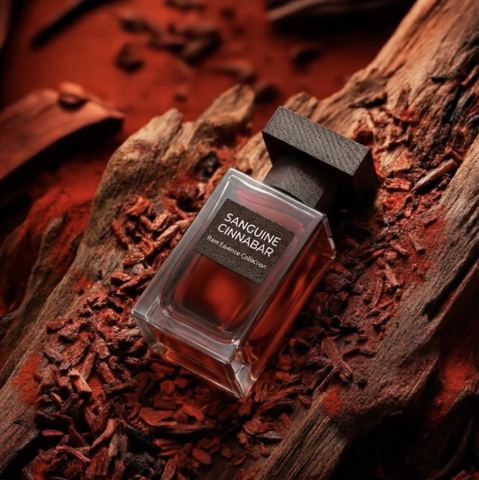
Product Photoshoot turns a quick countertop snap into a clean studio shot with a seamless background, soft lighting and accurate reflections and shadows. Shape, label and colors stay true, which matters for jars, packaging, cosmetics and anything handmade.
Background Swap places your product or dish into a scene you pick by image: your own dining room, a wooden table, a sunny kitchen. Upload the item first and the scene second, and the model matches perspective, scale and light. Reuse one scene across your menu or catalog and the whole collection looks like a single shoot.
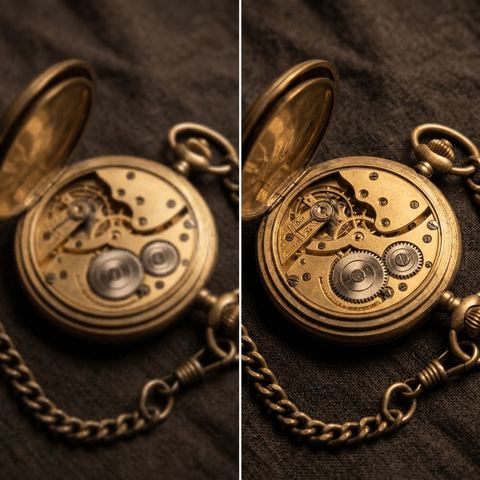
Selling bundles or gift boxes? Product Composition Builder combines several product photos into one arranged scene with consistent lighting. Image Upscaler rescues blurry or compressed shots by restoring sharpness and detail without changing what's in them.
Promo graphics for Instagram, TikTok and your storefront
Visual Campaign turns a product photo into an ad-style image in a scene you describe in words, like "on a marble counter in morning light" or "on a picnic blanket in a park." It's a fast route to a Shopify hero banner, a Pinterest pin or a paid social test.
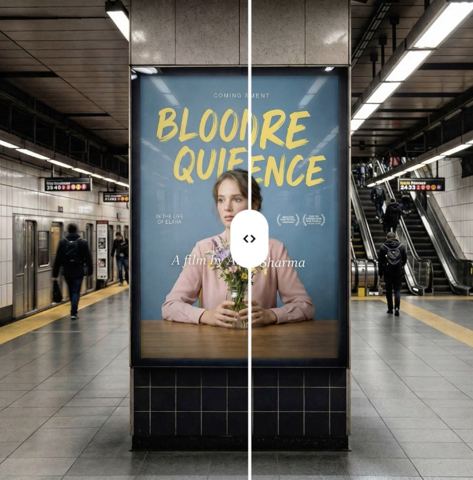
Text on Image adds a short headline to any photo, such as "Happy hour 4 to 6" or "New fall menu," in a minimal, bold, luxury, playful or cinematic style. Translate Text in Design takes an existing flyer or menu and swaps every line into another language while keeping the layout, fonts and colors, which is handy in bilingual neighborhoods and tourist areas.
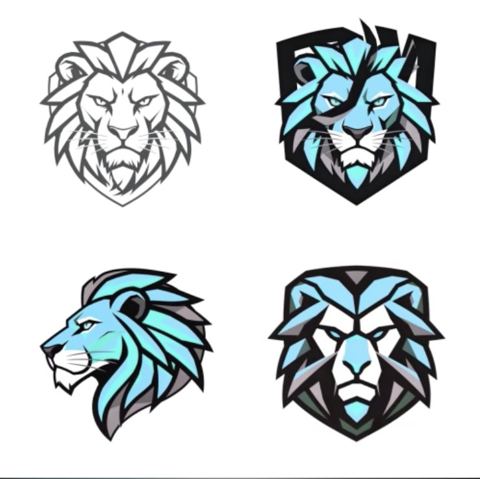
If your logo was a rush job on opening week, Alternative Logos generates fresh variations from the current mark while keeping the brand recognizable.
Pay only for what you make
No subscription and no seat licenses. Each generation is charged to one balance that also covers a chat with dozens of models, useful for product descriptions, review replies and website copy, and the API if you ever automate. New accounts get a starting balance to try the tools on real photos.
Use it in any browser or through the Telegram bot @tokionaibot, so photos can go straight from your phone behind the counter.
Who it's for
Cafes, bakeries and restaurants
Consistent food photos for menus and delivery apps, promo graphics for specials and translated menus for visitors.
Shopify and Etsy shops
Studio product shots, lifestyle scenes and bundle images that keep colors and labels accurate across the whole catalog.
Local service businesses
Cleaners, studios, tutors and repair shops: social posts, simple ads and a refreshed logo without hiring an agency.
Side hustles and new brands
Launch with polished visuals from day one while the budget goes to product, not production.
Photoshoot styles
Pro tips
- Shoot products in daylight near a window, fully in frame, on a plain surface for the cleanest studio result.
- Keep one background image for your entire catalog or menu so listings look consistent.
- In the Visual Campaign context field, describe materials, light and time of day rather than words like 'nice' or 'premium.'
- Keep headlines short: five or six words read far better on a small screen.
- Upload menus and flyers at high resolution before translating; tiny text translates less reliably.
- Check each marketplace's main-image rules, since some still require a plain white background.
Good to know
- The tools don't fix the product itself: defects in the source photo stay in the result.
- Long blocks of text on an image may contain typos, so keep copy short and proofread it.
- Food photos should reflect the real portion and ingredients to avoid misleading customers.
Questions
Can I make menu photos from my phone?
Yes. Snap the dish, upload it in the browser or send it to the Telegram bot, then run Product Photoshoot or Background Swap and download the result.
How do I keep all product photos in one style?
Use Background Swap with the same scene image for every item. Lighting and shadows adapt to that scene, so the set looks like one shoot.
Are the images good enough for Shopify, Etsy or Amazon?
They're built for that use. For main images, follow each platform's rules; some categories require a white background.
Can I translate an existing flyer or menu?
Yes. Upload it to Translate Text in Design and choose the language. Layout, fonts and colors stay the same while the text is replaced.
Can it design a logo from scratch?
Alternative Logos works from an existing mark. If you don't have one yet, generate a starting point with an image model in the chat on the same balance.
Do I need a subscription?
No. It's pay as you go, and the current price per generation is shown on each tool page.
Can I get a headshot for my About page?
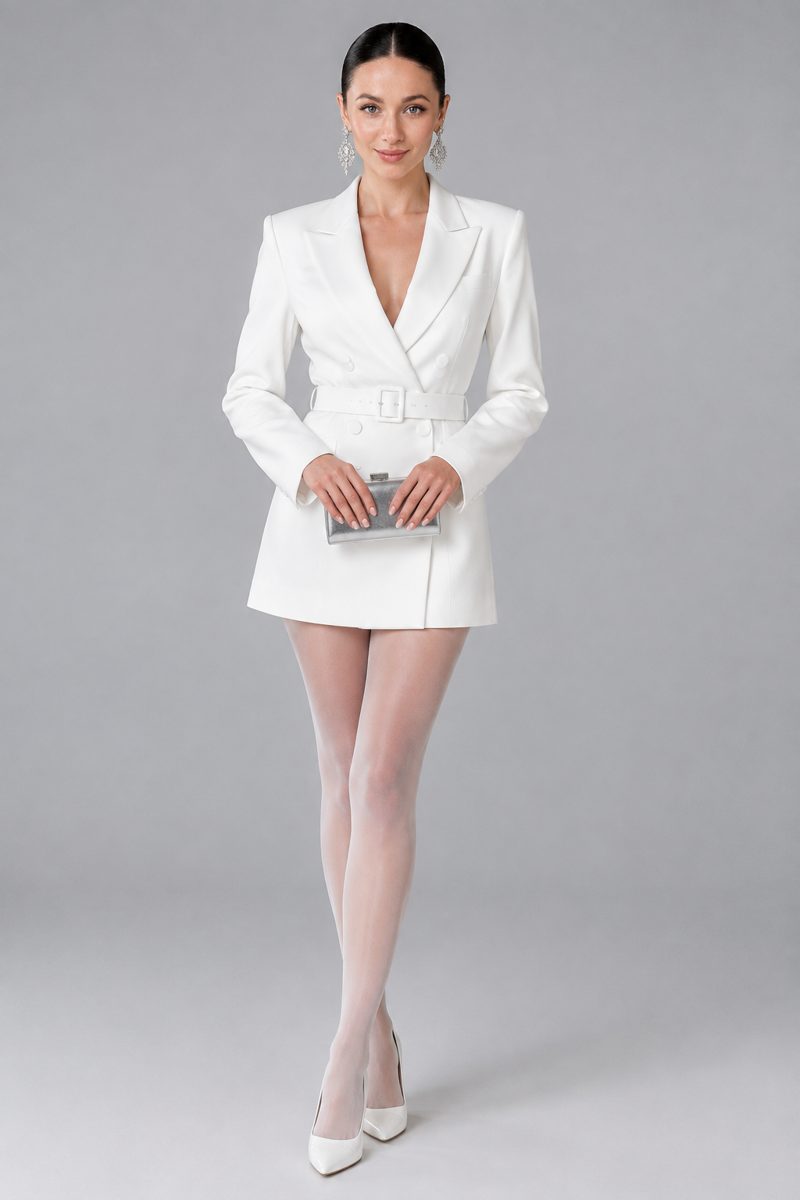
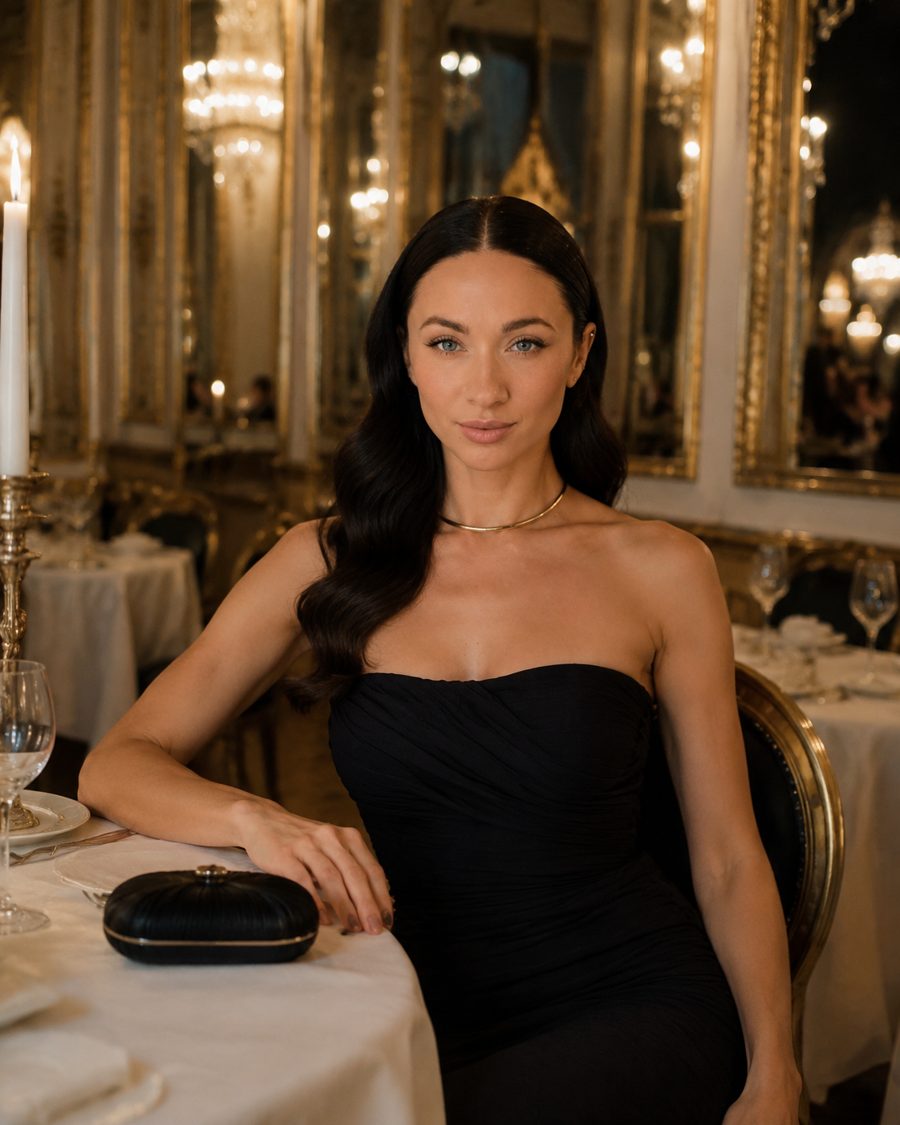
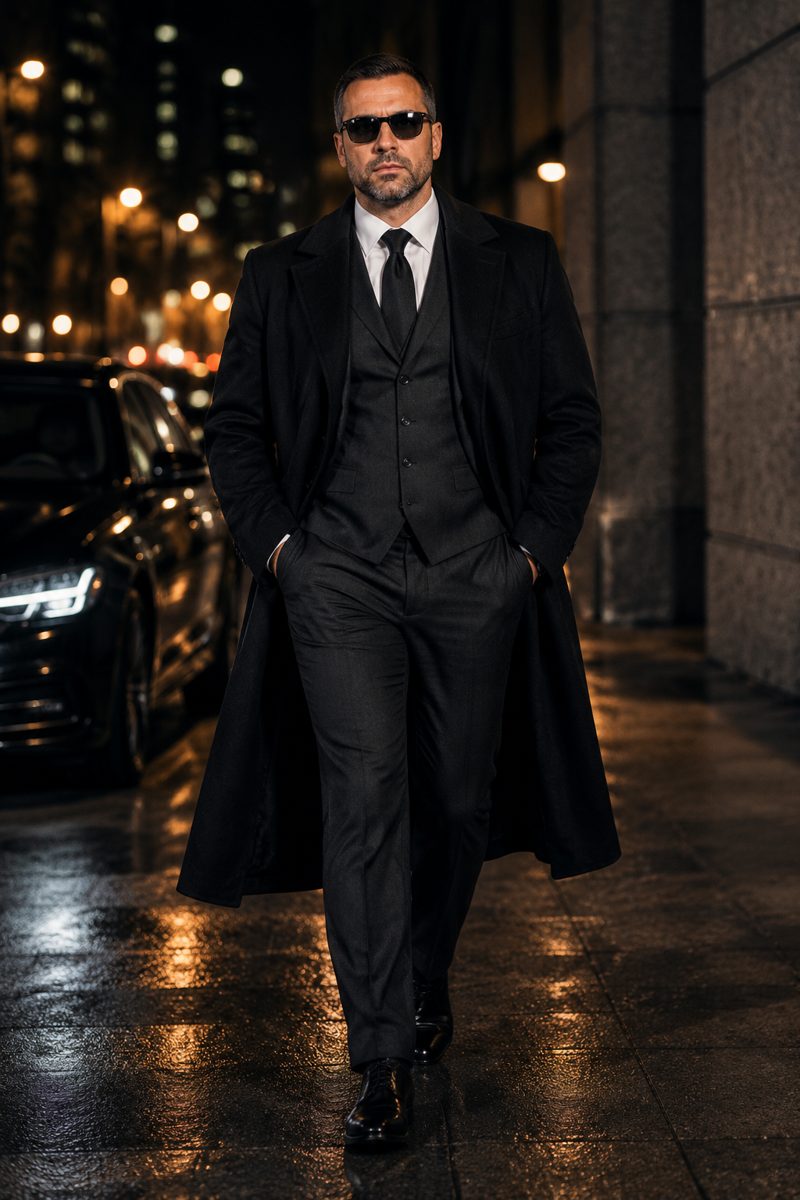
Yes. Photoshoots create a series of portraits in one style from photos of your face, such as White Studio or Fine Dining.
AI Tools for Small Business Owners, Cafes and Shops
AI tools for small business: studio-quality product photos, promo graphics, logo refreshes and translated menus for Shopify, Etsy and Instagram. Pay as you go.
Start free