AI Product Composition Builder
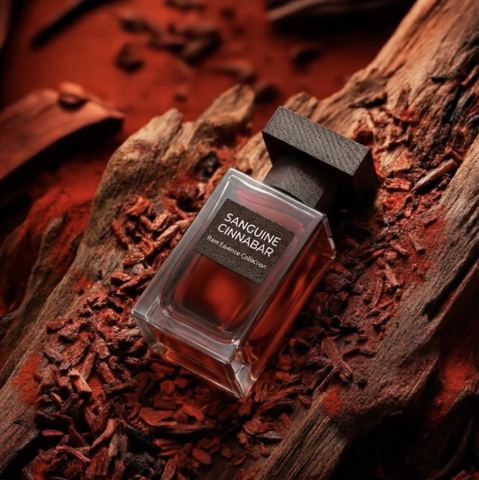
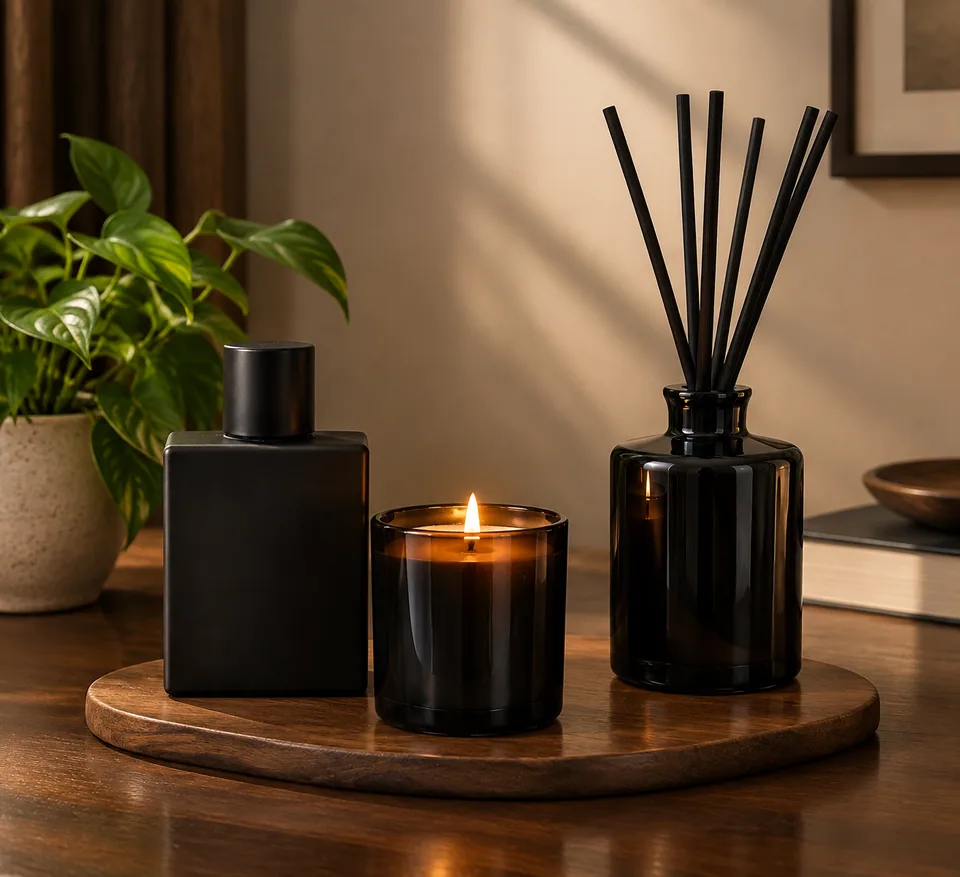
Upload separate shots of two to five products and get back a single studio scene: every item arranged together, lit the same way, with labels and colors kept accurate.
- $0.01per image
- 5photos to upload
- 0prompts to write
How it works
- 1Upload
Add 5 photos — the form labels each slot so you know what goes where.
- 2Adjust
Optional fields steer the result: style, mood, text to render.
- 3Download
Get a finished image in seconds, then iterate or try a variation.
Examples
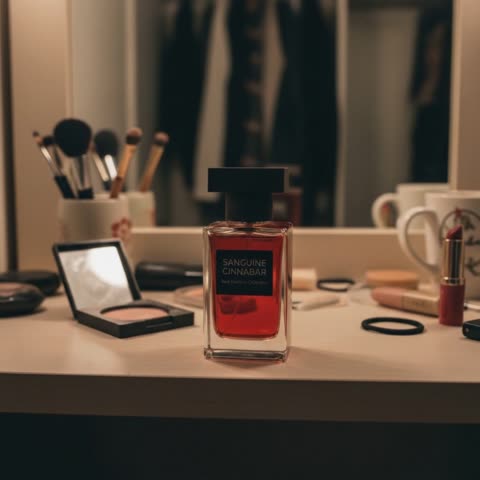
How the AI product composition builder works
A group shot of a product line usually means booking a studio, gathering every SKU in one place and spending an afternoon nudging bottles a few millimeters left or right. If your items were photographed at different times, on different surfaces, merging them in an editor rarely looks right: shadows point in different directions and white balance never quite matches.
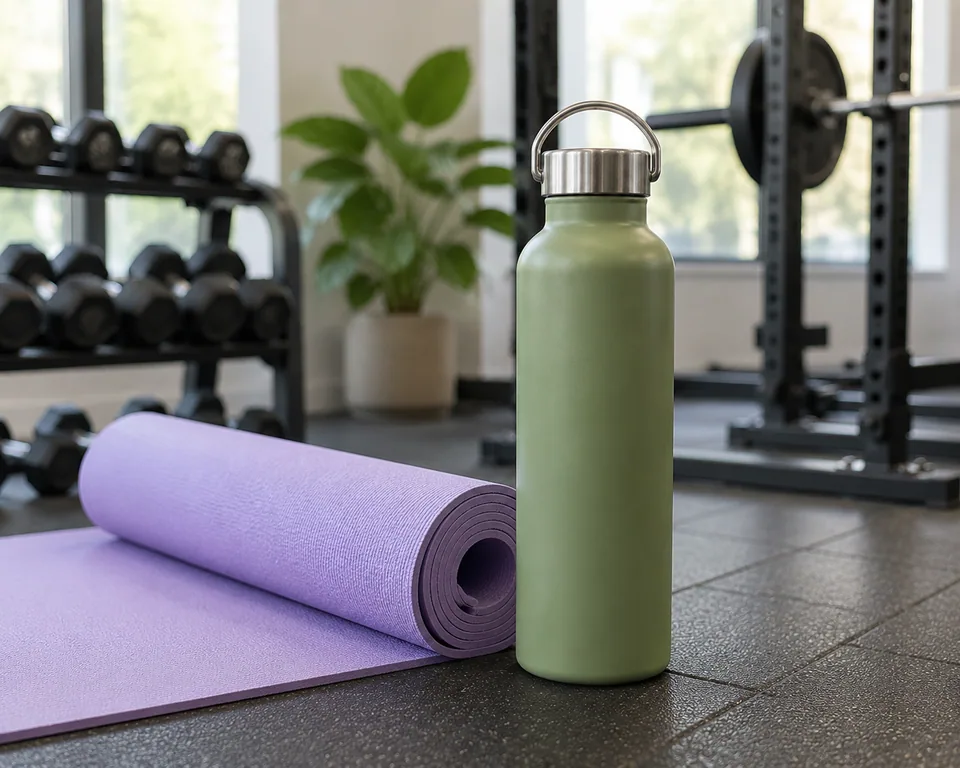
Here you upload the individual product photos you already have, two to five of them, one product per image. There are no prompts or settings to fill in. The model arranges the items into a balanced layout, unifies the lighting, builds consistent shadows and places everything on a clean, brand-style background. The output is a photorealistic studio image with high detail.
Accuracy is the core rule. Each product keeps its shape, label and colors from your source photo. The AI decides placement and atmosphere; it does not redesign your packaging.
Bundle and collection images for Amazon, Shopify and Etsy
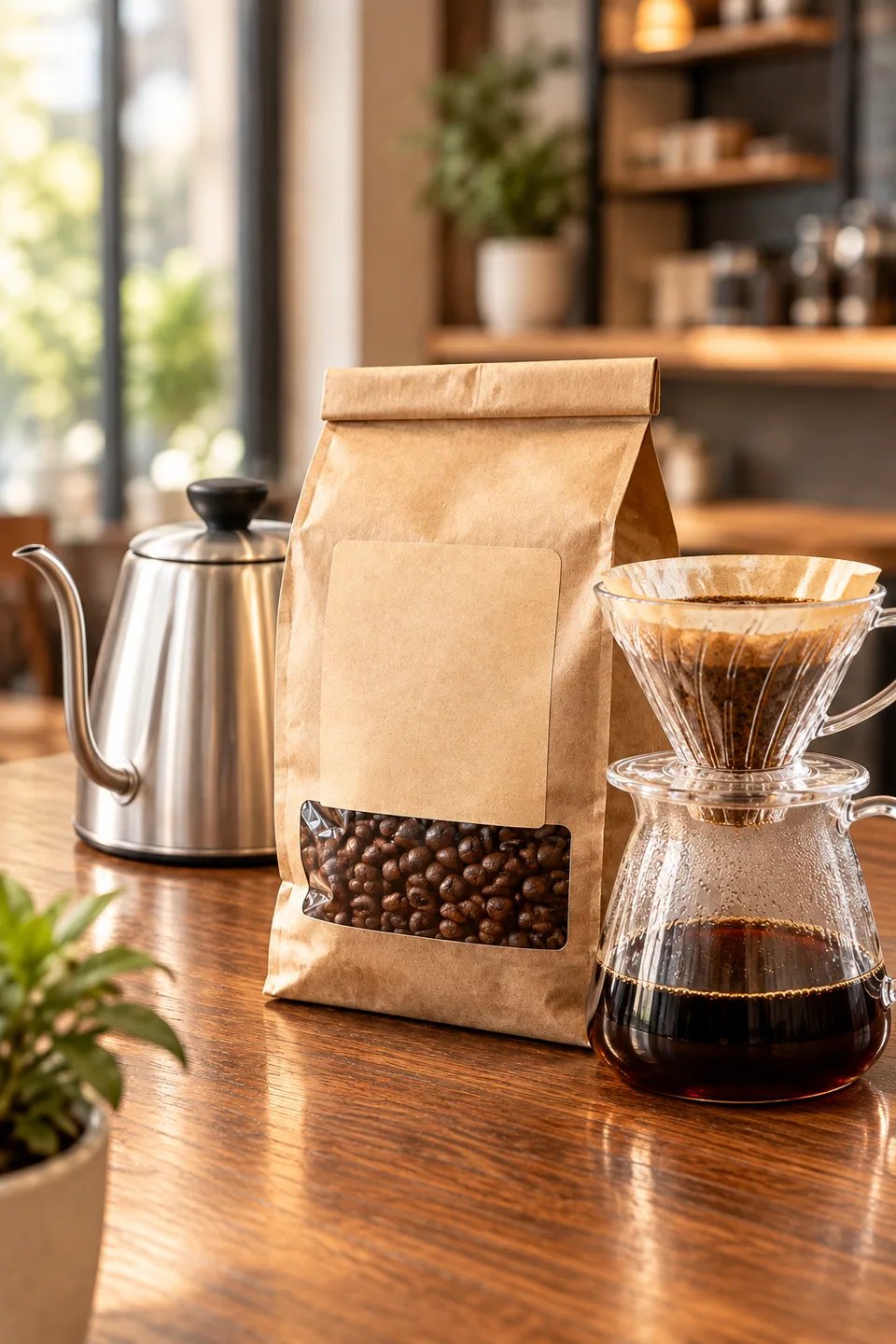
Bundles, gift sets and product lines convert better when shoppers can see everything they are getting in one glance. A skincare trio, a coffee sampler, a set of matching planters: one clean group image answers "what's in the box" faster than a bullet list.
On Amazon, use the composition in secondary gallery slots or in A+ content, since most categories require the main image to show a single item on pure white. On Shopify it makes a strong collection banner or homepage hero. Etsy shoppers browsing handmade goods respond well to a cohesive set photo that shows the full range of scents, glazes or colorways.
Build a few themed scenes instead of one crowded one: a holiday gift set, a "morning routine" trio, a best-sellers lineup. Each becomes its own merchandising story and gives you fresh creative for listings and email.
Group shots for social, ads and wholesale decks
For Instagram, TikTok covers and Pinterest pins, a single hero image of the whole line announces a launch better than six separate posts. Agencies can put together a quick collection visual for a client pitch before any studio day is scheduled.
The same image works well beyond social: a wholesale line sheet, a retail buyer presentation, a trade-show flyer or a product page on your own site. Items shot on different phones by different people end up looking like they came from one professional session.
Pay as you go, no subscription
Each generation is charged to one balance that also covers the other image tools, a chat with dozens of models and the API. There is no monthly plan, and new accounts get a starting balance so you can test the builder on your own catalog first.
It runs in any browser and in the Telegram bot @tokionaibot. Need copy to go with the image? Ask a language model in the same account to draft the bundle description while you generate the visuals.
Who it's for
Amazon and Shopify sellers
Create bundle and collection images for secondary gallery slots, A+ content and collection pages. Customers see the whole set without reading the fine print.
Etsy makers and small brands
Candles, ceramics, skincare, tea: show the full range in one cohesive shot, even if every piece was photographed on a different day.
Marketing teams and agencies
Mock up launch visuals and pitch concepts quickly. Get an approved direction before committing budget to a full studio shoot.
Wholesale and B2B sellers
Build clean lineup images for line sheets, catalogs and buyer decks so your assortment looks polished and professional.
Pro tips
- Use one product per source photo, fully in frame with no cropped edges or clutter around it.
- Make sure labels are in focus; the AI carries text over from your photo, so blurry lettering stays blurry.
- Two to four items usually produce the cleanest layout; five large products can make the scene feel crowded.
- Group items of similar scale or from the same story. A tiny lip balm next to a big gift box tends to get lost.
- Shoot sources in neutral daylight without colored reflections so whites and pastels stay true after relighting.
- If the arrangement is close but not perfect, run a variation rather than re-uploading all the photos.
Good to know
- There are no text fields, so you can't describe a specific background or props; the AI chooses a clean studio setting.
- A single generation takes up to five products. Extra photos are ignored.
- Very small print such as ingredient lists or barcodes may not reproduce exactly; review before publishing.
- The result is one finished image, not separate transparent cut-outs of each product.
What it costs
- Pay only for what you generate — no subscription.
- One balance for image tools, chat with 52 AI models and the API.
- Free starter credits when you sign up, no card needed.
Questions
How many product photos can I upload?
Between two and five, with one product in each photo. Keeping items separate helps the model preserve each shape and label accurately.
Will the AI change my packaging or colors?
It is set up to keep every product's shape, label and colors as they appear in your photos. What changes is the arrangement, lighting, shadows and background.
Can I choose the background, like marble or wood?
Not in this tool, which runs without prompts. If you need a specific setting, take the finished group shot into the background swap tool and provide a reference scene.
Is the image suitable for an Amazon main image?
Usually not, since many Amazon categories require a single product on pure white for the main image. Use the composition for secondary images, A+ content and ads.
Can I use photos taken on my phone?
Yes. Sharp, evenly lit phone shots work well. Upload them in the web app or send them to the Telegram bot @tokionaibot.
How much does it cost?
It's pay as you go: each generation is charged to your balance, and the current price is shown on this page. No subscription is required.
Can I combine products from other brands?
Only use products and images you have the right to use, such as your own goods or items you are authorized to resell, especially in ads.
More image tools
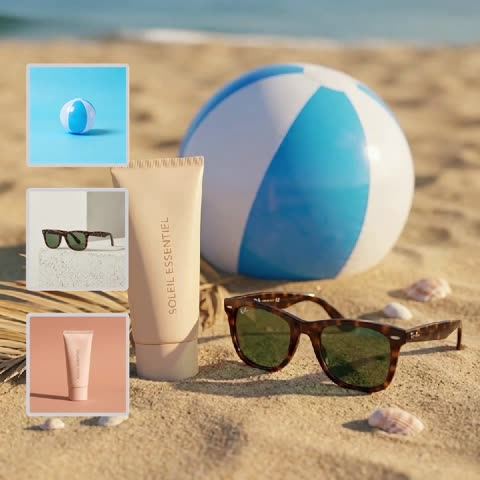
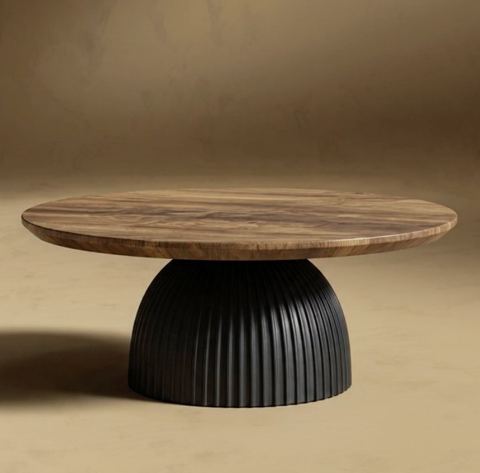



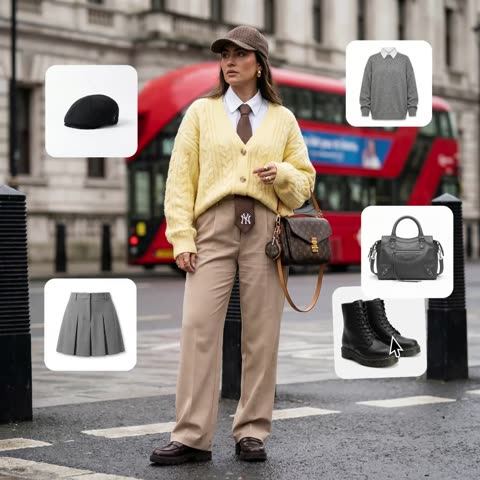
Try AI Product Composition Builder now
Free starter credits, no credit card. Works in any browser.
Open the tool — free