AI Product Photography, Studio-Clean
Upload a quick phone photo of your product and get back a studio-style shot: seamless backdrop, soft lighting, accurate reflections and shadows, with the label and colors kept intact.
- $0.01per image
- 1photo to upload
- 0prompts to write
How it works
- 1Upload
Add one photo — the form tells you exactly what fits best.
- 2Adjust
Optional fields steer the result: style, mood, text to render.
- 3Download
Get a finished image in seconds, then iterate or try a variation.
Examples
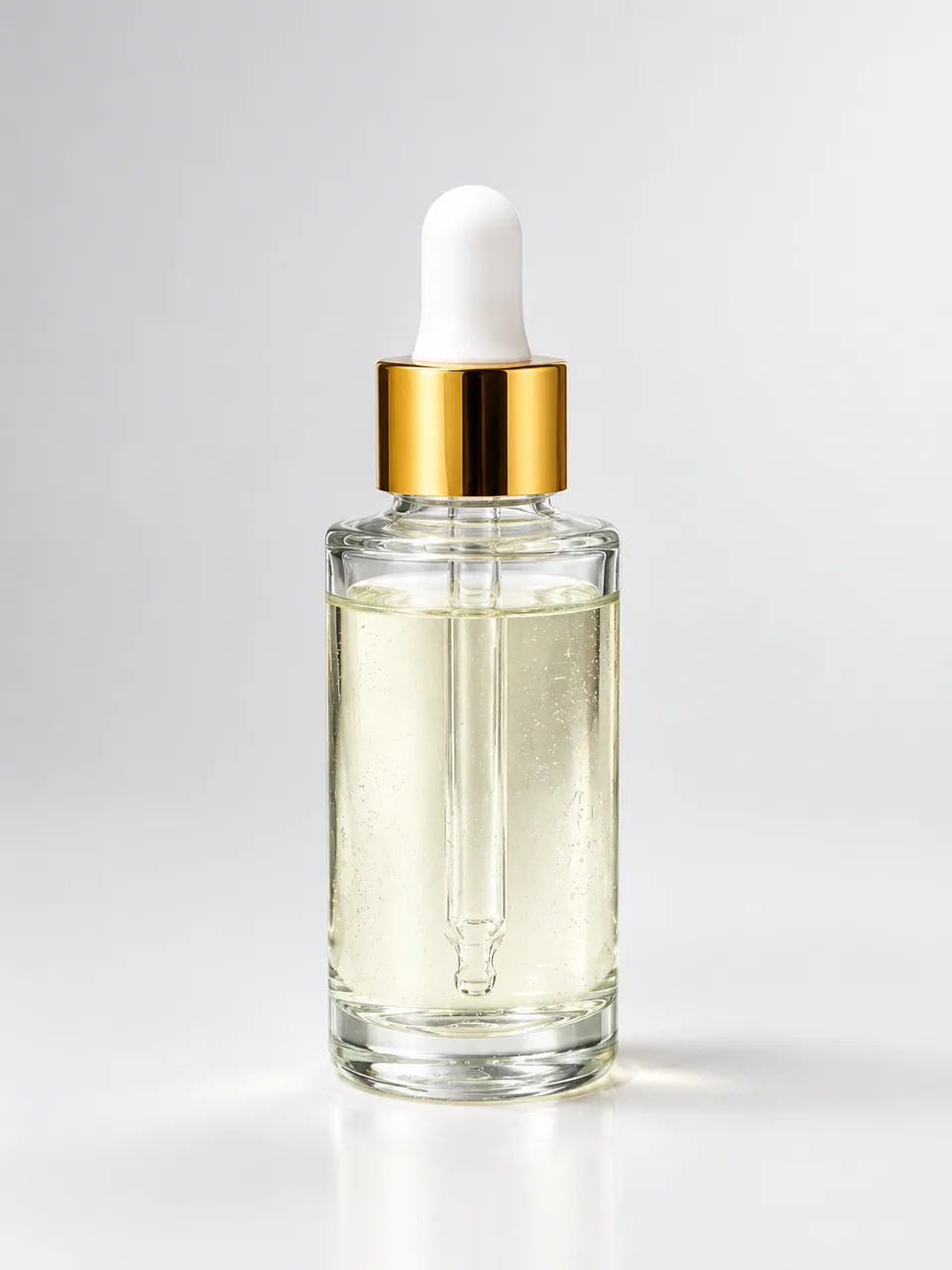
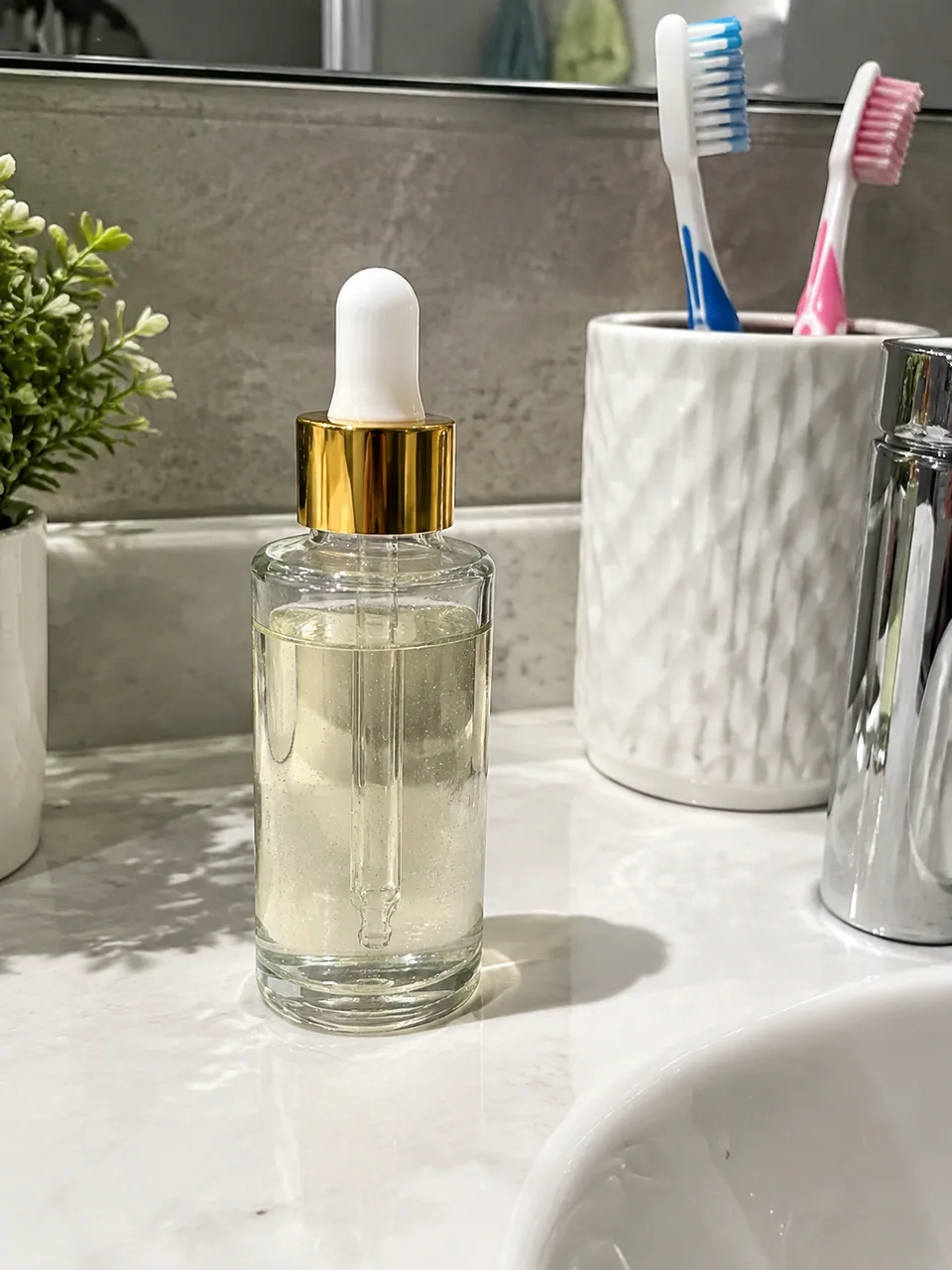 BeforeAfter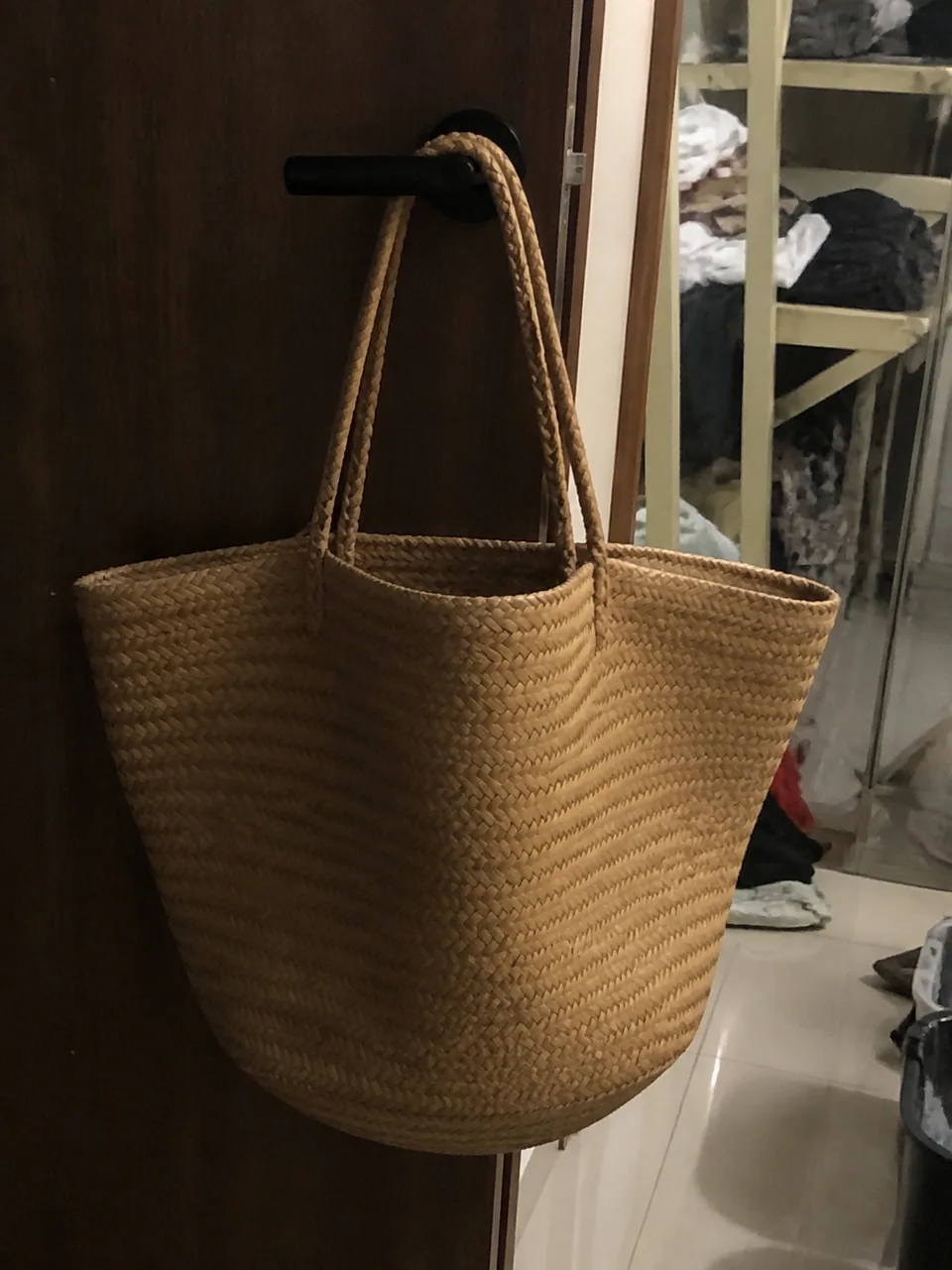
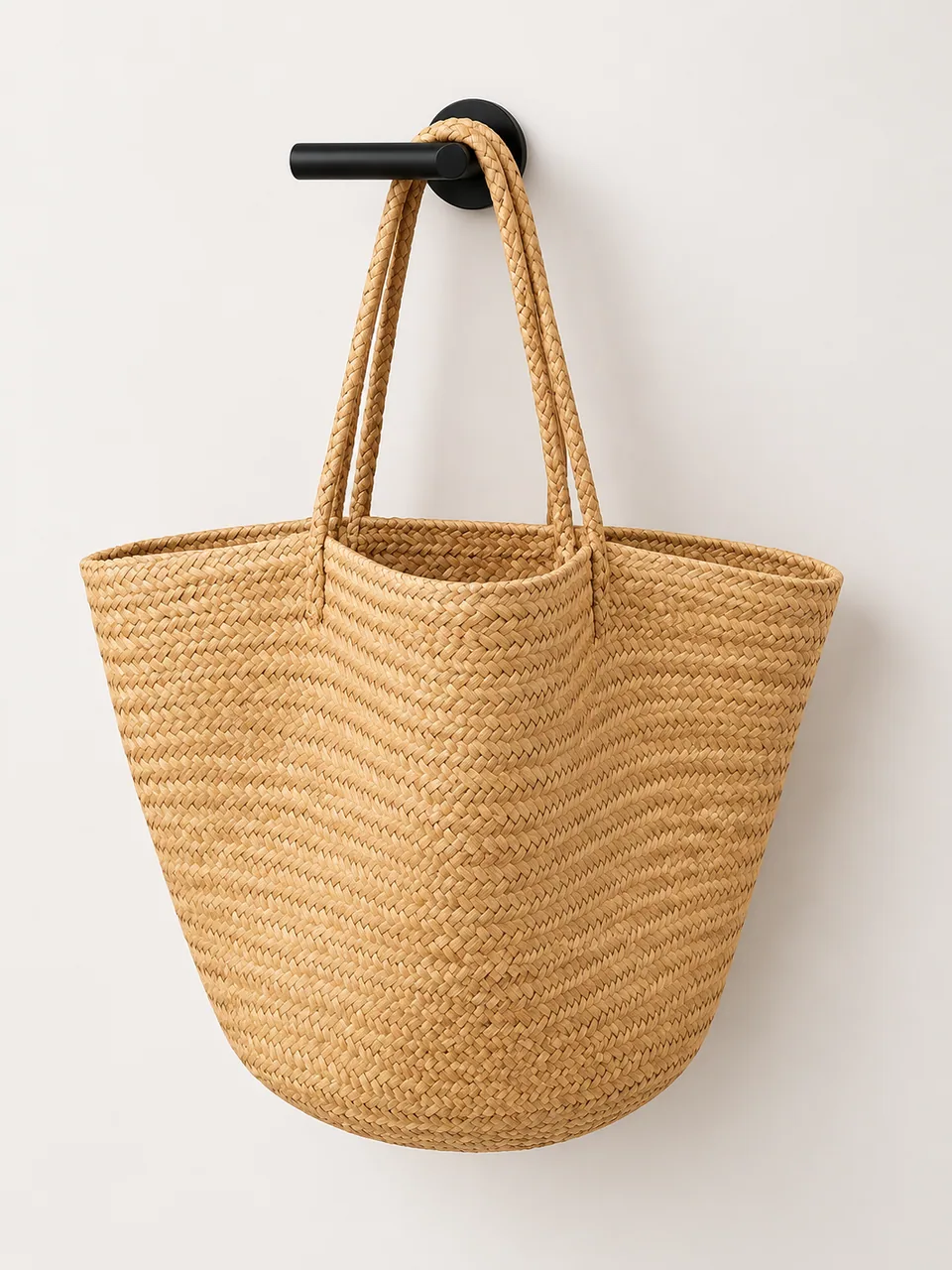 BeforeAfter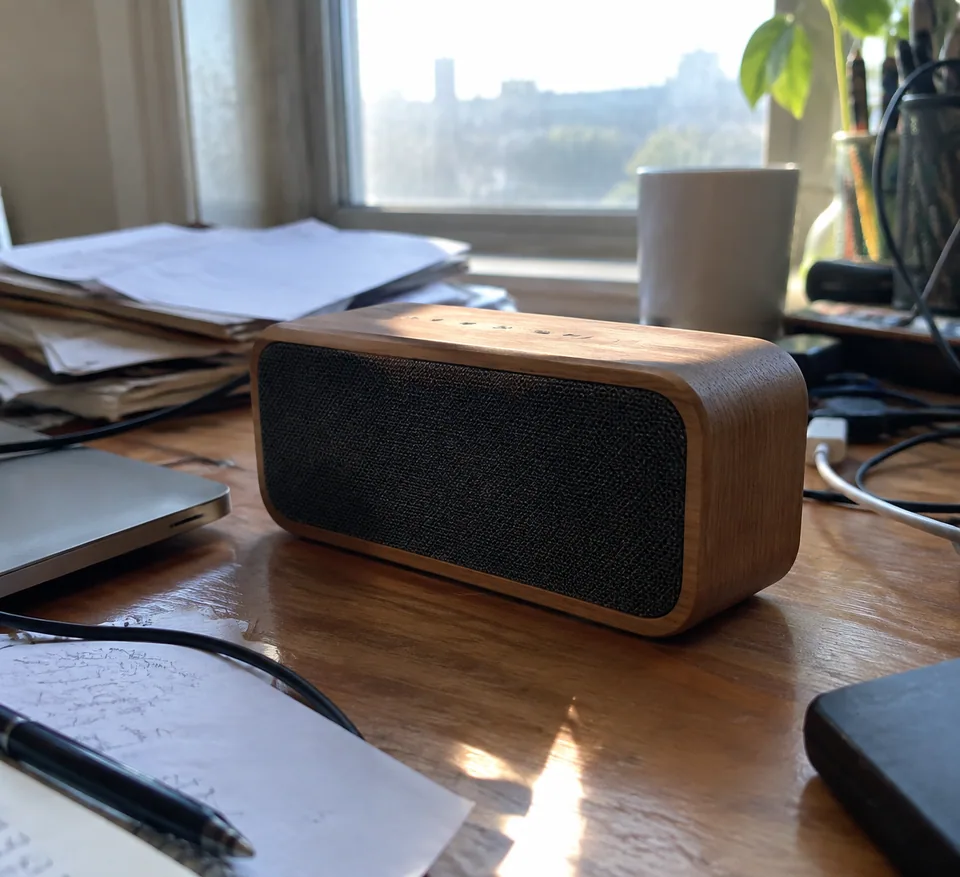
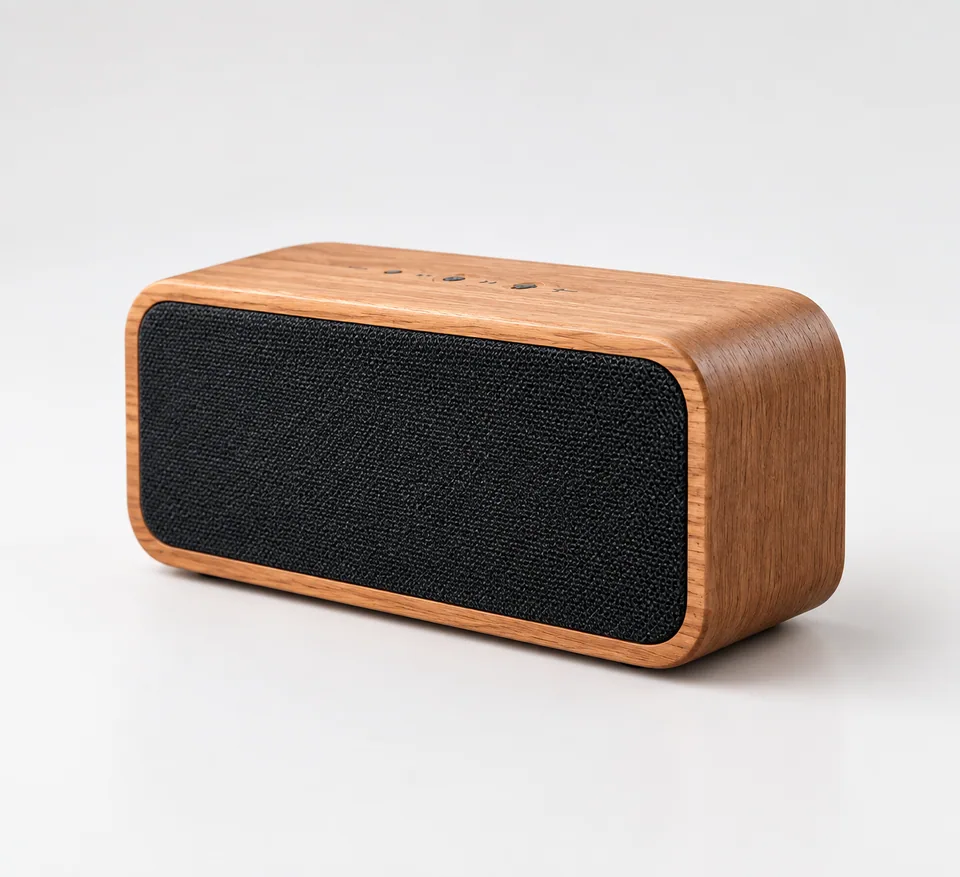 BeforeAfter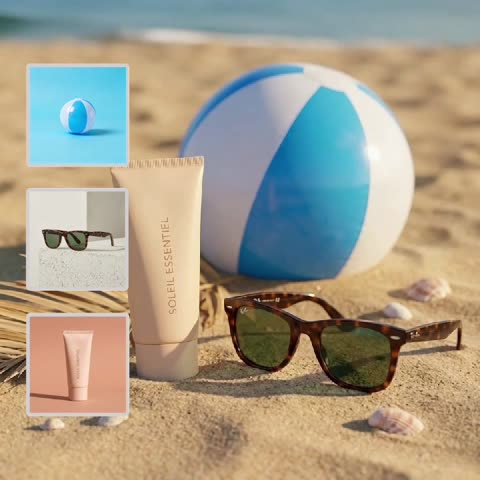
What AI product photography does with your snapshot
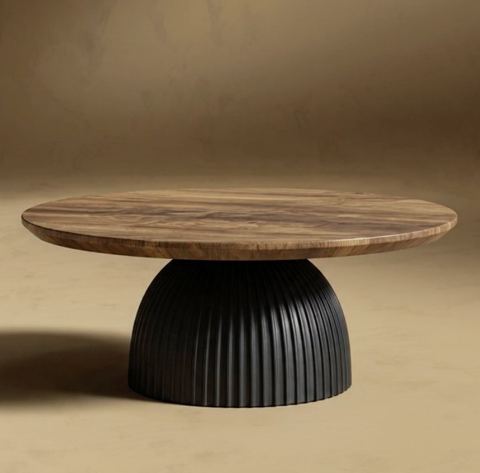
A studio product shot usually means a lightbox, two or three lights, a sweep of seamless paper and some retouching. This tool compresses that into one upload. You add a single photo of your item, and the model returns a clean, e-commerce-grade image with a seamless backdrop, soft studio lighting and precise highlights and shadows.
The product is the part that must not change, and the model is instructed accordingly: shape, label and colors are kept accurate. What gets replaced is everything that made the original look amateur, such as a cluttered counter, a yellow kitchen bulb or a wrinkled tablecloth.
There are no settings or prompts. One field, one photo, one result, plus a variation button when you want another take.
Listing images for Amazon, Shopify, Etsy and eBay
Shoppers scroll a grid of thumbnails and click the ones that look trustworthy. A crisp product on a clean backdrop reads well at small sizes and signals a real brand behind the listing. Use the result as your primary image, as a base for infographic slides, or as a consistent tile across your Shopify collection pages.
Dropshippers and resellers often receive supplier photos of wildly different quality. Running each SKU through the same tool evens out the look of the whole catalog. Handmade sellers on Etsy get polished shots of jewelry, candles, ceramics and skincare without investing in gear before the shop proves itself.
Always double-check each marketplace's image requirements, such as minimum size or pure-white rules, before publishing.
Studio product shots for ads, social and pitch decks
Clean studio-style images are the building block of paid social creatives on Instagram, TikTok and Pinterest: they are easy to crop, drop text over and resize. Small brands use them for launch announcements, email campaigns, wholesale line sheets and retailer pitch decks.
Agencies can mock up a client's product line in minutes to align on direction before a real shoot is booked. If the direction needs a lifestyle setting rather than a studio look, the background swap tool takes over from there.
Built for small teams: no subscription, one balance
Pricing is pay as you go. Each generation draws from one balance that also covers the other image tools, a chat with dozens of models and the API, so you don't juggle separate plans. New accounts start with a balance to try it on real products.
It works in any browser and in the Telegram bot @tokionaibot. A handy workflow: create the shot here, then ask a chat model in the same account to draft the product title and bullet points.
Who it's for
Amazon and eBay sellers
Turn supplier photos or quick snapshots into consistent primary and gallery images. Every SKU gets the same clean studio look.
Shopify brands
Keep collection pages uniform as you add new products each month, without scheduling a photographer for every drop.
Etsy makers
Jewelry, candles, pottery and skincare get polished, detail-forward shots that stand out in search results.
Agencies and marketers
Mock up product lines for pitches, test ad creatives and fill social calendars while the full production budget is still pending.
Pro tips
- Frame the whole product with a little space around it; the model can't accurately invent a corner the camera cut off.
- Turn the label squarely toward the lens so text survives as cleanly as possible.
- Shoot near a window in daylight. Neutral light helps the model keep true colors.
- Wipe glossy surfaces before shooting; fingerprints and dust can carry through.
- For reflective items like glass, chrome or cosmetics jars, generate a couple of variations and pick the cleanest highlights.
- Compare the final color against the real item, especially for apparel, makeup and paint where shade matters to returns.
Good to know
- You can't choose the backdrop color or scene here; the output is always a clean studio shot.
- One upload yields one angle. Side and back views need their own source photos.
- Tiny print such as ingredients, barcodes or fine legal text should be checked against the original.
- Marketplace-specific rules like exact size or pure white values are yours to verify.
What it costs
- Pay only for what you generate — no subscription.
- One balance for image tools, chat with 52 AI models and the API.
- Free starter credits when you sign up, no card needed.
Questions
How many photos do I need?
One. Upload a single clear photo of the product and you get one studio-style result. Run it again with other angles for a full gallery.
Will the AI alter my product or logo?
The model keeps the product's shape, label and colors. It changes the backdrop, lighting, reflections and shadows. Still, proofread small text before publishing.
Is this suitable for Amazon main images?
The clean studio look fits most main-image expectations, but rules vary by category. Check Amazon's current requirements for your listing.
Can I put my product in a kitchen or outdoor scene?
Not with this tool; it produces studio shots. Use the background swap tool with your product photo plus a picture of the scene you want.
Does it work for clothing?
Bags, shoes and accessories work well. For garments shot on a person or laid flat, the ghost mannequin tool is a better fit because it rebuilds the 3D shape.
How much does it cost?
Each generation is charged to your balance, with the current price shown on this page. No subscription, and new accounts get a starting balance.
Can I use it from my phone?
Yes, through the mobile web app or the Telegram bot @tokionaibot. Snap the product, upload, download the result.
More image tools
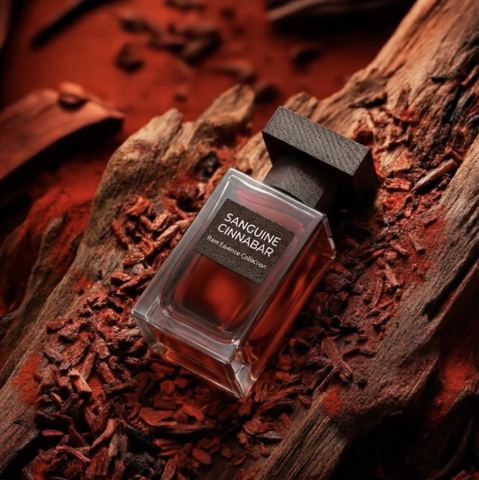


Try AI Product Photoshoot now
Free starter credits, no credit card. Works in any browser.
Open the tool — free