AI Tools for Social Media Managers and Content Teams
Keep the calendar full without a designer on standby. Turn the photos your brand already has into ad creatives, captioned posts, on-brand illustrations and localized graphics for Instagram, TikTok, LinkedIn and Pinterest.
Tools for you

What AI tools for social media managers actually solve
The bottleneck in social is rarely ideas. It's production. Every post, story and ad variant needs a visual, every client has a different look, and stock images feel generic the moment they hit the feed. Booking a shoot for each campaign isn't realistic when you publish daily.
These tools turn the assets you already have, such as a product shot, a room, a portrait, into finished creative. Each tool is built for one job, so there is no prompt engineering: upload an image, pick a style from a list or fill in one short field, and download the result. It's fast enough to make three variants of a post and let the numbers pick the winner.
Ad creatives for Instagram, TikTok and paid social
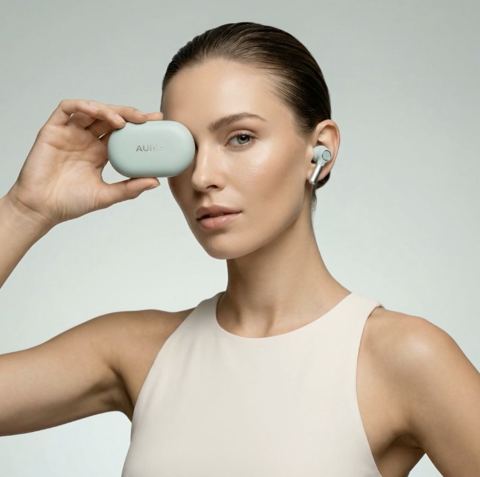
Visual Campaign Creator places a product into a scene you describe in plain words, like a sunlit marble bathroom, a rooftop pool at dusk or a rustic breakfast table. You get a polished, ad-ready image with cinematic lighting while the product's shape and label stay accurate.
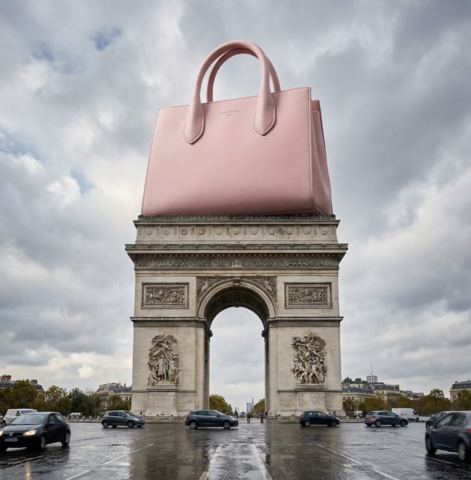
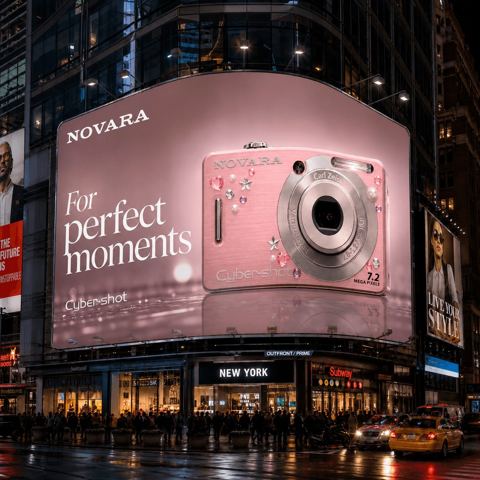
For scroll-stopping formats, Giant Product Ad turns the item into a monumental object towering over a city or landscape, with the environment style chosen from Luxury, Tech/Futuristic, Eco or Sport. Billboard Campaign puts your product on a glowing billboard in places like Times Square, Piccadilly, Tokyo or Dubai, with your own headline on it. Both make strong launch teasers and story frames.
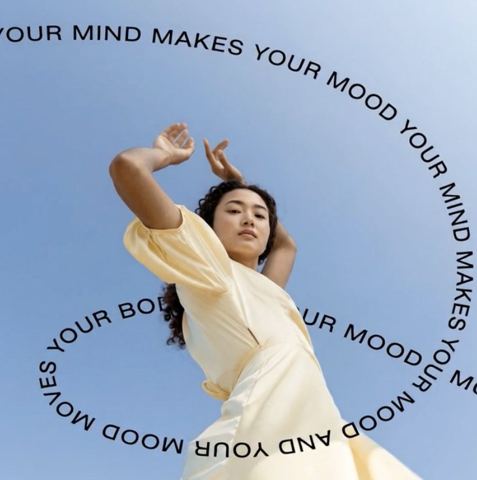
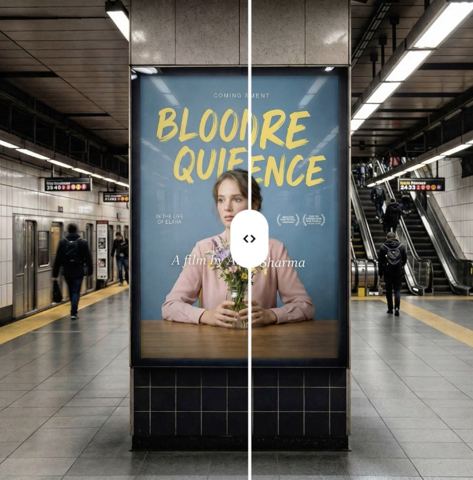
Text-on-Image adds a headline straight onto an existing visual. Type the line, choose a style (minimal, bold, luxury, playful or cinematic) and the model picks a font, size and color that fit the composition and stay legible on a phone screen.
Keep every account on-brand, in every language
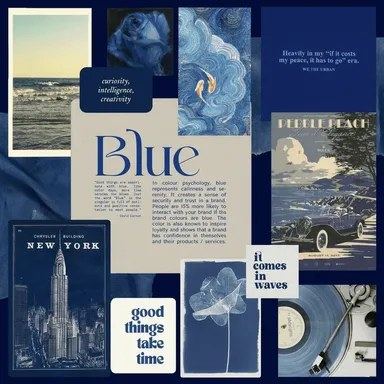
Moodboard Matcher is the shortcut to consistency. Upload a moodboard with the brand's palette, textures and mood, describe the image you need, and the result follows the same visual language. It's especially useful when you juggle several clients with very different aesthetics.
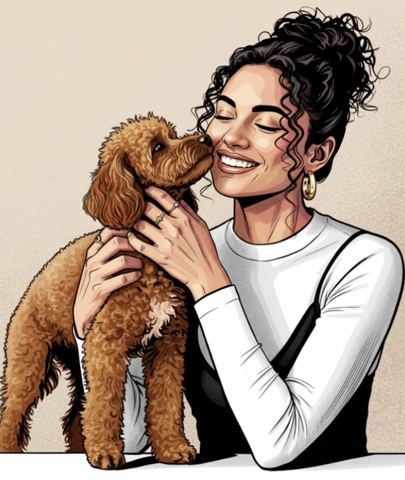
Illustration Studio converts a photo into caricature, comic, watercolor, digital painting, sketch or flat vector art. Pick one style per content series and followers will recognize the post before they read it. Sticker Creator turns a portrait into a die-cut sticker in anime, manga, cyberpunk or realistic style for stories, community chats and merch.
Running campaigns in several markets? Design Text Translator swaps the copy on a banner or carousel slide into the language you enter while keeping fonts, colors and layout, so one design becomes several localized versions.
Personal brand shoots and simple, usage-based pricing
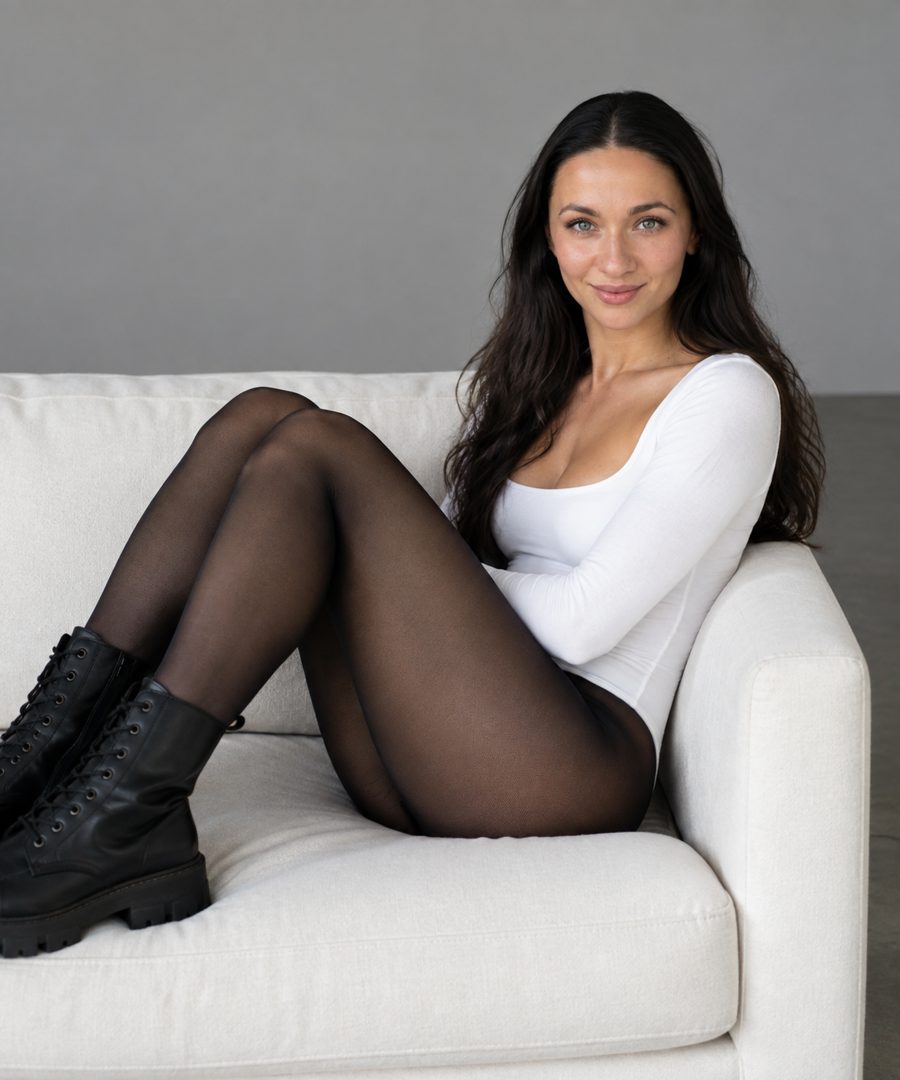
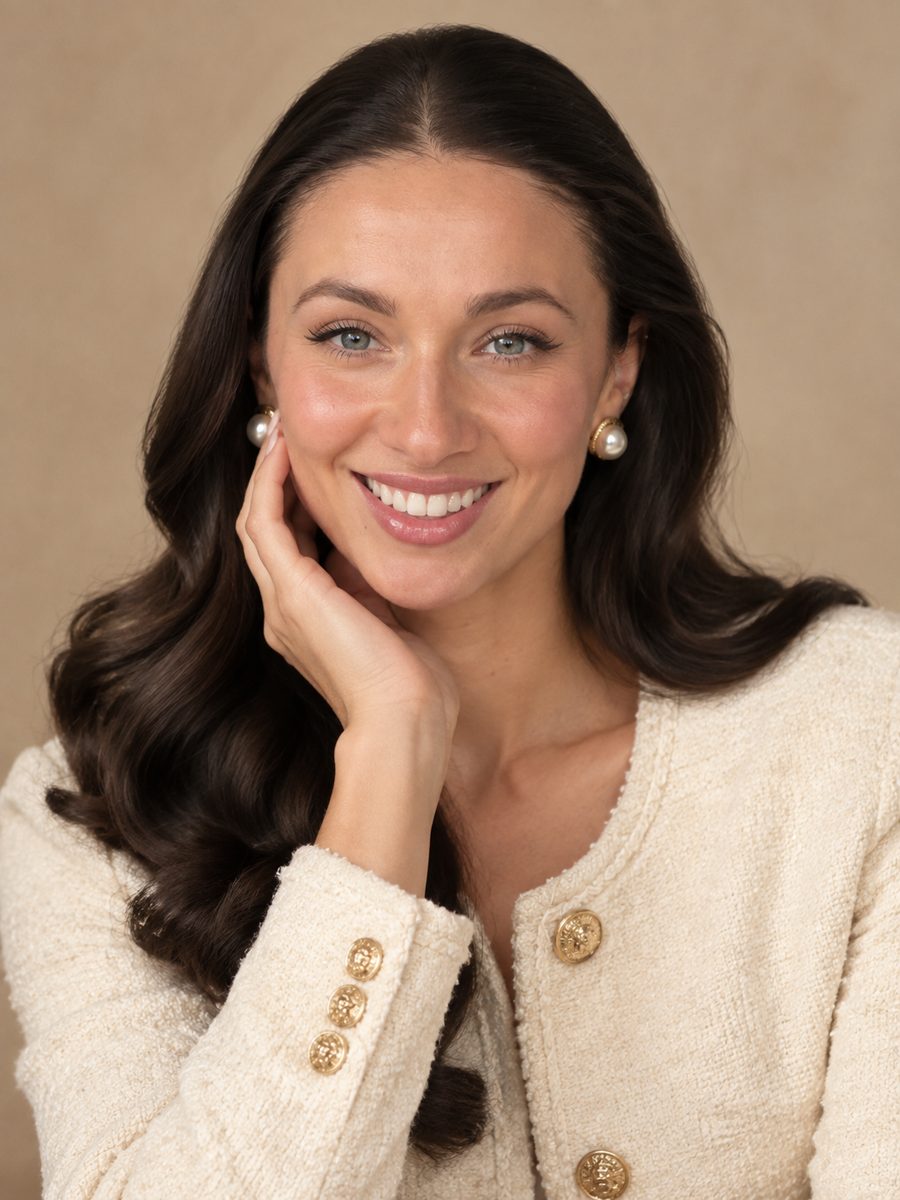
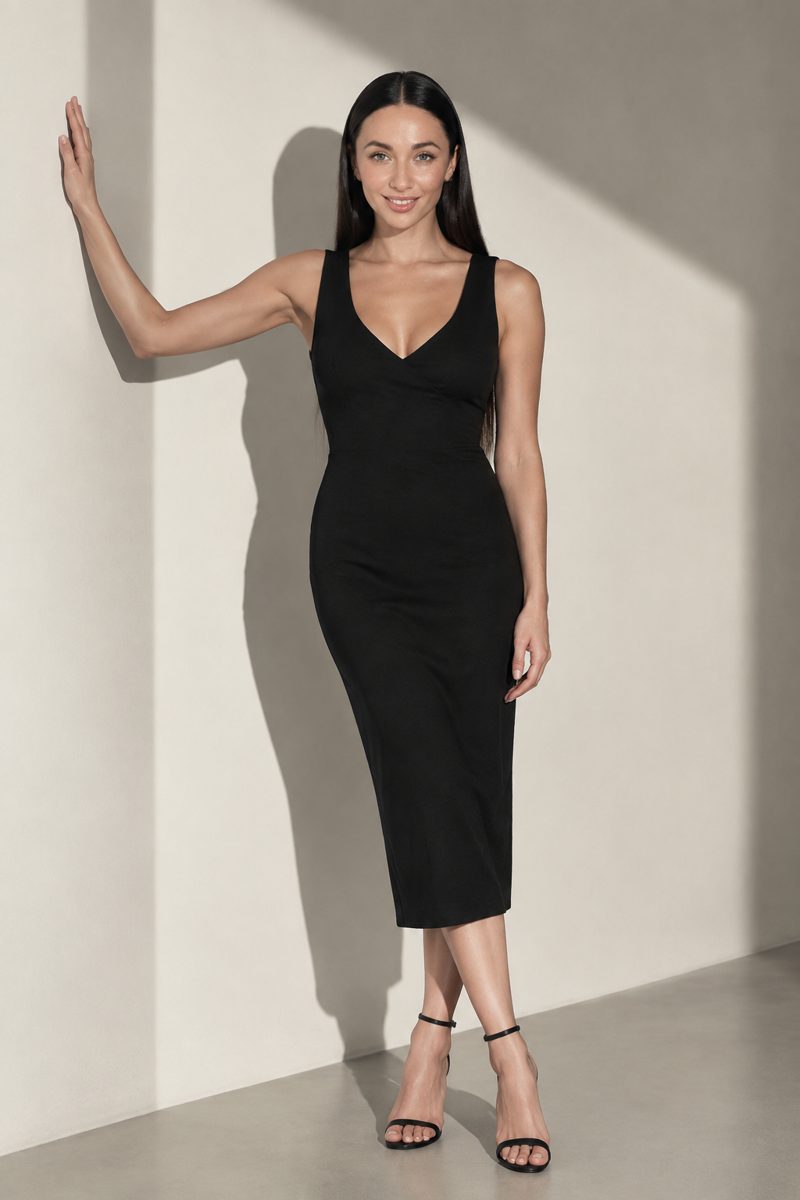
Founders and creators need fresh photos of themselves more often than anyone schedules a shoot. Styled photoshoots such as Atmospheric studio, Old Money and Light & shadow generate a coherent series from your selfies: same outfit, same light, different poses and framing. Enough for a new LinkedIn photo, a profile header and weeks of posts.
There is no subscription. You top up one balance and pay per generation, and that balance also covers a chat with dozens of models for captions, hooks and content calendars, plus the API. Everything runs in the browser and in the Telegram bot @tokionaibot.
Who it's for
Freelance social media managers
Several clients, several brand books, tight turnarounds. Campaign visuals, captioned images and moodboard matching turn client-supplied photos into ready posts.
Agencies and content teams
Mock up creative directions before a shoot, test ad variants quickly and localize winning graphics for new markets without reopening the design file.
Small brands running their own accounts
A coffee shop, boutique or skincare line can go from one product photo to a launch teaser, a promo post and a story frame in a single session.
Founders and personal brands
Styled photoshoots, illustrated portraits and custom stickers keep a personal feed fresh without booking a photographer every month.
Photoshoot styles
Pro tips
- Start from a sharp product photo on a calm background so the logo and packaging come through accurately.
- In the campaign context field, be specific about surface, light and mood: 'warm evening light on a linen tablecloth' beats 'nice background'.
- Keep on-image headlines to two to five words. Long lines get lost on a phone screen.
- Build one moodboard per client and reuse it for every Moodboard Matcher request to keep the feed consistent.
- Have a native speaker glance at translated slogans. The meaning carries over, but ad copy lives or dies on tone.
- For stickers, use a well-lit portrait with the face clearly visible and no heavy shadows or glare.
Good to know
- The tools produce still images. Reels and TikTok videos still need to be edited separately.
- Long paragraphs and data-heavy infographics don't render as cleanly as a short headline; use a layout tool for those.
- Don't upload photos of celebrities or of people who haven't agreed to it.
Questions
Can I use the images in paid ads?
Yes, as long as the source photos belong to you or your client. Check each ad platform's policies on text and restricted categories before launching.
Which tool should I use for a product post?
For an atmospheric lifestyle shot, use Visual Campaign Creator. For a bold attention grabber, try Giant Product Ad or Billboard Campaign. Add a headline afterwards with Text-on-Image.
How do I keep visuals on-brand across many posts?
Use Moodboard Matcher with the same brand moodboard every time, and pick a single illustration style per content series.
Can I localize a graphic for another country?
Yes. Upload it to Design Text Translator and enter the target language. The copy is replaced while fonts, colors and layout stay the same.
Is there a monthly fee?
No. You pay per generation from a single balance. The current price is shown next to the run button on each tool page.
Can it write captions too?
The same account includes a chat with dozens of language and image models, which is handy for captions, hooks, hashtags and content calendars.
What is a photoshoot compared to a single tool?
A tool returns one image per run. A photoshoot generates a coherent series in one outfit and one lighting setup from your selfies, like the results of a real studio session.
AI Tools for Social Media Managers and Content Teams
AI tools for social media managers: turn product photos into ad creatives, add headlines to images, match brand moodboards and localize graphics for any market.
Start free