Moodboard to Image with AI
Upload a moodboard, type what you want to create, and get a brand-new image that matches its palette, textures, mood and overall aesthetic.
- $0.01per image
- 1photo to upload
- 0prompts to write
How it works
- 1Upload
Add one photo — the form tells you exactly what fits best.
- 2Adjust
Optional fields steer the result: style, mood, text to render.
- 3Download
Get a finished image in seconds, then iterate or try a variation.
Examples
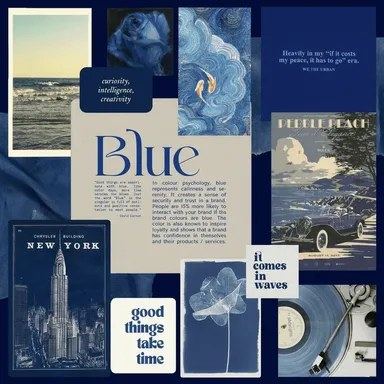
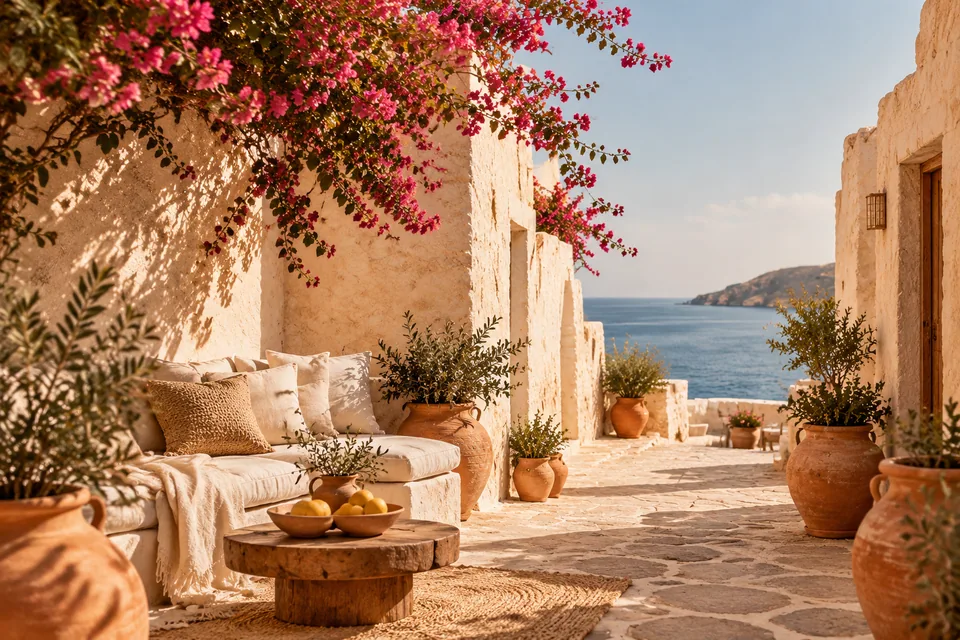
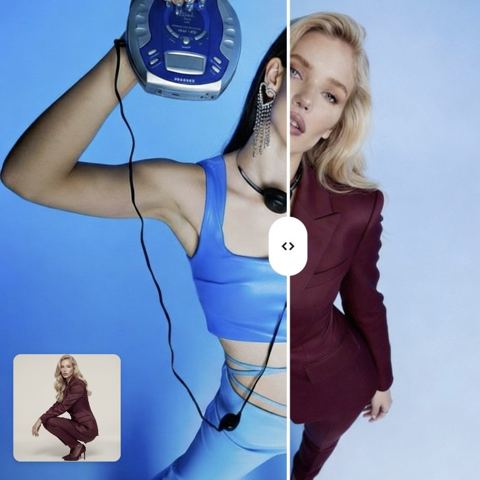
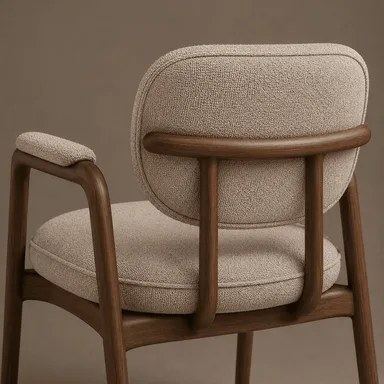
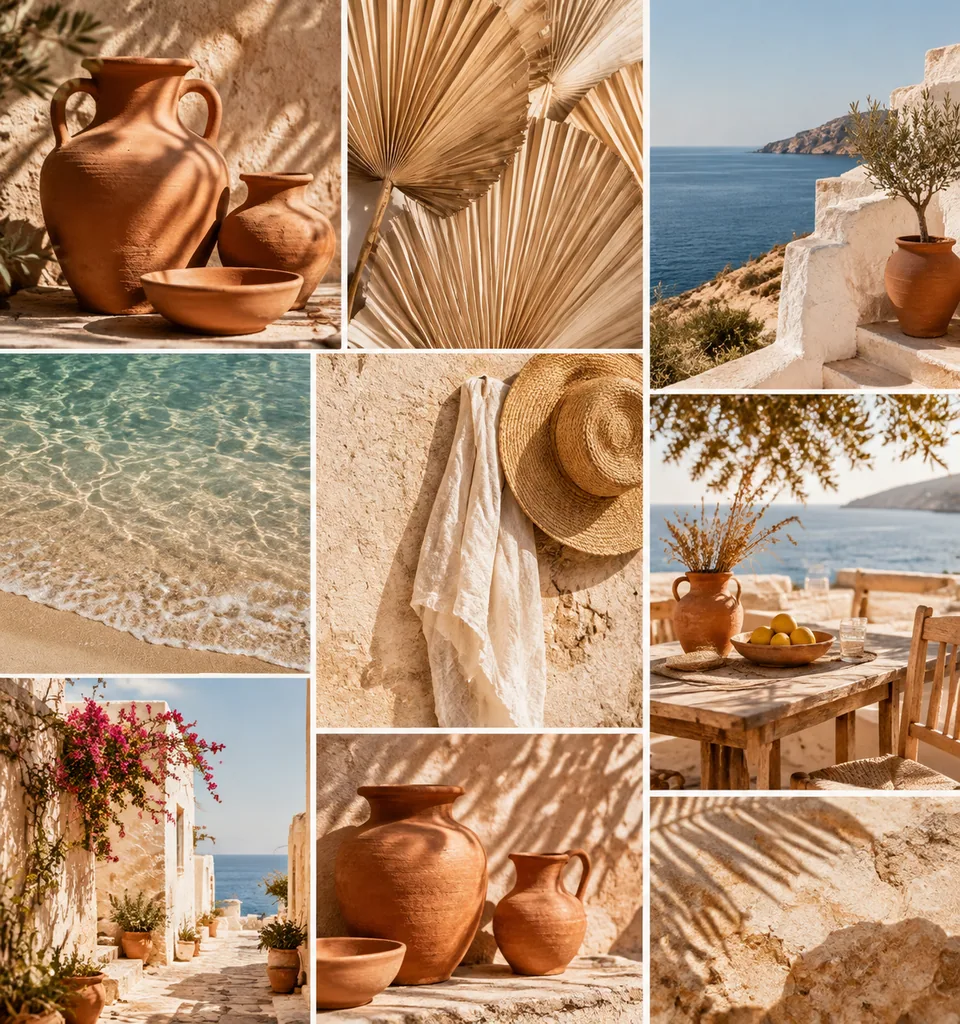 BeforeAfter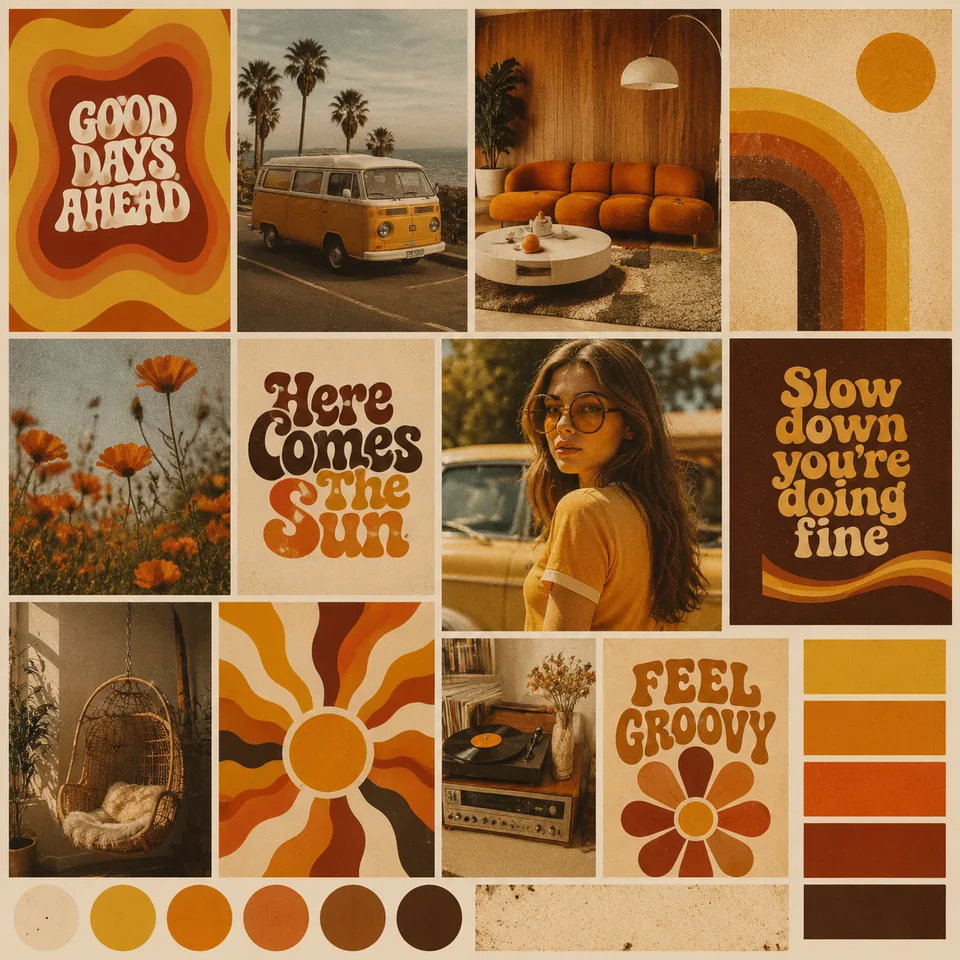
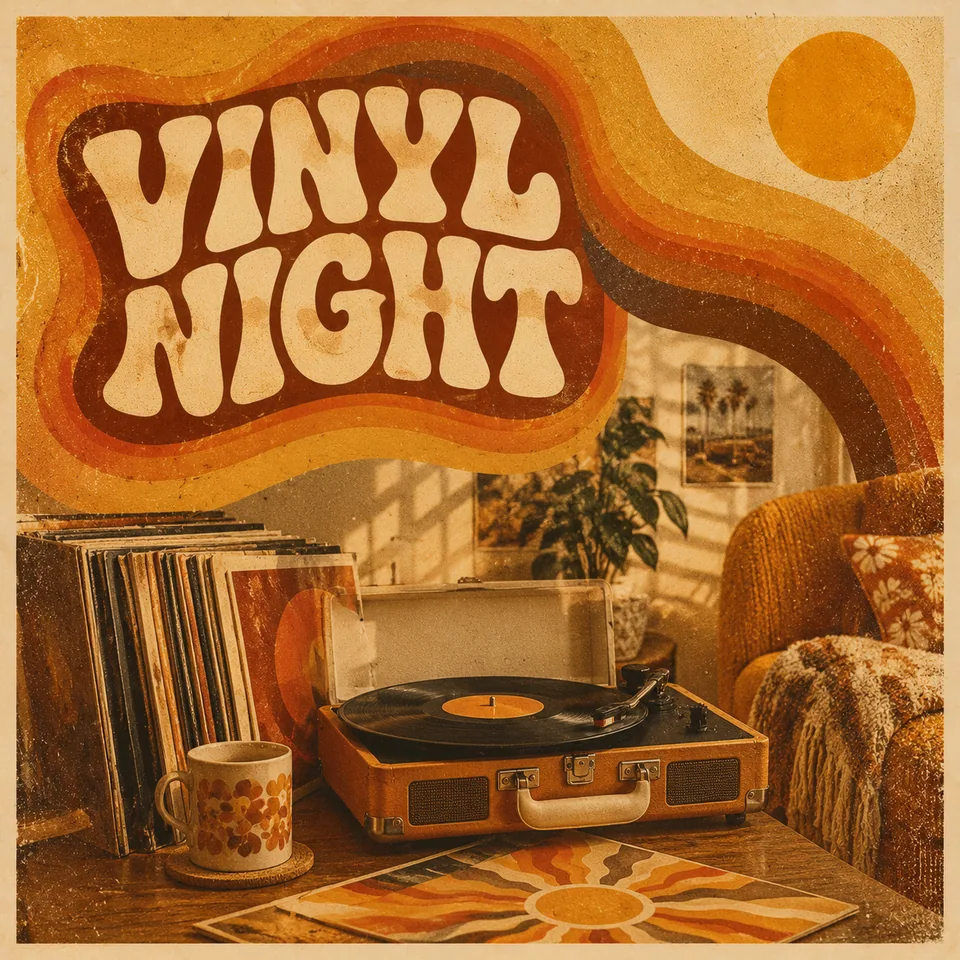 BeforeAfter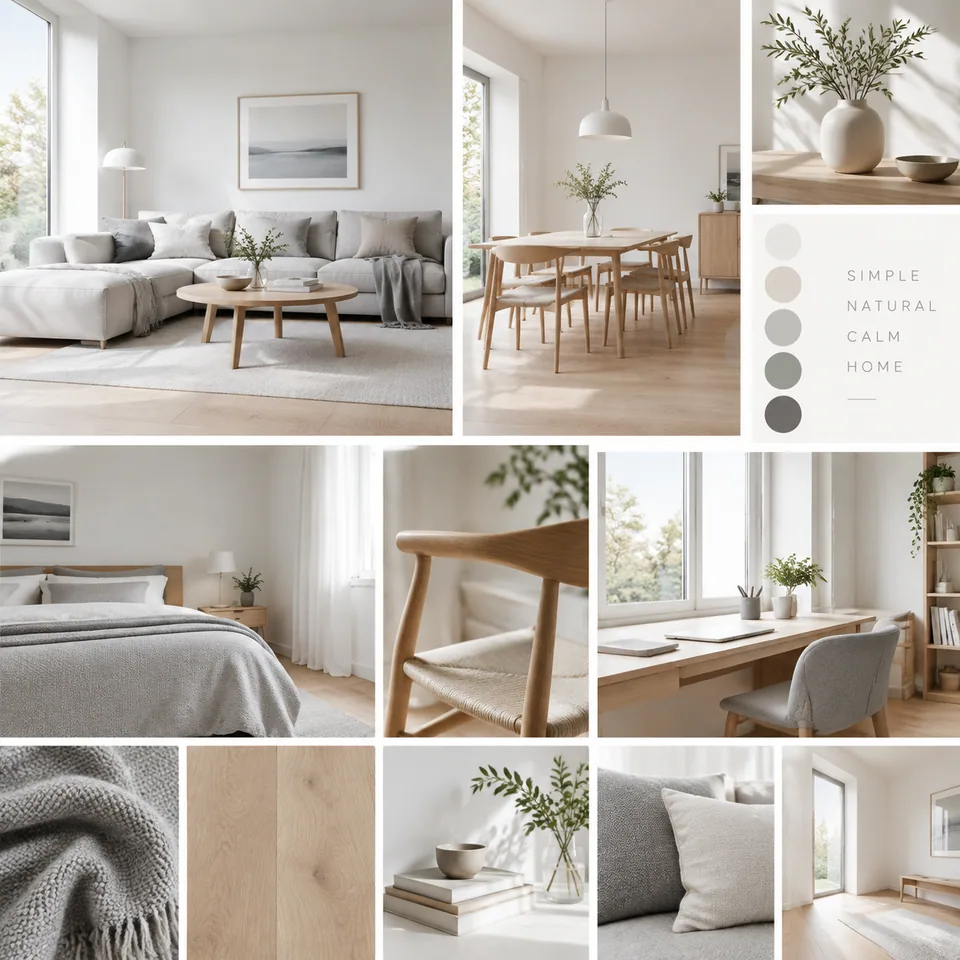
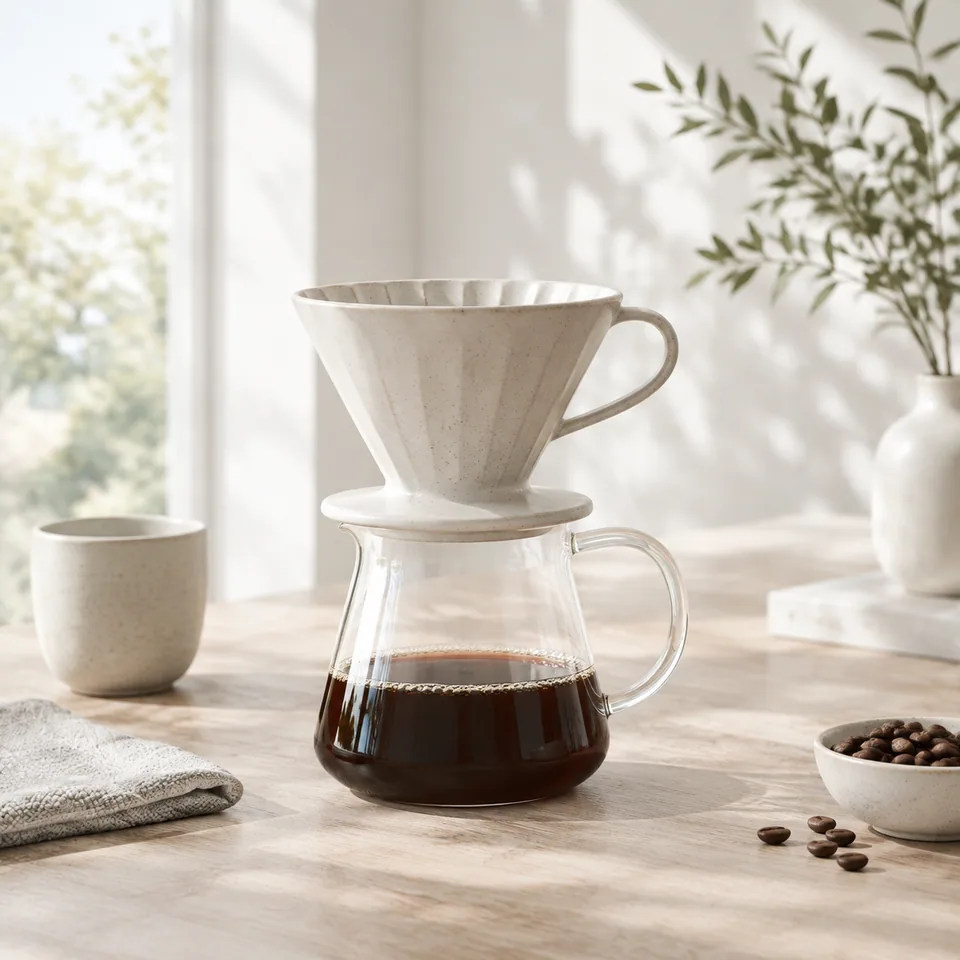 BeforeAfter
How moodboard to image AI works
A moodboard sets the direction; someone still has to turn it into actual assets. This tool does that step. Upload one image, either a collaged board or a single strong reference, and describe the piece you need in the text field: "luxury perfume ad", "podcast cover about travel", "modern gig poster".
The AI treats the board as a style reference. It reads the color palette, textures, mood, typography and visual language, then generates a new image from your description that matches that look as closely as it can. The result is cohesive and detailed, the kind of image that looks like it belongs on the same board.
Be clear on what it doesn't do: it doesn't restyle a photo you upload. There is no slot for your own shot. It creates a new scene from your description, so it won't reproduce a specific product, logo or person.
Keep Instagram, TikTok and Pinterest on-brand
A consistent grid is one of the fastest ways to make a small brand look established. Build your board once, whether that's warm terracotta and linen, cool chrome minimalism or late-night neon, and reuse it as the reference for every post, story cover, Pinterest pin and TikTok thumbnail.
Only the description changes: a launch announcement today, a holiday greeting next week, a quote card after that. Your audience sees one recognizable aesthetic, and you skip the hour of matching filters and hunting stock images.
On-brand visuals for Shopify, Etsy and agencies
Store owners on Shopify or Etsy can create banners, collection covers, email headers and campaign imagery in their brand's aesthetic from a single board. Keep real product photography for the listings themselves; use generated scenes for the atmosphere around them.
Agencies and freelancers get a quick way to show clients what an approved direction looks like in practice. Drop in the board from the kickoff deck, describe a hero image, and bring a tangible example to the next call before committing to a full shoot or layout.
Event planners and wedding stylists can turn a color-and-texture board into invitations, signage concepts and social teasers that all feel related.
Building a moodboard the AI can read
The tool takes one image, so combine your references into a single collage first. Keep it coherent: four to eight images sharing a palette and mood work better than a mix of clashing styles, which the model will try to blend.
Use images you own, generated, or have rights to. You can generate board images with the image models in your Tokion account and collage them together.
Pricing is pay as you go with no subscription: each generation is charged to one balance shared with the other image tools, a chat with dozens of models and the API, and new accounts get a starting balance. It works in the browser and in the Telegram bot @tokionaibot.
Who it's for
Small brands and shop owners
Banners, collection covers and email headers for Shopify or Etsy in one consistent aesthetic, without briefing a designer every time.
Social media managers
Reuse one approved board for weeks of Instagram, TikTok and Pinterest content. Change the description, keep the look.
Agencies and freelancers
Turn a kickoff board into concrete sample imagery for client sign-off before investing in a shoot or full layout.
Event and wedding planners
Invitations, signage concepts and teaser posts that all share the event's palette and mood.
Pro tips
- Build the board from four to eight images that share a palette and feel.
- Describe the subject and format, not the colors; the palette comes from the board.
- For a series, keep the board fixed and change only the description.
- Add logos, prices and exact copy afterwards in your design tool.
- If results drift, simplify the description and remove off-style images from the board.
Good to know
- It doesn't restyle your photo; it creates a new image from your description.
- It won't faithfully reproduce a specific product, logo or person.
- Text rendered inside the image can come out misspelled.
- Only one reference image is accepted, so combine multiple references into a collage first.
What it costs
- Pay only for what you generate — no subscription.
- One balance for image tools, chat with 52 AI models and the API.
- Free starter credits when you sign up, no card needed.
Questions
What should I upload?
One image: a collage moodboard or a single strong style reference. The AI takes its palette, textures, mood, typography and overall aesthetic.
What do I write in the description?
What you want created: the subject, scene and format. For example, 'vertical poster for a jazz night' or 'banner with a coffee cup on a marble table'.
Can it apply my moodboard to an existing photo?
No. It generates a new image from your description. Your own photos aren't used as input in this tool.
Can I use it for Amazon or Etsy product listings?
Use it for banners, lifestyle atmosphere and campaign art. Listing images should show your real product.
Will my brand name appear correctly?
The model can render text, but letters sometimes distort. Add brand names and copy in an editor after generating.
What kinds of moodboards work best?
Boards with a clear, consistent palette and mood: a few photos, textures and color swatches that obviously belong together. Boards mixing several unrelated styles give less predictable results.
Does it work on mobile?
Yes, in a mobile browser or through @tokionaibot on Telegram.
How is it priced?
Pay as you go: each generation is charged to your balance, with the current price shown on this page. No subscription.
More image tools



Try AI Moodboard Matcher now
Free starter credits, no credit card. Works in any browser.
Open the tool — free