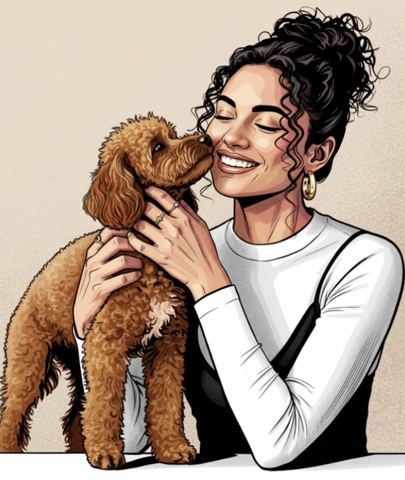
Turn Any Photo into an Illustration
Upload a photo, pick a style from the list and get it redrawn as artwork: watercolor, sketch, comic, caricature, digital painting or flat vector, with the subject still clearly yours.
- $0.01per image
- 1photo to upload
- 0prompts to write
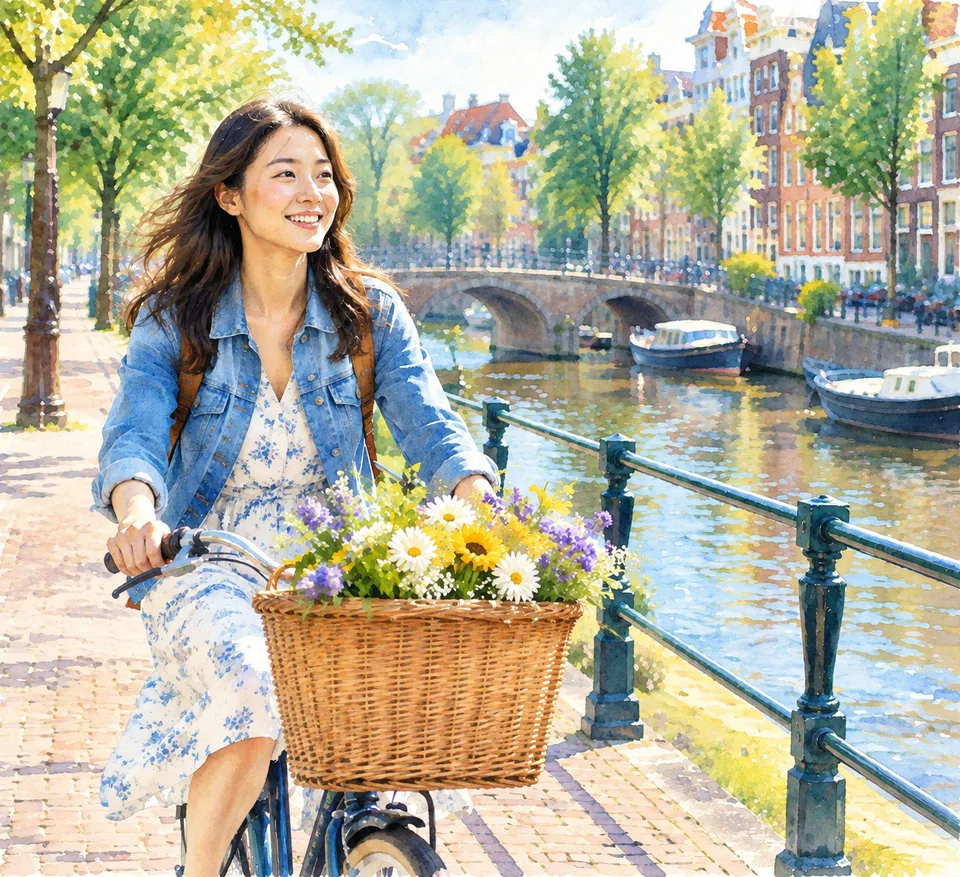
How it works
- 1Upload
Add one photo — the form tells you exactly what fits best.
- 2Adjust
Optional fields steer the result: style, mood, text to render.
- 3Download
Get a finished image in seconds, then iterate or try a variation.
Examples
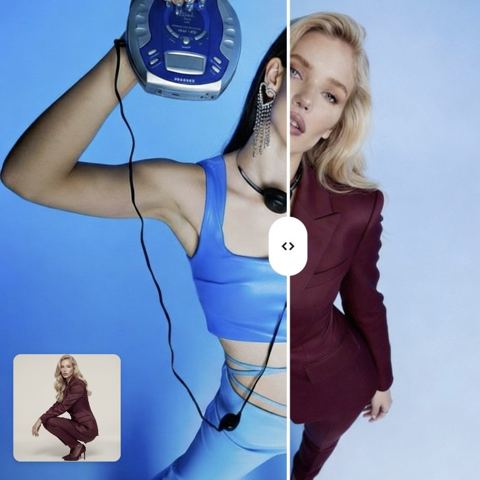
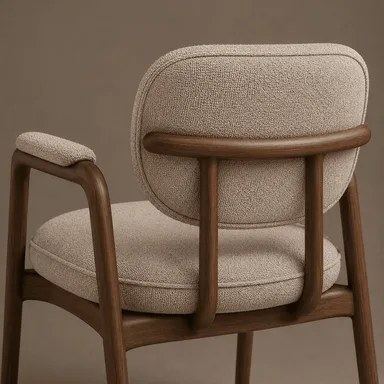
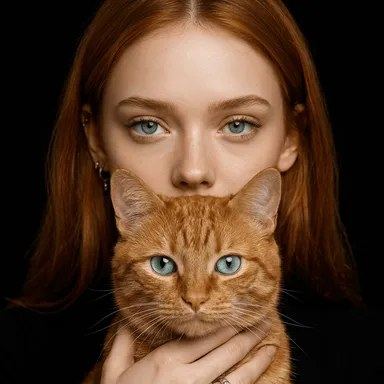
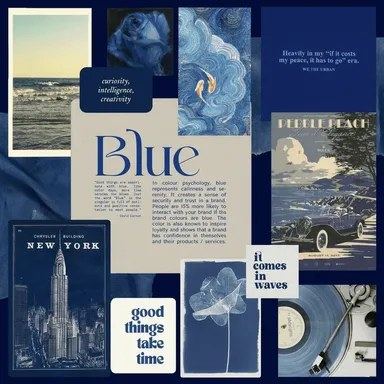
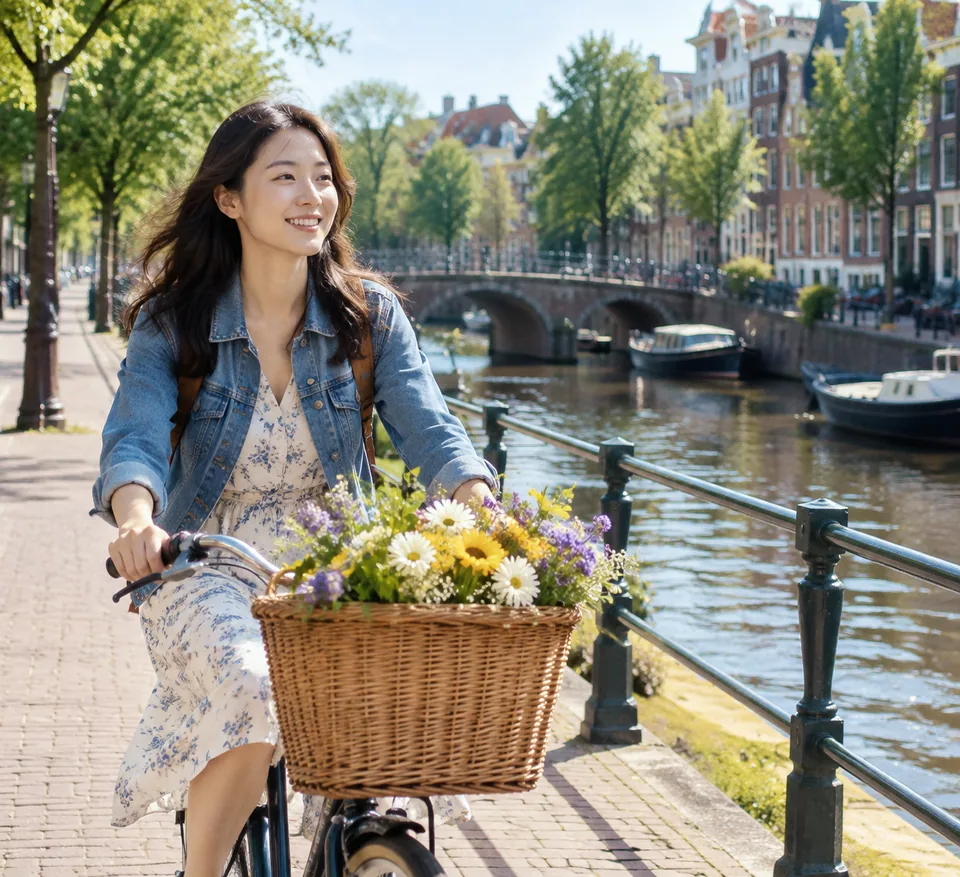 BeforeAfter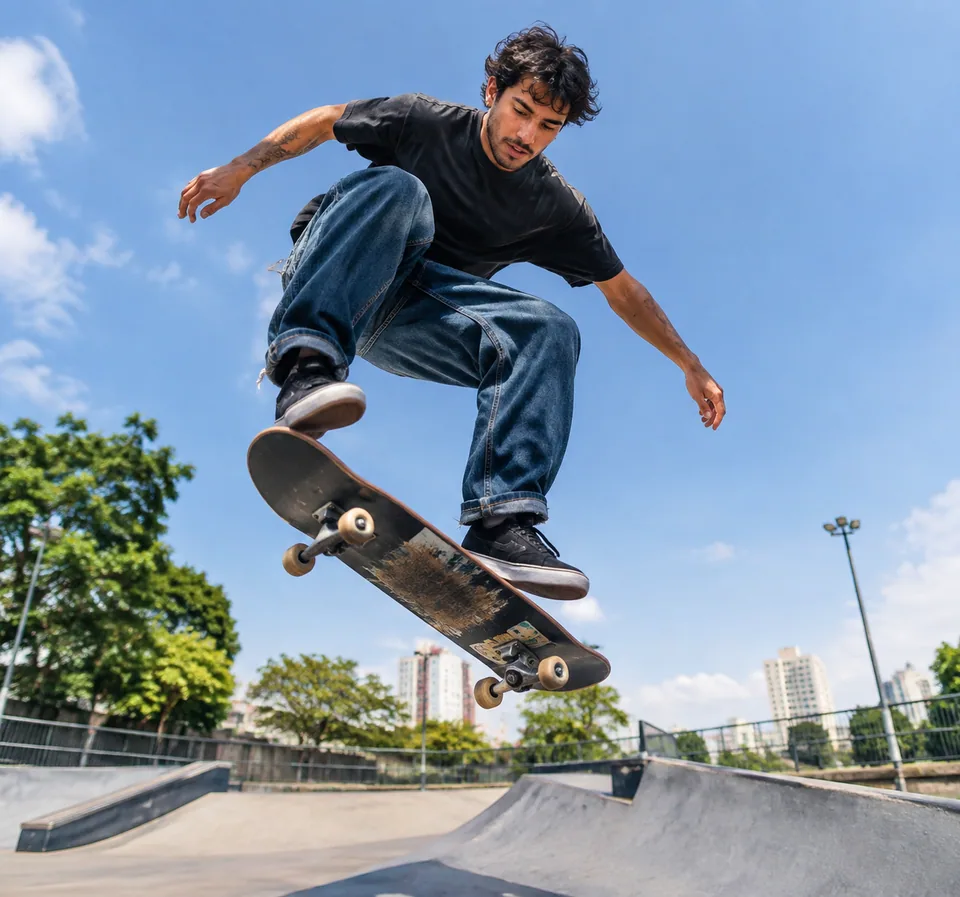
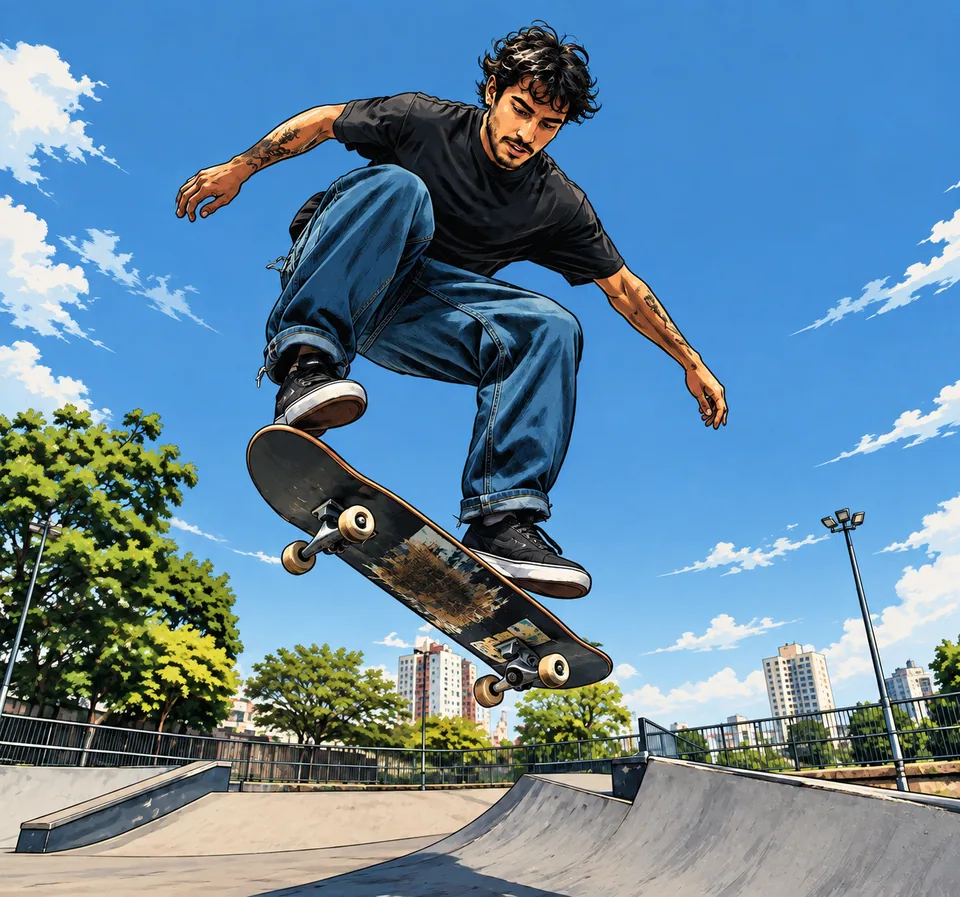 BeforeAfter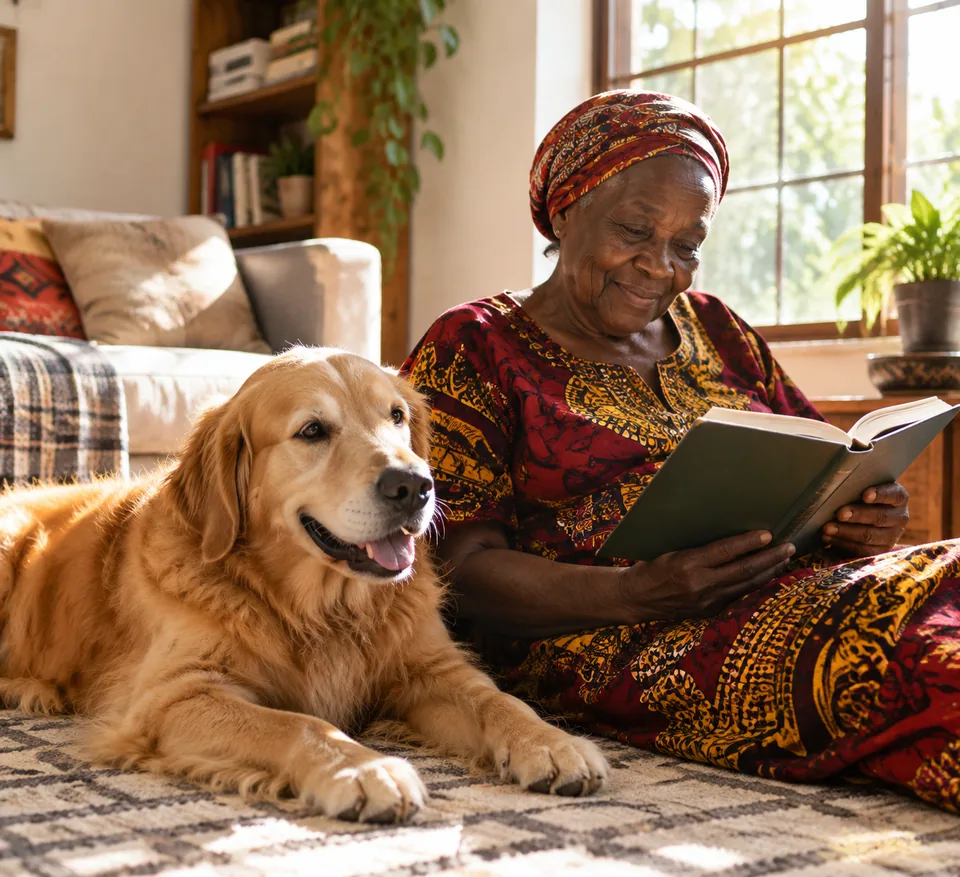
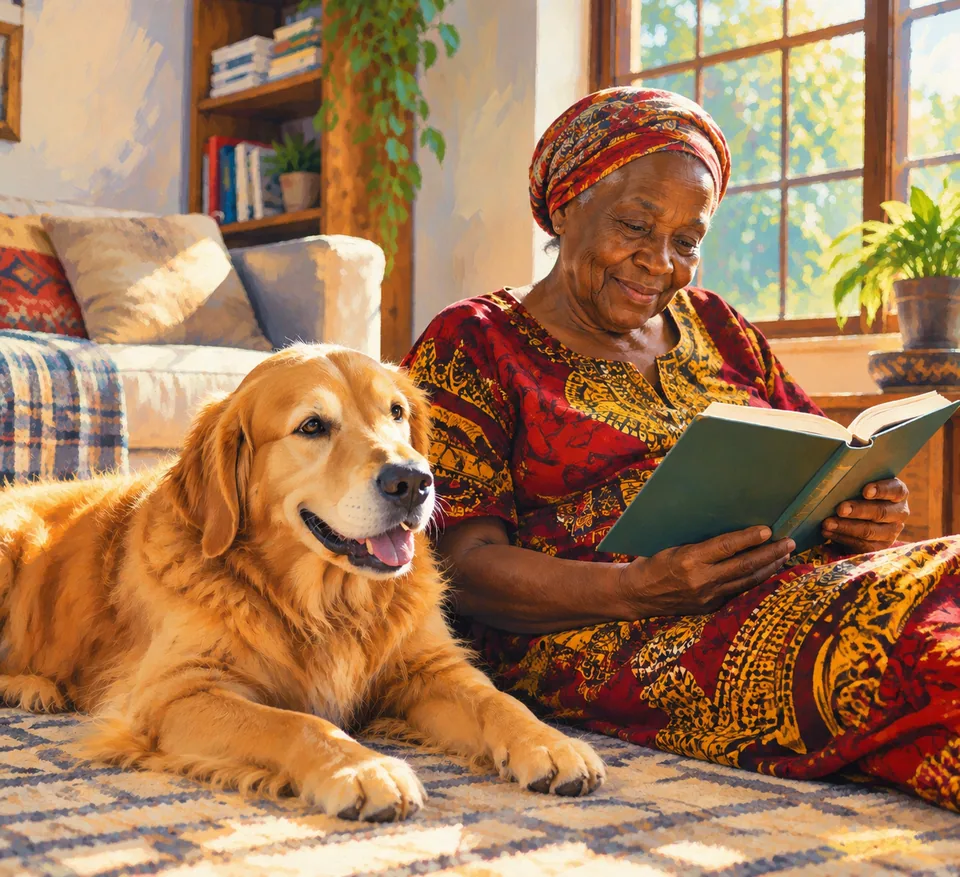 BeforeAfter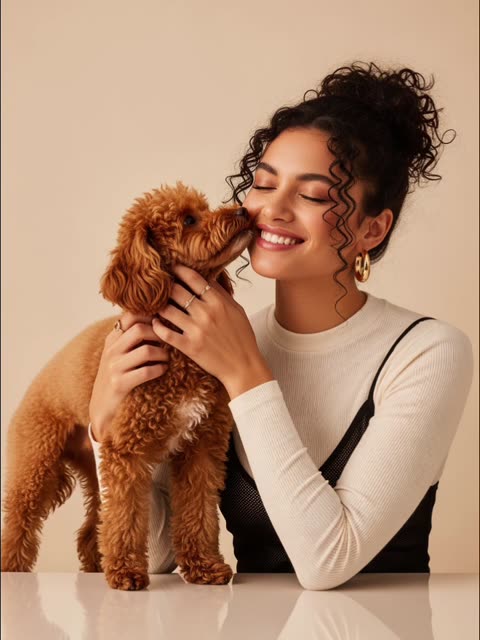
How to turn a photo into an illustration
Commissioning an illustrator means briefs, waiting and revision rounds. Phone filters are instant but look like filters: mushy outlines and muddy color. This tool sits in between. It redraws your photo the way an artist would work from a reference.
There are just two inputs. Upload your reference image: a portrait, a product, a storefront, a skyline, your dog. Then choose an illustration style from the dropdown: Caricature, Comic, or one of the editorial styles, Watercolor, Digital painting, Sketch or Flat vector. No prompt writing required.
The model keeps the subject, composition and key details recognizable, while changing the medium. Output is a clean illustration with consistent lighting and palette, and no text or watermarks baked in.
Choosing a style: watercolor, sketch, vector and more
Watercolor gives soft edges and paper texture, ideal for family portraits, travel scenes, wedding stationery and greeting cards. Sketch produces line work and hatching that suits architecture, interiors and editorial spots. Digital painting is rich and dimensional, a good fit for posters, book covers and YouTube thumbnails.
Flat vector simplifies shapes into clean color fields, the look of explainer graphics, slide decks, icons and packaging. Comic adds bold outlines and energy for social posts. Caricature exaggerates features for gag gifts, farewell cards and roast-style birthday posts, with the subject's blessing.
Not sure which one fits? Run the same photo through two or three styles and compare. The unexpected option is often the keeper.
Illustrations for creators, brands and Etsy shops
Creators on Instagram, TikTok and Substack can build a recognizable visual identity by running their own photos through one consistent style. A month of posts in the same watercolor or vector look reads as a series, not a random feed, and you never touch stock imagery.
Small brands and Etsy sellers use flat vector renderings of their products for packaging inserts, thank-you cards, website headers and Pinterest pins. Cafés and bakeries turn photos of their bestsellers into illustrated menus and window decals. Teachers and course creators get diagrams of real objects that are clearer than generic clip art.
Agencies can mock up an illustrated campaign direction from reference photos before briefing an illustrator for the final set.
Pet portraits, gifts and keepsakes
A watercolor of your dog, a sketch of the house you grew up in or a digital painting of a wedding photo makes a thoughtful print, canvas or mug. For portraits of people, use your own photos or ones where the people pictured are happy to be illustrated, especially for caricatures.
Pay as you go, one balance
No subscription: each generation is charged to one balance that also covers other image tools, a chat with dozens of models and the API. New accounts get a starting balance to try every style. Runs in any browser and in the Telegram bot @tokionaibot.
Who it's for
Creators and bloggers
Give your feed a signature look by turning your own photos into a consistent illustrated series for Instagram, TikTok covers or newsletter headers.
Small brands and Etsy sellers
Flat vector product art for packaging, inserts, websites and Pinterest, all built from photos you already have.
Gift givers
Watercolor pet portraits, sketches of a childhood home, caricatures for a retirement party. Print them, frame them or put them on a mug.
Teachers, writers and agencies
Illustrate lessons, articles and pitch decks from real reference photos instead of generic stock art.
Pro tips
- Choose photos with one clear subject; busy scenes full of tiny details lose impact when stylized.
- Watercolor and digital painting shine with interesting light, such as window light, golden hour or soft shadows.
- Flat vector works best with simple scenes, bold shapes and a handful of objects.
- For portraits, use a large, well-lit face without heavy glare on glasses.
- For caricatures, a front-facing or slightly turned face gives the model more to exaggerate.
- Keep the same style across a series so posts and pages feel like a set.
Good to know
- Styles come from a fixed list; you can't describe a custom art style in this tool.
- No text is added. Put captions or greetings on afterward in any editor.
- Small background details get simplified during stylization.
- Don't illustrate people without their consent, and don't use photos of celebrities.
What it costs
- Pay only for what you generate — no subscription.
- One balance for image tools, chat with 52 AI models and the API.
- Free starter credits when you sign up, no card needed.
Questions
Which illustration styles are available?
Six: Caricature, Comic, Watercolor, Digital painting, Sketch and Flat vector. You pick one from the dropdown in the form.
Will the illustration still look like my photo?
Yes. The model preserves the subject, composition and key details, so people and places stay recognizable. Caricature deliberately exaggerates features.
Can I use the illustrations commercially?
If you own the source photo or have rights to it, you can use the result for your posts, packaging or website. Don't use other people's photos or logos without permission.
Can it add a caption like "Happy Birthday"?
No, the output is text-free. Add captions in any design or card app after downloading.
Is the output good enough to print?
For standard prints, usually yes with a sharp source photo. For large canvases, run the result through the image upscaler first.
Can I do this from my phone?
Yes, in a mobile browser or through the Telegram bot @tokionaibot.
How is it priced?
Pay as you go: each generation is charged to your balance, and the current price is shown on this page. No subscription.
More image tools


Try AI Illustration Studio now
Free starter credits, no credit card. Works in any browser.
Open the tool — free