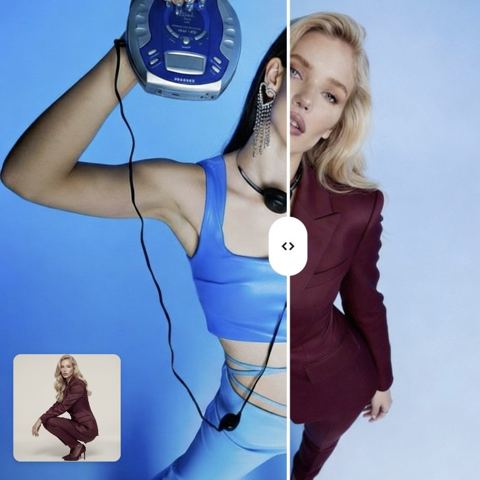
AI Character Swap for Photos
Upload a scene and a picture of someone new. The AI puts the new character in place of the original one and keeps the composition, pose, lighting and background intact.
- $0.01per image
- 2photos to upload
- 0prompts to write
How it works
- 1Upload
Add 2 photos — the form labels each slot so you know what goes where.
- 2Adjust
Optional fields steer the result: style, mood, text to render.
- 3Download
Get a finished image in seconds, then iterate or try a variation.
Examples
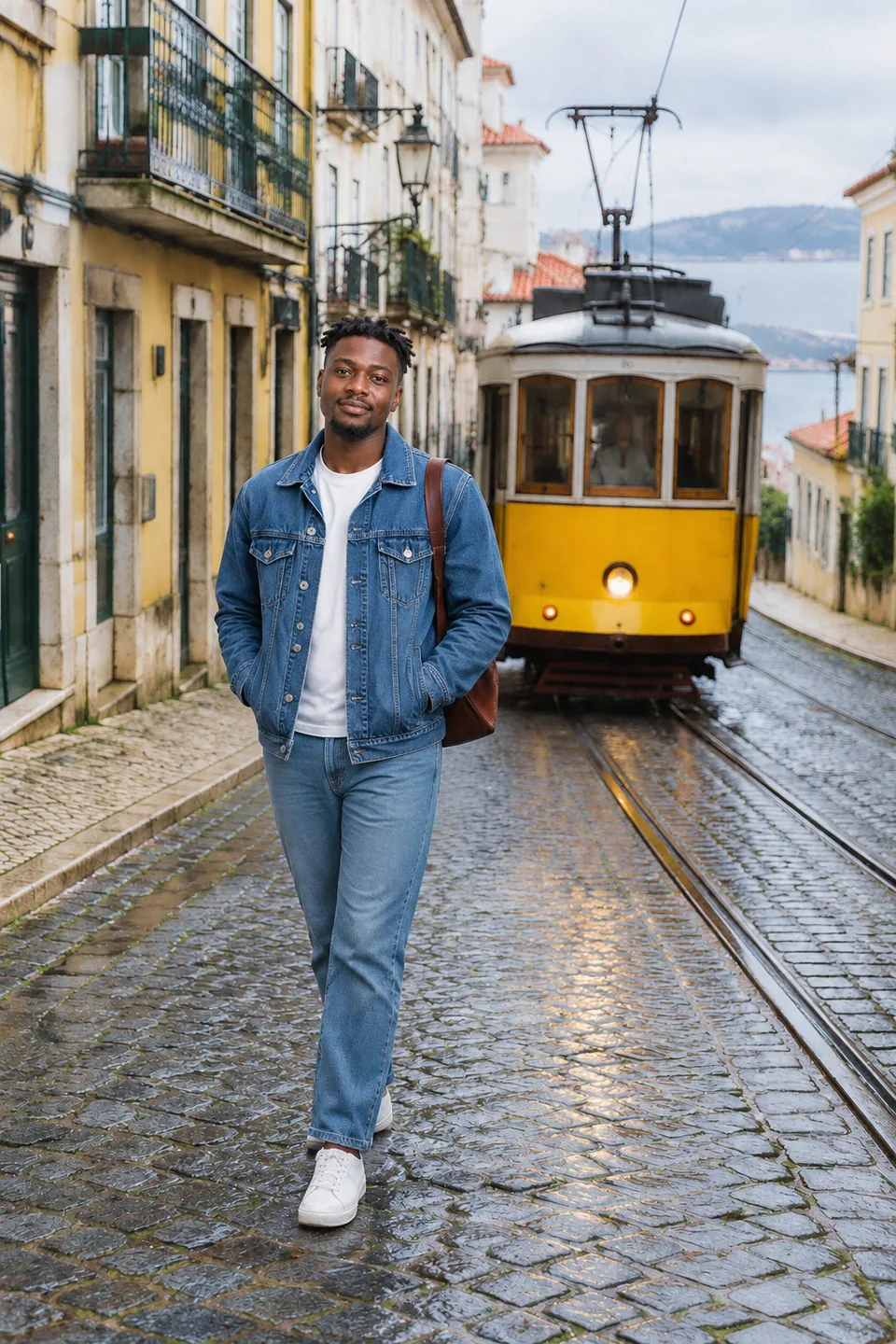
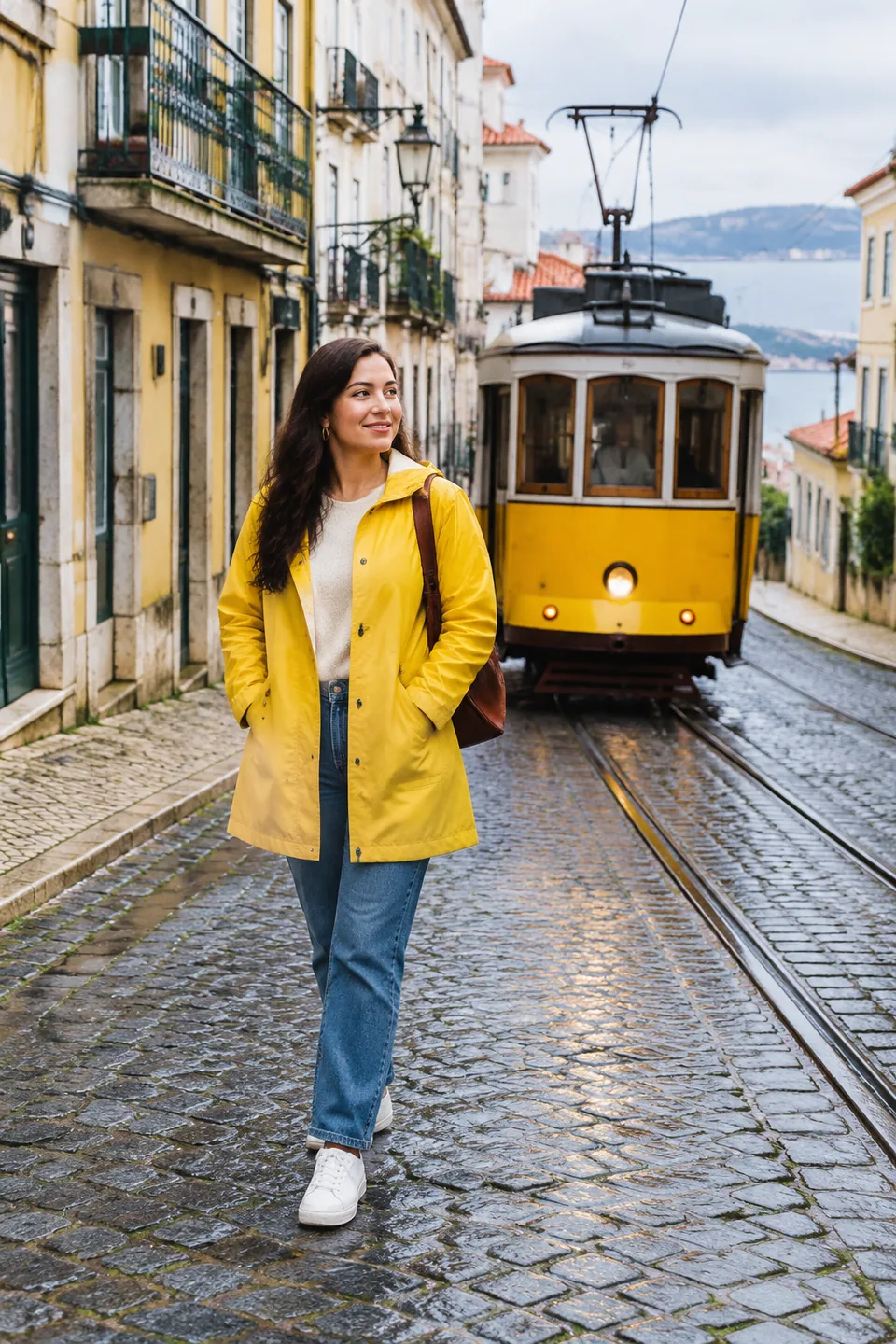 BeforeAfter
 BeforeAfter
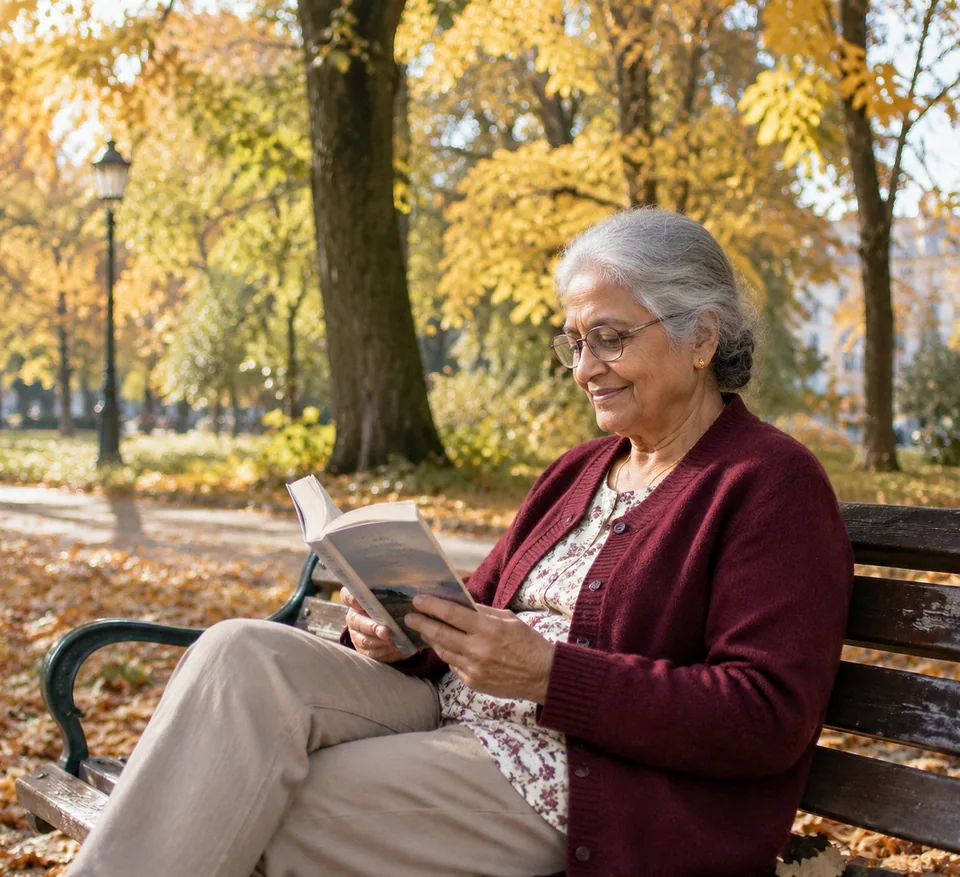 BeforeAfter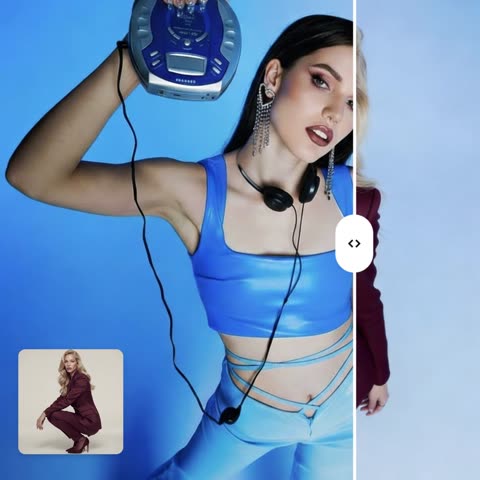
How AI character swap works
A great frame is hard to recreate: the light, the angle, the set, the pose. When you need someone else in that frame, the usual options are a reshoot or hours of compositing, matching perspective and painting shadows by hand. This tool handles it in one generation.
The form takes two images. Scene image is the picture that contains the character you want to replace. New character is the person, illustrated hero or mascot who should take their place. There are no text fields; everything is defined by the images.
The model keeps the original composition, pose, camera angle, lighting, shadows, background and style, and stays faithful to the new character's face and identity from the reference. The output is a seamless, photorealistic image rather than a cut-and-paste.
Swap the model in ad creative and product shots
Brands and agencies often want to adapt one strong campaign image for different audiences: a different age group, a different look for a regional launch, a new brand ambassador. Upload the key visual as the scene and a portrait of the new model, and you have a comp for client review without booking another shoot.
Apparel and accessory sellers on Shopify, Amazon or Etsy can reuse a well-lit lifestyle frame with a different model for another collection or size range. The product, pose and set stay the same; only the person changes. Make sure you have signed releases from everyone involved, both the original model and the new one.
Mascots work too. Drop your brand's illustrated or 3D character into a real-world scene in place of a person for social posts, packaging and email headers.
Put yourself in the scene for creative projects
Creators on Instagram, TikTok and YouTube use the "me in the role" format for thumbnails, podcast covers and story frames: a staged retro shot, a travel scene with perfect light, a dramatic poster setup. Use a scene you shot or have rights to, plus your own photo.
Writers, game designers and pitch teams can test different characters against the same key art before committing an illustrator's time. Families spread across cities can each take a spot in one staged group scene, as long as everyone sends their own photo and agrees.
Consent first: your photos or people who agreed
This tool replaces real people in images, so use it only with your own photos or with people who have explicitly agreed. Don't insert anyone's face without permission, don't use celebrities or public figures, and don't create images that deceive, defame or present a staged scene as a real event. For advertising, get written model releases.
Pay as you go, no subscription
Each generation is charged to one balance that also covers the other image tools, a chat with dozens of models and the API. New accounts get a starting balance to try it. Works in any browser and in the Telegram bot @tokionaibot.
Who it's for
Brands and agencies
Adapt one campaign image for new audiences and markets, or preview a new ambassador in an approved key visual, with releases from everyone pictured.
E-commerce sellers
Reuse a strong lifestyle frame with a different model for another collection, keeping the product, pose and set identical.
Creators
Build thumbnails, covers and story frames in the "me in the role" format from scenes you own or have rights to.
Writers and game studios
Test different heroes on the same key art for pitches, book covers and concept boards without redrawing the whole scene.
Pro tips
- Use a sharp new-character photo with a large, evenly lit face and no hands, glare or hair covering it.
- Match angles when you can. A three-quarter portrait suits a three-quarter pose better than a straight-on headshot.
- Pick scenes where the character to replace is the main, clearly visible subject; small background figures swap less reliably.
- If the outfit matters, make sure it is visible in the new-character photo, or the model may adapt clothing to the scene.
- Run a few variations. Hands, hair and small details vary slightly between generations.
Good to know
- You can't specify in text which person to replace in a group scene.
- Using people's likeness without consent, and using celebrities or public figures, is not allowed.
- Complex poses, partially hidden faces and tiny background figures are harder to swap accurately.
- Not for documents or anything that presents the result as a real event.
What it costs
- Pay only for what you generate — no subscription.
- One balance for image tools, chat with 52 AI models and the API.
- Free starter credits when you sign up, no card needed.
Questions
Which images do I upload, and in what order?
First the scene that contains the character to replace, then the new character. The model puts the second into the first while keeping pose, angle, lighting and background.
Will the new person look like themselves?
The model aims to stay faithful to the face and identity in the reference. Larger, sharper, evenly lit portraits give the closest likeness.
Can the new character be an illustration or mascot?
Yes. The second image can be an illustrated, 3D or mascot character, and the model will fit it into the scene's lighting and perspective.
Can I swap in a friend or a celebrity?
A friend only with their consent. Celebrities and public figures are not allowed.
Can I use the result in advertising?
Yes, if you have rights to the original scene and written releases from everyone whose likeness appears in the final image.
Does it work on mobile?
Yes, in a mobile browser or through the Telegram bot @tokionaibot: send the scene first, then the new character.
How is it priced?
Pay as you go: each generation is charged to your balance, with the current price shown on this page. No subscription.
More image tools


Try AI Character Swap now
Free starter credits, no credit card. Works in any browser.
Open the tool — free