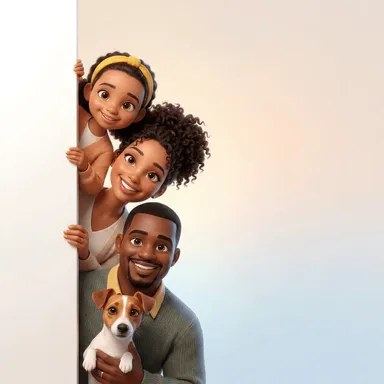
Turn Your Family Photo into a 3D Cartoon Portrait
Upload one family photo and name a background color. The AI redraws everyone as cute animated-movie characters, keeping faces, hairstyles, ages and poses so each person still looks like themselves.
- $0.01per image
- 1photo to upload
- 0prompts to write
How it works
- 1Upload
Add one photo — the form tells you exactly what fits best.
- 2Adjust
Optional fields steer the result: style, mood, text to render.
- 3Download
Get a finished image in seconds, then iterate or try a variation.
Examples
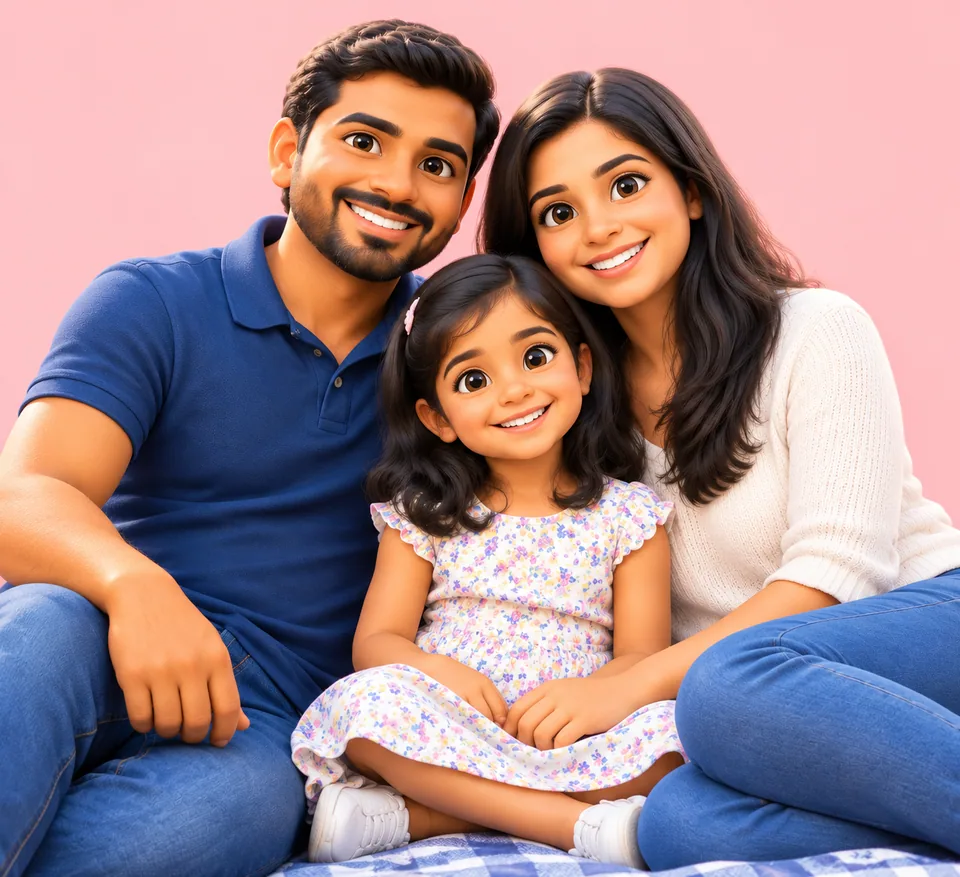
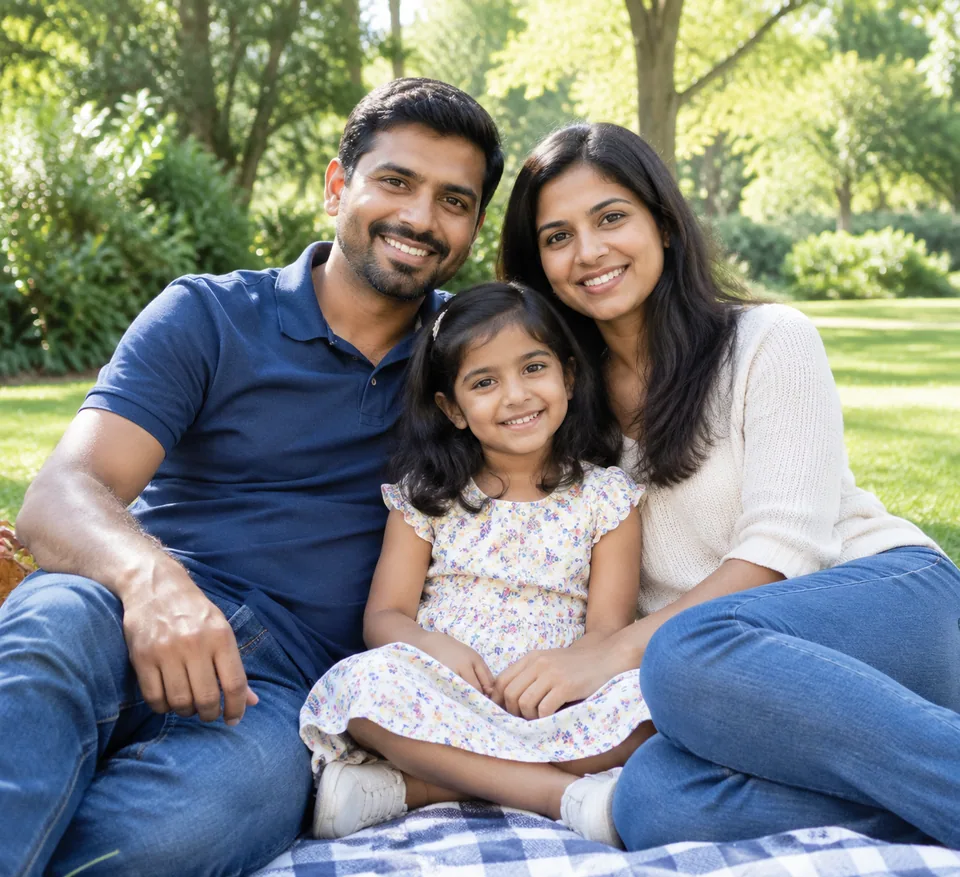 BeforeAfter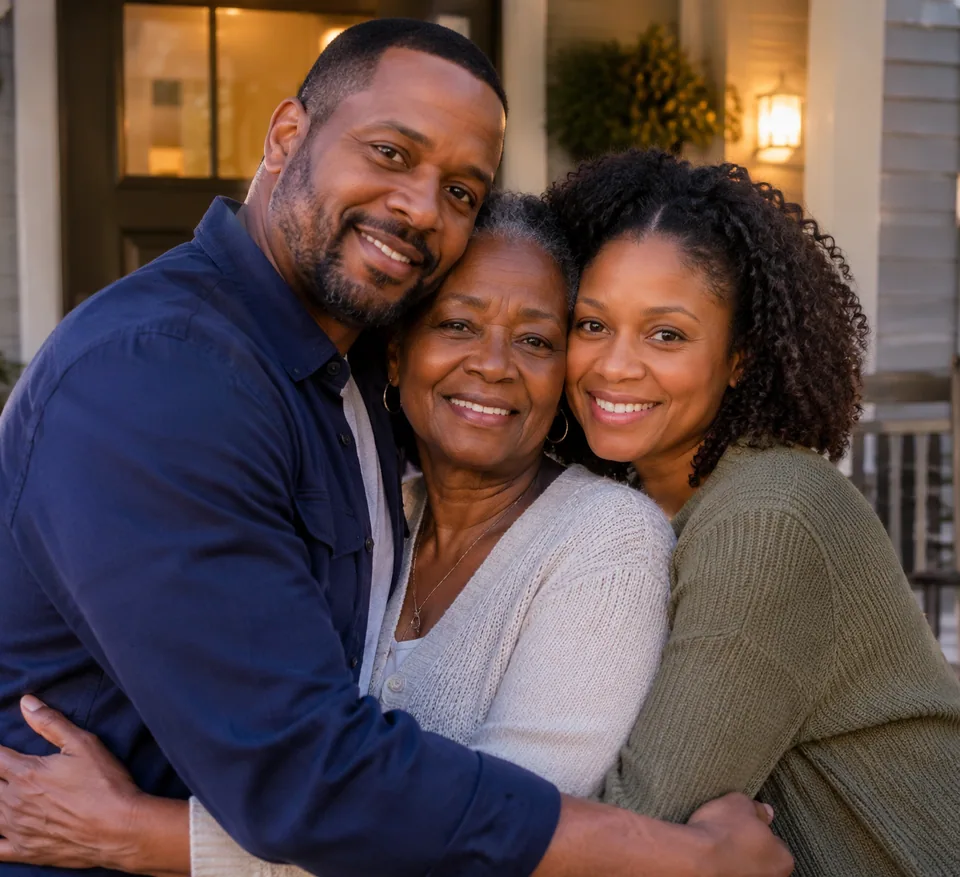
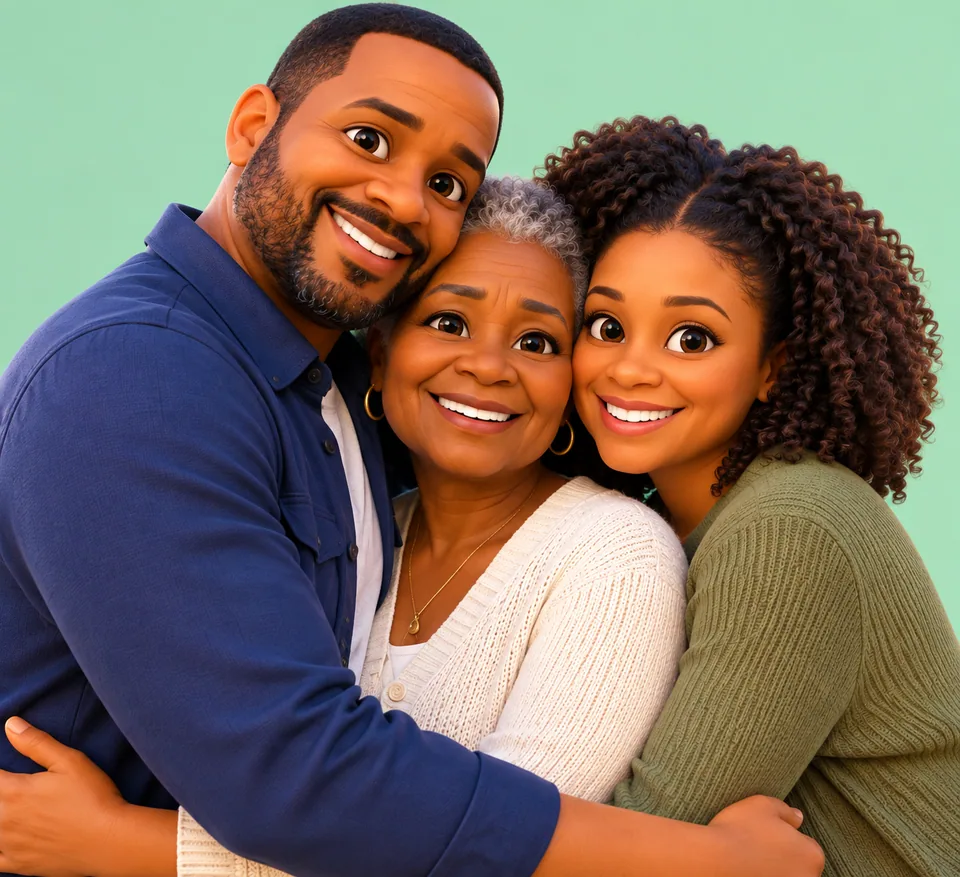 BeforeAfter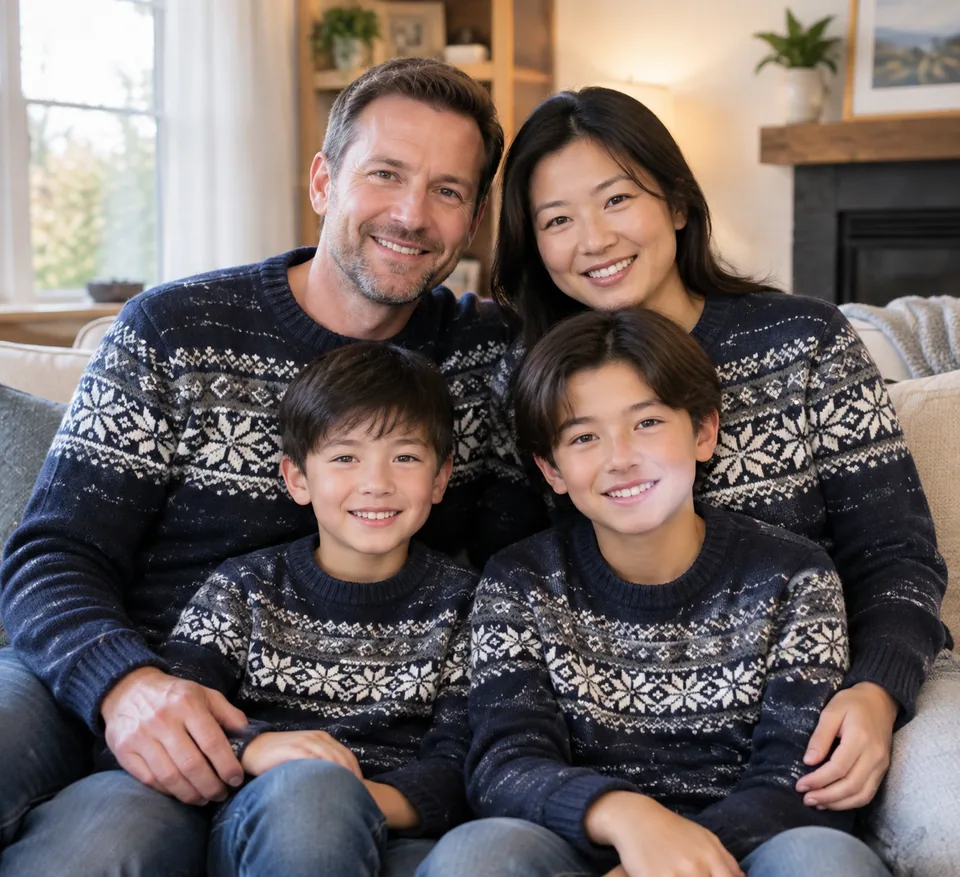
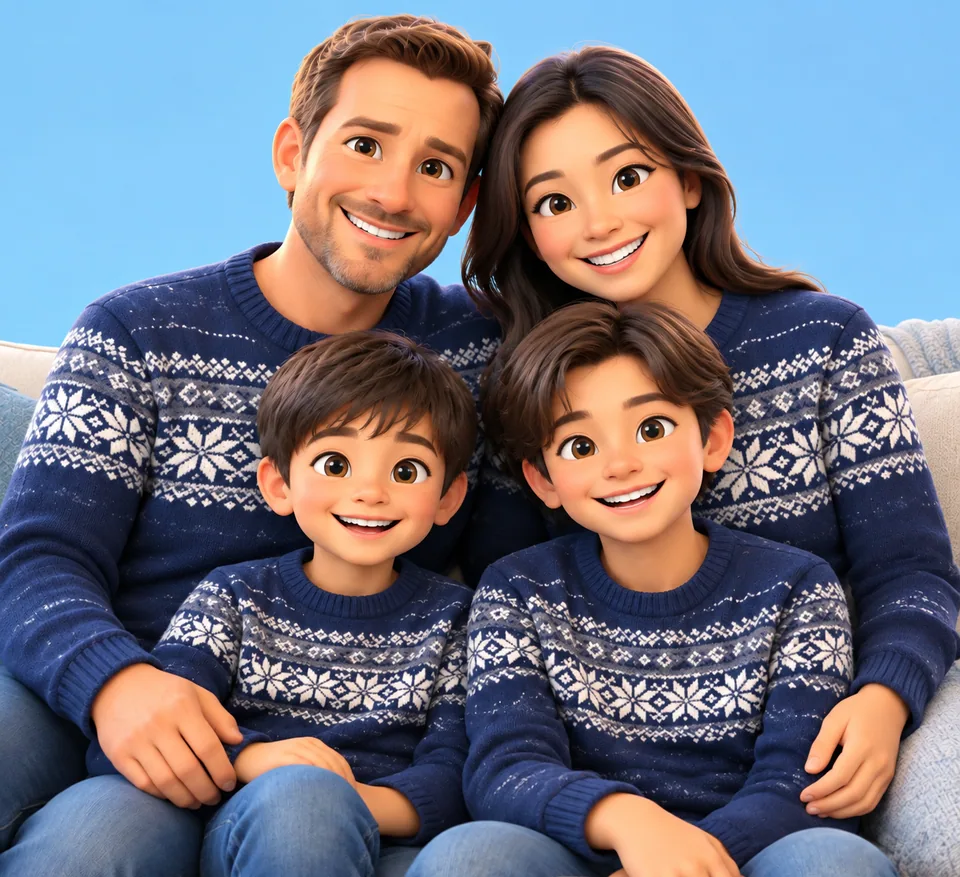 BeforeAfter
How the cartoon family portrait tool works
The form asks for two things: a family photo and a background color. The model repaints the photo in the style of a modern 3D animated feature: smooth shapes, vibrant color, big expressive eyes and a warm, family-friendly mood. The background becomes a clean solid color, whatever you typed, from mustard yellow to dusty pink.
Recognizability is the core instruction. The model carries over each person's facial features, hair, age, pose and the relationships in the frame: who is hugging whom, who is on a lap, who is holding the baby. Every character is drawn with a consistent design, as if they all came from the same film.
There's no style menu to fiddle with. Your job is to pick a good photo and a color that suits where the portrait will live.
A personal gift for holidays and milestones
This is one of the easiest custom gifts you can make. Turn last summer's group shot into a cartoon portrait for Mother's Day, an anniversary, a grandparent's birthday or the holiday card. Print it on a mug, a canvas or a framed 8x10, or just send it to the family group chat.
Parents of little kids love it for milestones: a first family portrait with a newborn, a back-to-school post, a birth announcement with a playful twist. Grandparents tend to put these on the fridge for years.
Families spread across states or countries can use it to turn a rare reunion photo into something that feels like a keepsake.
For Instagram, family creators and photographers
On Instagram and TikTok the before/after carousel is the hook: the real photo, then the animated version. Family creators and mom bloggers use the style for profile pictures, highlight covers and holiday posts.
Portrait photographers can offer the cartoon version as an add-on or a thank-you bonus after a session. Etsy sellers who make personalized prints, mugs and ornaments can use it to show customers a quick preview of what their order could look like, with the customer's own photo and consent.
Only upload your own photos or photos of people who agreed to it. For other people's children, get their parents' permission first.
Choosing a photo that looks like you
Start with a sharp, well-lit group shot where every face is visible and nobody overlaps. The closer the family stands, the better the model keeps the arrangement. Sunglasses, hats and hands near faces hide the features the model needs.
Large groups mean fewer pixels per face, so use the highest-resolution version you have. A clear phone photo taken by a window works great for a small family.
Pay as you go, one balance for everything
No subscription. Each portrait is charged to one balance that also covers the other image tools, a chat with dozens of models and the API. New accounts start with a small balance to try it. Use it in the browser or in the Telegram bot @tokionaibot.
Who it's for
Gift givers
A one-of-a-kind present for parents and grandparents. Print it, frame it or put it on a mug.
Family creators
Profile pictures, highlight covers and holiday posts in a consistent animated style your audience remembers.
Portrait photographers
An easy add-on or bonus deliverable after a family session that clients share and tag.
Etsy and personalized gift sellers
Quick previews of custom prints and ornaments from a customer's own photo, with their consent.
Pro tips
- Pick a photo with every face visible and well lit, no sunglasses or hats.
- Tight group shots work best; the model keeps who stands next to whom.
- Describe the background plainly: pastel blue, warm beige, mint, soft pink.
- Use a muted color for framed prints and a bold one for profile pictures.
- For big groups, upload the highest-resolution file you have.
- If someone doesn't look quite right, run it again with the same photo.
Good to know
- One style only: 3D animated movie. Anime or watercolor aren't options here.
- The background is a solid color, not a scene.
- You can't combine people from different photos.
- Only use your own photos or photos of people who consented.
What it costs
- Pay only for what you generate — no subscription.
- One balance for image tools, chat with 52 AI models and the API.
- Free starter credits when you sign up, no card needed.
Questions
What do I need to upload?
One family photo, plus a background color typed into the field. The style is preset, so there's nothing else to set.
Will everyone still look like themselves?
The model keeps facial features, hair, age, poses and positions. Likeness is best when the photo is sharp and every face is clearly visible.
Can pets be included?
Yes, if they're in the original photo. They'll be drawn in the same animated style as the rest of the family.
Can I add a relative who isn't in the photo?
No. The tool works from a single photo and draws only the people in it.
Is it good enough to print?
Yes, for cards, mugs and small framed prints. For larger prints, start from the highest-resolution photo you have.
Can I use someone else's family photo?
Only with their consent, and with parents' consent for any children. We recommend working with your own family photos.
How is it priced?
Pay as you go: each generation is charged to your balance, and the current price is shown on this page. No subscription.
More image tools



Try AI Family Portrait Styles now
Free starter credits, no credit card. Works in any browser.
Open the tool — free