Change a Facial Expression in Any Photo
Upload one photo and describe the expression you want. The AI edits only the face's expression and leaves identity, hair, pose, background and lighting exactly as they were.
- $0.01per image
- 1photo to upload
- 0prompts to write

How it works
- 1Upload
Add one photo — the form tells you exactly what fits best.
- 2Adjust
Optional fields steer the result: style, mood, text to render.
- 3Download
Get a finished image in seconds, then iterate or try a variation.
Examples
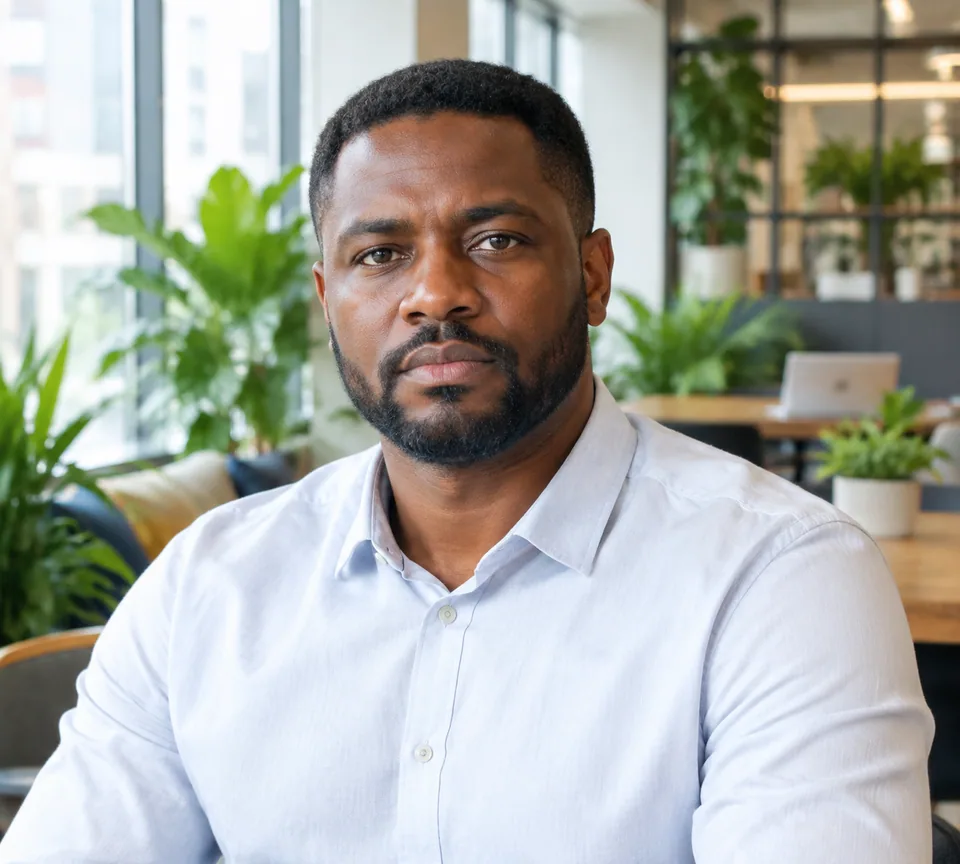 BeforeAfter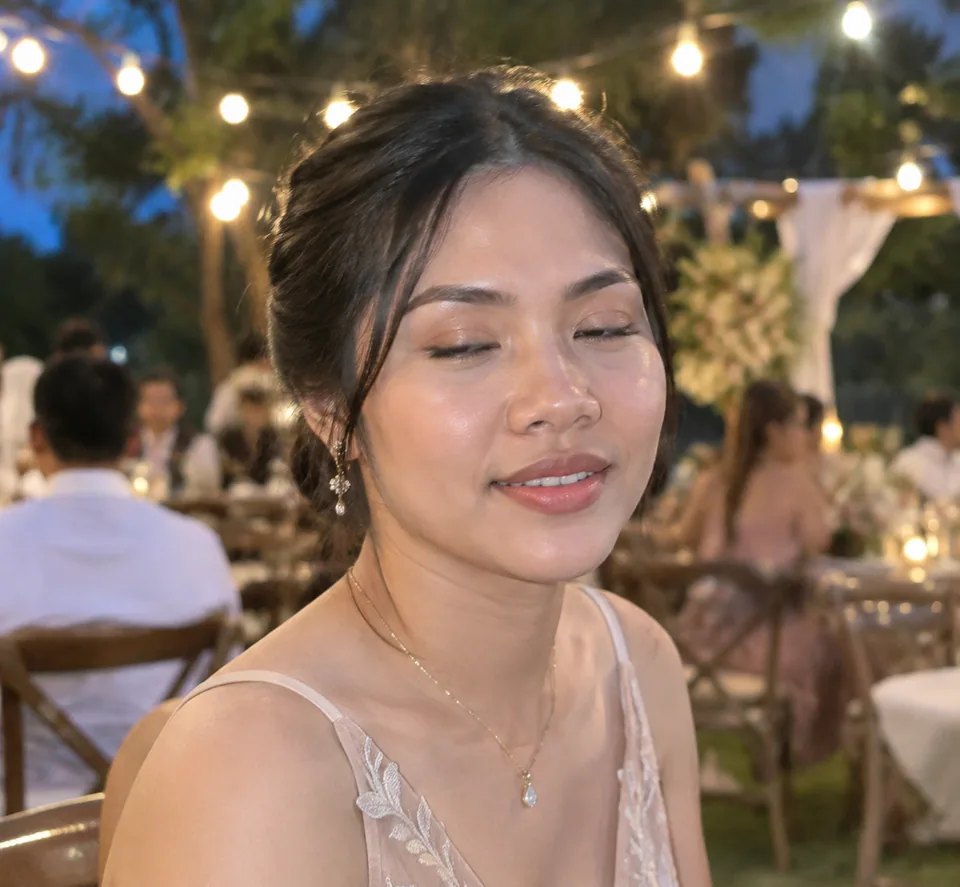
 BeforeAfter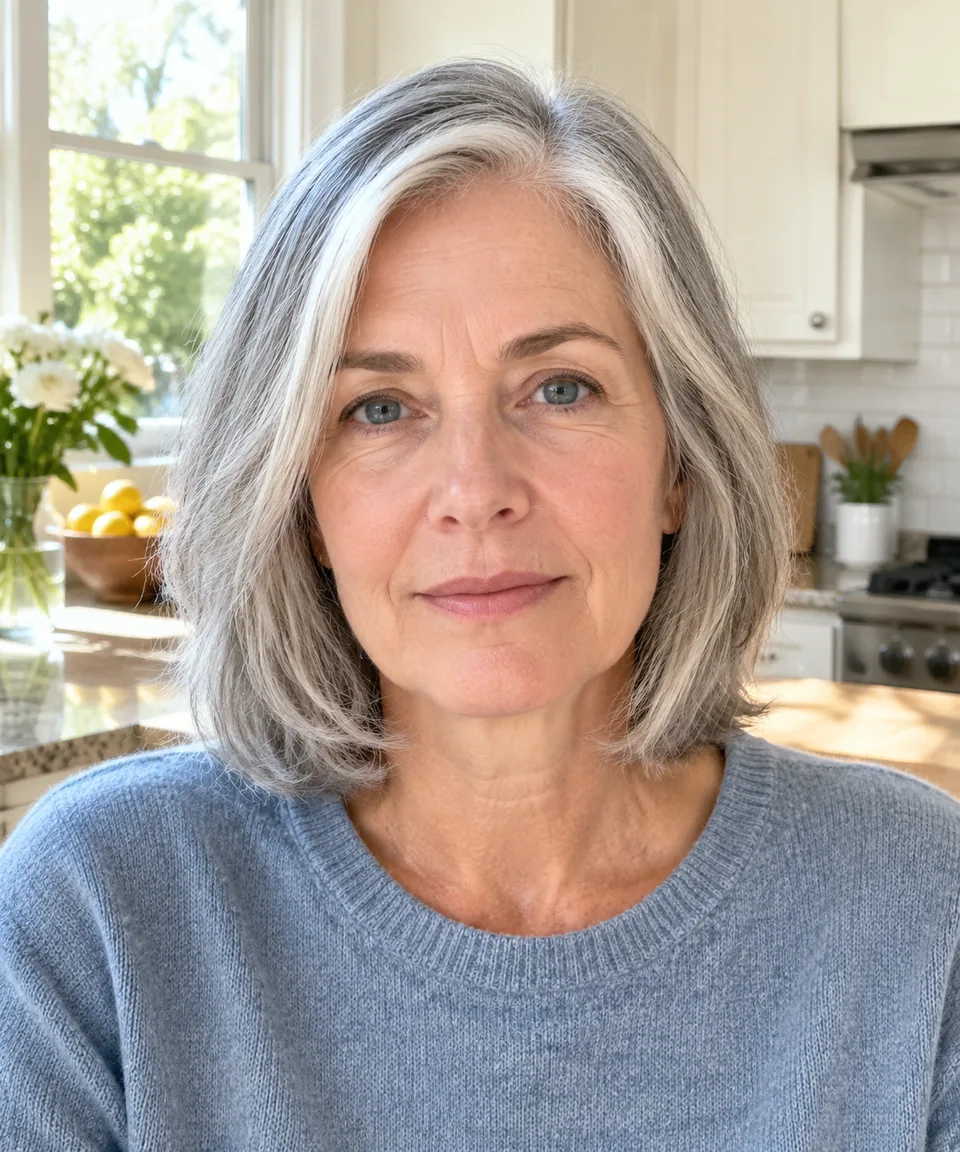
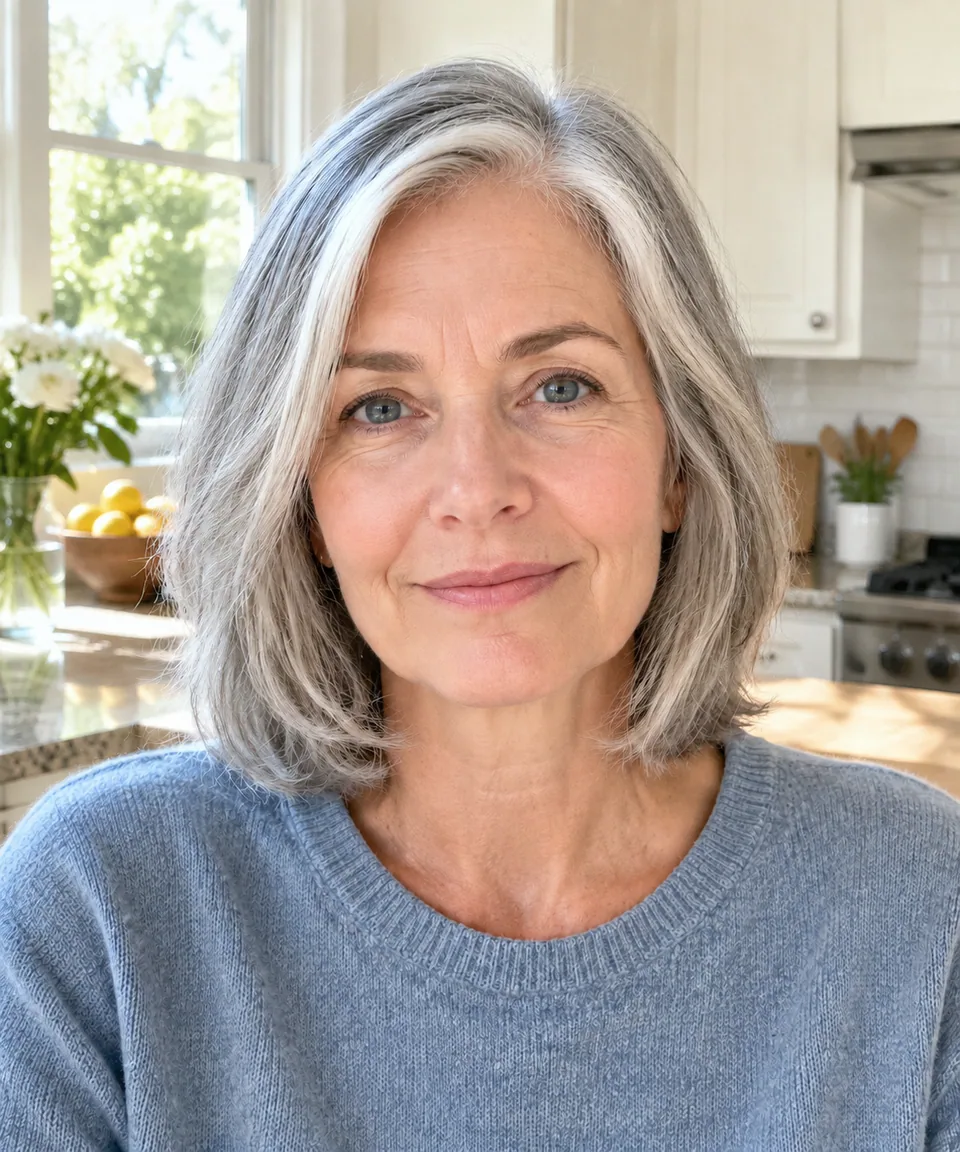 BeforeAfter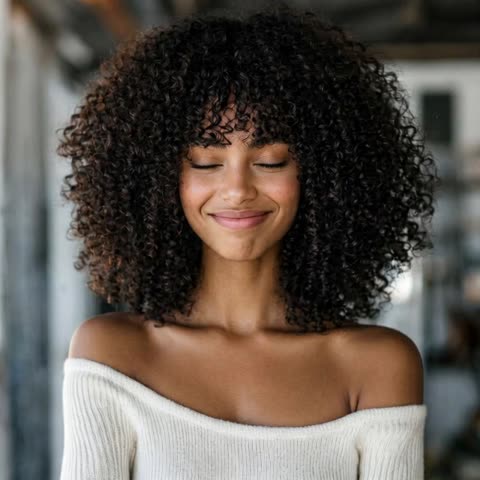
How to change a facial expression in a photo
Great light, a clean background, the right angle, and a face that says "is this over yet?" Every photographer knows the frame. Reshooting isn't always possible, and pulling a face in from another frame by hand takes skill and time. This tool fixes the expression and nothing else.
The form has two inputs. Upload the image you want to edit as the reference, then type the target in the Expression field: "soft smile," "confident look," "surprised," "relaxed and calm," "smile with teeth." Short, specific phrases work best.
The model is instructed to keep identity, facial features, face shape, hair, pose, framing, background and lighting unchanged. The person still looks like themselves, just in a better moment, and the result reads as a natural, photorealistic photo rather than a filter.
Add a smile to a headshot for LinkedIn or a résumé
Many people have exactly one good headshot, and in it they look a little too serious. For LinkedIn, a company bio or a speaker page, try "warm half-smile, confident eyes." You keep the professional tone while looking more approachable.
It works the other way too. A candid laugh that is perfect for Instagram can feel out of place on a law firm or clinic website. Ask for "calm, composed smile" and the same portrait fits a more formal context.
Fix blinks and grimaces in group and family photos
The group photo from a wedding, reunion or team offsite is usually the one everyone wants, and it is also the one where someone blinked. Upload the frame and name the person in your description: "man on the far left: eyes open, gentle smile." Everyone else stays untouched.
Event and portrait photographers can rescue the best-composed frame in a sequence instead of compromising on a weaker one. Creators on TikTok and YouTube can fix a thumbnail where the reaction face landed a beat too late.
Use it on your own photos, or with consent
This tool changes the expression of a real person. Use it on photos of yourself, or of people who have agreed to the edit, such as clients or family members. Don't use it to make someone appear to feel or react in a way they didn't, and don't use edited images for passports, visas or other official IDs.
Pay as you go, in the browser or on Telegram
No subscription: each generation is charged to a single balance shared with the other image tools, a chat with dozens of models and the API. New accounts get a starting balance to try it on their own photos. It runs in any browser and in the Telegram bot @tokionaibot.
Who it's for
Job seekers and professionals
Turn a stiff headshot into a friendly one for LinkedIn, résumés and team pages, without looking like a different person.
Event and portrait photographers
Save the strongest frame of a sequence when one guest blinked or frowned. One generation replaces a manual face swap from a neighboring shot.
Families
Fix the reunion or holiday group shot where one person wasn't ready, so you can print it and share it with everyone.
Creators and personal brands
Match the expression to the platform: playful for a TikTok thumbnail, composed for a podcast cover or speaker bio.
Pro tips
- Pick a photo where the face is large, sharp and well lit. Small faces in a crowd are harder to edit convincingly.
- Be specific: "closed-mouth smile, relaxed eyes" is more predictable than just "happy."
- In group photos, identify the person by position or clothing, like "woman in the middle in a red dress."
- Move in small steps. A neutral face becomes a smile easily; turning tears into a big grin looks less natural.
- For professional profiles, stick to words like confident, calm, friendly or composed.
- If the result is close, run a variation before rewriting your description.
Good to know
- Only the expression changes; head angle, pose, hair and background stay as they are.
- If the mouth or eyes are covered by a hand, hair or heavy glare, there is little for the model to work with.
- Edited photos are not suitable for passports, visas or other official documents.
- Don't edit photos of people who haven't agreed to it.
What it costs
- Pay only for what you generate — no subscription.
- One balance for image tools, chat with 52 AI models and the API.
- Free starter credits when you sign up, no card needed.
Questions
What should I type in the Expression field?
A short description of the target expression, such as "soft smile," "confident look," "surprised" or "calm." Details like "eyes open" or "no teeth" help steer the result.
Will the person still look like themselves?
Yes. The model keeps facial features, face shape, hair, pose, background and lighting. Only the expression is edited.
Can it open closed eyes?
Yes. Type something like "eyes open, relaxed gaze." It works best when the face is large and clearly lit.
Can I fix just one person in a group photo?
Yes. Say who to edit, by position or clothing, in the Expression field. The rest of the scene is left alone.
Can I edit photos of other people?
Only with their consent. The tool is meant for your own photos and for family members or clients who have agreed to the edit.
Does it work on my phone?
Yes, in any mobile browser or through the Telegram bot @tokionaibot. Send the photo and the expression you want.
How is it priced?
Pay as you go. Each generation is charged to your balance, and the current price is shown on this page. There is no subscription.
More image tools



Try AI Expression Fixer now
Free starter credits, no credit card. Works in any browser.
Open the tool — free