AI LinkedIn Headshot Generator
Upload one everyday photo and get a polished, studio-style headshot for LinkedIn, your resume and your company page. Your face stays yours; the background, light and styling get the upgrade.
- $0.01per image
- 1photo to upload
- 0prompts to write

How it works
- 1Upload
Add one photo — the form tells you exactly what fits best.
- 2Adjust
Optional fields steer the result: style, mood, text to render.
- 3Download
Get a finished image in seconds, then iterate or try a variation.
Examples
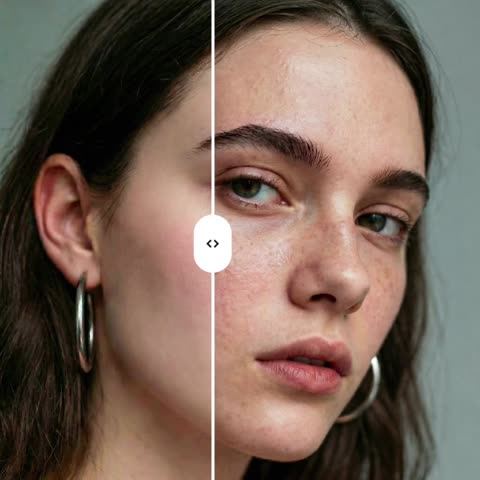
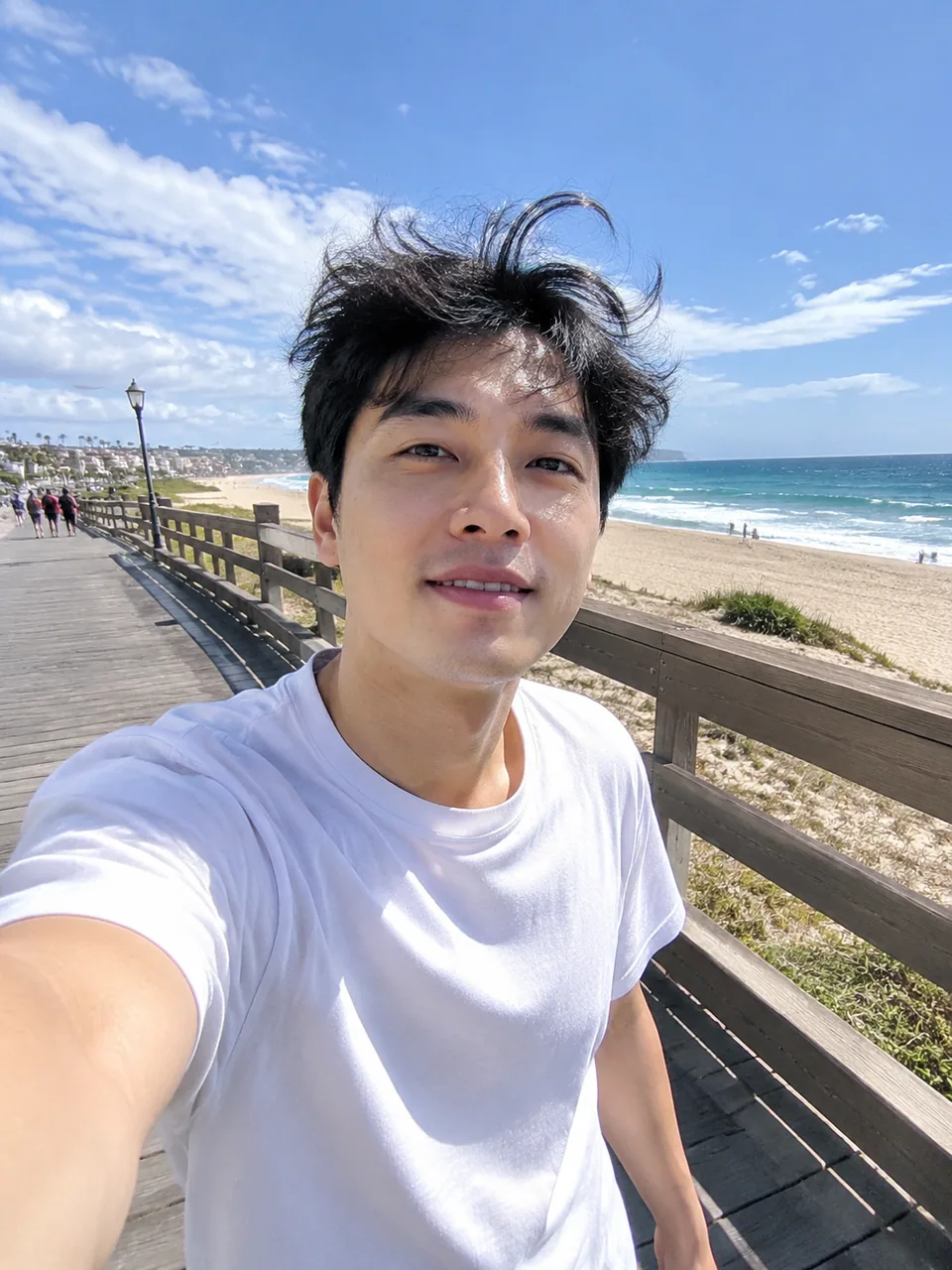 BeforeAfter
 BeforeAfter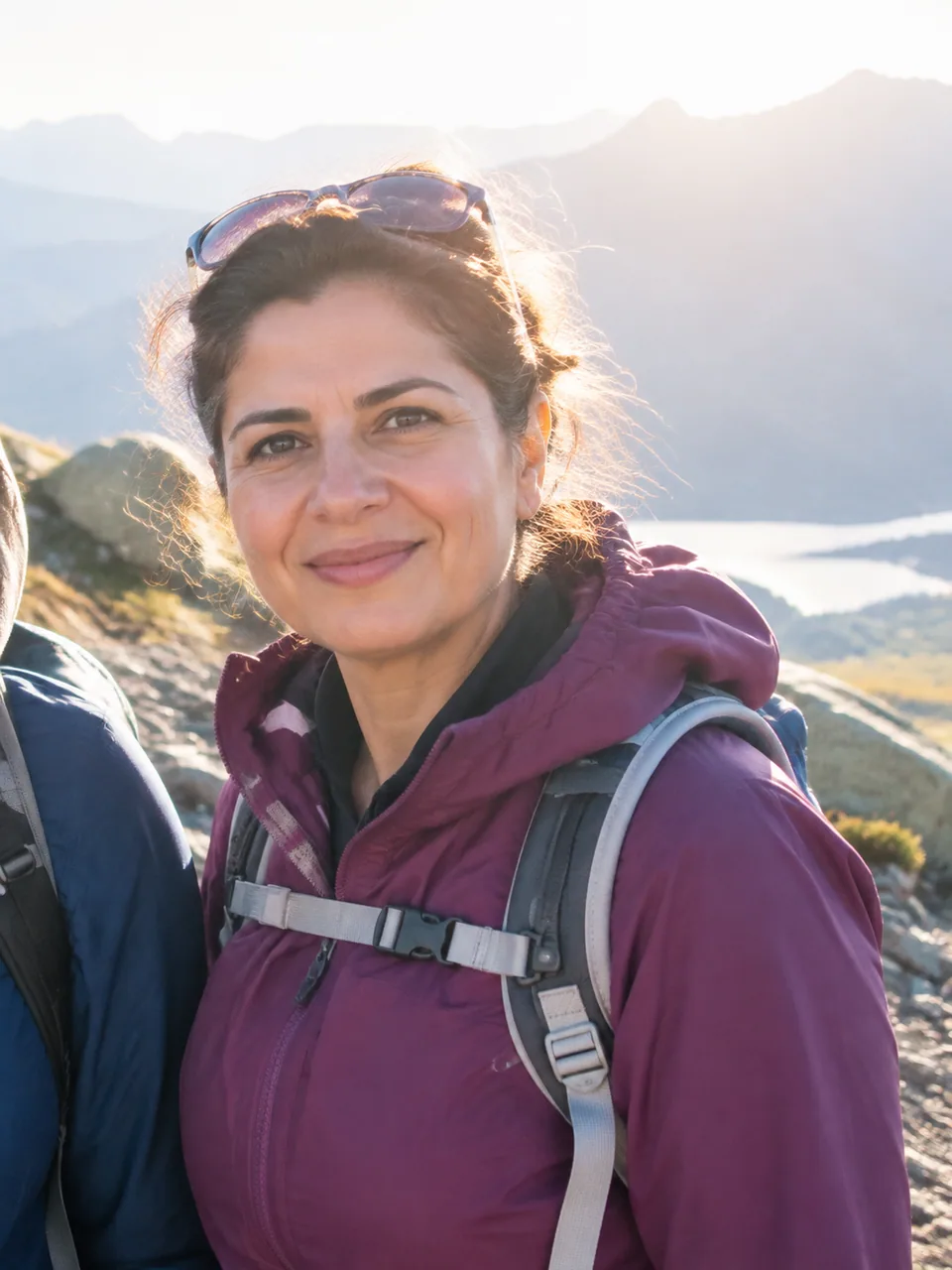
 BeforeAfter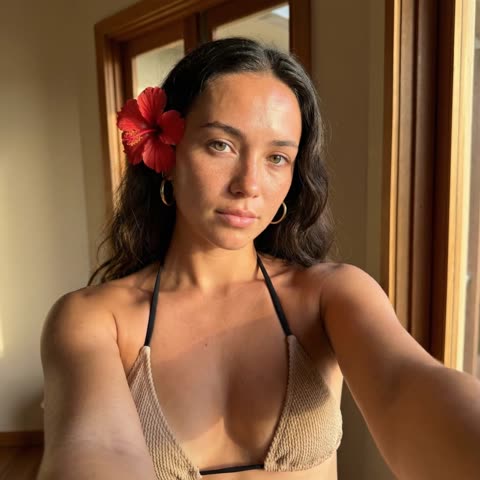
Why your LinkedIn headshot matters
Recruiters, hiring managers and potential clients look at your photo before they read a single line of your profile. A cropped vacation shot or a dim webcam frame quietly signals that the profile is an afterthought. A clean, well-lit portrait signals the opposite, and it works in every thumbnail, from search results to comment threads.
This AI LinkedIn headshot tool takes a single selfie and turns it into a corporate portrait: neutral studio background, soft even lighting, sharp focus and a well-groomed look. If you are wearing a hoodie, the model can add professional attire. What it keeps is you: your identity and facial features stay recognizable.
From a phone selfie to a professional headshot
The form has exactly one field: your photo. There are no prompts to write and no style menus to browse, because the model is tuned for one job, a clean corporate look. That makes results consistent and fast to reuse.
Want options? Hit Variation after the first result and the model builds another take from the same source. A few rounds give you a small set to choose from, say a warmer frame for LinkedIn and a tighter crop for a conference badge. Each result downloads in full resolution, ready to upload.
It runs in your browser at tokion.io and inside the Telegram bot @tokionaibot, so you can make a headshot on your laptop or straight from your phone.
Where teams and founders use it
Growing startups rarely have time to book a photographer every time someone joins. Ask each new hire for a selfie, run it through the tool, and your About page, Slack workspace and pitch deck stay visually consistent. Agencies use the same approach for client team pages and speaker cards.
Solo professionals use it before a job search, a podcast guest spot or a new website launch. Real estate agents, coaches and consultants put the same portrait on their Instagram bio, email signature and booking page so the brand feels unified.
Pay as you go, no subscription
There is no monthly plan. You pay per generation from one balance that also covers every other image tool, chat with dozens of models and the API. New accounts get a starter balance, so you can test it on your own photo before topping up.
Who it's for
Job seekers
Refresh your LinkedIn and resume photo before you start applying. A neutral, well-lit portrait keeps attention on your experience instead of on a distracting background.
Startups and HR teams
Give every employee a matching headshot for the team page and internal tools without organizing a shoot. Each person uploads one selfie and the results share the same clean style.
Consultants and creators
Use one sharp portrait across LinkedIn, your Instagram bio, newsletter and booking page. Consistency makes a personal brand easier to recognize.
Speakers and authors
Send event organizers or publishers a headshot that fits any layout. The plain background drops cleanly into posters, badges and book jackets.
Pro tips
- Face a window in daylight. Soft natural light gives the most realistic skin and eyes.
- Hold the phone at eye level; low angles distort the face and the model keeps the angle.
- Crop to head and shoulders before uploading so your face fills more of the frame.
- Skip sunglasses, hats and heavy beauty filters. An unobstructed, natural face keeps the likeness strongest.
- Make three or four variations and compare them at thumbnail size, which is how most people will see it.
- For a team set, ask everyone to shoot from a similar distance and angle so the series looks uniform.
Good to know
- Each generation produces one headshot; build a set by running variations.
- You cannot type a background color or outfit. The style is always neutral corporate.
- Group photos, heavily blurred shots and tiny images give weaker, less recognizable results.
What it costs
- Pay only for what you generate — no subscription.
- One balance for image tools, chat with 52 AI models and the API.
- Free starter credits when you sign up, no card needed.
Questions
Will the AI headshot still look like me?
The model is instructed to keep your identity and facial features. It changes the background, lighting, grooming and, if needed, clothing. If one result feels off, run a variation or try a sharper source photo.
How many photos do I need to upload?
Just one. The form has a single photo field and no extra settings. Use Variation to get more options from the same picture.
Can I choose the outfit or background?
Not directly. The tool always goes for a clean corporate look with a neutral studio background, which keeps results predictable and on-brand for professional profiles.
Is it good enough for a resume and company website?
Yes. The output is a photorealistic, high-detail portrait that works on LinkedIn, resumes, team pages, email signatures and press kits.
Do I need a subscription?
No. You pay per generation from a shared balance that also covers other image tools, chat with dozens of models and the API. New accounts start with a small starter balance.
Can I make headshots on my phone?
Yes. Open tokion.io in your mobile browser or send your photo to the Telegram bot @tokionaibot.
Can I use it for a passport or ID photo?
No. Official documents require real photographs that meet strict rules. This tool is built for LinkedIn, resumes, team pages and other professional profiles.
What makes a good source selfie?
Even daylight, eye-level camera, one person in frame and a clear view of the face. Avoid filters, strong shadows and anything covering your eyes.
More image tools




Try AI LinkedIn Headshot Package now
Free starter credits, no credit card. Works in any browser.
Open the tool — free