AI Outfit Try-On: Dress Any Photo in Real Clothes
Add a photo of a person and up to three garments or accessories. The AI combines them into one natural look, with realistic folds, fabric texture and shadows.
- $0.01per image
- 4photos to upload
- 0prompts to write
How it works
- 1Upload
Add 4 photos — the form labels each slot so you know what goes where.
- 2Adjust
Optional fields steer the result: style, mood, text to render.
- 3Download
Get a finished image in seconds, then iterate or try a variation.
Examples
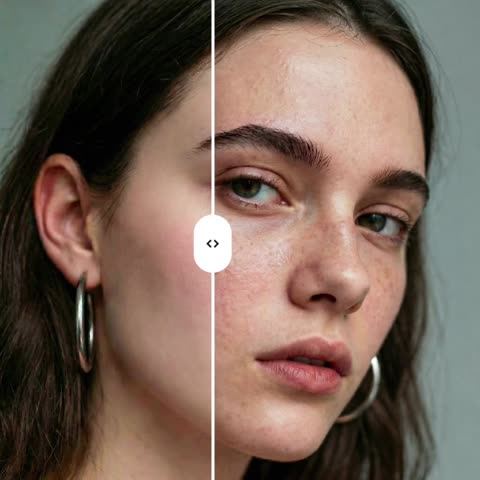
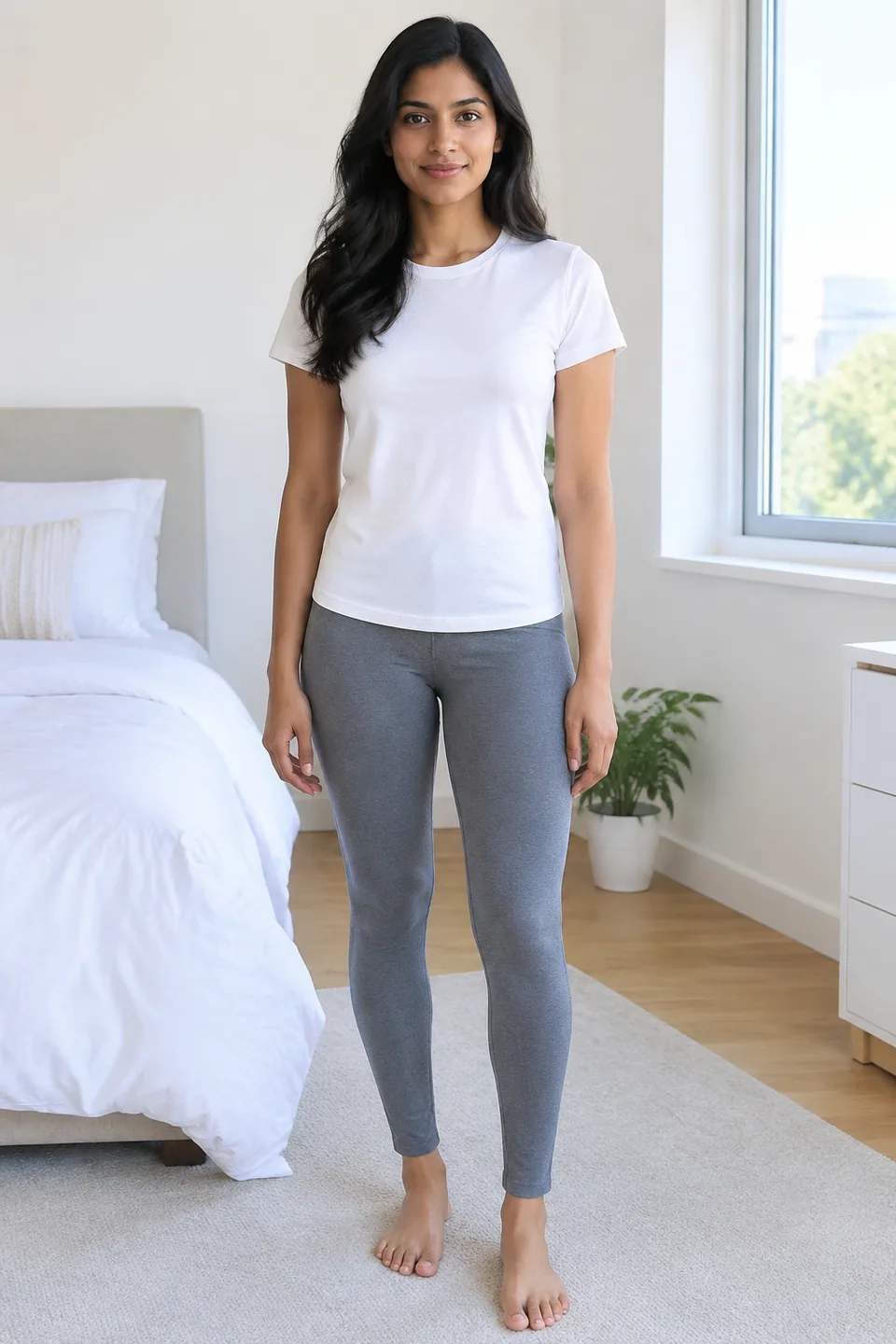 BeforeAfter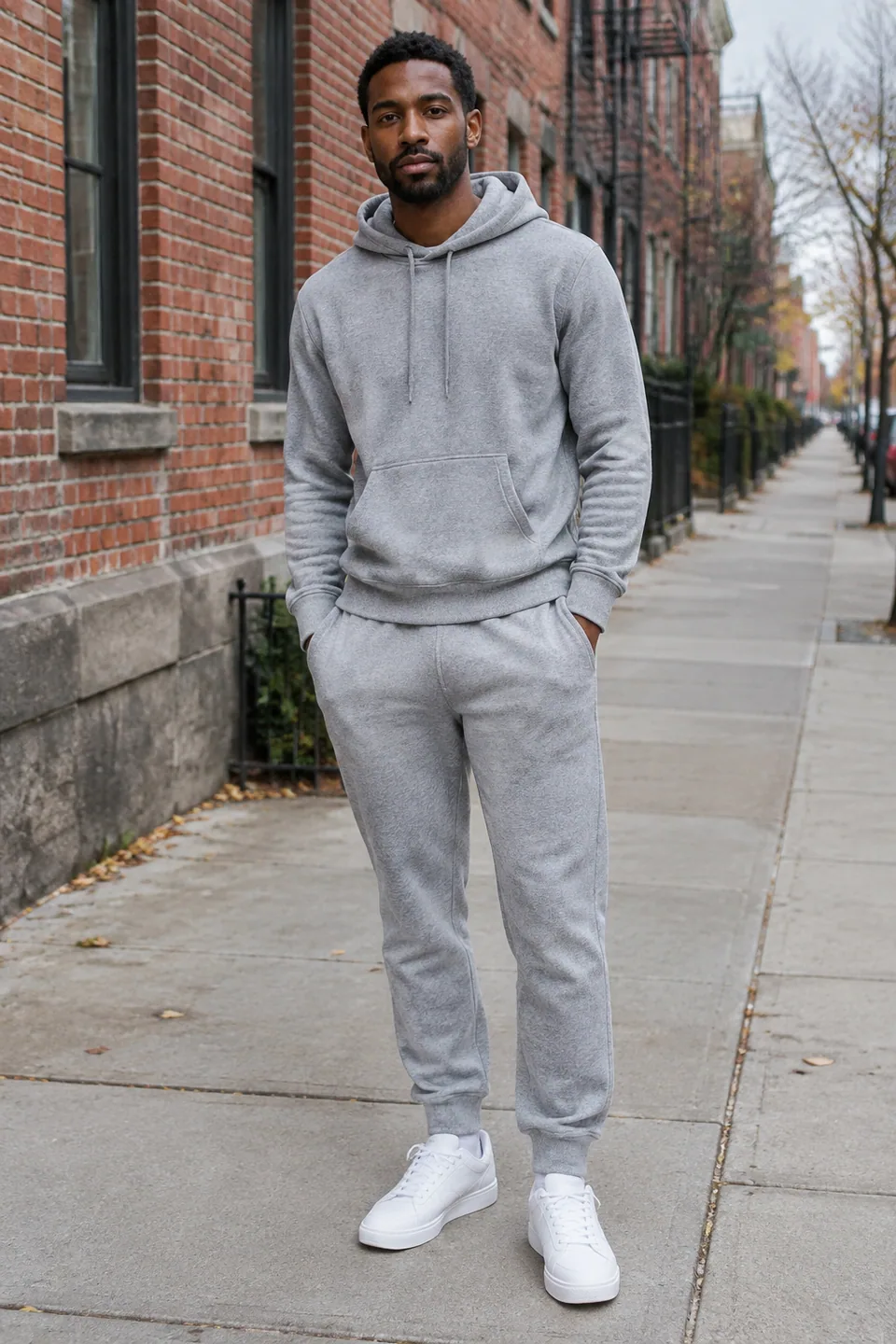
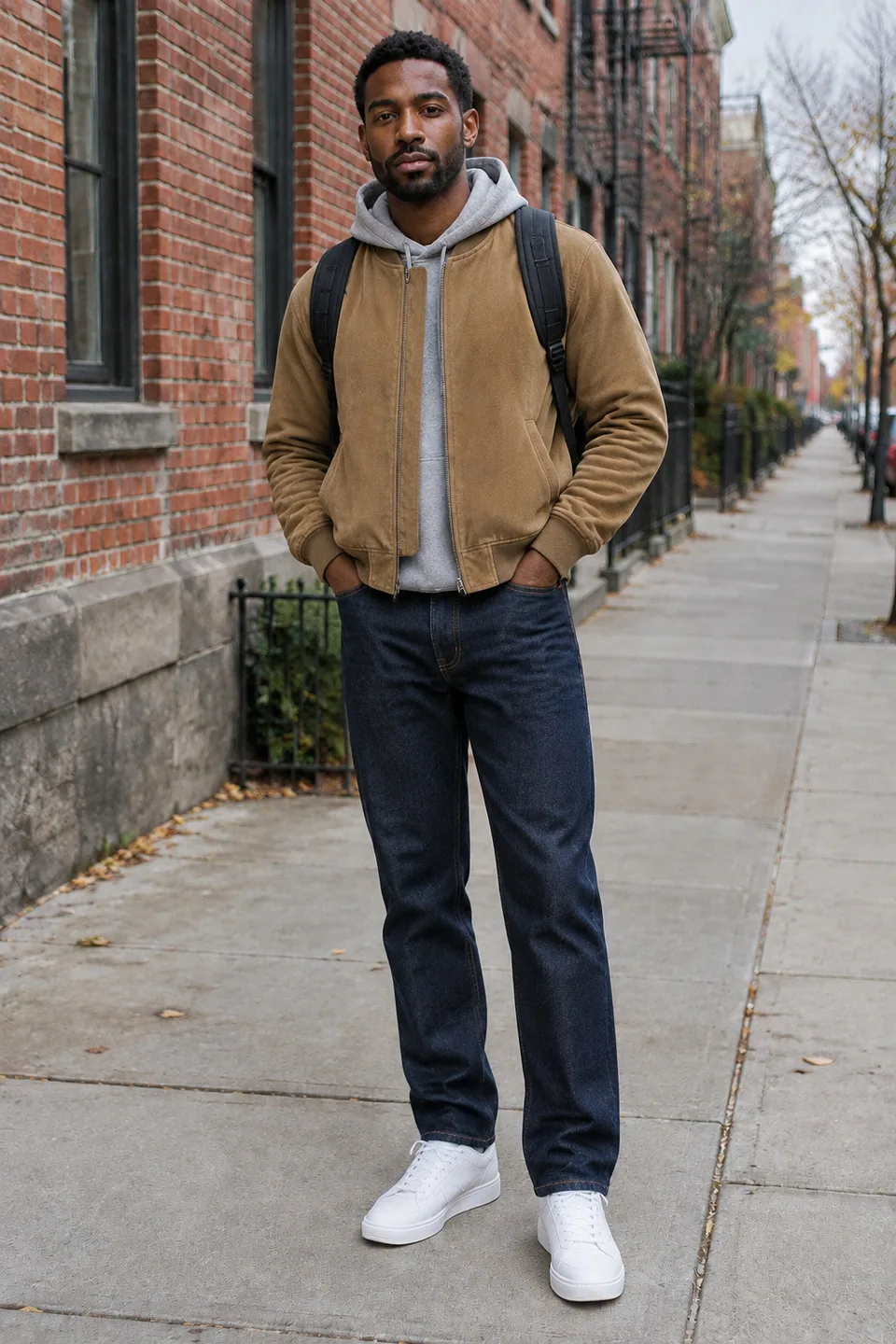 BeforeAfter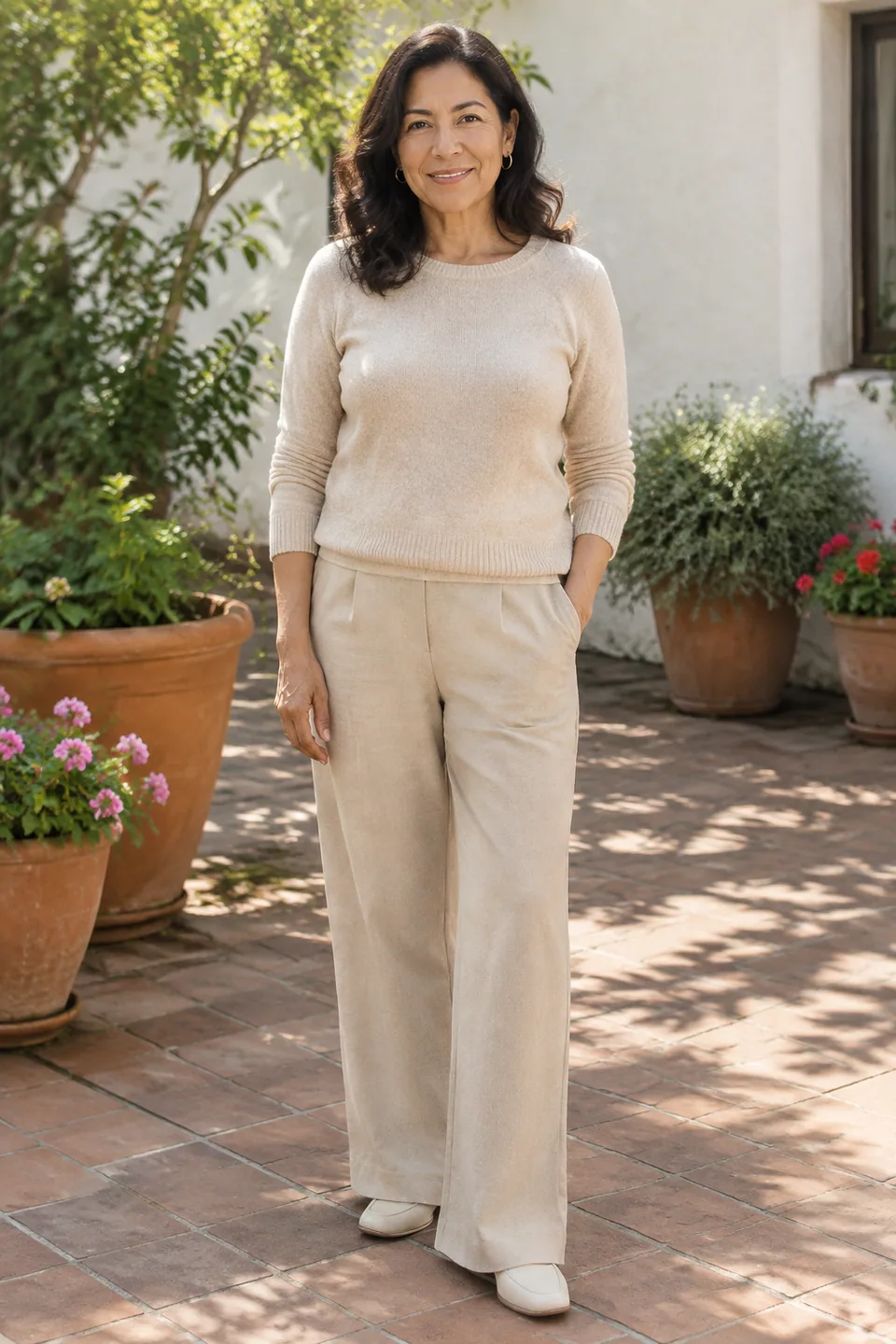
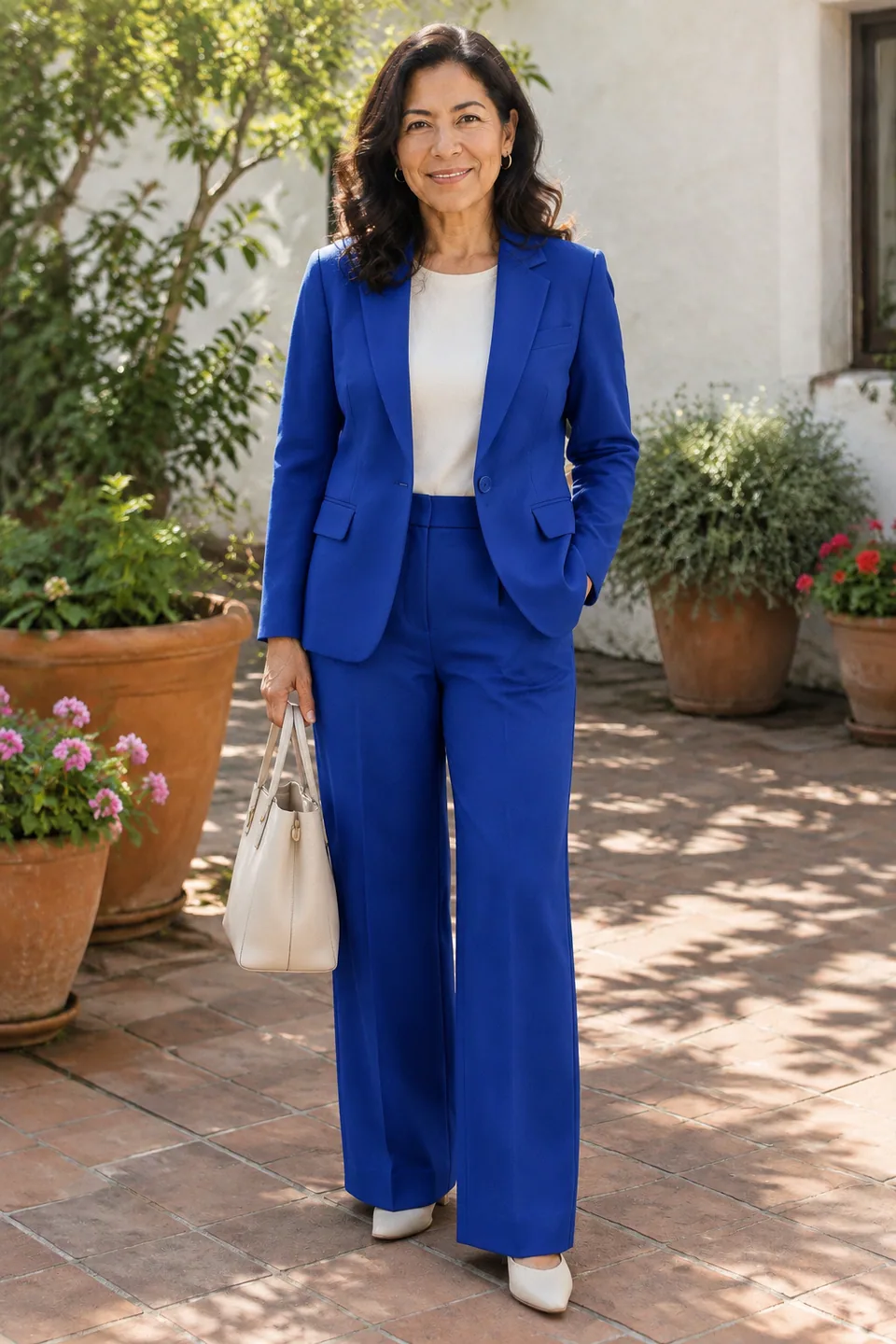 BeforeAfter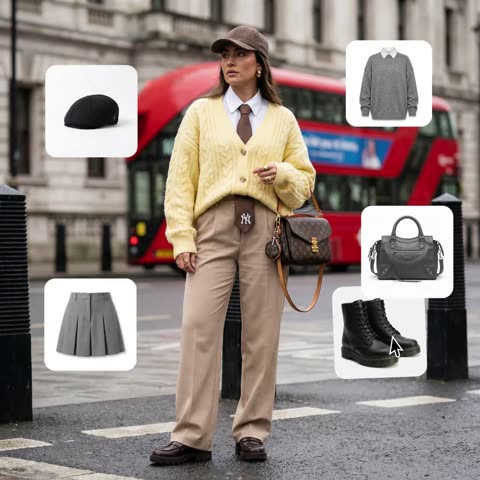
How AI outfit try-on works
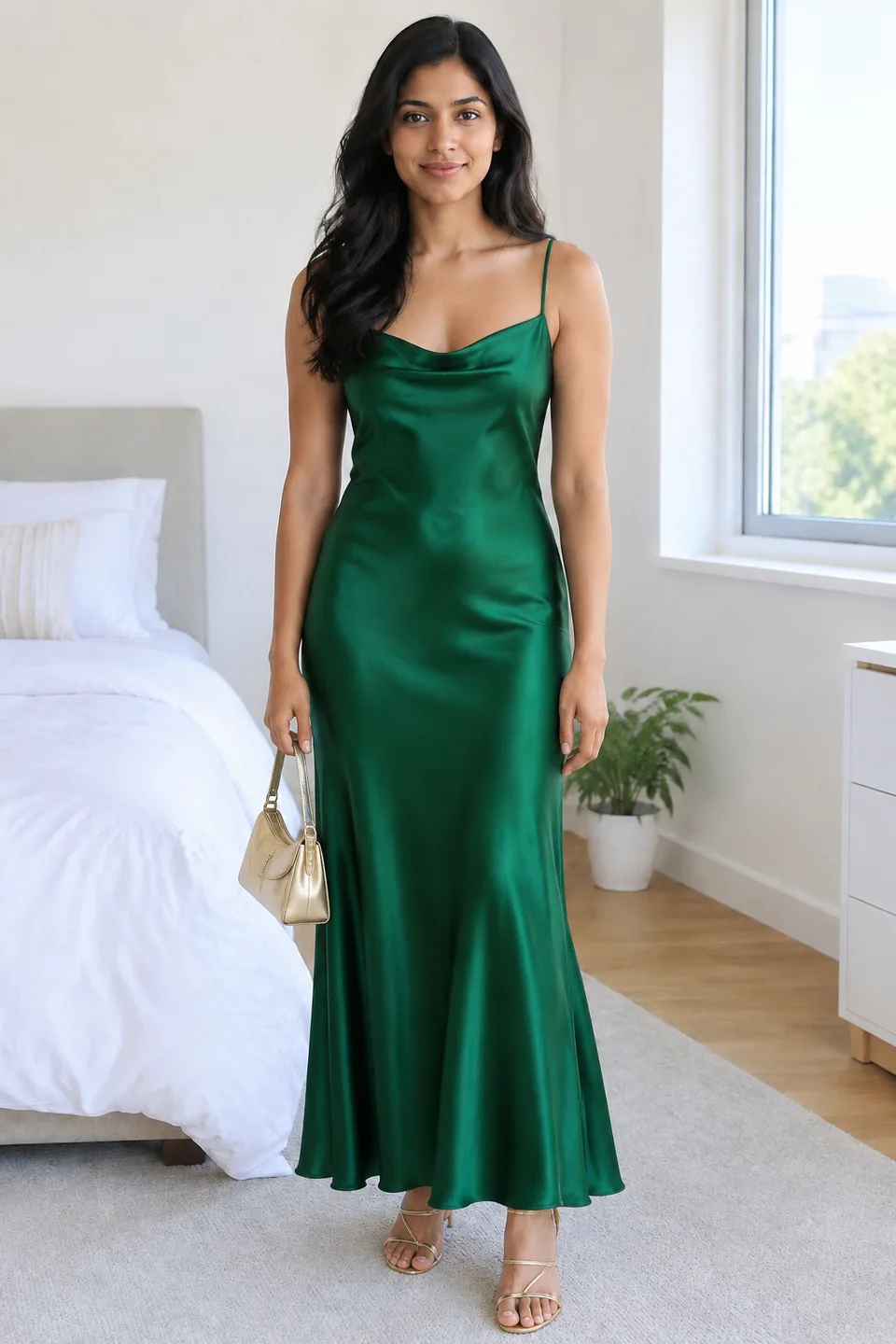
You upload up to four images. The first is the person. The rest are clothing references: a product shot, a flat lay, a hanger photo, or a picture of someone else wearing the piece. Mix a top, bottoms, outerwear, shoes, a hat or a bag, and the model styles them together into one coherent look.
The person's face, identity, hair, body proportions and pose stay unchanged, and so do the background and lighting. Garments drape with believable wrinkles, texture and shadows. There's no text prompt: the images tell the AI what to put on.
A virtual fitting room for online shopping
Buying clothes online means guessing. Will that rust-colored blazer work with your skin tone? Does the oversized coat swallow you? Before you click "add to cart", save the product image and try it on your own full-length photo.
Pair the new item with pieces you already own to see whether it fits your wardrobe, not just the model on the product page. Fewer guesses means fewer returns and fewer trips to the post office.
On-model images for Amazon, Etsy and Shopify sellers
Shoppers respond to clothes on a real body, but a studio day with a model, photographer and stylist is expensive to repeat for every drop. If you already have photos of a model you've licensed, you can dress them in new products straight from your flat lays or ghost-mannequin shots.
That keeps a Shopify collection or Etsy shop visually consistent, lets you show a piece styled three different ways, and gets new items listed before the next shoot is even scheduled. Just double-check fine details like prints, embroidery and hardware, and keep at least one real photo for sizing questions.
Styling content for Instagram, TikTok and Pinterest
Stylists and personal shoppers can build a client's capsule wardrobe on the client's own photo instead of a mood board. Fashion creators turn it into "one piece, three ways" posts, weekly new-arrival lookbooks and "which outfit wins?" polls.
Agencies and small brands use it to test campaign looks before booking production. Tokion runs in the browser and in the Telegram bot @tokionaibot. Pay as you go per generation, with no subscription, from a single balance shared with other image tools, chat with dozens of models and the API. New accounts get a starting balance.
Who it's for
Online shoppers
Try on clothes from any store on your own photo before you buy. Check color, cut and how the piece works with your existing wardrobe.
Fashion sellers and small brands
Create on-model images for Amazon, Etsy, eBay or Shopify from your product shots and licensed model photos, without booking a new shoot.
Stylists and personal shoppers
Present capsule wardrobes and event looks on the client's real photo. Clients approve direction faster and shop with a clear list.
Creators and agencies
Produce lookbooks, styling carousels and campaign mockups for Instagram, TikTok and Pinterest that read as real photography.
Pro tips
- Use a full-length photo, or at least knee-length, when you're trying on pants or shoes; the model can't dress what isn't in frame.
- Simple, fitted clothing and a relaxed, straight pose in the base photo give the cleanest results.
- Choose garment images where the whole item is visible on a plain background. Flat lays and mannequin shots work well.
- Avoid uploading two conflicting items like two dresses in one run; the AI will try to merge them into a single look.
- For a product catalog, reuse the same model photo across items so the collection looks consistent.
- If a drape or fit looks off, generate a variation; fabric falls a little differently each time.
Good to know
- It visualizes style and color, not size. The image can't tell you how a garment will fit your measurements.
- Small text, logos and intricate prints may come out simplified, so check details before publishing.
- The pose and camera angle don't change, so items hidden from that viewpoint won't appear.
- Only use photos of people and products you have the rights to when publishing results commercially.
What it costs
- Pay only for what you generate — no subscription.
- One balance for image tools, chat with 52 AI models and the API.
- Free starter credits when you sign up, no card needed.
Questions
How many items can I try on at once?
Up to three alongside the person photo: any mix of tops, bottoms, outerwear, shoes, hats and bags.
Will it change the person's face or body?
No. Face, identity, hair, body proportions and pose are preserved, along with the background and lighting. Only the clothing changes.
Can I use product images from a store's website?
For personal try-ons, yes; that's the most common use. For anything you publish or sell, use images you own or are licensed to use.
Can fashion brands use it for product listings?
Yes. Many sellers dress licensed model photos in new items for their listings. Verify details and label images as styled visualizations where appropriate.
Does it help me pick the right size?
No. It shows how an item looks and pairs with others, not how it fits your measurements. Check the store's size chart separately.
Will a mirror selfie work?
Yes, if your whole outfit is visible and the phone doesn't hide key areas. A photo taken by someone else usually looks more natural.
How does pricing work?
Pay as you go, per generation, from your Tokion balance. No subscription; the current price is shown on this page and new accounts get a starting balance.
More image tools




Try AI Outfit Try-On now
Free starter credits, no credit card. Works in any browser.
Open the tool — free