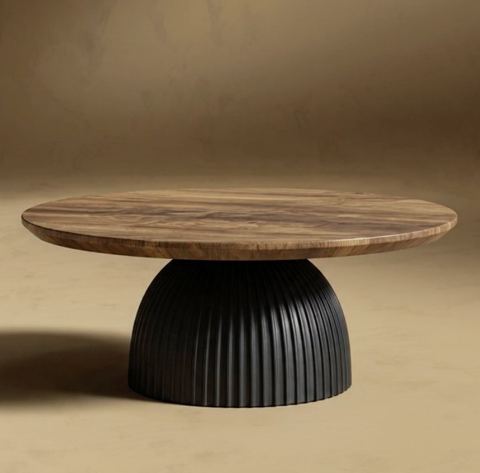
Realistic Product Shadows in One Click
A cutout product on a plain backdrop looks pasted on. Upload the photo and the AI adds a soft contact shadow and a believable cast shadow, so the item looks like it was shot in a studio.
- $0.01per image
- 1photo to upload
- 0prompts to write
How it works
- 1Upload
Add one photo — the form tells you exactly what fits best.
- 2Adjust
Optional fields steer the result: style, mood, text to render.
- 3Download
Get a finished image in seconds, then iterate or try a variation.
Examples
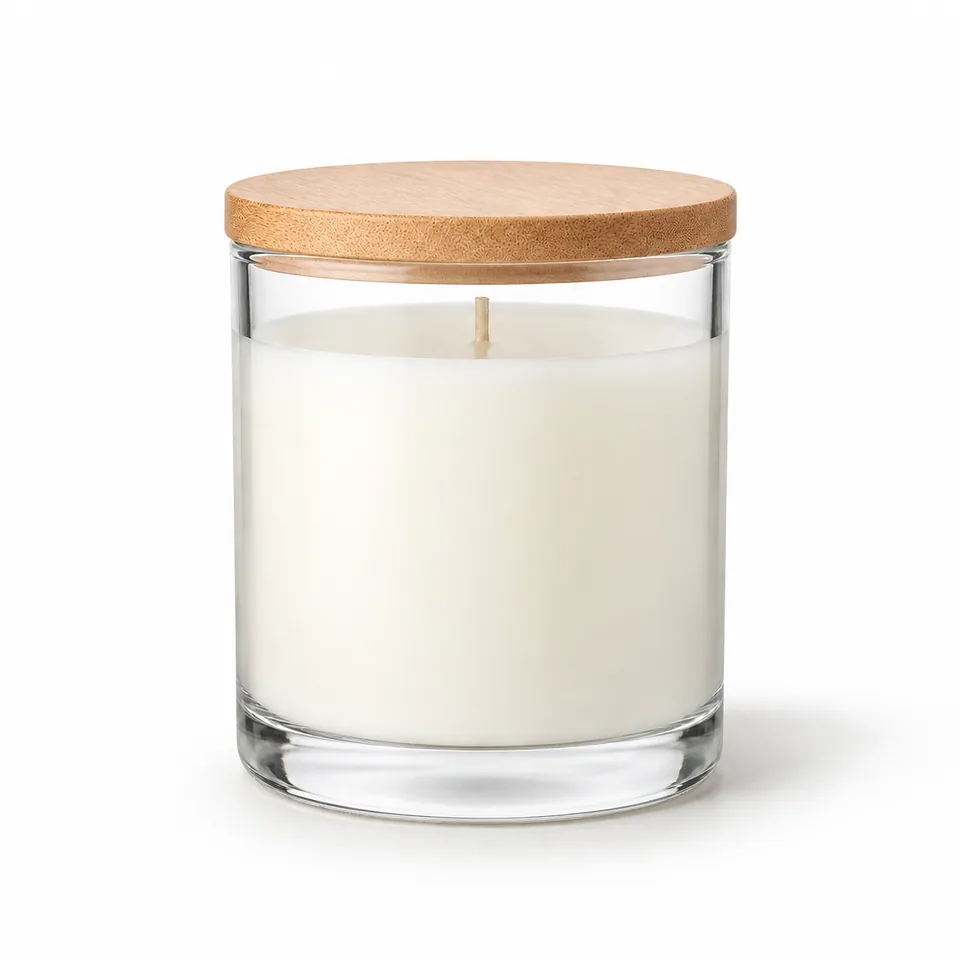
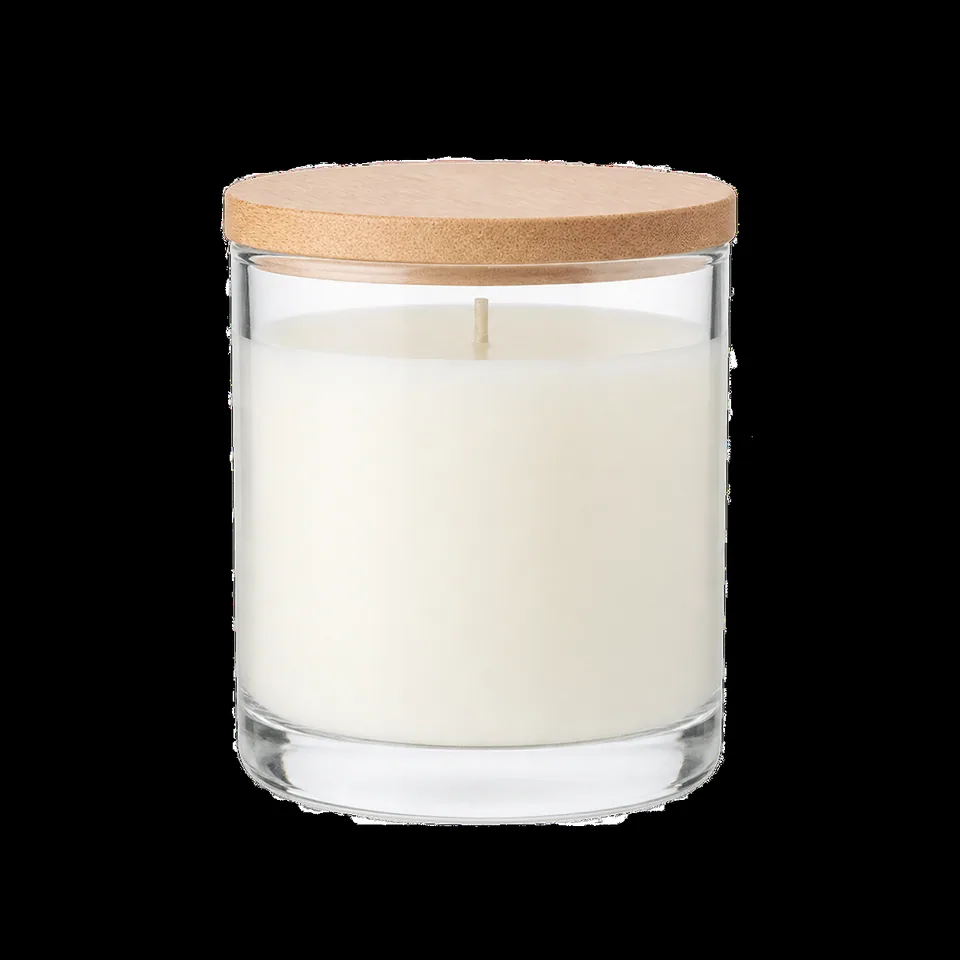 BeforeAfter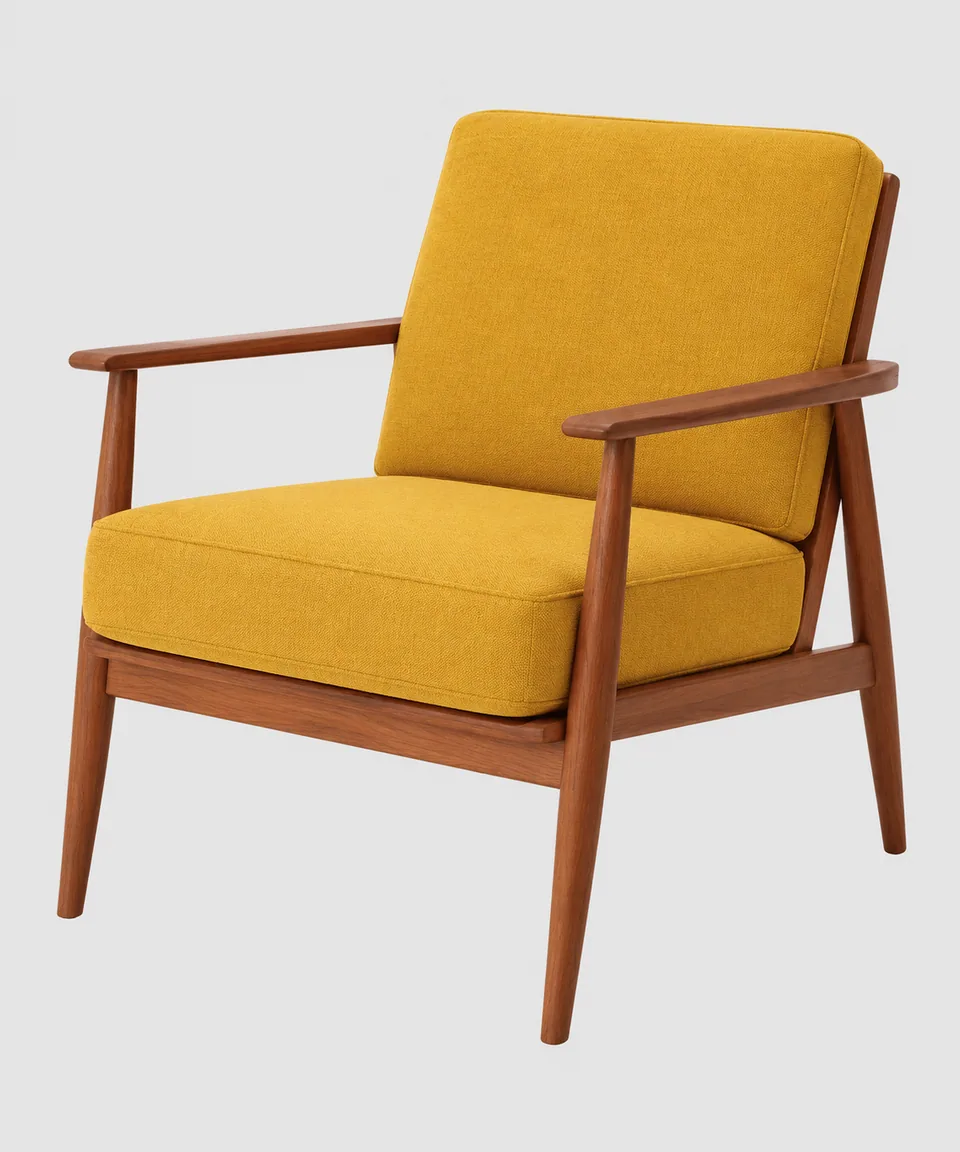
 BeforeAfter
 BeforeAfter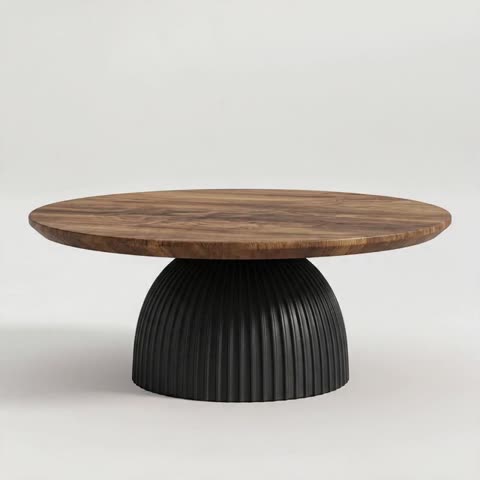
Why realistic product shadows matter
Shadows are how our eyes confirm that an object is actually sitting on a surface. Remove them and the item seems to hover. That's the telltale look of background-removed photos, quick composites and 3D renders: sharp and clean, yet somehow fake. Shoppers may not consciously notice, but they sense it, and it chips away at trust.
A good shadow does two jobs. It grounds the product, and it reveals form: where the base of a mug is, how tall a bottle stands, how a sneaker sole curves. That's why professional product photographers spend so much time shaping light.
How the AI shadow creator works
There is one upload slot for your product or object image and no settings to fiddle with. Drop in the photo and run it.
The AI adds two layers of realism. First, a soft contact shadow directly beneath the item where it meets the surface. Second, a believable cast shadow consistent with a single light source, matched to the surface and surroundings already in your photo. The product itself, including its shape, label and colors, stays unchanged.
The result is a clean, photorealistic ecommerce visual: the product feels planted, the volume reads clearly, and the image looks like a considered studio shot rather than a cutout.
Shadows for Amazon, Etsy, eBay and Shopify listings
White-background main images are the standard on Amazon, eBay and many Shopify themes, and that is exactly where a missing shadow shows the most. Adding a subtle, natural shadow makes the main image feel more premium without breaking the clean look buyers expect. Check each marketplace's image requirements, but a soft shadow under the product is a common, accepted style.
Catalog consistency is the other win. If your product photos were shot over years, on different phones, by different people, running them all through the same tool gives your storefront a uniform, professional finish. Etsy makers of ceramics, jewelry, candles and handmade goods get a studio feel from photos taken on a kitchen table.
For designers, decks and social posts
Designers building ads, pitch decks and landing pages often drop product cutouts into layouts, and the pasted-on look gives it away. Ground the product with a shadow first and it sits naturally in the composition. On Instagram and Pinterest, clean products with soft shadows create a cohesive, minimalist grid.
Tokion works in any browser and in a Telegram bot. You pay per generation from one balance, with no subscription, and that balance also covers other image tools, chat with dozens of models and the API. New accounts get a starter balance to try it.
Who it's for
Amazon and eBay sellers
White-background main images gain a soft, natural shadow and look professionally shot. The listing feels more trustworthy at a glance.
Etsy makers
Handmade products photographed at home get a studio finish. No light kit, no rented space, no retoucher.
Shopify store owners
Unify a catalog shot over the years on different devices. Consistent shadows make the whole storefront look intentional.
Designers and marketers
Ground product cutouts before placing them in ads, decks and landing pages. The product stops floating and blends into the layout.
Pro tips
- Use photos where the whole product, including its base, is visible. The AI needs to see where the item touches the surface.
- If the background is already removed, leave some empty space around the product so the cast shadow has room to fall.
- Process a whole collection in one session and review results side by side to keep the shadow style consistent.
- Upload high-resolution images so textures like fabric, wood grain or glaze stay crisp.
- If a shadow feels too strong or too long for your catalog, run a variation and pick the subtler one.
Good to know
- You cannot set light direction or softness; the AI chooses what looks natural for the photo.
- The tool doesn't remove or replace backgrounds. Use a background tool first if you need a new backdrop.
- Busy scenes with several objects or strong existing shadows give less predictable results.
- Glass, chrome and other reflective items may need a few variations.
What it costs
- Pay only for what you generate — no subscription.
- One balance for image tools, chat with 52 AI models and the API.
- Free starter credits when you sign up, no card needed.
Questions
What kind of shadows does it add?
A soft contact shadow under the item plus a cast shadow that matches a single light source and the surface in your photo.
Will my product change?
No. Shape, label and colors stay as they are; the AI only adds shadows around the product.
Can I choose the light direction?
Not in this tool. The AI picks a direction and softness that look natural for your specific image.
Is it suitable for Amazon main images?
In most cases a soft shadow on white is a common, accepted look. Always check the current image requirements for your category.
Do I need to remove the background first?
No, but a clean, plain background gives the tidiest result.
Can I process a large catalog?
Yes. Each generation handles one image, so run your photos one after another in the browser or the Telegram bot and download each result.
How much does it cost?
You pay per generation with no subscription. The current price is shown on this page, and new accounts start with a starter balance.
More image tools
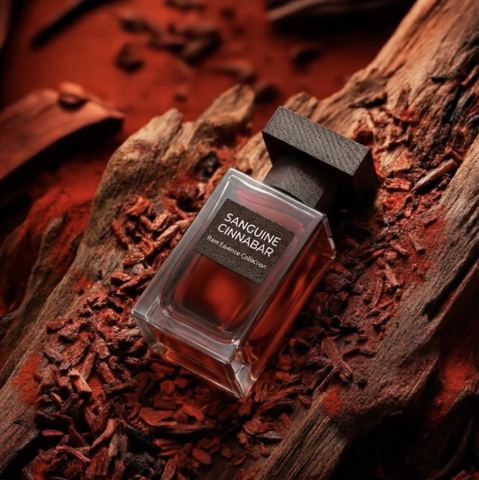





Try AI Shadow Creator now
Free starter credits, no credit card. Works in any browser.
Open the tool — free