AI Tools for Creators and Influencers
Make thumbnails, fresh location shots, illustrations, stickers and merch mockups from photos you already have. Spend your time on the content, not on the design work around it.
Tools for you
What AI tools for creators actually save you
Every post, video and story needs a visual that stops the scroll. For most independent creators, that visual is the part that eats the week: finding the right shot, adding a headline, making the grid look cohesive, and doing it all again tomorrow. These tools handle the production layer so you can focus on ideas, scripts and your audience.
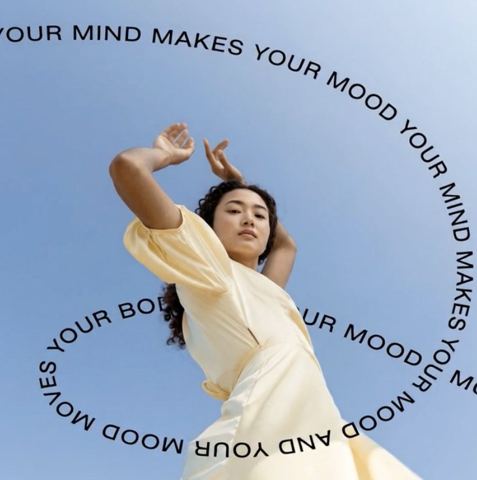
Text on Image is the workhorse. Upload a frame, type your headline, such as "I tried this for 30 days" or "3 mistakes beginners make", and pick a text style from minimal to bold to editorial. The model chooses a font, size and color that fit the composition and stay readable. Use it for YouTube thumbnails, TikTok and Reels covers, Pinterest pins and carousel slides.
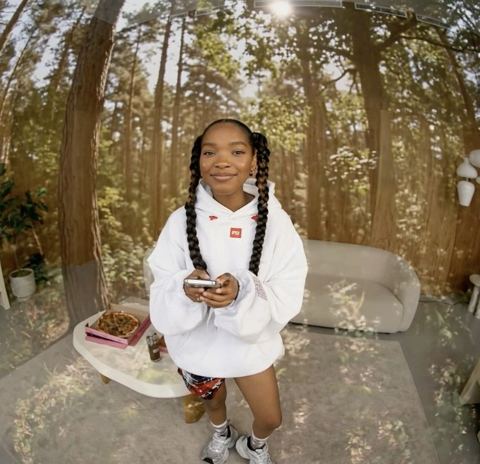
Background Swap handles the other constant problem: location. Upload your photo and a picture of the setting you want, like a rooftop, a café or a clean studio, and the model blends you into it with matching light, shadows and perspective. Your face and pose stay the same.
Turn one shoot into a week of content
Big shoot days are rare. More often you have one great portrait that needs to carry a whole content calendar. AI photoshoots help here: a single selfie becomes a consistent series in one style, such as a moody atmospheric studio, sharp light-and-shadow frames, a black-and-white cyclorama or a beach set. That gives you a profile photo, a channel banner and "about me" posts that match.
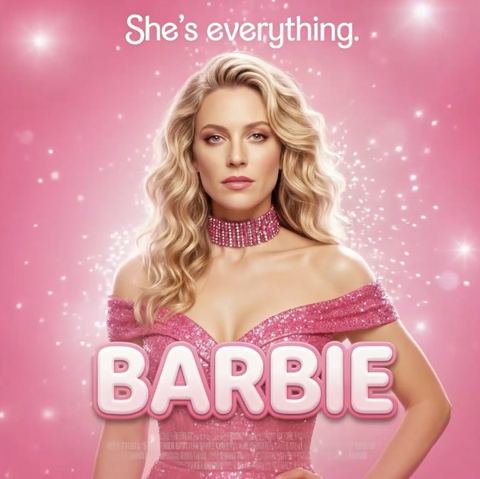
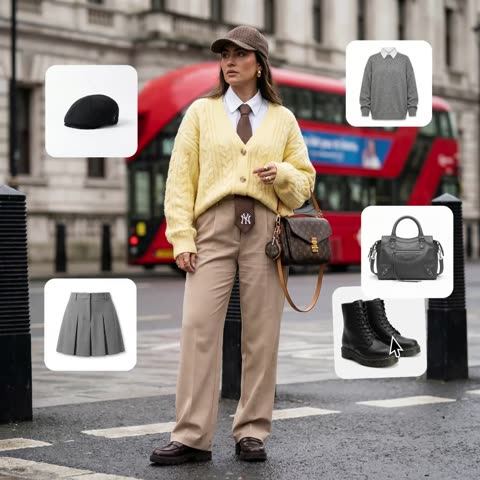
Outfit Try-On shows a look before you wear it. Upload your photo plus clothing references and the model dresses you in them, which is handy for fashion creators, affiliate posts and brand deals when the sample hasn't arrived yet. Movie Poster turns your portrait into a poster in the genre you choose, from action to comedy to fantasy, with a hero pose and a cinematic backdrop. It's an easy hook for a new series announcement or a fun community post.
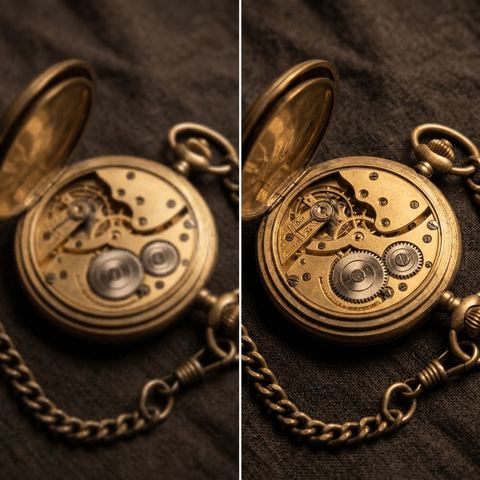
If your source photos came from an older phone or got compressed after being shared, run them through Image Upscaler to recover sharpness and clean up noise before you publish.
Stickers, illustrations and merch mockups
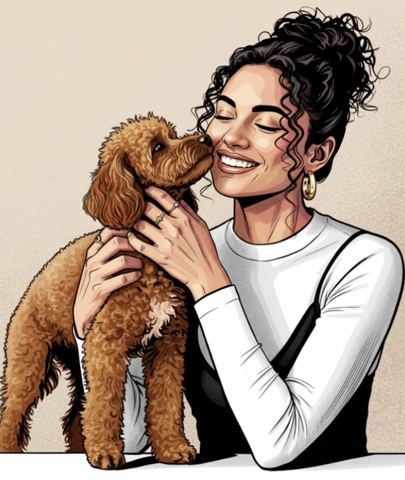
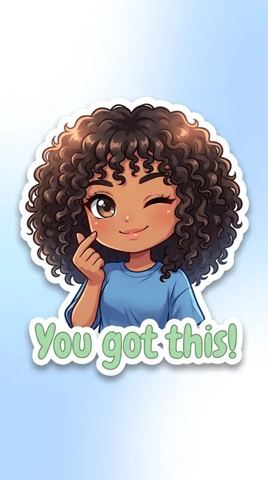
Audiences latch onto recognizable visuals. Sticker Creator turns your photo into a die-cut sticker with clean white edges in anime, manga, cyberpunk or realistic style, perfect for stories, emotes-style graphics and channel branding. Illustration Studio converts photos into watercolor, comic, caricature, sketch or flat vector art, which keeps recurring series visually distinct from your regular posts.
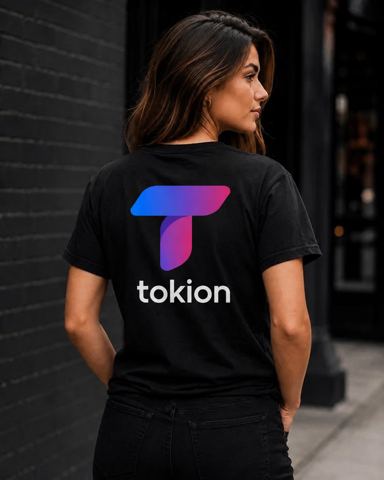
When your community starts asking for merch, start with a mockup. T-Shirt Mockup places your design on a realistic garment; you choose the shirt color, print placement, model type and shot type in the form. Post two or three options, let followers vote, and order production only once you know what sells.
Pay as you go, no subscription
Each generation is charged to one balance that covers every image tool, a chat with dozens of models and the API. Use the chat to brainstorm hooks, write captions or outline scripts, then make the visuals in the same account.
Tokion runs in the browser and in the Telegram bot @tokionaibot, so you can make a cover straight from your phone between takes. New accounts get a starting balance, enough to test the tools on your own photos before topping up.
Who it's for
YouTubers and video creators
Thumbnails with big, readable headlines and poster-style announcements for new series. Test a few versions from one frame and keep the winner.
Instagram and TikTok creators
Cohesive covers for Reels and carousels, fresh locations without travel, and a matching set of portraits from a single selfie.
Fashion and lifestyle influencers
Preview outfits for brand deals before the samples arrive, and move your best shots into new settings that fit the story.
Creators launching merch
Realistic T-shirt mockups on different models and stickers made from your photos. Validate designs with your audience before ordering stock.
Photoshoot styles
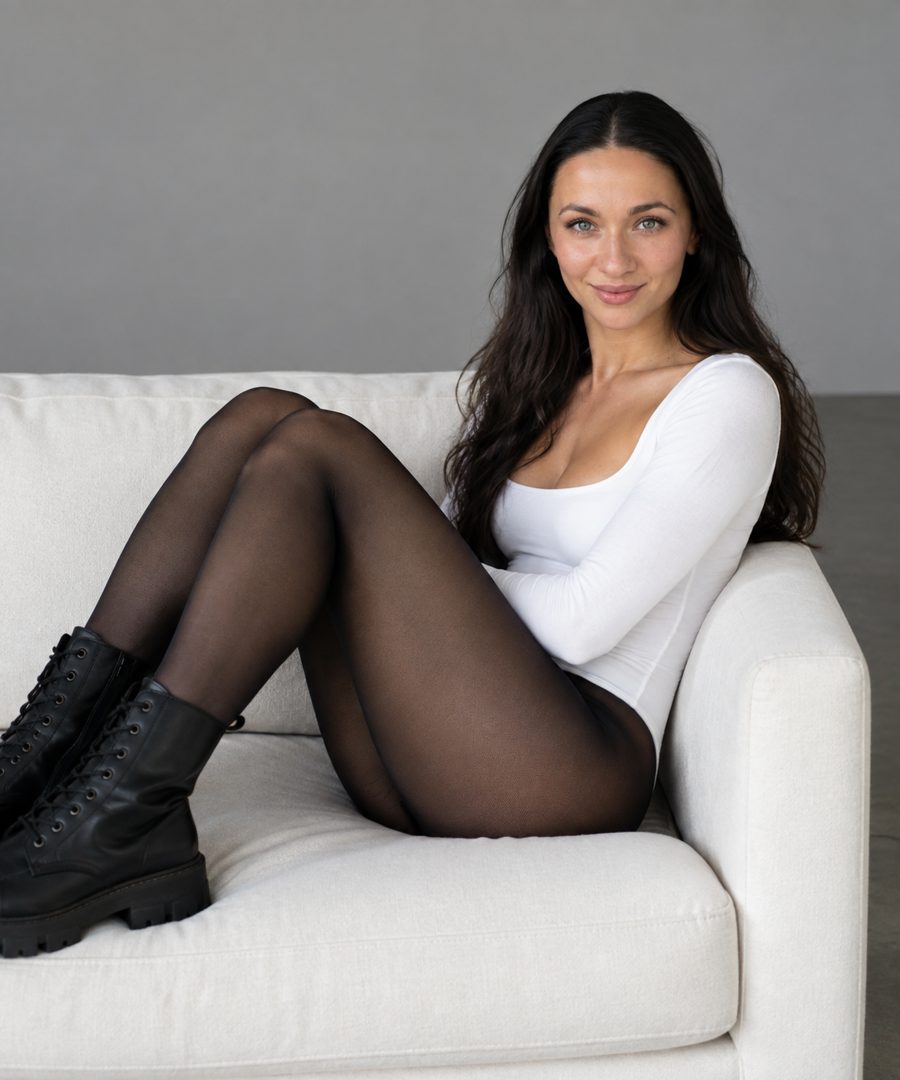
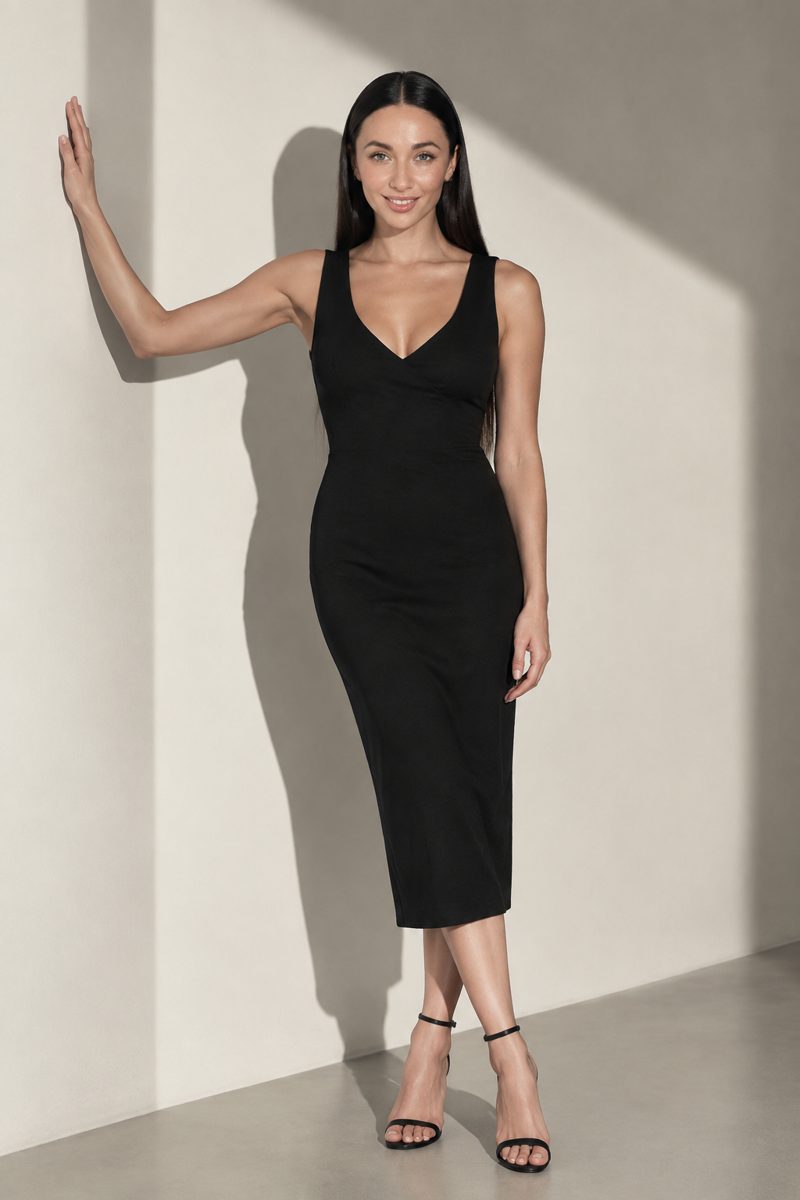
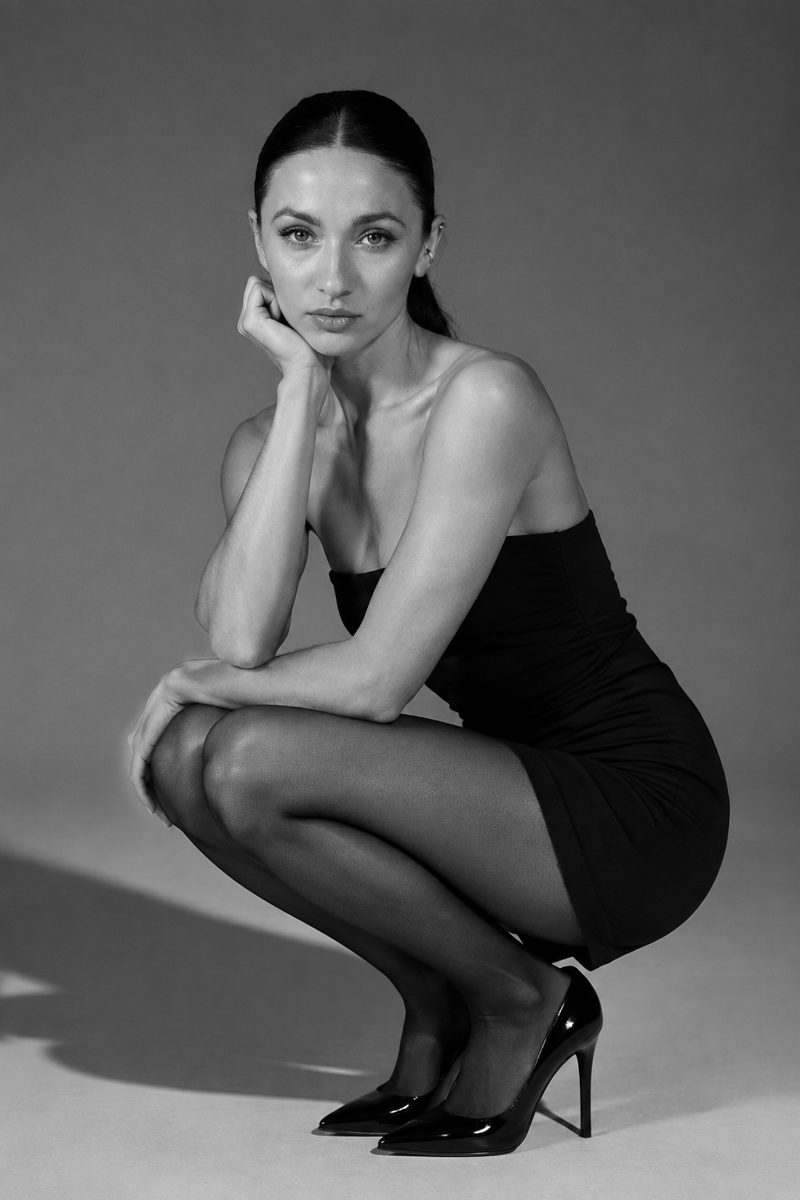
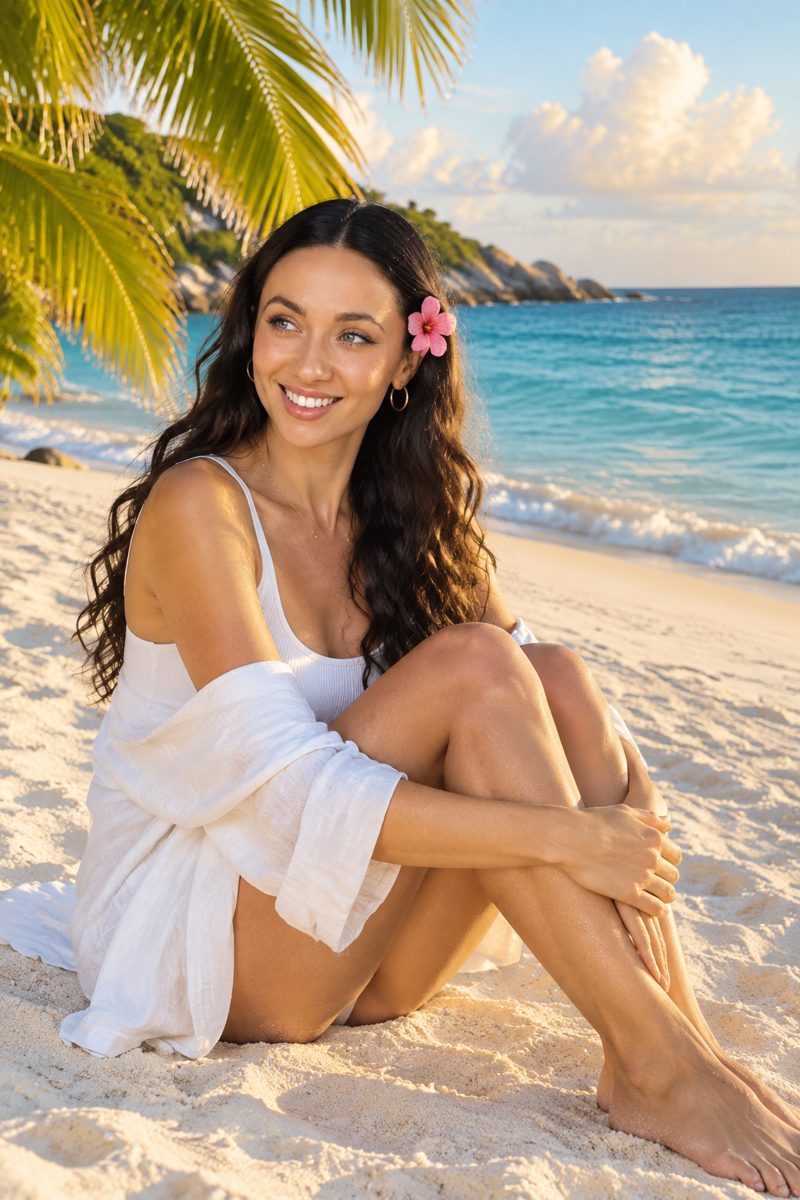
Pro tips
- Keep thumbnail headlines to three to five words. Short text is placed more cleanly and stays readable at small sizes.
- When swapping backgrounds, pick a scene shot from a similar camera height and with similar light to your photo.
- Pick one text style per series and stick with it so followers recognize the format before they read it.
- For stickers, use a clear photo with a strong expression and a simple background.
- Upload merch designs at high resolution so fine details hold up on the fabric.
- If a result is close, run a variation instead of changing your source image.
Good to know
- These are image tools; they don't edit video or audio.
- Movie Poster invents its own title and tagline. Add your exact text afterwards with Text on Image.
- Stickers come out as an image on a light background, so a platform's sticker pack may need the file prepared to its specs.
- Only use photos of other people with their consent, and never to impersonate someone.
Questions
Can I make YouTube thumbnails with these tools?
Yes. Upload a frame to Text on Image, type a short headline and choose a style. For a new setting behind you, run Background Swap first.
Will my face change?
No. The tools preserve your identity, facial features and pose. What changes depends on the tool: background, outfit or art style.
Can I use the images for sponsored posts?
Yes, as long as you own or have rights to the source photos and designs. That matters most for brand deals and ads.
How do merch mockups work?
Upload your design to T-Shirt Mockup and pick the garment color, print placement, model type and shot type. You get a realistic product image to share before production.
Can I write captions and scripts here too?
Yes. The same balance covers a chat with dozens of models, useful for hooks, captions, titles and outlines.
Does it work on my phone?
Yes. The web app runs in a mobile browser, and the Telegram bot @tokionaibot accepts photos directly.
How is it priced?
Pay as you go: each generation is charged to your balance, and current prices are shown on each tool page. There's no subscription.
AI Tools for Creators and Influencers
AI tools for creators: add bold text to thumbnails, drop yourself into new locations, turn photos into stickers and illustrations, and mock up merch fast.
Start free