AI Tools for Online Sellers and E-commerce Brands
Shoot on your kitchen table, list like a brand. These tools turn everyday product snapshots into clean studio images, lifestyle scenes and apparel shots ready for Amazon, Etsy, Shopify and your social feeds.
Tools for you
Why online sellers use AI tools for product images
Great listings start with great images, and that is exactly where small shops fall behind. A professional product shoot means booking a studio, shipping samples and waiting for edits, all for a catalog that changes every few weeks. Most independent brands end up shooting on a desk by the window and hoping for the best.
This collection of AI tools for online sellers closes that gap. Each one does a single job well: put the item on a seamless backdrop, drop it into a real-looking room, show a garment with shape and volume, or group a bundle into one frame. You upload a photo, fill in a field when the tool asks for one, and get a finished image. The product keeps its shape, colors and label text, so what the shopper sees is what arrives at the door.
Studio-quality listing photos for Amazon, Etsy and eBay
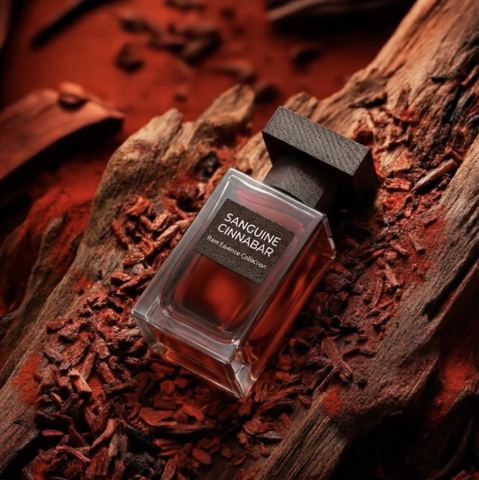
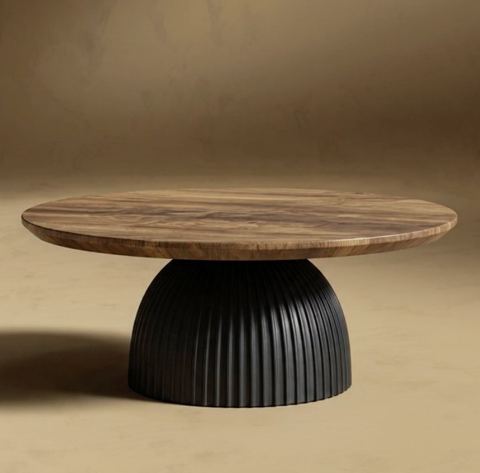
Start with Product Photoshoot. One snapshot becomes a clean studio shot on a seamless background with soft lighting, accurate reflections and a natural shadow. It is the fastest route to a consistent main image across your whole catalog.
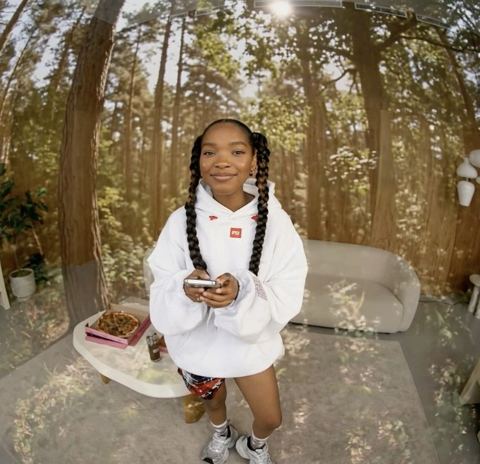
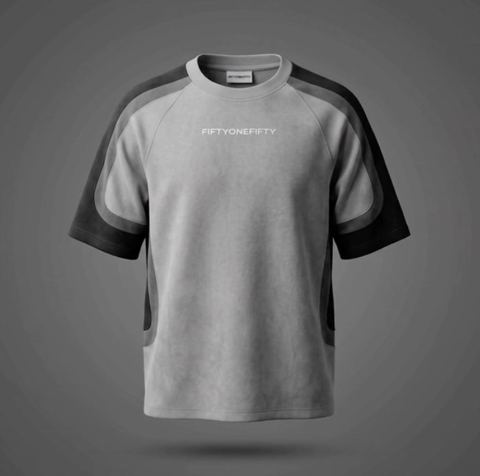
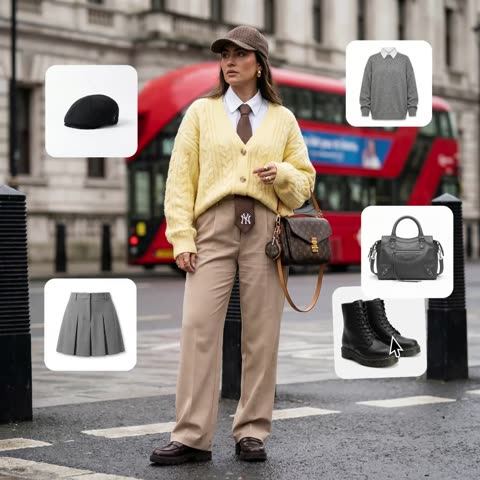
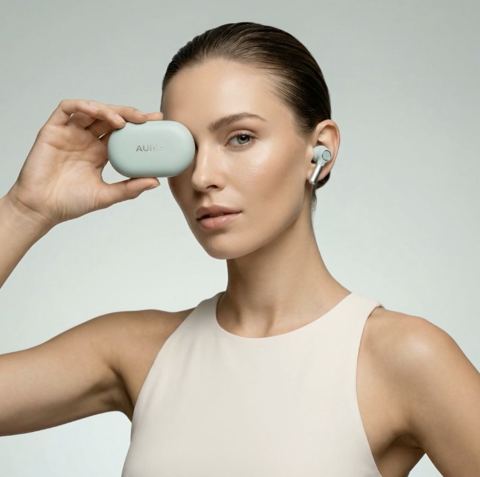
Apparel brands get the most out of Ghost Mannequin. Upload a garment photographed on a person or laid flat, type the backdrop color you want, such as white, light gray or your brand hex code, and the piece appears as if worn by an invisible body. When you need a person in the frame, Outfit Try-On dresses the model from your first photo in up to three items from your product shots.
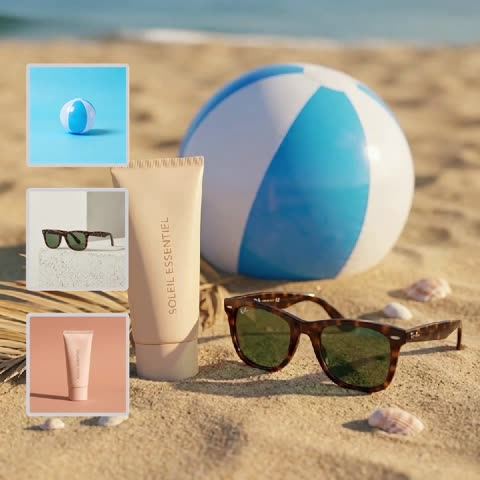
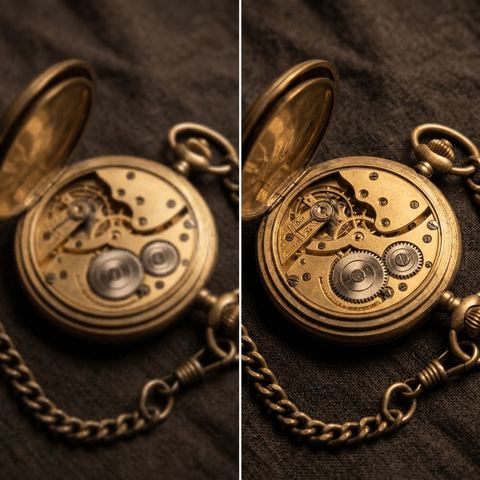
For bundles, gift sets and flavor lineups, Product Composition Builder arranges up to five products in one scene under the same light. Shadow Creator adds a contact shadow and a cast shadow to cut-out items so they sit on a surface instead of floating. Old or heavily compressed files can go through Image Upscaler first for sharper detail.
Lifestyle scenes and ad creative for Shopify and social
Secondary gallery slots, Shopify hero banners and Pinterest pins need context, not just a white backdrop. Background Swapper takes your product photo plus a picture of the setting you want and blends them into one convincing shot with matched perspective, light and shadows. Use one scene file for a whole collection and your storefront looks like it came from a single photo day.
Visual Campaign Creator goes further: describe a scene in the Campaign context field, for example a minimal marble bathroom or a sunny picnic table, and the product appears in a polished ad-style image. It is a quick way to test creative for Instagram, TikTok and Meta ads before paying for a location shoot.
Pay as you go, with one balance for everything
There is no subscription. You top up one balance and pay per generation, whether you use one tool a month or fifty a day. New accounts get a starting balance, so you can try the tools on your own products first.
The same balance covers a chat with dozens of models, handy for drafting listing copy, bullet points and polite replies to buyers, and the API, if you want to plug image generation into your own catalog workflow. Everything runs in the browser and in the Telegram bot @tokionaibot.
Who it's for
Etsy makers and handmade shops
Jewelry, ceramics, candles and prints look best in soft, warm light. Product Photoshoot and Background Swapper give handmade pieces a polished look without a studio.
Amazon and eBay merchants
Keep a compliant white-background main image and fill the rest of the gallery with lifestyle scenes and bundle shots made from the same snapshot.
Apparel and accessory brands
Ghost Mannequin and Outfit Try-On show fit and drape even when the item was photographed on a hanger or the floor.
Shopify and DTC store owners
A consistent visual style across the catalog makes a small store feel like a brand. One studio look and one scene per collection get you there.
Pro tips
- Shoot in soft daylight with the whole item in frame. Clean originals help the model keep edges, colors and textures accurate.
- Face labels and logos toward the camera and keep them in focus; tiny, blurry print is the hardest thing to reproduce.
- For Background Swapper, pick a scene photographed from roughly the same height as your product shot so the perspective lines up.
- Check each marketplace's main-image rules. Many still require a pure white background, so save lifestyle scenes for secondary slots and ads.
- Reuse the same backdrop color in Ghost Mannequin across a collection for a uniform catalog grid.
- If a result is close but not perfect, run a variation instead of re-uploading. It is the quickest route to the best frame.
Good to know
- The tools won't fix the product itself. Scratches, defects and off colors in the original stay visible, which keeps your listing honest.
- There is no bulk upload for an entire catalog in the web app. Each item is its own generation; use the API for large volumes.
- Very small text on packaging can take a couple of variations to come out crisp.
Questions
Are the images suitable for an Amazon main image?
A Product Photoshoot result on a white background fits the usual main-image requirements. Category rules change, so double-check the current guidelines for your category before publishing.
Will the AI change how my product looks?
No. The tools are set up to keep shape, color, texture and label text intact. Only the background, lighting, shadows and presentation change. If a detail slips, run a variation.
Can I show clothing on a model without hiring one?
Yes. Outfit Try-On dresses a person from your photo in up to three items from your product images. Use a photo of someone who has agreed to it. For shots without a person, use Ghost Mannequin.
Do I need a subscription?
No. Top up a balance and pay per generation. The same balance works for every image tool, the chat with dozens of models and the API.
Can I use the results in ads and on my website?
Yes, as long as the original photos are yours or you have the rights to them. Images generated from your photos can go into listings, your store and paid social.
Does it work on my phone?
Yes. Open the web app in a mobile browser or send photos to the Telegram bot @tokionaibot, then download the result and upload it straight to your listing.
How do I process hundreds of SKUs?
In the web app each product is a separate generation. For large catalogs, connect the API, which uses the same balance and the same tools.
AI Tools for Online Sellers and E-commerce Brands
AI tools for online sellers: turn phone snapshots into studio product shots, lifestyle scenes and ghost mannequin images for Amazon, Etsy and Shopify listings.
Start free