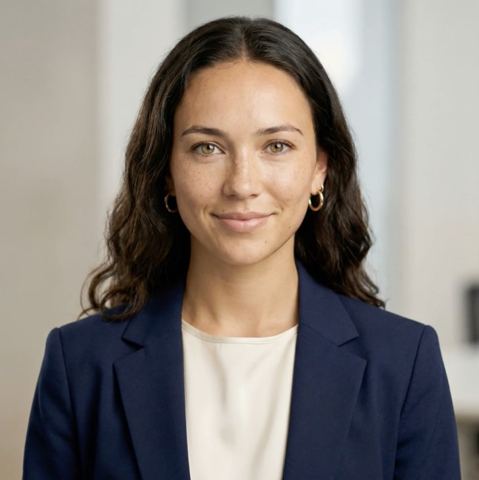
A Headshot for Your Resume, Made from One Selfie
Need a headshot for resume or CV applications but have no suitable picture? Upload one everyday photo and get back a calm, studio-style portrait that belongs on a job application.
- $0.01per image
- 1photo to upload
- 0prompts to write

How it works
- 1Upload
Add one photo — the form tells you exactly what fits best.
- 2Adjust
Optional fields steer the result: style, mood, text to render.
- 3Download
Get a finished image in seconds, then iterate or try a variation.
Examples
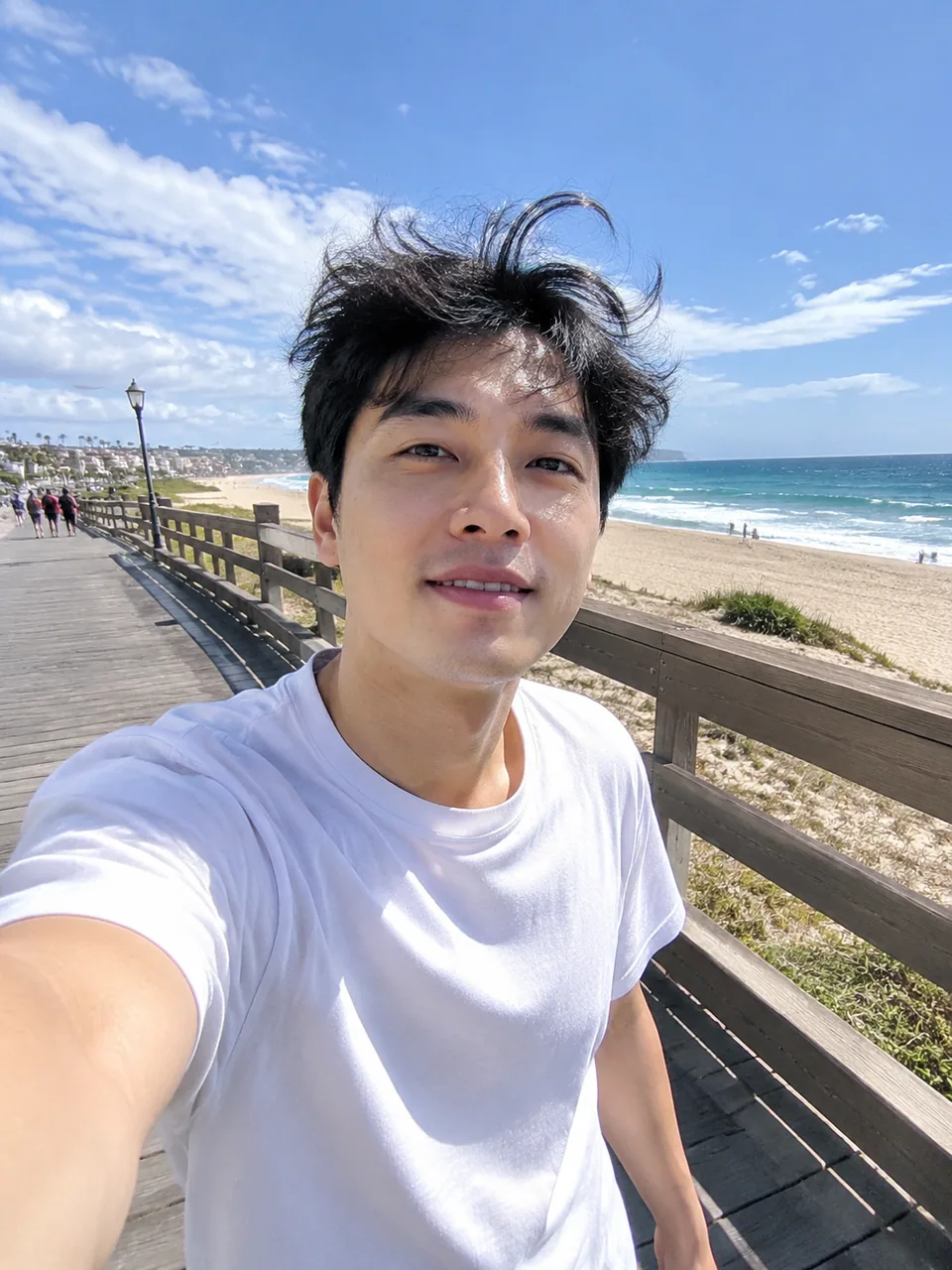 BeforeAfter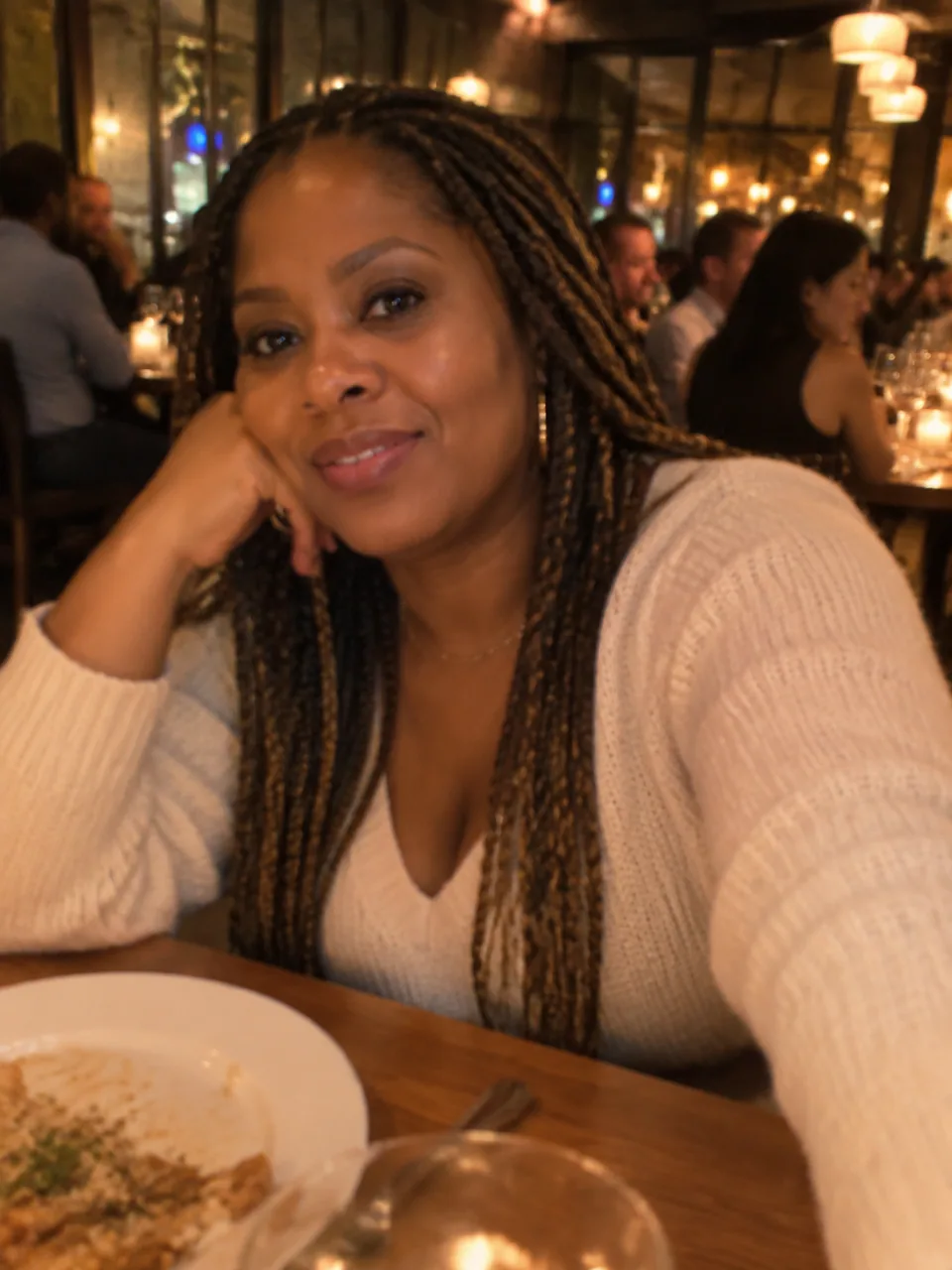
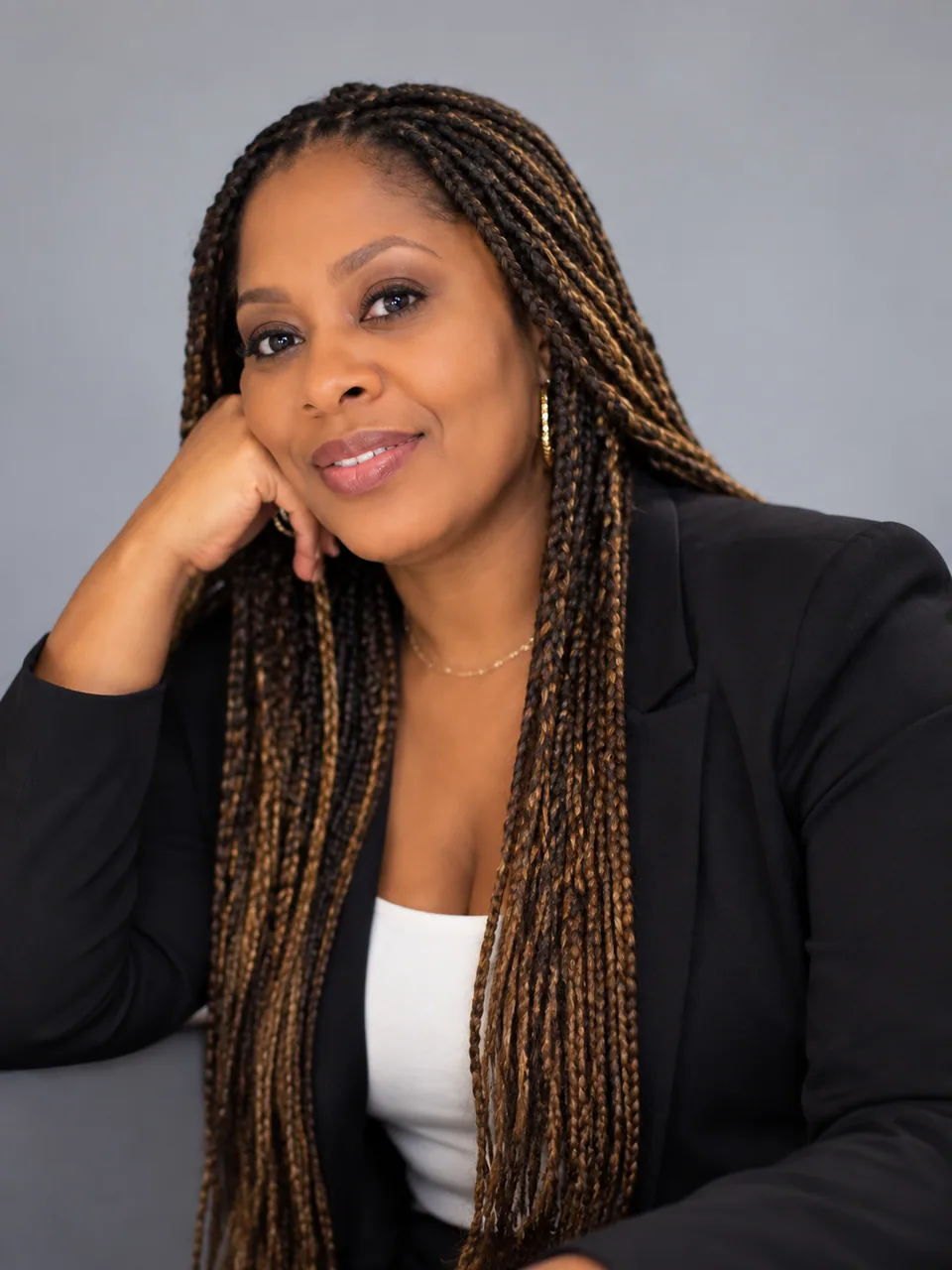 BeforeAfter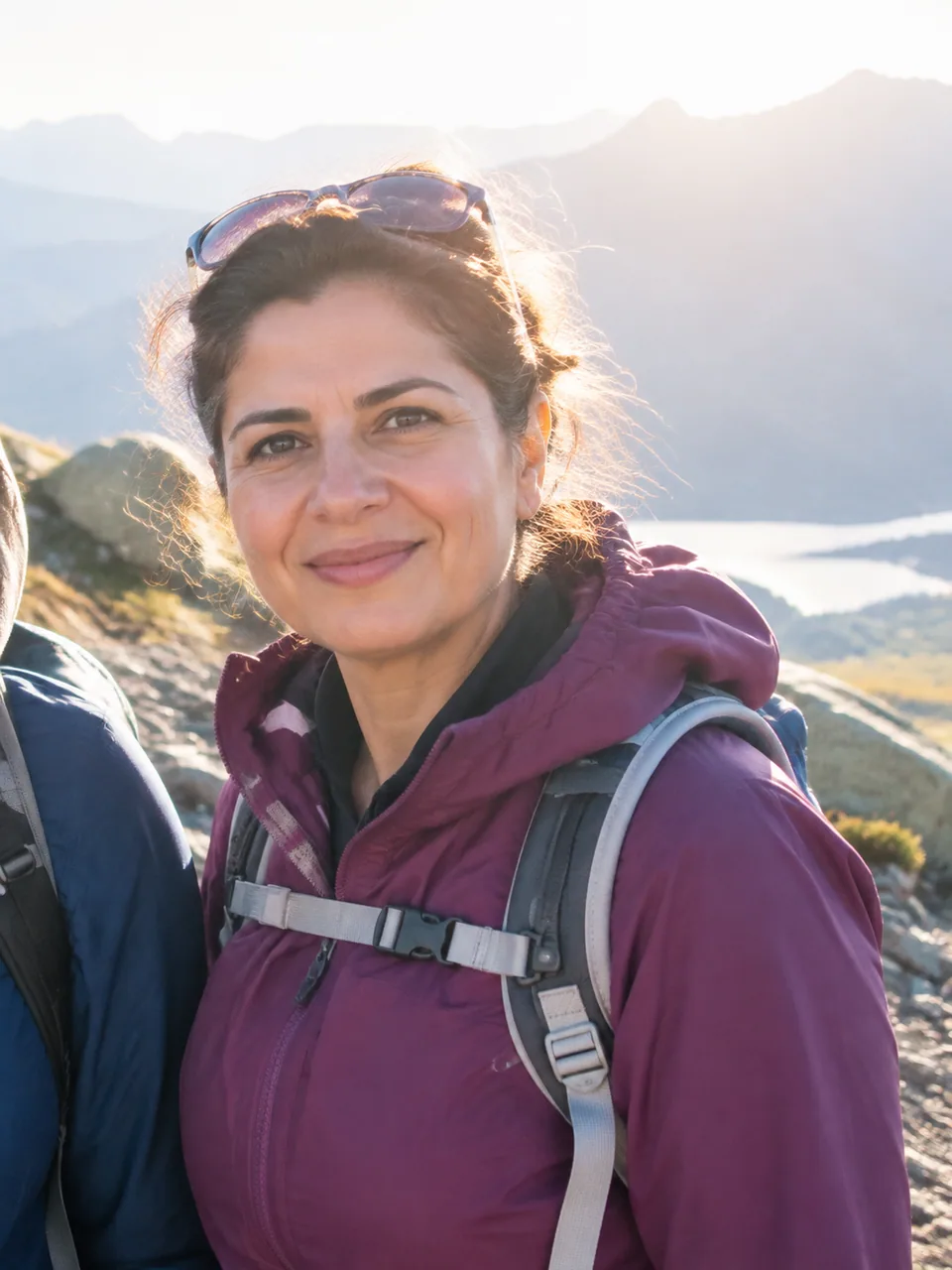
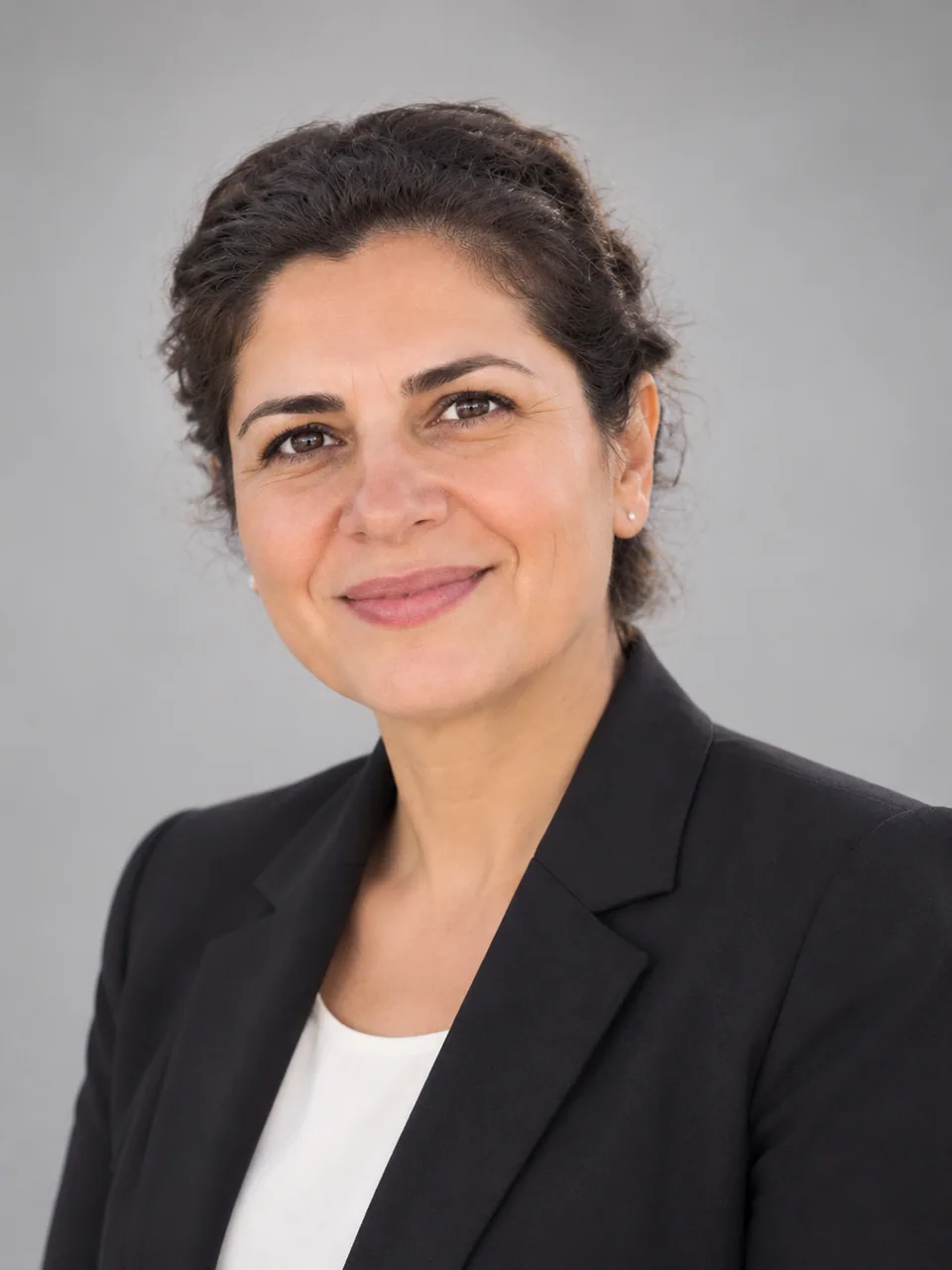 BeforeAfter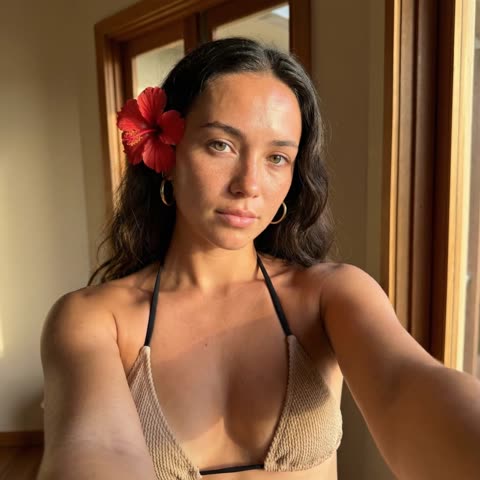
A headshot for resume use is not the same as a profile picture
A social avatar can be anything: a beach, a pet, a moody filter. A CV photo has a narrower job. It should show a hiring manager what you look like when you walk into the interview, with nothing competing for attention. That means a fully visible face, eyes toward the camera, even light and a background that stays quiet.
This tool is built for exactly that brief. You upload one picture and the model returns one business portrait: neutral studio backdrop, soft even lighting, sharp focus, a well-groomed appearance and, when needed, professional attire. Your facial features are kept, so the person in the file is the person who shows up.
There are no art styles, effects or text fields. For a job application that restraint is the point: the result reads as appropriate in finance, engineering, healthcare administration or a creative agency alike.
What a recruiter reads from your CV photo
Recruiters skim. In a stack of applications, the picture registers before the job titles do, and it answers a few quick questions: can I see this person clearly, do they look prepared, did they take this application seriously? A cropped party shot or a dark webcam still raises doubts that have nothing to do with your skills.
A plain backdrop and flattering, even light remove those doubts. Your face stays readable even at thumbnail size, clothing does not distract, and the overall impression is simply "organized and ready." The photo will not get you the job, but it stops working against you.
Recency matters too. A decade-old picture creates a small moment of surprise at the interview. Because the tool works from a current selfie, the portrait matches how you look today.
Where a professional photo for CV is expected
Customs differ by country. In much of continental Europe, including Germany, Austria, Switzerland and parts of Central and Eastern Europe, a photo on the CV is common and often expected. In the US, UK, Canada and Australia, many employers prefer applications without photos to reduce bias, so check local norms and the job posting before adding one.
Beyond the CV itself, the same portrait fits applicant tracking system profiles that ask for a picture, freelance marketplace profiles, a personal portfolio site and the "meet the team" page once you are hired. Using one consistent image across these places makes you easier to recognize.
To add it to a PDF resume, download the result and place it in your template. The neutral background has no borders or text, so it drops cleanly into most layouts.
Choosing the source photo
The model keeps your face, angle and expression, so a good result starts with a decent source. Aim for a head-and-shoulders shot taken at eye level in daylight. If you can, have someone take it with the main phone camera; an arm's-length front-camera selfie slightly distorts facial proportions.
Expression comes from you, not from the model. A relaxed, slight smile suits most roles, while a tense look on the source will stay tense on the output. Take a handful of shots and upload the one where you look most like yourself on a good day.
Who it's for
Applicants in Europe
Applying in a market where a CV photo is standard? Turn a recent selfie into a portrait that meets the expectation without booking a photographer before every round of applications.
Graduates and interns
Your first real CV, and your camera roll is full of graduation and holiday photos. One upload gives you a serious portrait for internship and entry-level applications.
Career changers
Moving into a field where appearance is part of the first impression, like client-facing or consulting roles? A neutral portrait works across industries and needs no reshoot for the new direction.
New hires
HR asked for a picture for the company website, the internal directory or your access profile? Send the same clean portrait you used on your application.
Pro tips
- Upload a photo with only you in it; with several people in frame the model may pick the wrong face.
- Face a window rather than standing with your back to it. Backlight darkens the face and loses detail.
- Remove glare-prone glasses and hats and keep hair off your eyes. Recruiters want to see your eyes.
- Check the result at thumbnail size, since that is how many hiring platforms first display it.
- If the outfit on the first result does not fit your industry, run a variation. Each generation varies clothing and light slightly.
- Reuse the same portrait on your CV, portfolio and professional profiles so people connect them instantly.
Good to know
- Not for passports, visas or ID cards. Document photos follow strict rules on background, size and expression and must be genuine photographs.
- One generation gives one portrait. It is not a multi-shot set; run variations for more options.
- Background, suit color and style cannot be typed in. The look is always neutral business.
- Blurry, very dark or tiny source images can weaken the likeness.
What it costs
- Pay only for what you generate — no subscription.
- One balance for image tools, chat with 52 AI models and the API.
- Free starter credits when you sign up, no card needed.
Questions
Is it okay to use an AI-made photo on a job application?
Generally yes, as long as it truly looks like you. The model keeps your facial features and changes the surroundings, light and grooming, so the interviewer will recognize you. If a result feels less like you, run a variation or use a sharper source.
How is a CV photo different from a profile avatar?
An avatar can express personality in any way you like. A CV photo should show you clearly in a work-appropriate setting: full face, calm background, tidy appearance. This tool produces only that kind of image.
Should I put a photo on my resume at all?
It depends on the country. It is common in much of continental Europe, while in the US, UK and Canada many employers prefer no photo. When the job posting asks for applications without pictures, leave it out.
Can I use the result for a passport or visa?
No. Official documents require real photographs taken to strict specifications. Use this portrait for CVs, application profiles, portfolios and company websites.
Do I need to smile in the source photo?
The model keeps your expression, so pick a frame where you look natural. A slight smile reads as approachable; a calm neutral face works for more formal roles.
Can I make it on my phone?
Yes. Open tokion.io in a mobile browser or send your photo to the Telegram bot @tokionaibot. You pay per generation, with no subscription.
Can I get several versions to choose from?
Each generation returns a single portrait. To compare options, run a variation from the same source photo and keep the one you like best.
More image tools


Try AI LinkedIn Headshot Package now
Free starter credits, no credit card. Works in any browser.
Open the tool — free