Amazon Product Photos Without a Studio
Make Amazon product photos for your listing from one phone snapshot. Upload the shot and get back a studio-style main image with a seamless backdrop and soft light, then check it against the current listing rules before you publish.
- $0.01per image
- 1photo to upload
- 0prompts to write
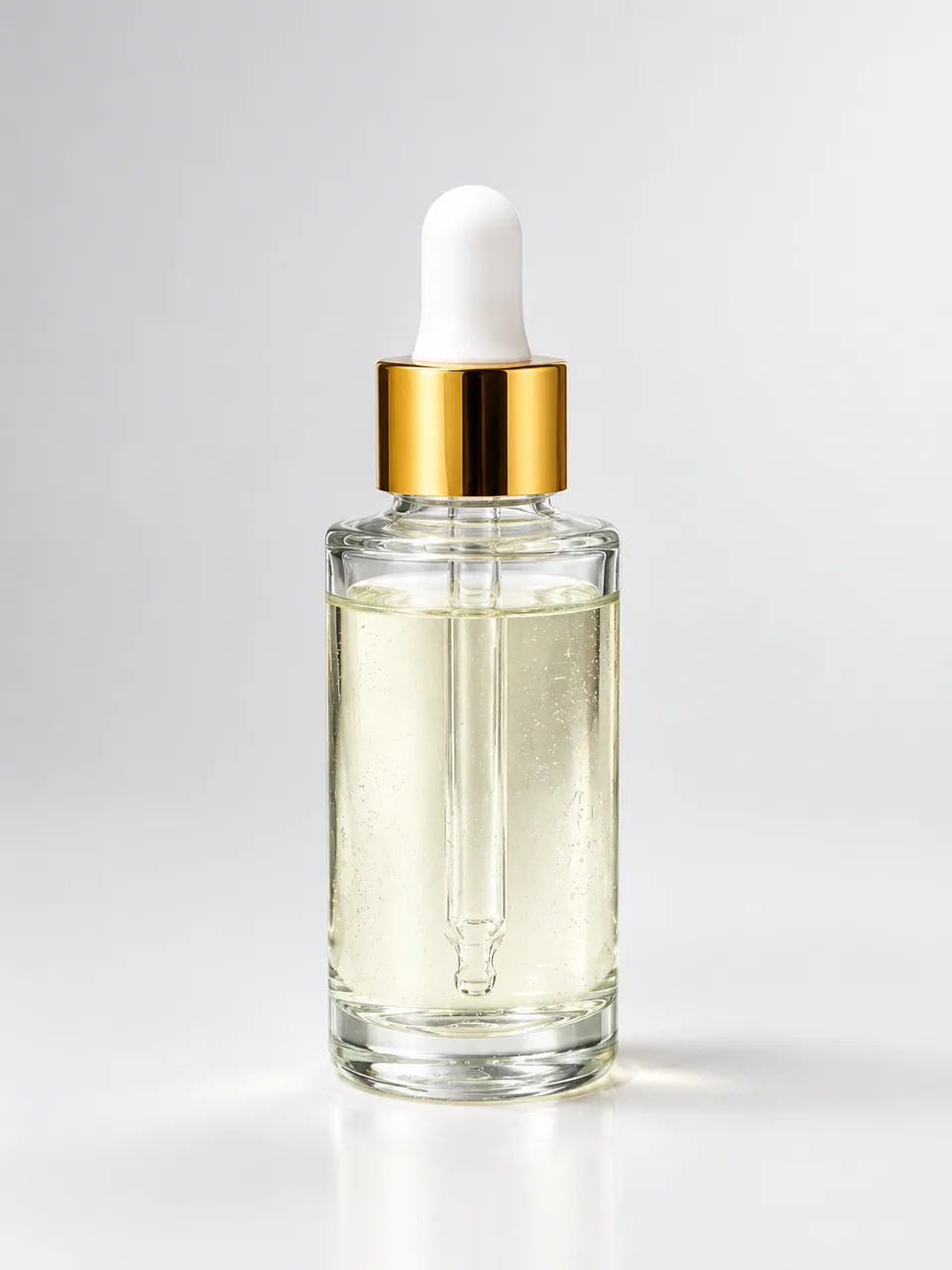
How it works
- 1Upload
Add one photo — the form tells you exactly what fits best.
- 2Adjust
Optional fields steer the result: style, mood, text to render.
- 3Download
Get a finished image in seconds, then iterate or try a variation.
Examples
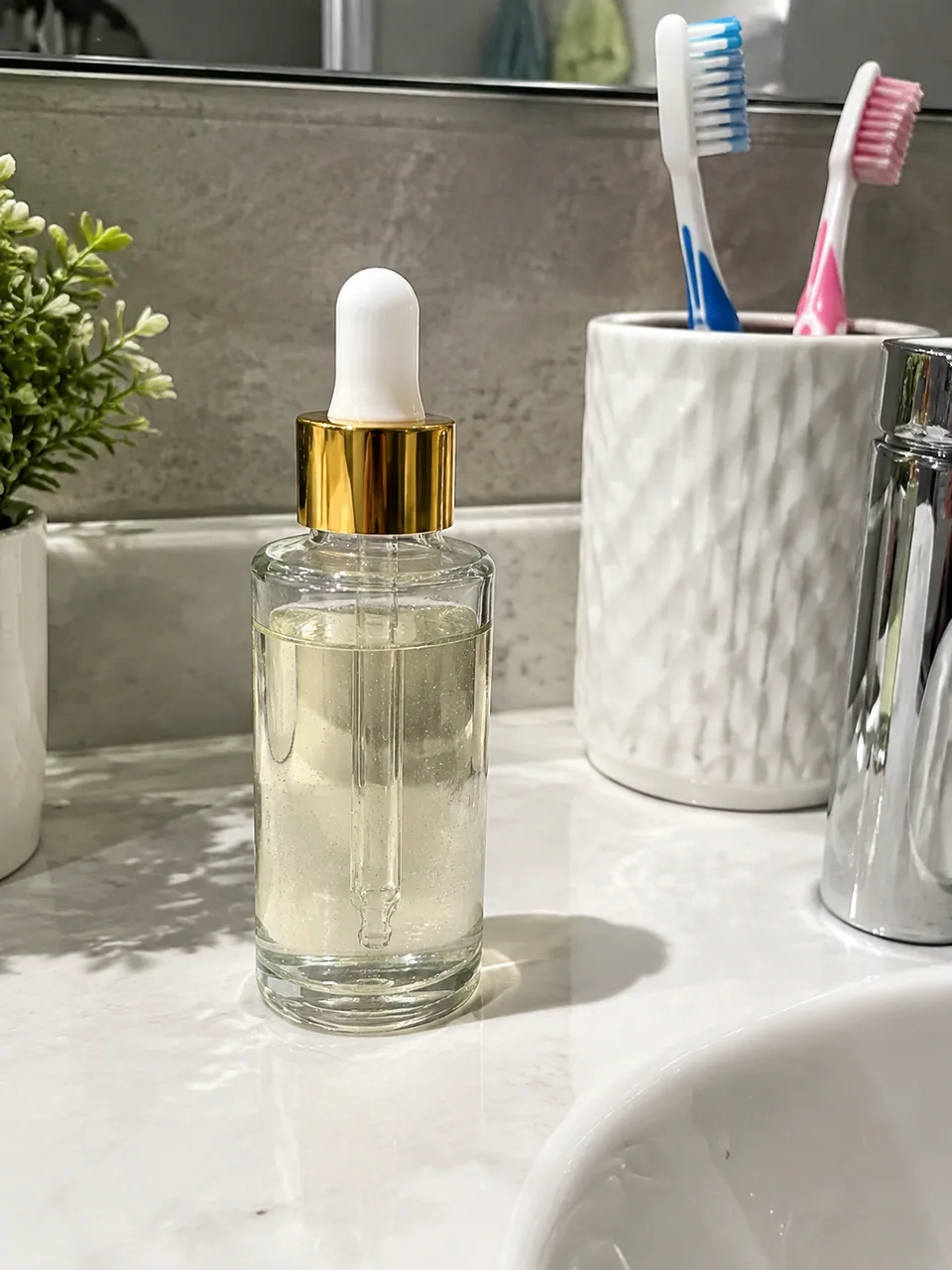 BeforeAfter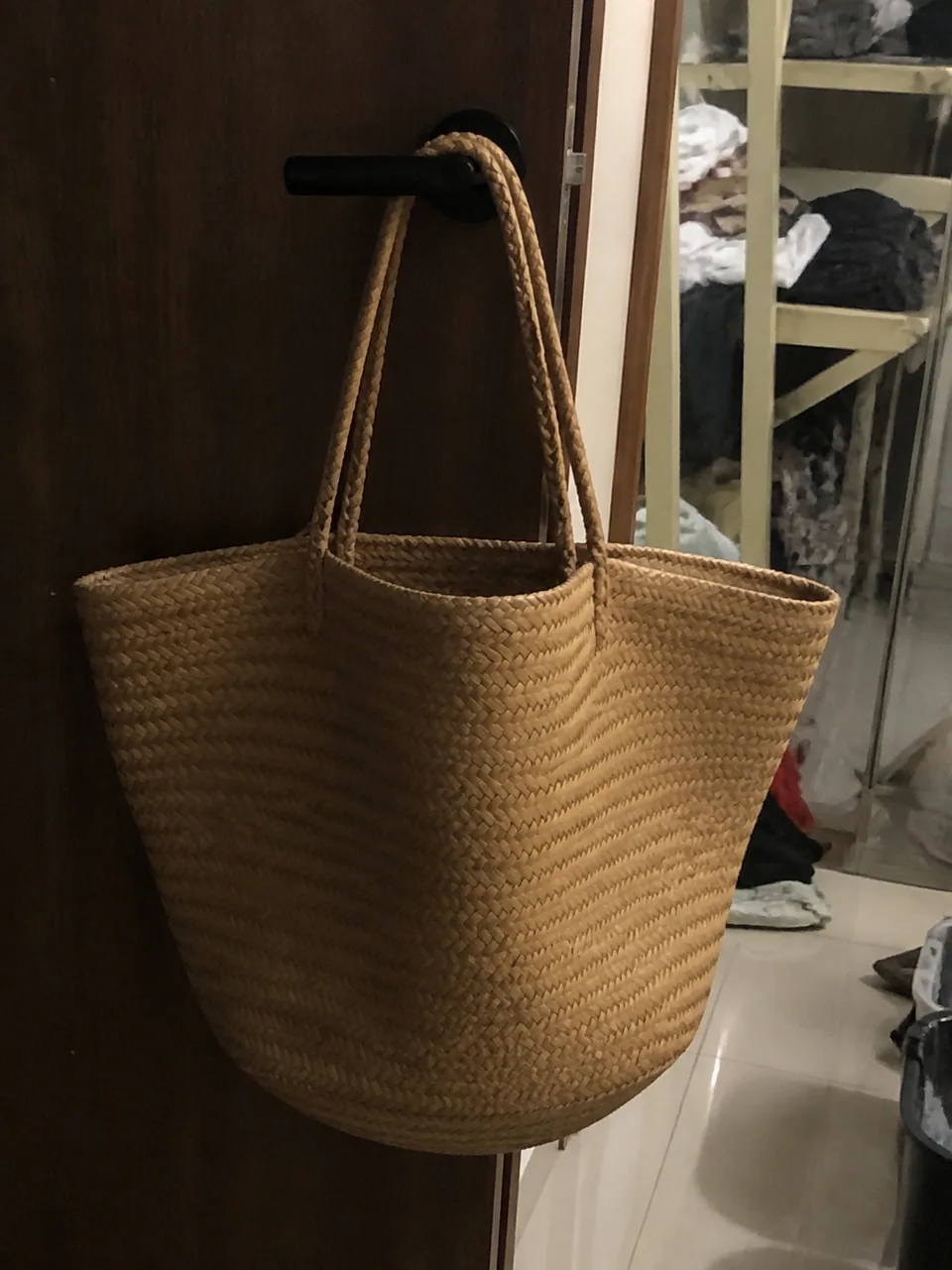
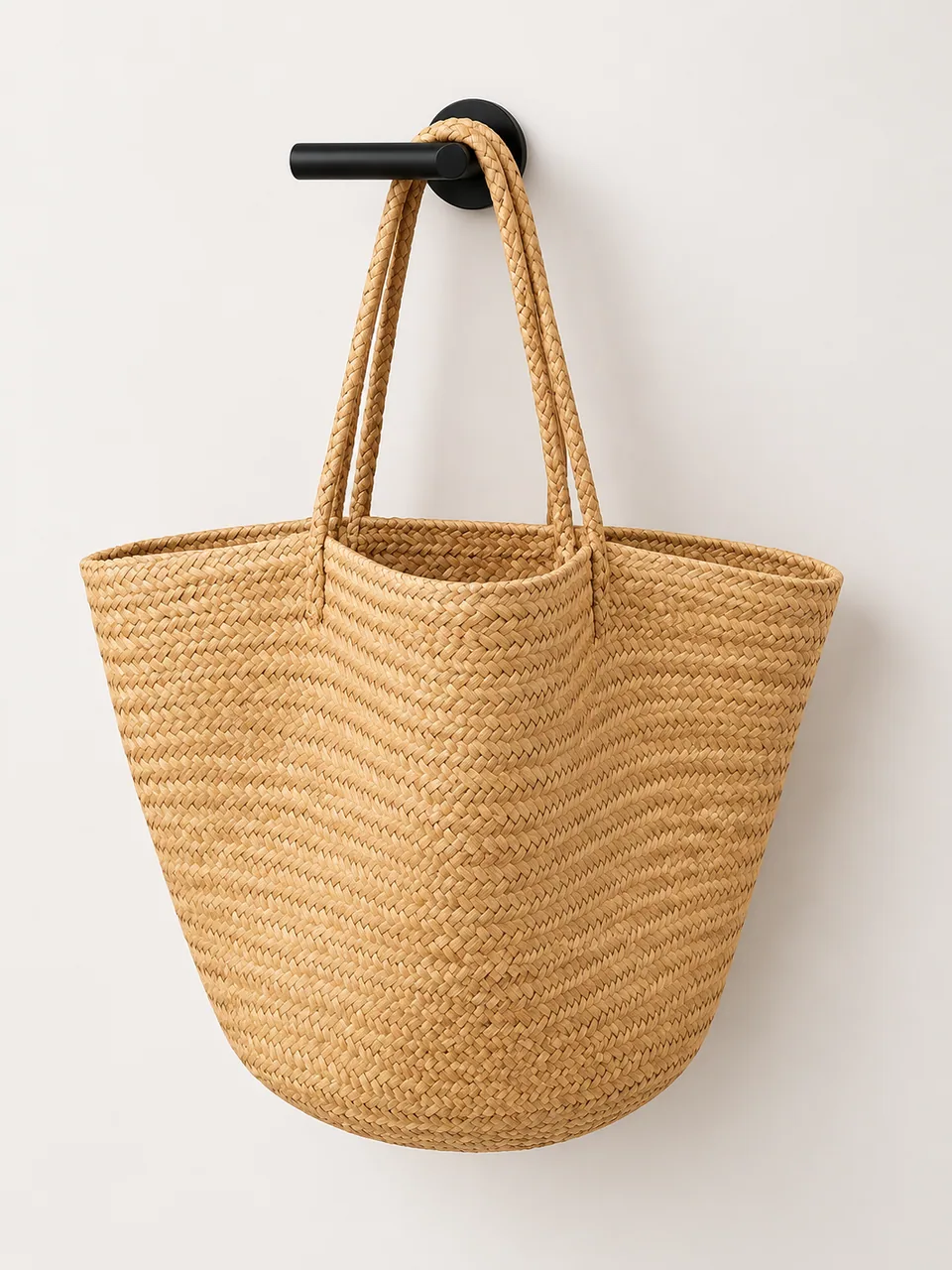 BeforeAfter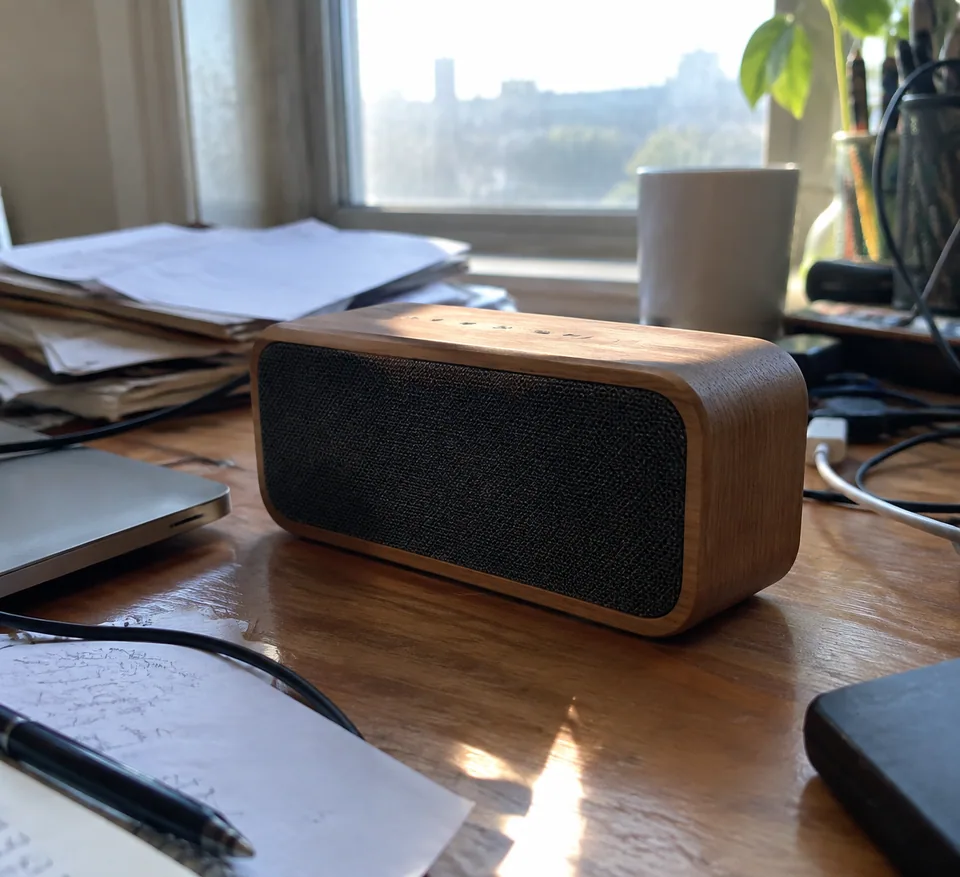
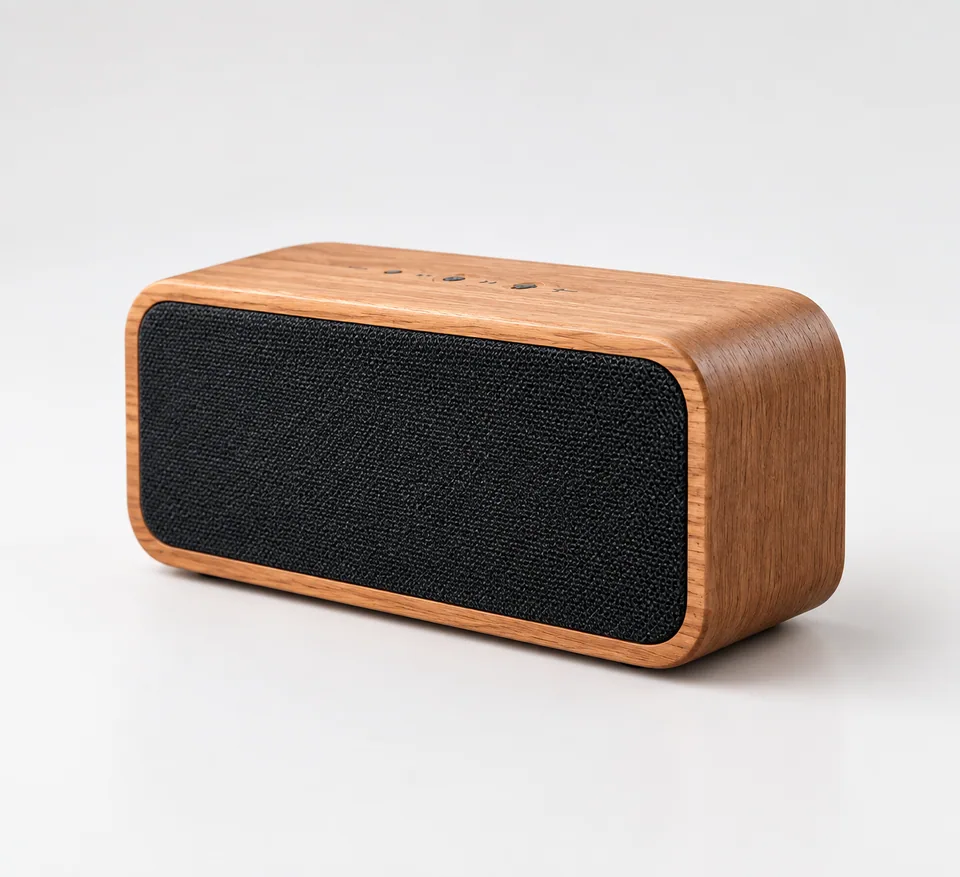 BeforeAfter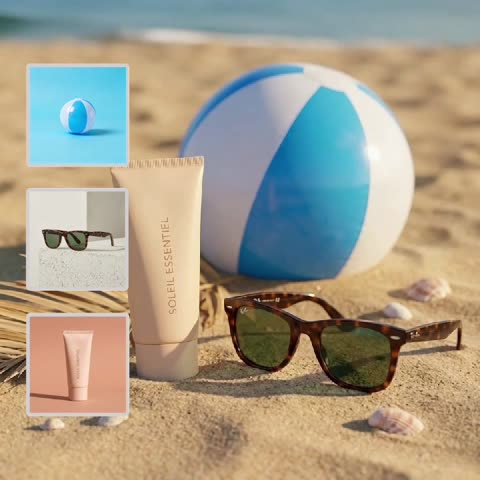
Amazon product photos: why the main image deserves its own shot
On Amazon, search results are a wall of small tiles, and the main image does most of the selling before anyone reads your title. It has to show the item clearly, on its own, with nothing competing for attention. The rest of the gallery handles the story: features, scale, what's in the box, the item in use.
That is why it pays to treat the first image as a separate job. The Product Photoshoot tool is built for exactly that step. You upload one photo taken on your phone and get a clean studio-style shot back: seamless backdrop, soft diffused light, controlled highlights and shadows. The shape, label and colors of your item stay as they are; only the surroundings change.
To be upfront about the backdrop: it comes out as a seamless studio background, but you can't pick its color, and a pure white result isn't guaranteed. If your listing needs a strictly white background, check the output before uploading.
What to shoot first: the source photo matters most
The model works from what it sees, so a good input is about care, not expensive gear. Put the item on a flat surface near a window, turn off warm overhead bulbs and shoot during the day. Hold the phone level with the middle of the item. Shooting down from above makes boxes and bottles look tapered on the final image.
Frame the whole item with a bit of empty space around it. Turn the front panel with your logo straight toward the lens, since angled text is harder to keep crisp. Switch off portrait mode, beauty filters and heavy HDR: blurred edges and phone "enhancements" hide the true outline and shade.
If the item arrived in shrink wrap or with a store sticker, decide beforehand how it should look in the listing. The model won't unwrap it for you or guess what sits underneath.
Amazon image requirements, in plain terms
Amazon's image rules are set per marketplace and category and are updated from time to time, so treat Seller Central help pages as the source of truth. The general direction for a main image is consistent, though: the item should be the clear subject and fill most of the frame, the background should be plain and white, and the picture should be sharp, with no watermarks, added text, badges or extra objects that aren't included in the sale.
This tool takes care of the hardest part to get right at home: clean background, even light and a polished look. The remaining checks are yours: backdrop whiteness, file size and aspect ratio, and any special rules in your category. If the backdrop isn't white enough for your category, use the studio shot for secondary gallery slots or as a base in your own editor.
A useful habit: upload the new main image for one ASIN, then look at it on your phone in real search results next to other listings. If the item looks small or gets lost, reshoot closer.
AI product photos for an Amazon listing: filling the rest of the gallery
The main image is only slot one, and neighboring tools cover the rest: Background Swap places the item in a lifestyle scene, Shadow Creator adds a natural shadow to a cut-out, Product Composition Builder puts a bundle in one frame, Text-on-Image helps with callouts, and apparel on a white background is a job for Ghost Mannequin.
For a gallery that looks consistent, process all your SKUs through the same tool in one session. Your brand store, variation tiles and sponsored placements will then read as one line of goods rather than a mix of supplier pictures.
Who it's for
Private label sellers
Launch a new ASIN with a clean main image the day samples arrive, instead of waiting on a studio booking. Keep one visual style across the whole brand.
Resellers and wholesalers
Supplier pictures vary wildly in quality. Reshoot each unit on a phone and bring every listing to the same studio look before it goes live.
Amazon agencies and freelancers
When a client sends warehouse snapshots, you can prepare main image candidates without a reshoot. Generate a couple of takes and test which one earns more clicks.
Multichannel brands
The same studio shot works on Amazon, Shopify, eBay and Etsy with only cropping changes. One source image keeps the brand consistent everywhere.
Pro tips
- Shoot by a window in daylight with the lamps off; mixed light shifts colors, and a wrong shade leads to returns.
- Hold the phone at the item's mid-height rather than above it so proportions of boxes and bottles stay natural.
- Disable portrait mode, beauty filters and aggressive HDR so the model gets a true outline without blur.
- Wipe glossy packaging, glass and chrome before shooting; dust and fingerprints can carry through to the result.
- For shiny items, run a couple of variations and keep the one with the cleanest highlights.
- Before upload, view the image full-screen on a phone and proofread the brand name, size and claims against the real package.
Good to know
- You can't set the backdrop color. It is a seamless studio background, but pure white isn't guaranteed; verify it if your category requires white.
- Cropping, file size and aspect ratio for a specific marketplace aren't handled here; do that separately.
- One source photo gives one angle. Side, back and detail views need their own uploads.
- Fine print such as ingredients, barcodes or safety text may be simplified, so compare it with the original.
What it costs
- Pay only for what you generate — no subscription.
- One balance for image tools, chat with 52 AI models and the API.
- Free starter credits when you sign up, no card needed.
Questions
Can I use the result as my Amazon main image?
It can work well, since a clean studio shot matches what Amazon generally expects. But the backdrop isn't guaranteed to be pure white and rules differ by category, so check the image against current Seller Central guidance first.
Will the background be pure white?
It will be a seamless studio backdrop, but you can't choose its color and pure white isn't guaranteed. For apparel on white, use the Ghost Mannequin tool; for other items, check the result and adjust in your editor if needed.
Do I need a good camera?
No, the tool is designed for phone snapshots. Light, a level angle and having the whole item sharp and in frame matter far more than the camera.
Does it work for clothing listings?
Shoes, bags and accessories work well. For garments shot on a person or laid flat, Ghost Mannequin is the better choice because it shows the garment's shape on a white background without a model.
Will it add infographics or callouts?
No, it returns a studio shot with no text. Add feature callouts for secondary images separately, for example with the Text-on-Image tool or your usual design app.
Can I reuse the image on Shopify, eBay or Etsy?
Yes, the image is yours to use across stores. Formats and aspect ratios differ between marketplaces, so crop a version for each.
What if my logo comes out slightly off?
Reshoot the source with the label facing the lens, closer and without glare, then generate again or run a variation. Always proofread brand marks before publishing.
How does billing work?
Pay as you go with no subscription. Each generation draws from one balance shared with the other image tools, a chat with dozens of models and the API, and it works in the browser and the Telegram bot @tokionaibot.
More image tools
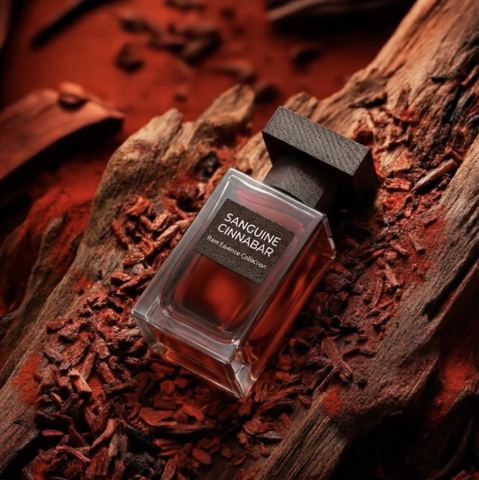


Try AI Product Photoshoot now
Free starter credits, no credit card. Works in any browser.
Open the tool — free