AI Tools for Hair Salons, Barbers and Beauty Pros
Show clients their new haircut or color on their own photo before the first snip, clean up your portfolio shots, and keep Instagram and TikTok fed without a photographer.
Tools for you

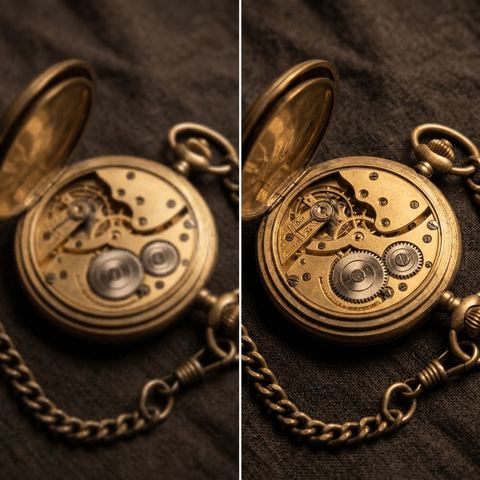
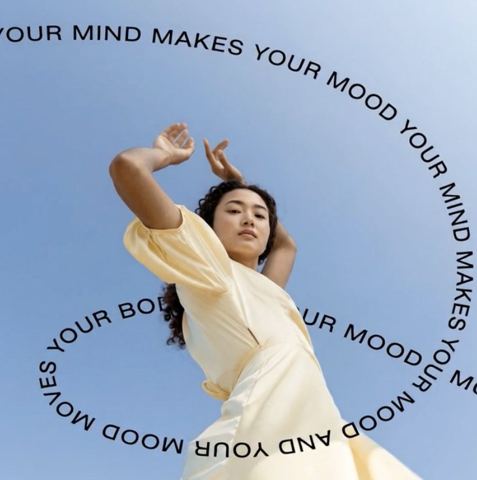
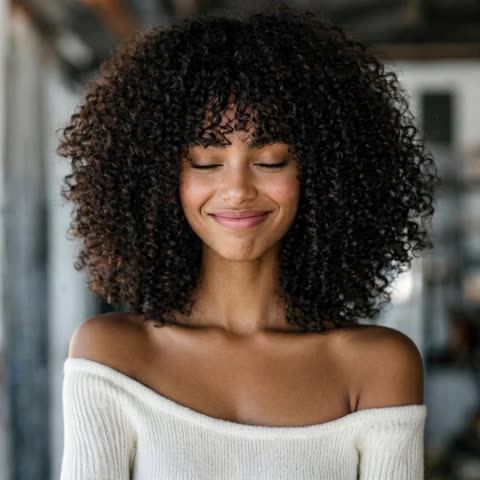
Why AI tools for hair salons are worth a look
Every stylist knows the moment: a client holds up a screenshot of a celebrity cut and asks for exactly that. You can see it won't sit the same way on their hair density or face shape, but words only go so far. A visual preview on the client's own photo settles the conversation in seconds and sets expectations before anyone reaches for the scissors.
The second job is marketing. Most bookings start with Instagram, TikTok or a map listing, and the photos that sell your work are usually shot on a phone between appointments. Harsh overhead light, a cluttered station and a stray product bottle in the corner all distract from the cut. A few focused edits turn those quick snaps into a portfolio that looks intentional.
The tools below are built for exactly these two jobs, and they run in a browser tab at the front desk or in a Telegram bot on your phone.
Preview haircuts and hair color before the appointment
Change Hairstyle takes two images: the reference cut the client likes, then a photo of the client. The model transfers shape, length, color, texture and parting onto their head while keeping the face, skin tone, pose, background and lighting as they were. It works for long layers and bobs as well as barbershop staples like fades and crops.
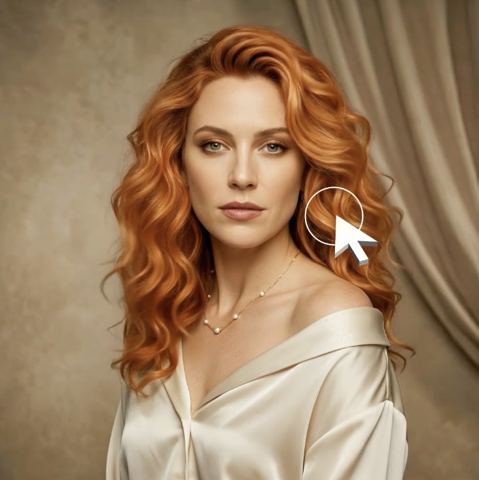
Hair Color needs just one photo and a text field where you describe the shade: "cool ash blonde," "copper red," "soft balayage with honey tones." The haircut and face stay untouched; only the strands are recolored, roots and highlights included. Show two or three options side by side and let the client pick before you mix anything.
Be upfront that this is a visualization. Real results depend on starting color, hair condition and technique, so use the preview to agree on direction rather than promise an exact tone.
Portfolio photos that sell your work on Instagram
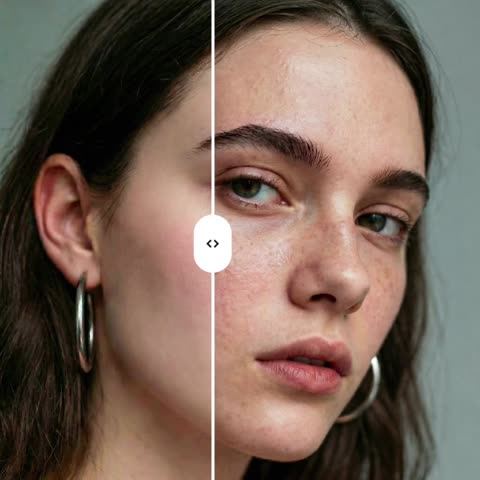
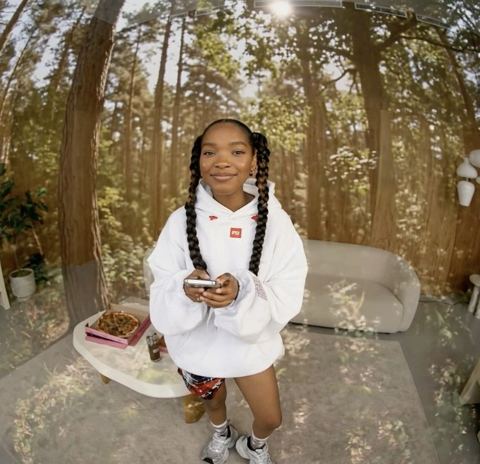
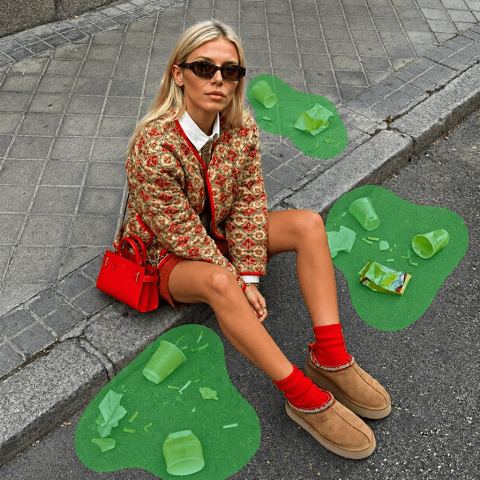
Skin Enhancer evens tone and reduces redness and blemishes while keeping pores and natural texture, so a finished-look portrait doesn't turn plastic. Object Remover lets you type what to erase, such as a spray bottle, a cable or a towel, and rebuilds the area behind it. Background Swap places the client in front of a scene you choose by image, like a clean wall or your best-looking corner of the shop, so the whole grid feels consistent.
Rushed shot came out soft? Image Upscaler sharpens detail and removes noise without adding anything. If the client blinked on the best frame, Fix Expression changes only the facial expression to what you describe. For promos, Text on Image adds a headline like "Open Sundays" in a minimal, bold, luxury, playful or cinematic style.
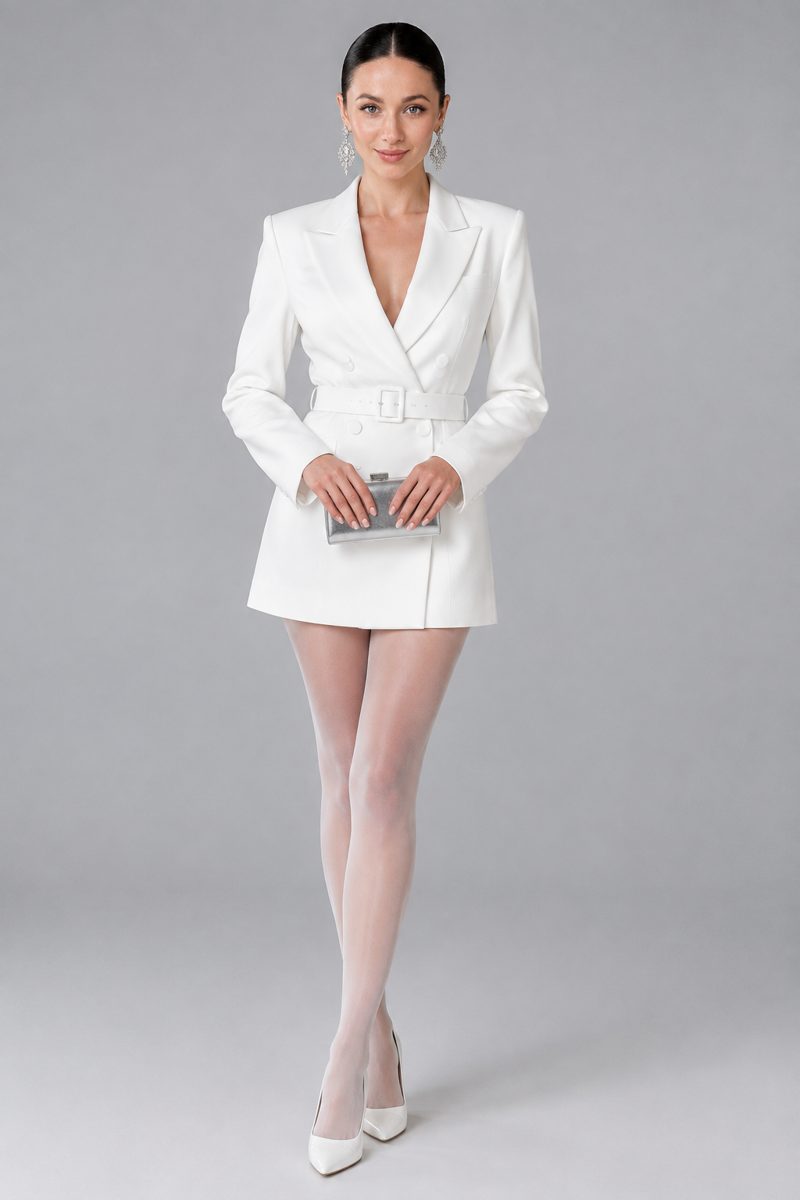
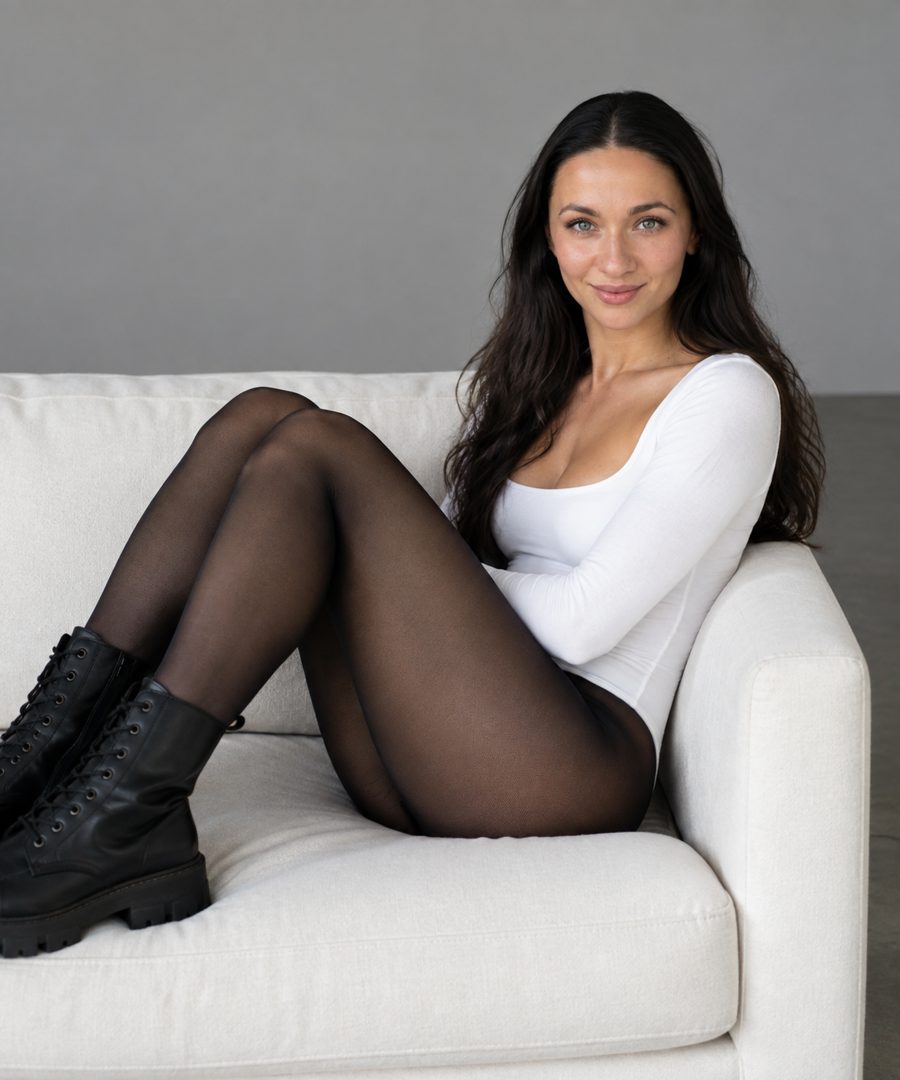
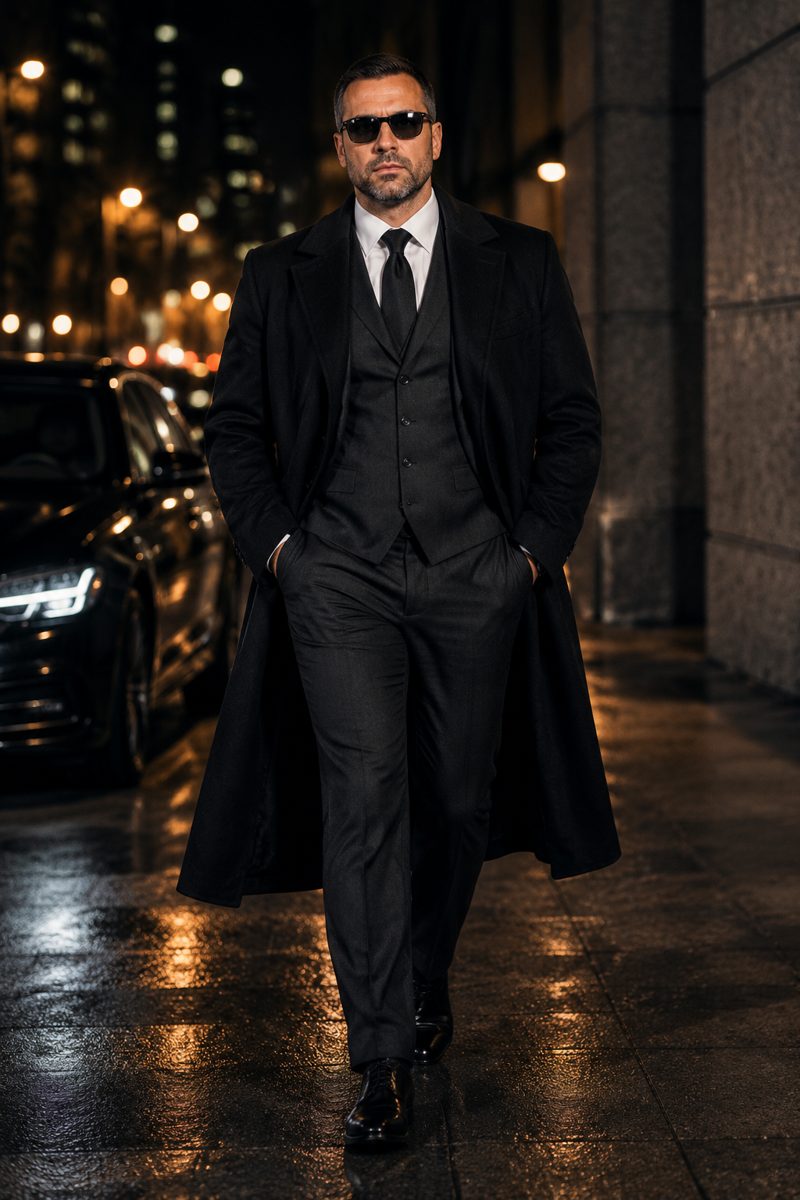
Need a headshot for your booking page or team section? Photoshoots generate a consistent series of portraits in one style, such as White Studio or Men's Style, from photos of your face.
Pay as you go, no subscription
There's no monthly plan to justify during a slow season. Each generation is charged to one balance that also covers every other image tool, a chat with dozens of models for writing captions and replies, and the API. New accounts get a starting balance, so you can test a preview on your own photo first.
It runs in any browser and in the Telegram bot @tokionaibot, which is handy when the client's photo is already on your phone.
Who it's for
Hair stylists and colorists
Preview cuts and shades on the client's own photo during the consultation. Fewer surprises at the mirror and a clearer brief before you start.
Barbershops
Show fades, crops and longer men's styles on the actual client. Turn chair-side phone shots into clean content for Instagram and TikTok.
Makeup artists and stylists
Gentle retouching that keeps skin texture, plus sharper, cleaner portfolio shots. The look you created stays exactly as it was.
Salon owners and front desk
Promo graphics, a consistent grid and team headshots without booking a photographer or hiring a designer.
Photoshoot styles

Pro tips
- Ask the client for a front-facing photo in daylight with hair pulled back from the face; it gives the hairstyle preview the cleanest base.
- Match the angle of the reference cut to the client's photo: front view to front view works best.
- Describe color the way you'd write a formula note: undertone, depth and placement, not just 'lighter.'
- Shoot finished work near a window; retouching and upscaling perform better on evenly lit photos.
- Reuse one background image for every Background Swap so your grid reads like a single shoot.
- Get the client's consent before posting before-and-after images.
Good to know
- A preview is not a guarantee: the final color depends on the client's starting hair and its condition.
- The tools edit ordinary photos and don't simulate the results of cosmetic or medical procedures.
- Photos where the face is covered by hair or deep shadow produce weaker previews.
- Very intricate multi-tone color work may take a couple of variations to look right.
Questions
How do I show a client a new haircut on their own photo?
Open Change Hairstyle, upload the reference cut first and the client's photo second. The face, pose and background are kept; only the hair changes.
Can I preview hair color without a reference image?
Yes. Hair Color uses a text field for the shade, so one client photo and a clear description are enough.
Will retouched portraits look fake?
Skin Enhancer is designed to keep pores and natural texture while reducing redness and uneven tone. Compare with the original and keep the version that looks like the client.
Does it work for barbershops and men's cuts?
Yes. Use a reference photo where the fade, beard line or length is clearly visible for the most accurate preview.
Can I use it on my phone during a consultation?
Yes. Open the site in your mobile browser or send the photos to the Telegram bot, then show the result on screen.
What are photoshoots and why would a salon use them?
A photoshoot is a series of portraits in one style generated from photos of your face. Use them for your booking page, team section or profile picture.
How does billing work?
Pay as you go: each generation is charged to your balance, with the current price shown on each tool page. No subscription.
AI Tools for Hair Salons, Barbers and Beauty Pros
AI tools for hair salons and barbers: preview a new cut or color on the client's own photo, polish portfolio shots for Instagram, and post faster. Pay as you go.
Start free