AI Tools for Photographers and Retouchers
Spend less time in post and more time shooting. Retouch skin without the plastic look, fix a blink, remove a stray tourist, swap a background or restore a faded print, one image at a time.
Tools for you
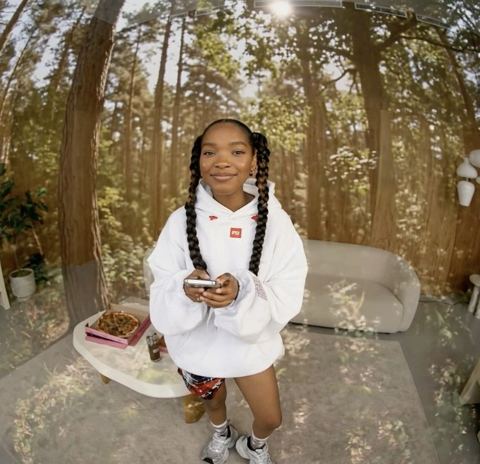
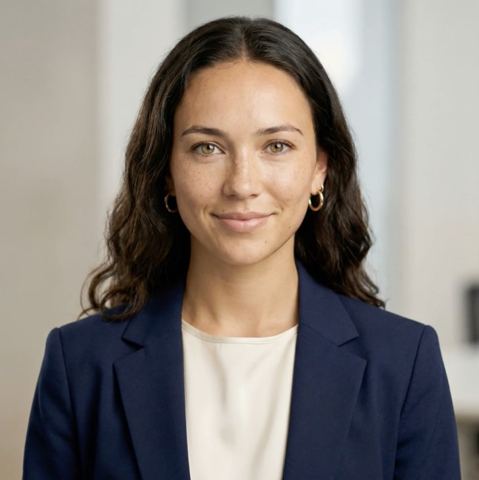


Where AI tools for photographers save the most time
The shoot takes an afternoon; the edit takes the week. Most of that time goes into repetitive fixes: evening out skin, cleaning up a background, rescuing the one frame where everything worked except someone's eyes. Clients expect galleries faster every year, and the quality bar doesn't move.
These tools handle the targeted, repeatable part of retouching. Each one does a single job: skin, expressions, stray objects, backgrounds, sharpness, color of one element. You upload a frame, describe the fix in a few words when the tool asks, and get back an image where everything else stays untouched. Your color grade and your look remain yours; the grunt work just goes faster.
Portrait retouching: skin, expressions and distractions
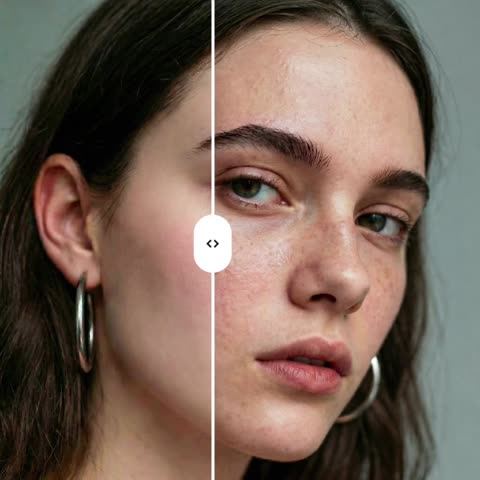
Skin Retoucher reduces blemishes, redness and uneven tone while keeping real pores and natural texture. It doesn't reshape features or flatten the light, so clients still look like themselves on a good day.
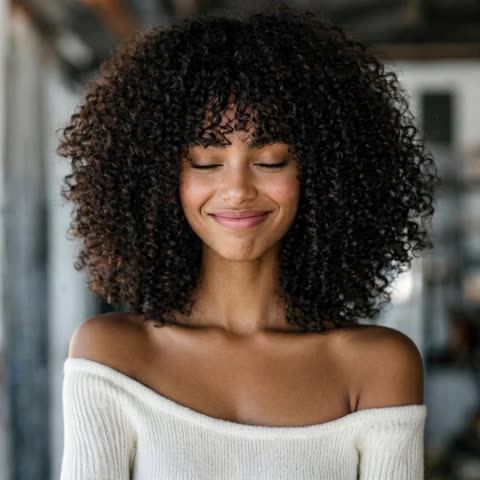
Expression Fixer rescues near-perfect frames. Type what you need in the Expression field, such as eyes open, a soft closed-mouth smile or looking at the camera, and only the face changes. Pose, hair, background and lighting stay as shot. It's a lifesaver for group portraits, where somebody always blinks.
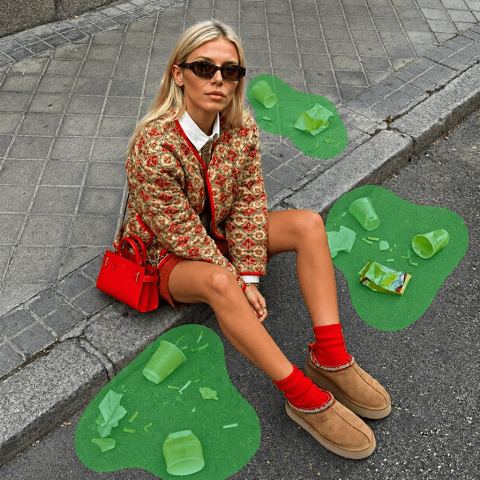
Object Remover erases whatever you name: a person in the background, a trash can, a power line, a parking sign. The model rebuilds what was behind it using the surrounding texture and perspective. Use it only on your own photos or images you have the rights to edit. Recolor changes the color of one region, like a dress, a jacket or a wall, while keeping the fabric texture and shadows intact.
Backgrounds, upscaling, headshots and restoration
Background Swapper moves your subject into a new setting from a reference image, matching perspective, light and shadow. It's handy when a location let you down or a client wants a different backdrop after the session.
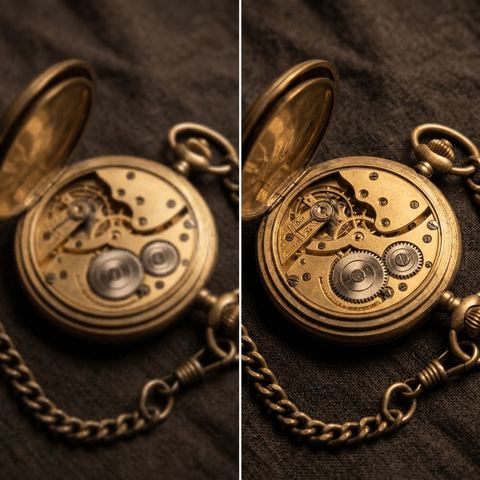
Image Upscaler sharpens detail and reduces noise and compression artifacts, which helps with high-ISO frames and older files headed for large prints. LinkedIn Headshot Package turns a clean portrait into a polished corporate headshot with a neutral background and even light, a quick add-on for business clients and teams.
Photo Restoration repairs cracks, creases, stains and fading on scanned prints while preserving faces and the vintage character. Restoring family archives is a service many portrait clients are happy to pay for, and it brings them back between sessions.
Styled photoshoots and pay-as-you-go pricing
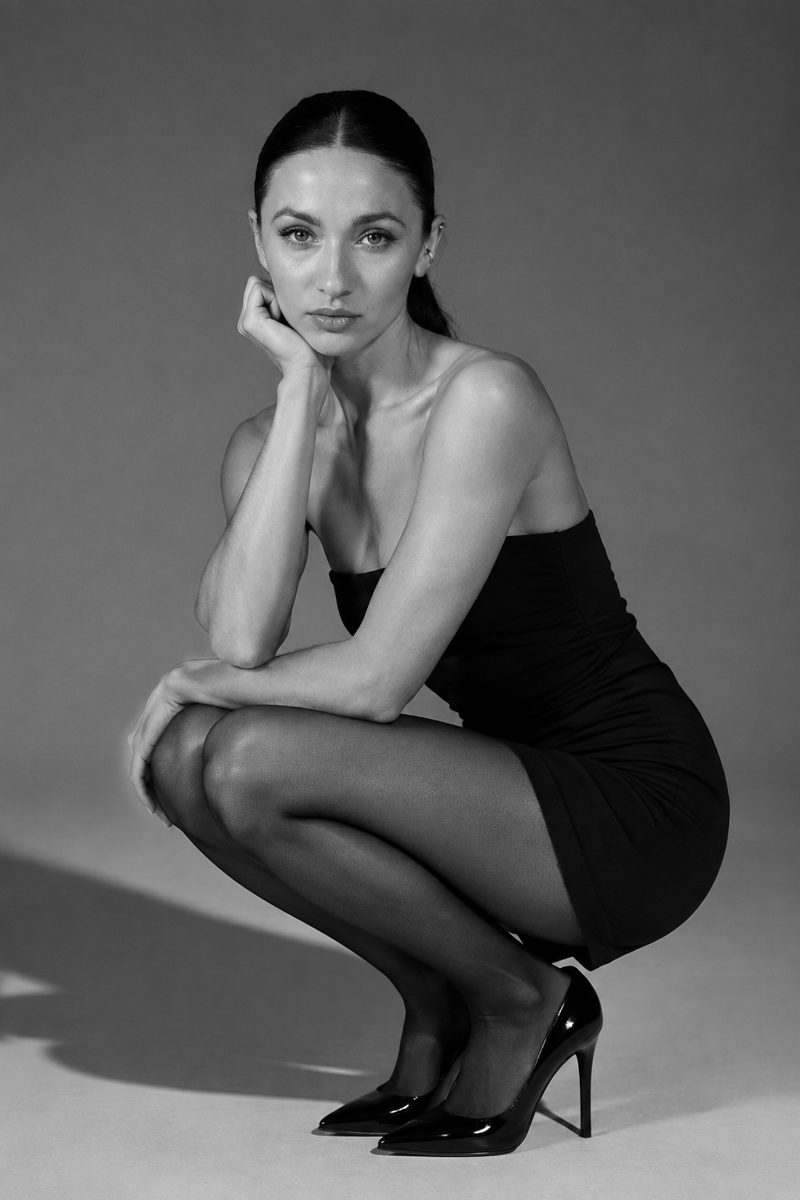
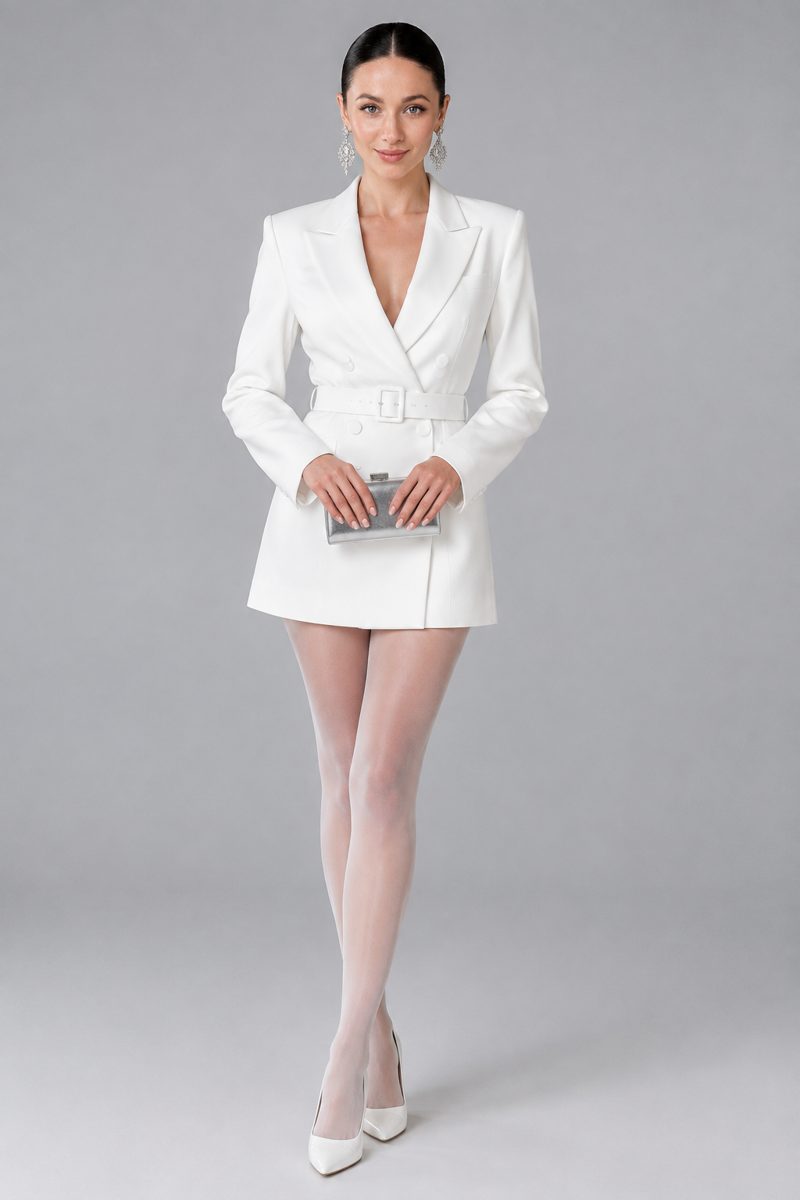
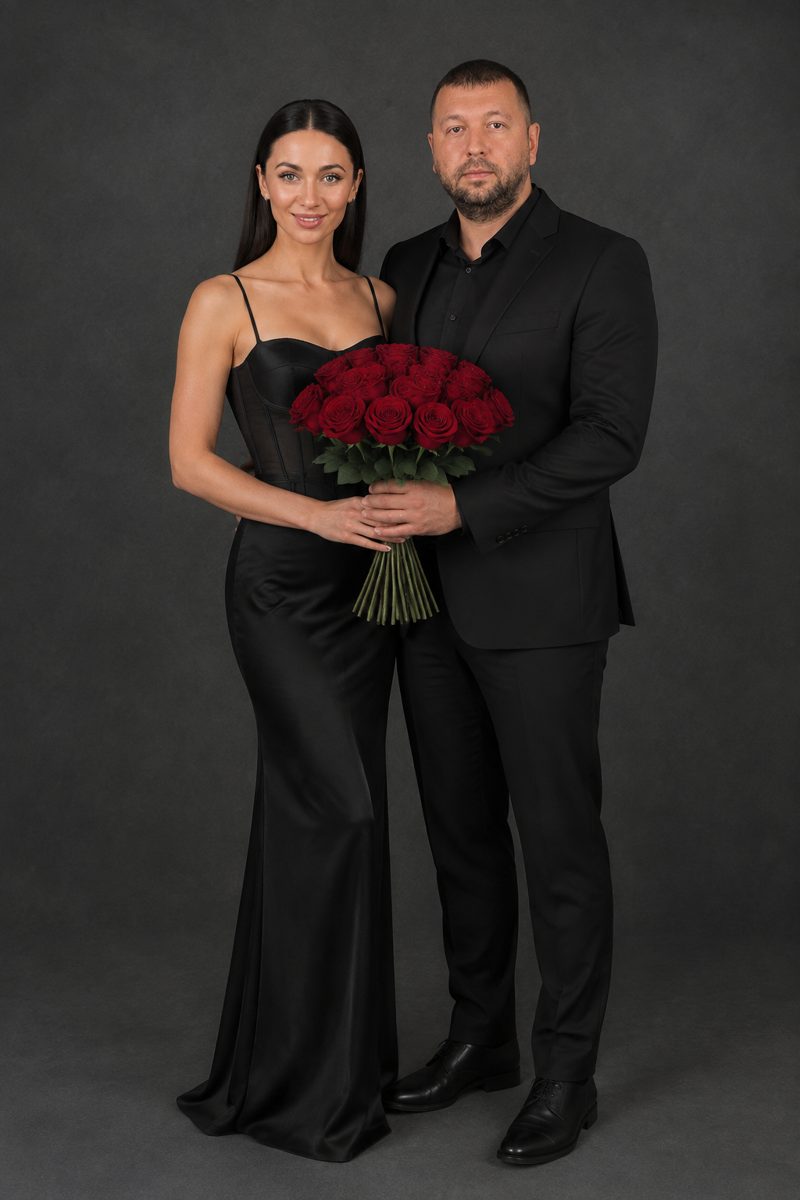
Styled photoshoots such as Cyclorama studio, White studio, Light & shadow and the couples set Love story generate a coherent series from a few selfies: one outfit, one lighting setup, varied poses and framing. Use them as client-facing references before a shoot or as a starting point for a moodboard.
There is no subscription. You top up one balance and pay per generation, with a starting balance for new accounts. The same balance covers a chat with dozens of models, useful for client emails, blog posts and session guides, plus the API. It all runs in the browser and in the Telegram bot @tokionaibot.
Who it's for
Wedding and family photographers
Hundreds of frames per gallery and a blink in every group shot. Expression Fixer and Object Remover cut hours from culling and cleanup.
Portrait and headshot studios
Natural skin retouching, post-session background swaps and LinkedIn-ready headshots from the same originals.
Freelance retouchers
Hand off the first pass on skin, stray objects and wardrobe color, then spend your time on the final polish clients notice.
Restoration and archive services
Scanned family prints come back without cracks and fading, with faces preserved. A ready-made service to offer existing clients.
Photoshoot styles

Pro tips
- Upload full-resolution exports, not social-media previews. Skin texture and hair detail survive much better.
- Be precise in text fields: 'remove the man in the blue jacket on the left' works better than 'remove people'.
- Retouch and remove objects first, then upscale as the final step so artifacts aren't amplified.
- Scan old prints flat and glare-free rather than photographing an album with a phone at an angle.
- If a result is almost there, run a variation. It's quicker than starting over with a fresh upload.
Good to know
- These are per-image tools, not a batch RAW workflow or preset-based color grading.
- Large objects removed from complex backgrounds can take a few tries to rebuild convincingly.
- Heavily damaged areas of old prints are reconstructed plausibly, not with documentary accuracy.
Questions
Will skin retouching look fake?
It's tuned to keep pores and natural texture and to leave facial features alone. If it's still stronger than your style, blend the result with the original in your editor.
Can I remove a watermark or logo from someone else's photo?
No. Use Object Remover only on your own images or on photos you have the rights to edit.
Does it accept RAW files?
Upload JPEG or PNG exports at full resolution. Clean, well-exposed exports give the most accurate results.
Can I fix one person's eyes in a group photo?
Yes. Describe who and what in the Expression field, for example 'the woman on the left has her eyes open'. Everyone else and the background stay unchanged.
Can I deliver the results to paying clients?
Yes, as long as the original photos are yours or your client's. You can include them in galleries, prints and your portfolio.
Is there a subscription?
No. You pay per generation from one balance, and the current price is shown next to the run button on each tool page.
Can I process a whole wedding gallery?
In the web app each frame is a separate generation, so use the tools on problem shots. For high-volume workflows, the API uses the same balance and tools.
AI Tools for Photographers and Retouchers
AI tools for photographers: natural skin retouching, object removal, expression fixes, background swaps, upscaling and old photo restoration. Pay per image, no plan.
Start free