AI Tools for Job Seekers and Recruiters
Get a clean, professional headshot for LinkedIn from a photo you already have, polish the details, and create simple hiring visuals, without booking a photographer.
Tools for you


Why AI tools for job seekers start with the headshot
On LinkedIn, your photo sits next to every comment, application and connection request. Recruiters skim hundreds of profiles, and a cropped vacation shot or a dim bathroom selfie quietly works against you. A professional photographer fixes that, but it takes scheduling and a budget most people in the middle of a job search would rather keep.
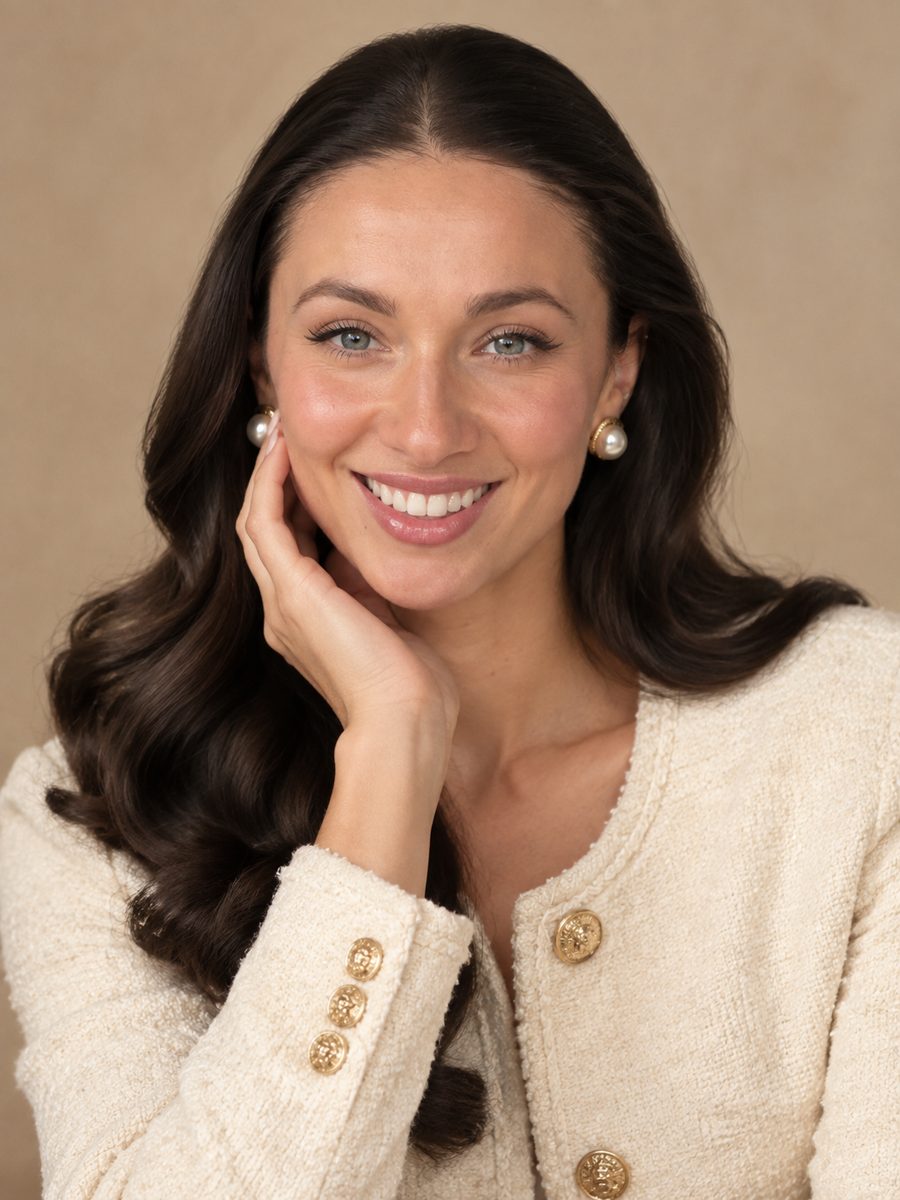
The LinkedIn Photo tool is the core of this kit. Upload one photo and it becomes a polished headshot: neutral studio backdrop, soft even lighting, sharp focus, a well-groomed look and professional attire when needed. Your identity and facial features are preserved, so the person who shows up on the video interview is the person in the picture.
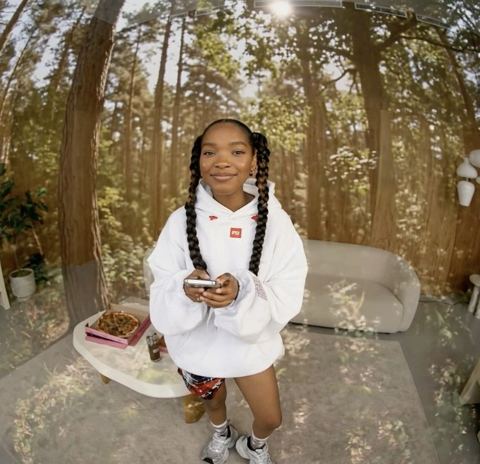
Prefer a real-world setting to a studio wall? Background Swap takes your photo plus a picture of the environment you want, such as a bright office, a bookshelf or a quiet street, and blends you into it with matching light and shadows.
Fix the small things that make a photo look unprofessional
Most people have a photo that is almost right. The expression is a bit tense, the skin looks blotchy under office lights, the T-shirt is too casual, or the file got compressed into mush after being sent around in chat apps. Each of those has its own tool, and you can chain them: download the result from one step and upload it to the next.
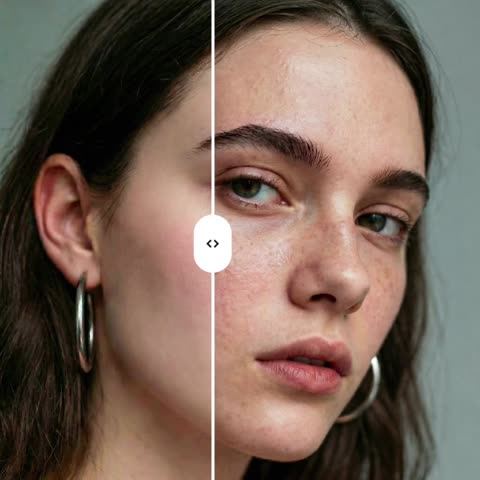
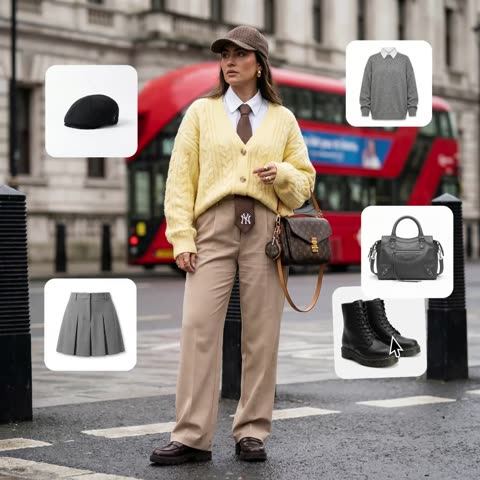
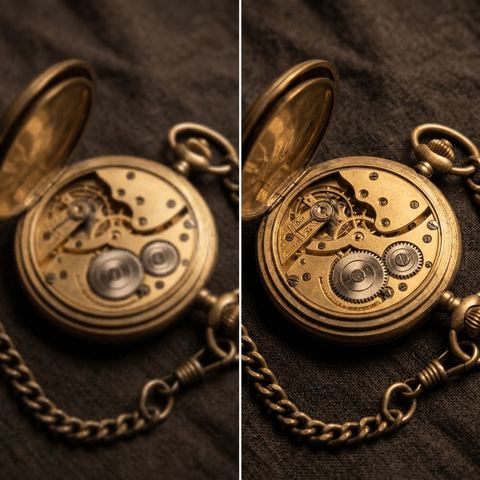
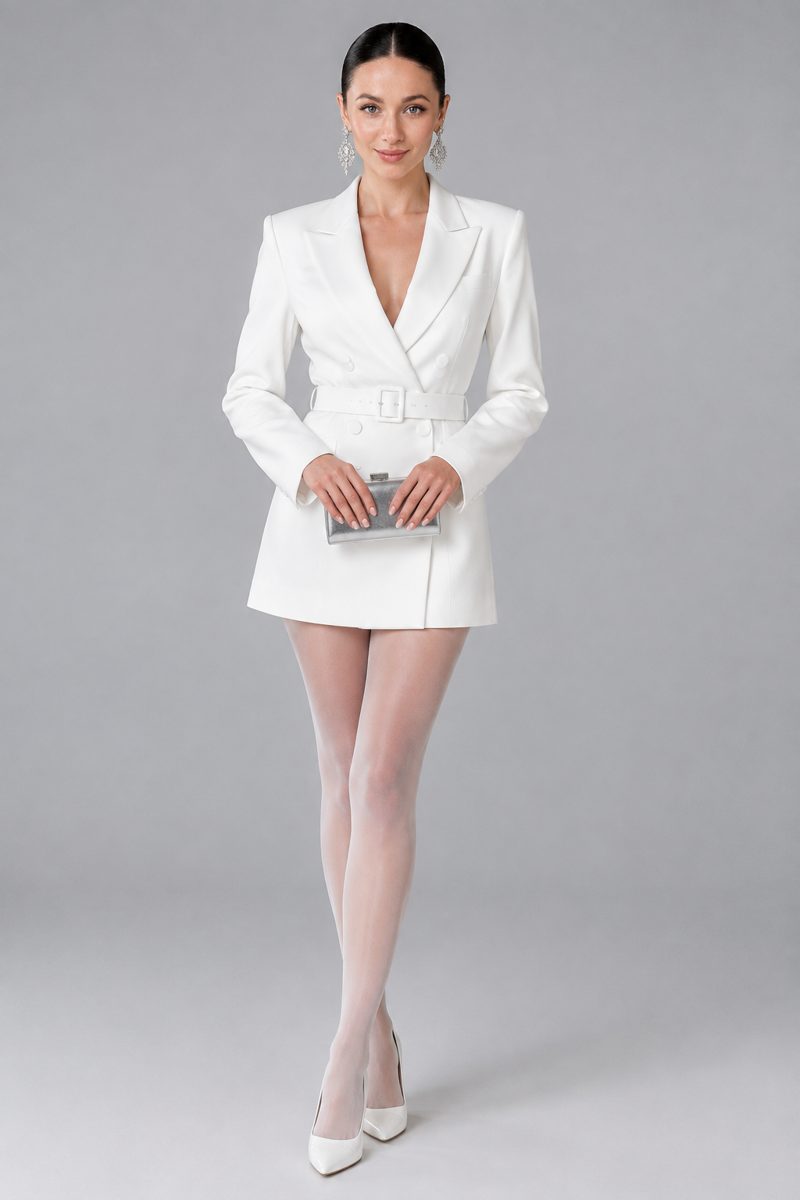
Expression Fixer changes only your facial expression based on a short description such as "relaxed smile" or "confident, friendly look", leaving pose, hair, background and lighting alone. Skin Enhancer evens out tone and reduces redness and blemishes while keeping real texture and pores, so you don't end up looking airbrushed. Outfit Try-On dresses you in a blazer or shirt from a reference image. Image Upscaler restores sharpness and cleans up noise and compression artifacts.
Want more than one picture? AI photoshoots turn a single selfie into a consistent series of portraits, which gives you options for LinkedIn, a personal site and a speaker bio.
AI tools for recruiters and HR teams
Hiring teams need visuals too. A job post on LinkedIn or Instagram gets more attention with a clear image and a short headline. Text on Image adds a line like "We're hiring: Senior Designer" to a photo of your office or team, choosing a font, size and color that fit the composition. You pick the text style in the form, from minimal to bold.
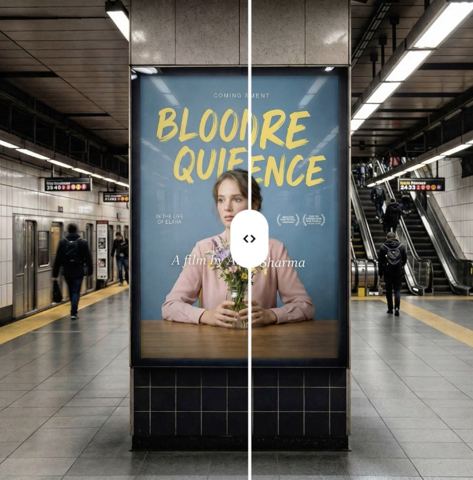
For companies recruiting across borders, Design Text Translator takes a finished banner, careers-page graphic or benefits infographic and replaces its text with a translation into the language you type, keeping layout, fonts and colors intact. That makes it easy to run the same campaign in several markets from one design.
Team pages look better when everyone's photo shares a similar backdrop and light. Running each portrait through the same tool gives a consistent grid without organizing a company-wide photo day.
Pay as you go, one balance for everything
There is no subscription. Each generation is charged to a single balance that also covers every other image tool, a chat with dozens of models and the API. Use the chat to draft a cover letter, tailor your resume to a posting or rehearse interview answers, all from the same account.
Tokion runs in the browser and in the Telegram bot @tokionaibot, so you can send a photo straight from your phone. New accounts get a starting balance to test the tools on their own photos first.
Who it's for
Active job seekers
You need a strong LinkedIn photo this week, not next month. One well-lit selfie becomes a professional headshot that still looks like you.
Graduates and career changers
A first professional profile, a new industry, a fresh personal brand. Get a clean, credible photo without paying for a studio session.
Recruiters and HR teams
Create job-post graphics with clear headlines, localize hiring banners for other markets, and give the team page a consistent look.
Freelancers and consultants
Headshots for your website, marketplace profile and speaker bio. Use one source photo and a few different backdrops for each platform.
Photoshoot styles
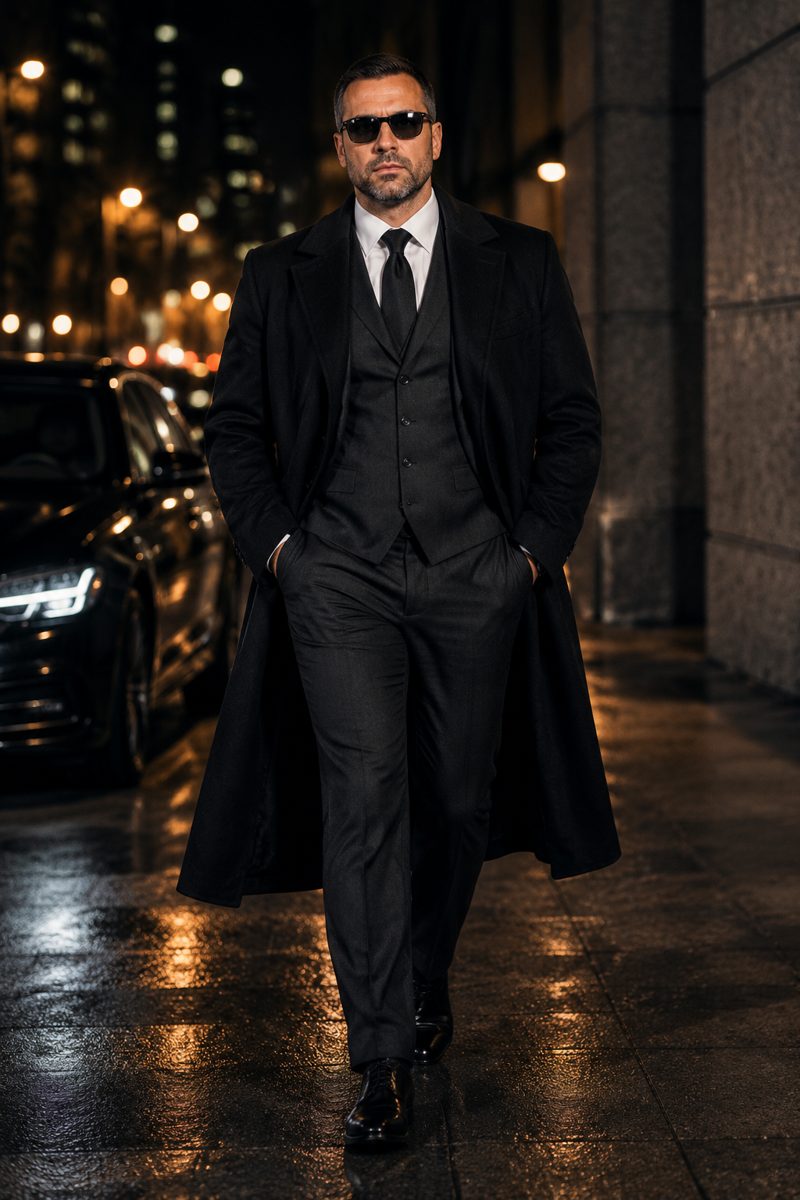
Pro tips
- Start with a photo taken in daylight facing a window, camera at eye level, with no sunglasses or hat hiding your face.
- Crop group photos down to just you before uploading, so the model knows exactly who the headshot is for.
- Keep expression prompts short and specific, like "slight closed-mouth smile" or "calm, confident look".
- For Outfit Try-On, use a clothing image on a plain background where the whole garment is visible.
- Generate two or three versions and pick the one that looks most like you on a normal day. That is what a hiring manager will see in person.
- If your only good photo is blurry or heavily compressed, run Image Upscaler first, then create the headshot.
Good to know
- Not for passport, visa or ID photos, which require a capture made to official specifications.
- The tools won't make you look like someone else. Age, face and build are preserved, which is what you want for a job search.
- A very dark or out-of-focus source may need a few tries or a better original.
- Translated designs should be proofread, especially job titles, legal terms and company names.
Questions
Is an AI headshot OK to use on LinkedIn?
Yes, as long as it genuinely looks like you. This tool keeps your identity and facial features and changes the backdrop, lighting and polish, so the photo stays honest.
What photo should I upload?
A clear, front-facing photo where your face is in focus and reasonably large in the frame. Daylight works best. A selfie is fine.
Can I change my outfit to something more formal?
Yes. Use Outfit Try-On with your photo and an image of a blazer, shirt or blouse. The LinkedIn tool can also add professional attire when needed.
Should I put a photo on my resume?
It depends on the country and industry. In the US it is usually left off the resume itself, while in some other countries a photo is common. Your LinkedIn profile benefits from one either way.
How can recruiters use these tools?
For job-post images with headlines, localized hiring graphics and consistent team photos. The chat on the same balance can help draft job descriptions and outreach messages.
Does it work on my phone?
Yes. The web app runs in a mobile browser, and you can also send your photo to the Telegram bot @tokionaibot.
How is it priced?
Pay as you go: each generation is charged to your balance, and current prices are shown on each tool page. No subscription is required.
AI Tools for Job Seekers and Recruiters
AI tools for job seekers and recruiters: turn a selfie into a LinkedIn headshot, fix the background and expression, and make hiring graphics. Pay as you go.
Start free