AI Design Generator for Text, Logos and Custom Artwork
Upload a photo, logo, layout or hand drawing, pick a style, and get finished graphics you can post, print or sell. No prompt writing, no design software.
Tools in this category
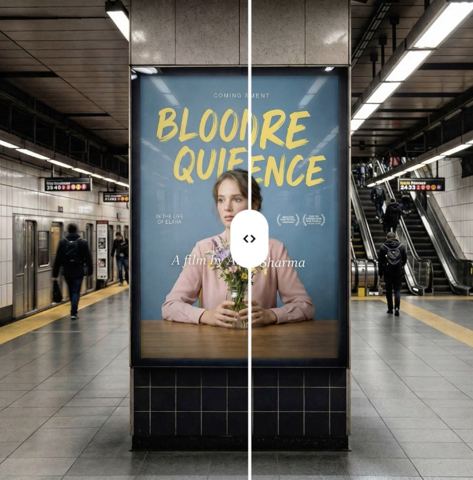 AI Design Text TranslatorDesign & text
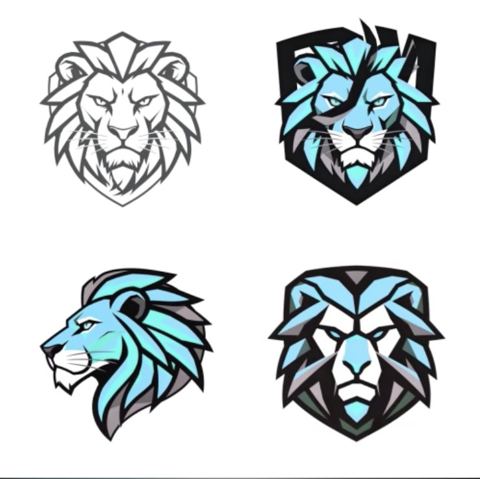 AI Logo Variations GeneratorDesign & text
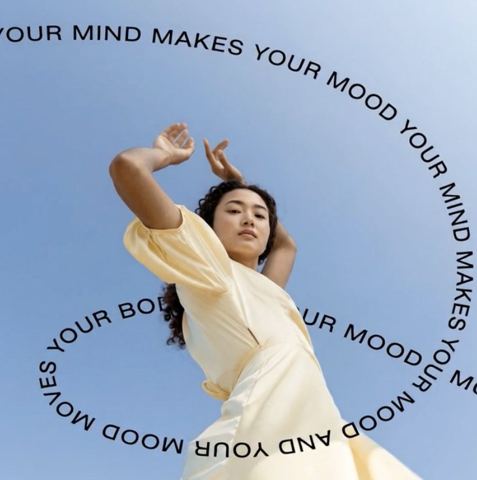 AI Text-on-Image EditorDesign & text
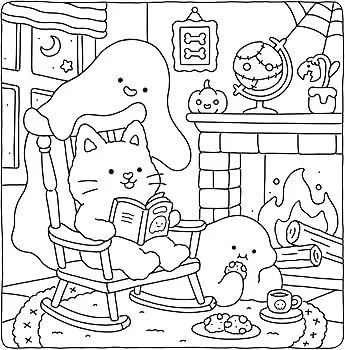 AI Coloring Book CreatorDesign & text
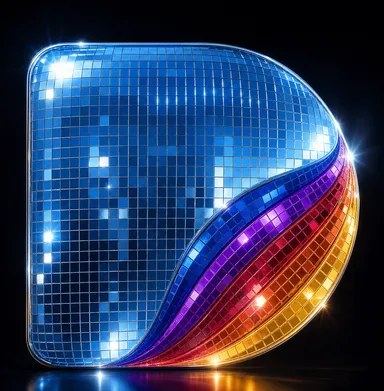 AI Disco Ball Logo EffectDesign & text
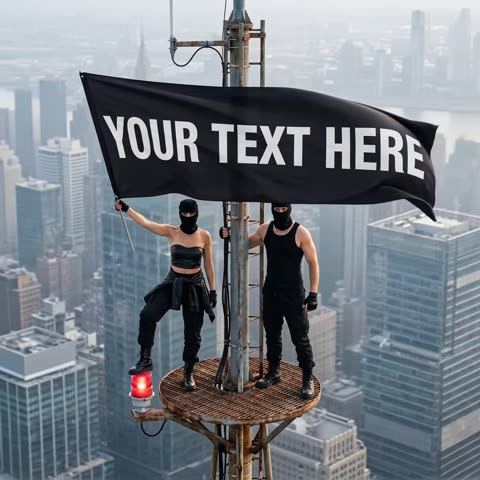 AI Skyline Banner CreatorDesign & text
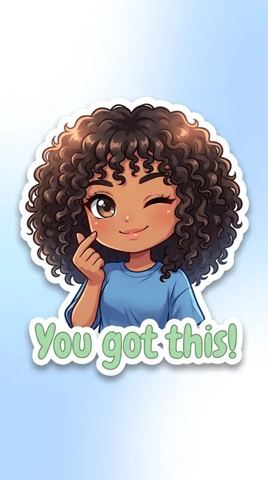 AI Sticker CreatorDesign & text
 AI Scribble to ArtDesign & text
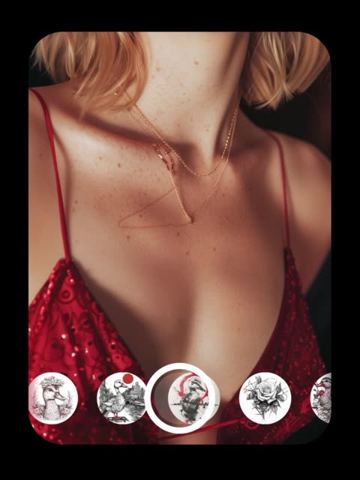 AI Tattoo DesignerDesign & text
 AI Sketch to RealityDesign & text
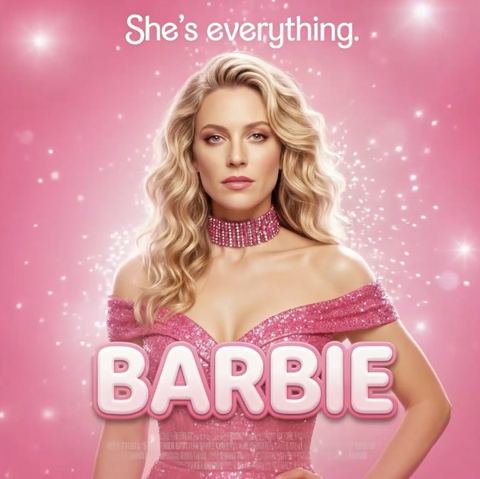 AI Movie Poster CreatorDesign & text
 AI Comic CreatorDesign & text
One AI design generator, many focused tools
Most design jobs a small brand or creator faces are small and specific: put a line of copy on a photo, localize a flyer, try a few versions of a logo, turn a sketch into something presentable. This AI design generator splits those jobs into focused tools. Each one ships with a prompt written for its task and a short form — an upload plus, at most, a style, a genre, a language or a line of text.
The easiest way to choose is to start from what you already have. A finished layout with copy points to the text tools. A logo points to the branding tools. A drawing on paper points to the sketch tools. A portrait and an idea point to posters, comics, stickers and tattoos.
Everything runs in the browser on tokion.io and in the Telegram bot. You pay per image from one balance that also covers chat with dozens of models and the API — no subscription.
Text on images and design translation
Text-on-Image adds your own words to a photo. Type the line and choose a style: minimal, bold, or one of the editorial looks — luxury, playful or cinematic. The model picks font, size, color and placement so the copy sits naturally in the composition and stays legible, while the photo itself is left alone. Use it for Instagram covers, Pinterest pins or sale announcements.
Design Text Translator handles the opposite case: the copy exists but in the wrong language. Upload the design, type the target language — Spanish, German, French, Japanese, anything — and only the words are replaced. Layout, fonts, sizes, colors and imagery are kept as close to the original as possible. It's a quick way to localize a Shopify banner, a menu or a one-page flyer for a new market.
Short version: new copy, use Text-on-Image; same copy in another language, use the translator.
Logos and branding assets
Both logo tools work with your own mark only — upload a logo you own or one you're designing for a client.
Logo Variations keeps the core identity recognizable — symbol, lettering, overall character — while exploring new layouts, shapes and color treatments on a clean background. Good prep for a rebrand discussion or a seasonal version.
Disco Ball Logo Effect is pure show. Your logo becomes a glossy rounded-square icon made of mirror tiles, lit with blue, purple, orange and gold reflections on a dark background. Great for a party announcement, a playlist cover or a launch-week post; not meant to replace your everyday brand files.
From sketch to artwork, photo or coloring page
Three tools start from drawings, and each one ends somewhere different. Scribble to Art turns a child's drawing or a quick doodle into a polished illustration in the style you choose: watercolor, 3D cartoon, anime, comic, oil painting or children's book. Characters, poses and main colors stay, so the artist still recognizes the piece.
Sketch to Reality skips styles altogether and renders a concept drawing as a photorealistic scene, with real materials, textures, lighting and depth. Handy for showing an interior or product idea before anything is built.
Coloring Book Creator goes the other way: any image becomes black-and-white line art on pure white, with no shading or text. Pick low, medium or high detail — low for young kids, high for adult coloring fans. Pages are print-ready.
Posters, comics, banners, stickers and tattoo previews
Movie Poster Creator casts you as the lead: upload a clear portrait, pick one of eleven genres, and get a dramatic one-sheet with hero pose, genre-matched backdrop, a title and a tagline. Comic Creator takes two photos — main hero and second character — plus a genre and an art style such as American comic, manga, graphic novel, webcomic, caricature or noir, and draws a multi-panel strip with speech bubbles.
Skyline Banner needs no photo at all, just your banner text. The scene is fixed: two figures in black on top of a skyscraper antenna, holding a huge black banner with your message in bold white capitals over a hazy city. It's built for viral-style announcements.
Sticker Creator turns a photo of you into a die-cut sticker with clean white edges and a soft shadow, in anime, manga, cyberpunk or realistic style. Tattoo Designer takes a photo of the spot on your body, your idea and a style, then renders the ink on your skin, following contours and lighting like a healed tattoo.
Who it's for
Etsy and Shopify sellers
Printable coloring pages, stickers and text-on-photo graphics built from your own images, plus translated banners when you open a new market.
Creators on Instagram, TikTok and Pinterest
Cover images with punchy copy, a comic starring you and a co-host, a movie-style poster for a launch. Consistent visuals without opening design software.
Small brands and agencies
Quick logo variations to kick off a rebrand conversation, a disco-ball icon for an event, localized versions of existing creatives. Useful for mockups before a designer polishes the final files.
Families and hobbyists
Turn your kid's drawing into a storybook illustration, make a coloring page from a pet photo, or preview a tattoo idea before booking an artist.
Pro tips
- For text on photos, pick an image with calm space — sky, wall, plain backdrop — so the model has room for legible copy.
- Keep copy short. A few words in a banner or caption look cleaner and are less prone to typos than a full sentence.
- Upload logos on a plain white or transparent background at the highest resolution you have, without mockups around them.
- Photograph paper drawings straight from above in daylight, with no phone shadow and no table edges in frame.
- For stickers, posters and comics, use a sharp, front-facing portrait: the clearer the face, the more recognizable the character.
Good to know
- Long text and translations can contain mistakes, especially in non-Latin scripts. Always proofread before posting or printing.
- Movie poster titles and taglines are invented by the model; there's no field for them. Add your own copy afterwards with Text-on-Image.
- Outputs are raster images, not vector files. For signage, embroidery or large-format print, redraw the chosen logo variation in vector.
- Skyline Banner always uses the same rooftop scene — only the banner text changes.
Questions
What's the difference between Scribble to Art and Sketch to Reality?
Scribble to Art keeps the characters and colors of a drawing and repaints it as an illustration in a style you pick. Sketch to Reality turns a concept sketch into a photorealistic scene, with no style choice — the result always looks like a photo.
Can I upload another company's logo?
No. The logo tools are for marks you own or are licensed to work on, such as a client's logo. Remixing someone else's trademark isn't allowed.
Which languages can the design translator handle?
You type the target language yourself, so there's no fixed list. Have a native speaker check anything customer-facing, especially right-to-left scripts and ad copy.
Are the coloring pages good enough to print?
Yes. They're clean black outlines on pure white with no gray shading, so they print well at home or through a print-on-demand service. Choose low detail for kids and high detail for adults.
Do I need to write prompts?
No. Every tool comes with its own built-in prompt. You only fill in the form: upload, pick a style or genre, and type text, a language or a tattoo idea where asked.
How does pricing work?
Pay as you go: each image is charged from one balance, with no subscription. The same balance works across image tools, chat with dozens of models and the API, and new accounts get a starter balance.